VS Code AI Extensions
Today, with AI technology deeply integrated into the programming field, VSCode, as one of the editors most favored by developers, has a rich AI plugin ecosystem that is becoming the key to improving productivity.
This article will introduce common AI extensions in VS Code. We can choose appropriate extensions to improve programming efficiency.
1、Cline
Cline is a powerful VSCode plugin designed to improve development efficiency by integrating multiple AI models (such as OpenAI, DeepSeek, Claude 3.5, etc.).
Cline can easily create, modify, and browse files in large projects, achieving seamless navigation of the codebase.
Cline supports code generation, terminal command execution, web development assistance, and other functions.
Cline can launch websites through a headless browser, perform interactive operations, and capture logs, assisting with debugging and optimization.
Extension search keyword:Cline
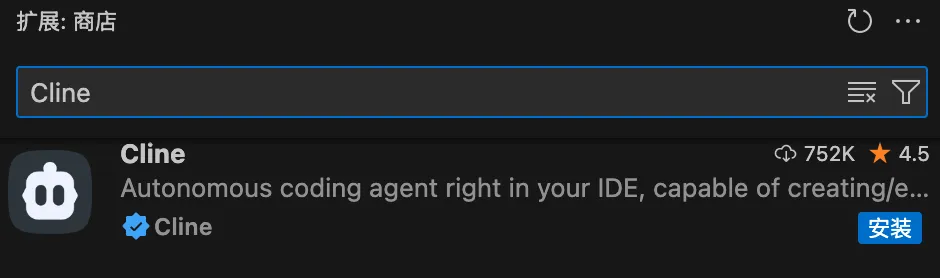
Plugin link URL:https://marketplace.visualstudio.com/items?itemName=saoudrizwan.claude-dev
GitHub address:https://github.com/cline/cline
2、Roo Code
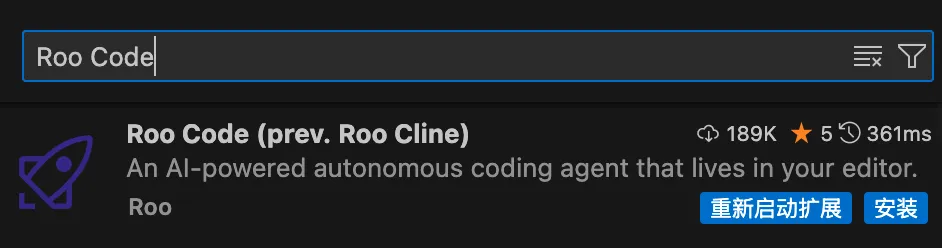
Roo Code (formerly Roo Cline) is a powerful AI programming assistant integrated into VSCode. It is a secondary development based on Cline, with more powerful and flexible features.
Roo Code supports multiple AI models, including DeepSeek-V3, DeepSeek-R1, OpenAI, Google Gemini, etc., and is compatible with custom APIs and locally deployed models (such as Ollama).
Extension search keyword:Roo Code
Plugin link URL:https://marketplace.visualstudio.com/items?itemName=RooVeterinaryInc.roo-cline
GitHub address:https://github.com/RooVetGit/Roo-Code
3、Continue
Continue is an open-source AI code assistant plugin that implements functions such as code completion, generation, optimization, and error fixing by connecting multiple large language models (such as OpenAI, DeepSeek, Claude, etc.).
Continue provides a chat interface, allowing developers to interact with AI through natural language to help understand code logic, solve problems, or generate code snippets.
Extension search keyword:Continue

Plugin link URL:https://marketplace.visualstudio.com/items?itemName=Continue.continue
GitHub address:https://github.com/continuedev/continue
4. Other Extensions
Codeium
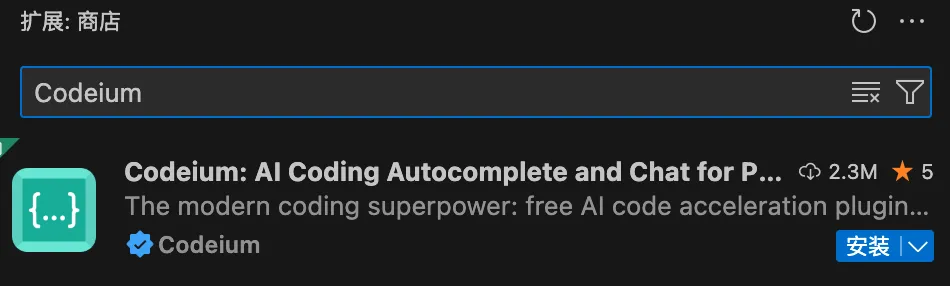
Codeium is a free AI programming assistant that supports multiple IDEs and over 70 programming languages.
Extension search keyword: Codeium

Tongyi Lingma
Tongyi Lingma is an AI programming tool launched by Alibaba, supporting multiple programming languages and mainstream IDEs.
Extension search keyword:Tongyi Lingma
Fitten Code
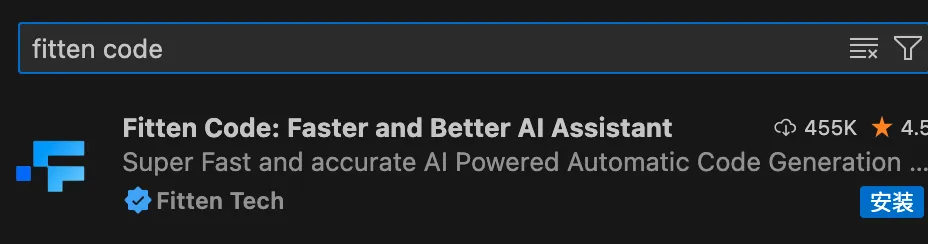
Fitten Code is an AI programming assistant developed by Fitten Tech, based on a self-developed large code model, aimed at significantly improving development efficiency through intelligent code generation, completion, debugging, and other functions.
Extension search keyword:Fitten Code

CodeGeeX
CodeGeeX is an intelligent programming assistant developed by Zhipu AI, based on a powerful multilingual code generation model.
Extension search keyword:CodeGeeX
GitHub Copilot
GitHub Copilot is an AI programming assistant developed by GitHub and OpenAI, significantly improving development efficiency through intelligent code completion, generation, debugging, and other functions.
Extension search keyword:GitHub Copilot

Tabnine
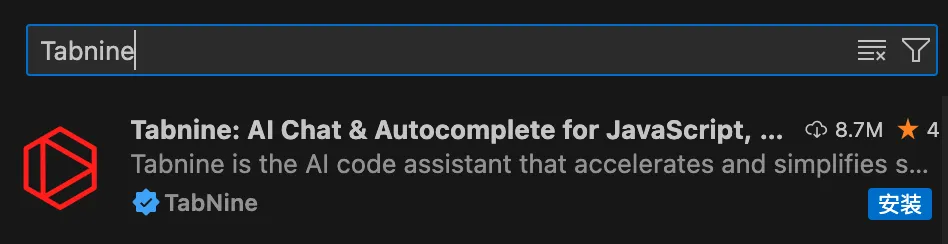
Tabnine is an AI completion tool developed by an Israeli team, supporting 80+ languages and able to predict entire lines or even function-level code.
Extension search keyword:Tabnine
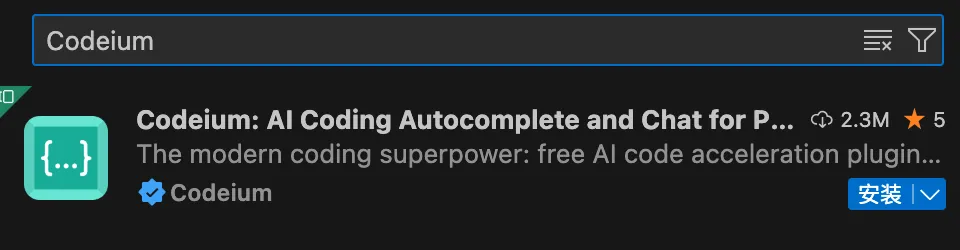
Codeium
The Codeium extension is a free AI-driven code completion tool that supports 70+ programming languages and provides intelligent code generation, search, and interactive dialogue features.
Extension search keyword:Codeium
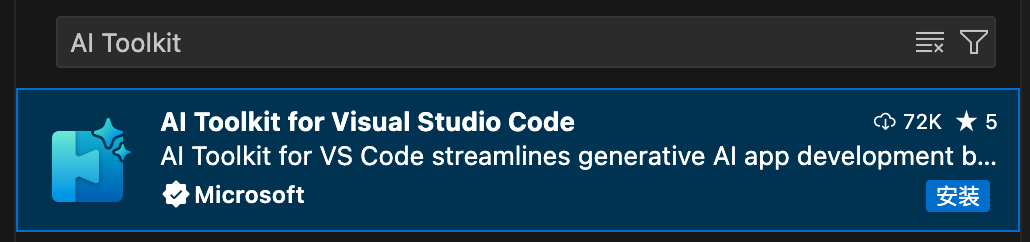
AI Toolkit
AI Toolkit is a collection of tools for developing, deploying, and maintaining AI applications, aimed at simplifying the AI development process and helping developers quickly build and run AI systems.
AI Toolkit provides rich pre-trained models and supports downloading and integrating models from public catalogs (such as Azure AI Studio, Hugging Face, GitHub, etc.).
AI Toolkit supports local and cloud model fine-tuning, allowing developers to customize models according to their needs.
Extension search keyword:AI Toolkit
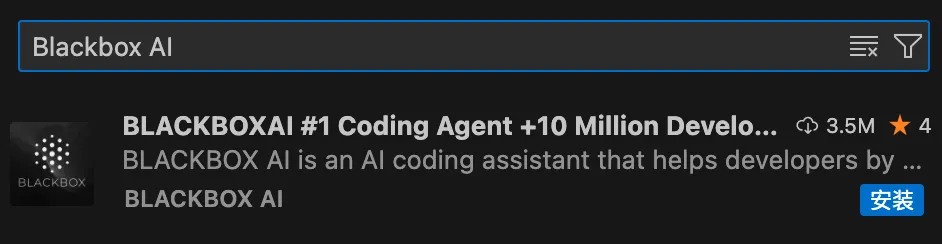
Blackbox AI
Blackbox AI is a deep learning based intelligent coding assistant that supports code generation, error detection, code translation, and real-time search.
Extension search keyword:Blackbox AI
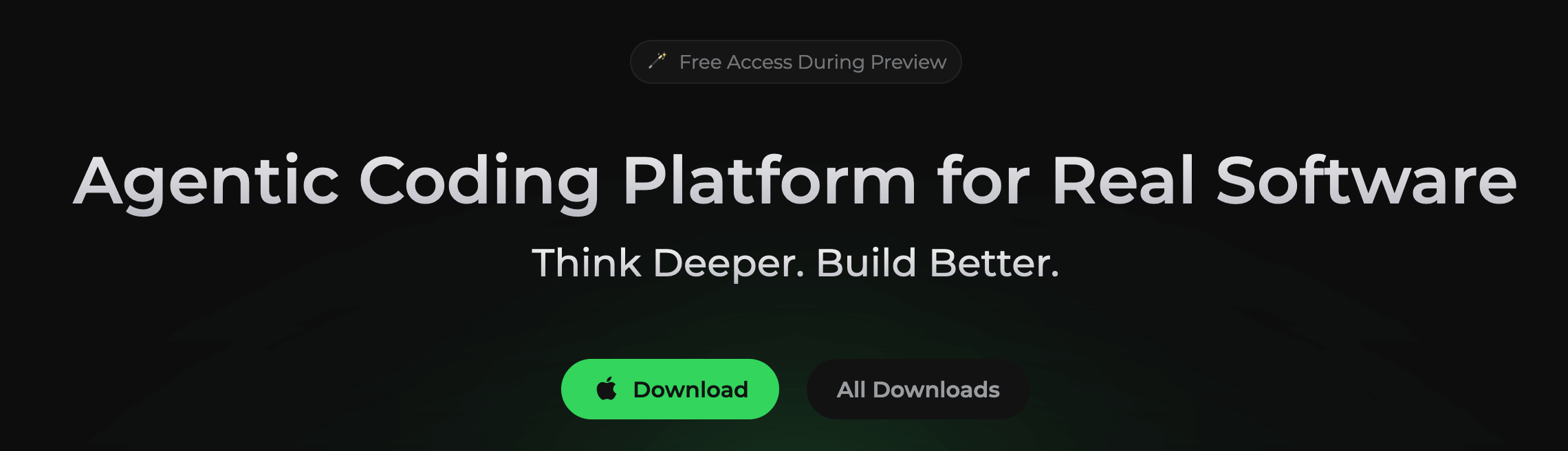
Qoder
Qoder is an AI-driven integrated development environment (IDE) launched by Alibaba for developers. It can be directly downloaded and installed. It is based on VS Code and feels similar to VS Code.
Visit the Qoder official websitehttps://qoder.com/. By default, the download button will automatically match our computer system. We can also find the Qoder installation package suitable for our computer operating system and download it.
Trae
Trae (/treɪ/) is an AI-driven integrated development environment (IDE) launched by ByteDance for developers, similar to Cursor, supports Chinese, and integrates Claude and GPT-4o models. It is currently free.
Trae is deeply integrated with AI, providing intelligent Q&A, automatic code completion, and Agent-based AI automatic programming capabilities.
Visit the Trae official websitehttps://www.trae.cn/. By default, the download button will automatically match our computer system. We can also find the Trae installation package suitable for our computer operating system and download it.

Cursor
Cursor is not a VS Code extension, but it is an editor developed based on VS Code. While retaining VS Code's powerful features and familiar operating experience, it focuses on integrating AI technology.
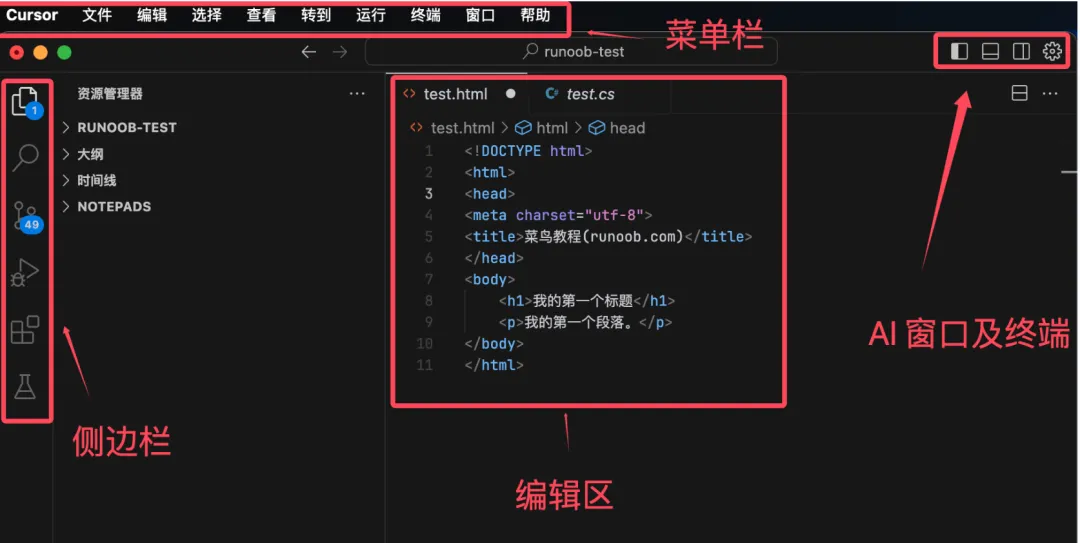
The Cursor interface is similar to VSCode. It is a paid development tool, and free use has limitations.
Cursor tutorial:https://www.example.com/cursor/cursor-intro.html