VSCode Database Client Extensions
In this chapter, we mainly introduce some commonly used database client extensions in daily development:

1、SQLTools
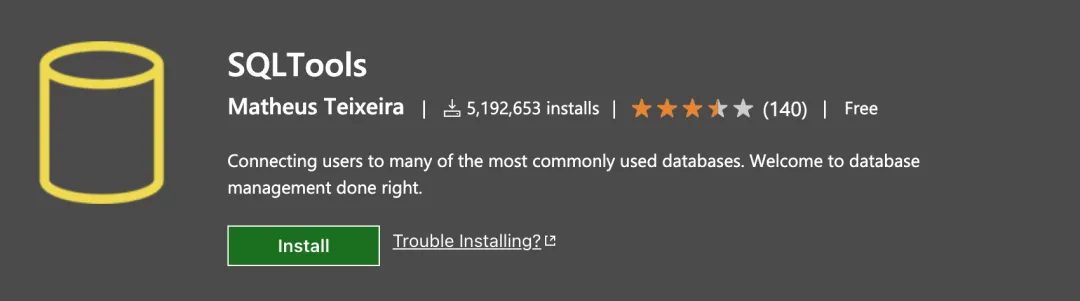
SQLTools is an open-source database management extension that supports many commonly used databases, including MySQL, PostgreSQL, Microsoft SQL Server, SQLite, etc.
SQLTools is known for being lightweight and efficient, providing features such as database connection, query execution, and result display.
Extension search keyword:SQLTools
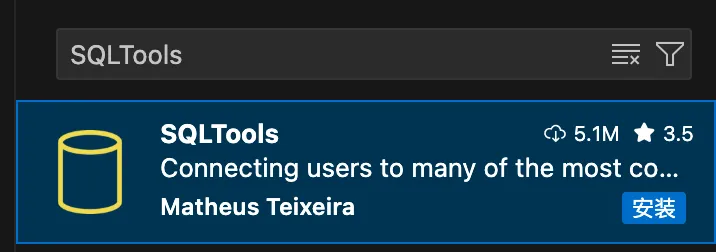
Plugin link address:https://marketplace.visualstudio.com/items?itemName=mtxr.sqltools
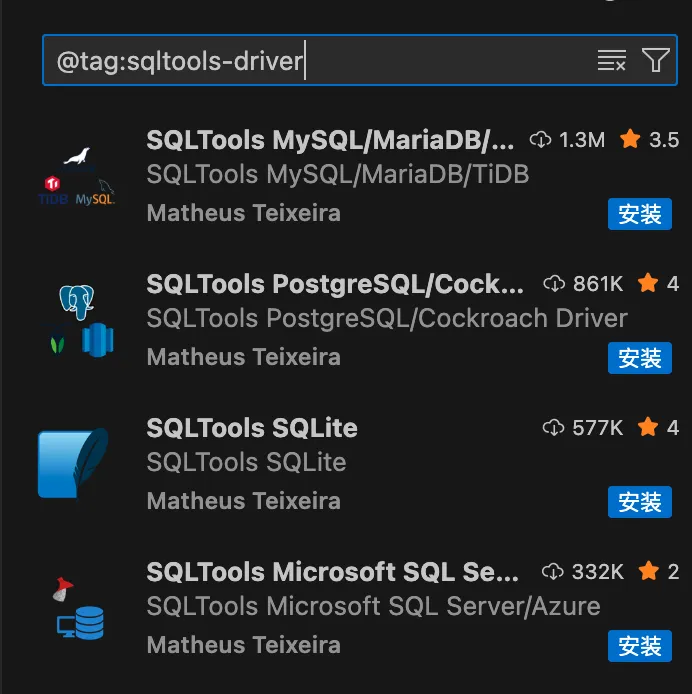
After installation, you need to install the corresponding driver extension according to the database type. Search@tag:sqltools-driverwill list all drivers applicable to SQLTools.
2、MSSQL
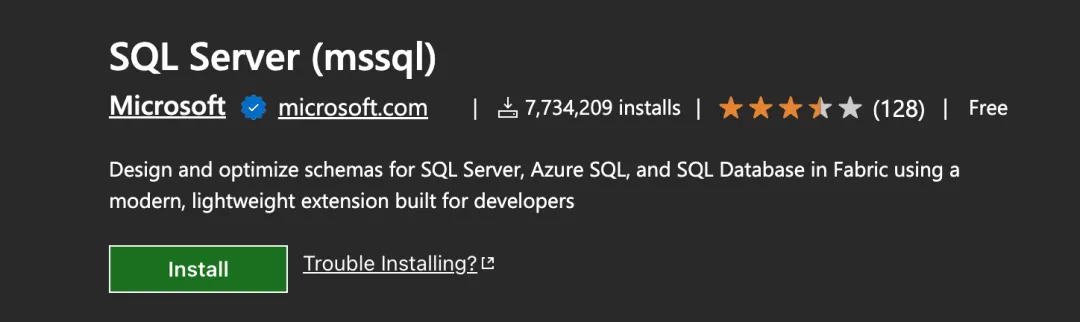
MSSQL is an extension developed by Microsoft officially, designed specifically for SQL Server and Azure SQL databases.
MSSQL provides powerful T-SQL script support and database management features, suitable for SQL Server developers.
Extension search keyword:MSSQL
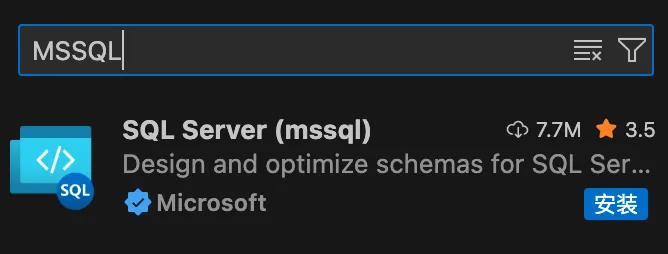
Plugin link address:https://marketplace.visualstudio.com/items?itemName=ms-mssql.mssql
3、Database Client
Database Client is an extension that supports multiple databases, including MySQL, PostgreSQL, SQLite, Redis, ClickHouse, etc.
Database Client provides basic database management and backup functions, suitable for developers who need a universal solution.
Extension search keyword:Database Client
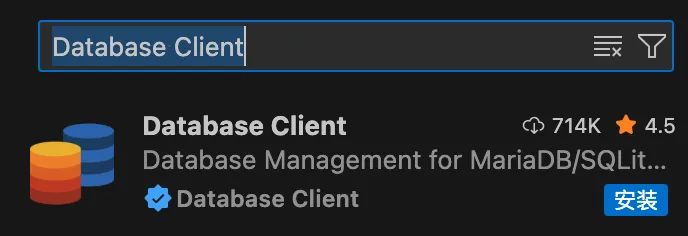
Plugin link address:https://marketplace.visualstudio.com/items?itemName=cweijan.vscode-database-client2

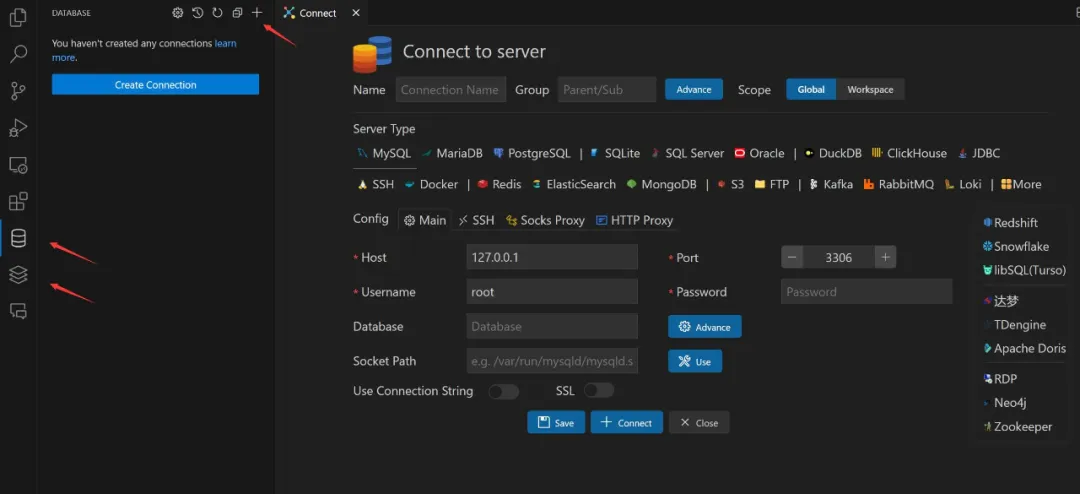
Open the database panel on the left, click the Add button, and configure the corresponding database information on the connection page:
4、DBCode
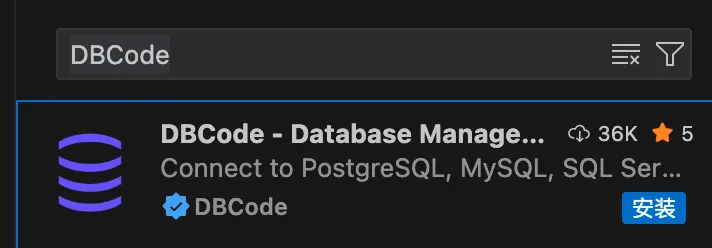
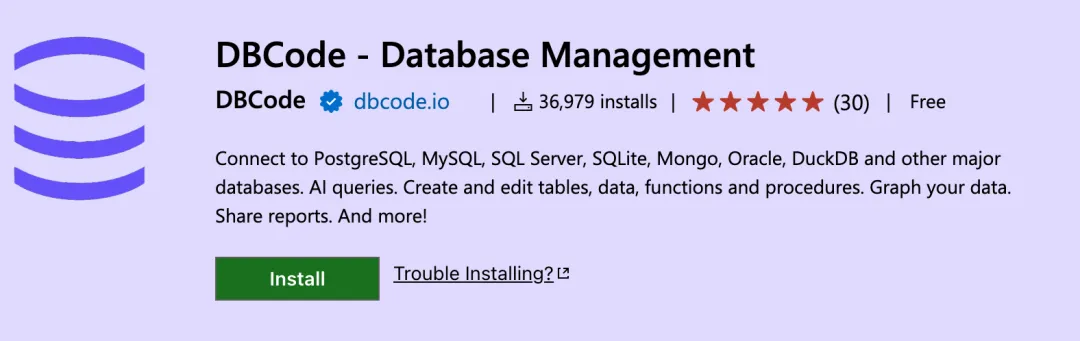
DBCode is a powerful database management extension that supports multiple databases such as PostgreSQL, MySQL, MariaDB, SQL Server, SQLite, MongoDB, etc.
DBCode not only provides basic database operations, but also integrates AI query and data visualization features.
Extension search keyword:DBCode
Plugin link address:https://marketplace.visualstudio.com/items?itemName=DBCode.dbcode
5、DevDb
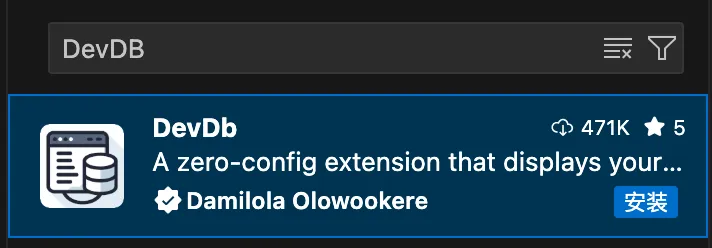
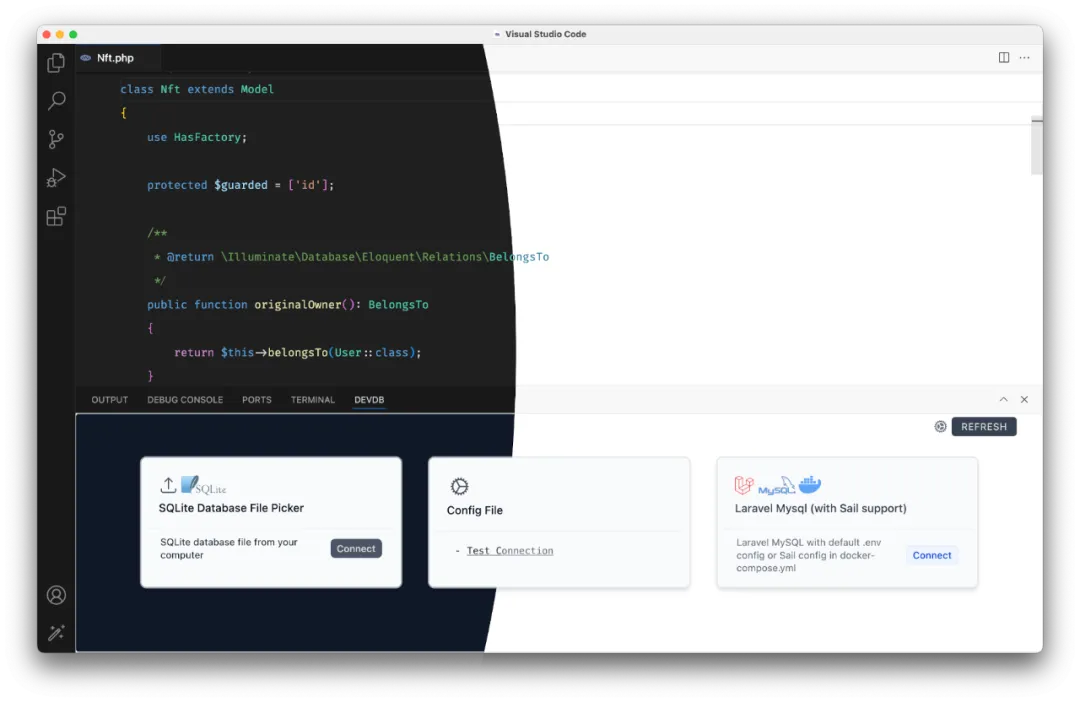
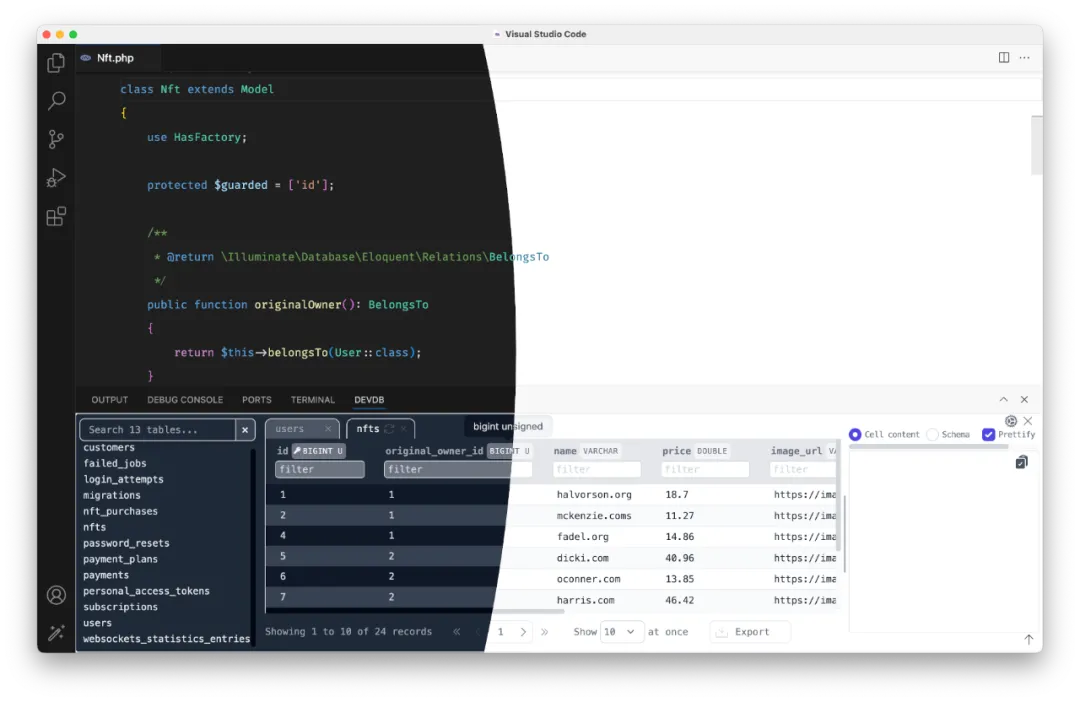
DevDb is a lightweight database management extension that supports SQLite, MySQL, PostgreSQL, and SQL Server.
DevDb is suitable for lightweight projects or developers who need to quickly view and edit databases during development.
Extension search keyword:DevDb
Plugin link address:https://marketplace.visualstudio.com/items?itemName=damms005.devdb
Interface preview:
6、MongoDB for VS Code
MongoDB for VS Code is an extension provided by MongoDB officially, designed specifically for MongoDB databases, supporting management of local and cloud (MongoDB Atlas) instances.
MongoDB for VS Code provides intuitive data browsing, query prototyping, and script execution features, suitable for NoSQL developers.
Extension search keyword:MongoDB for VS Code

Plugin link address:https://marketplace.visualstudio.com/items?itemName=mongodb.mongodb-vscode
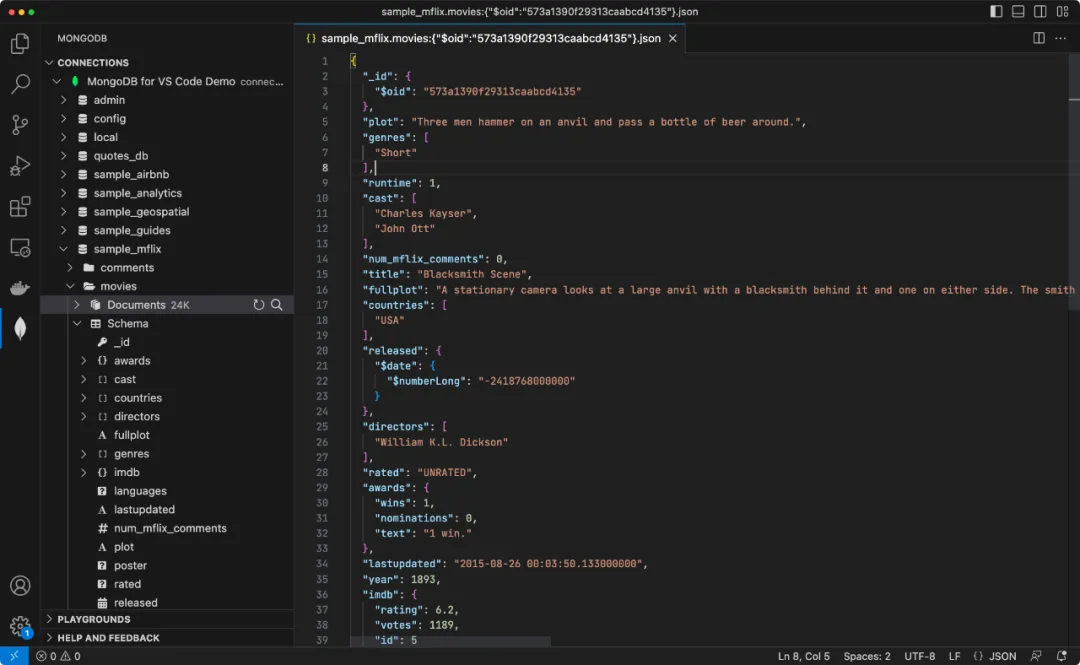
Interface preview: