Ollama Page Assist
Page Assist is an open-source browser extension that provides an intuitive interface for local AI models, allowing users to converse and interact with local AI models on any web page.
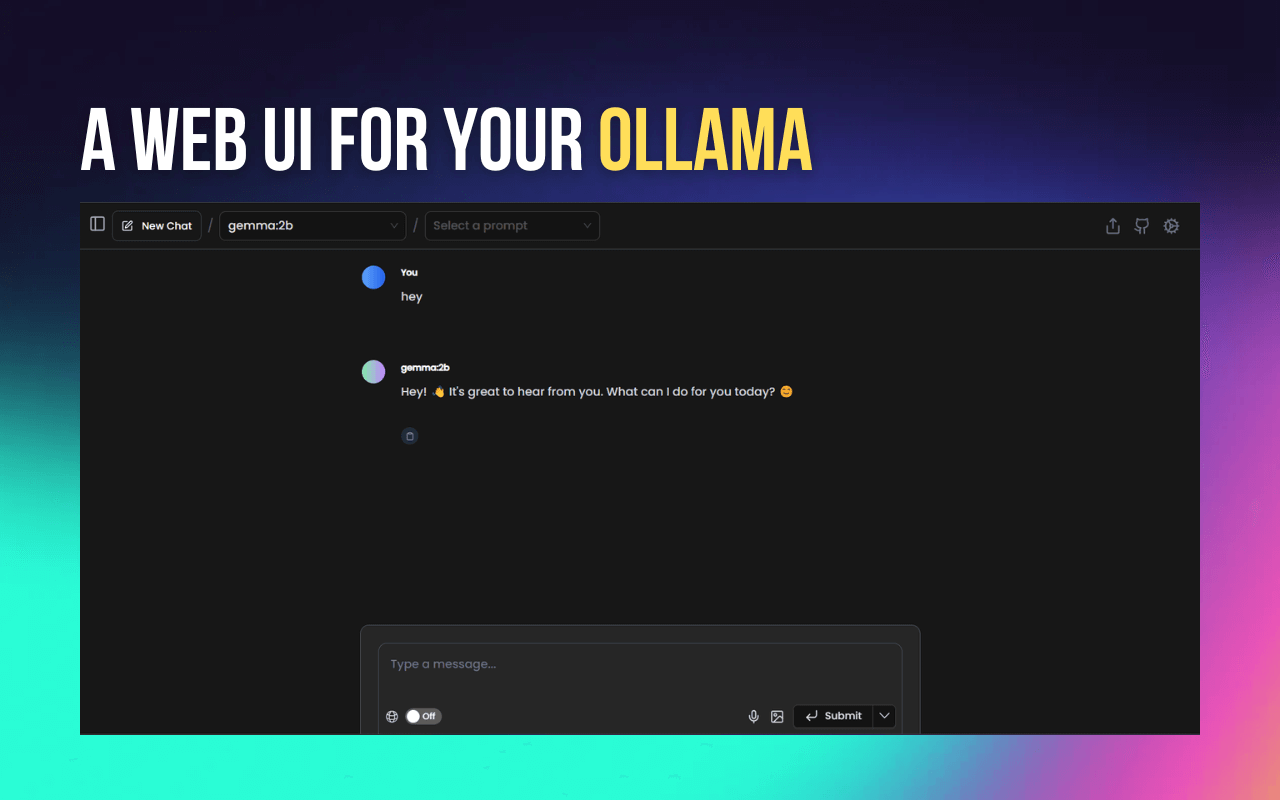
Basic Features
- Sidebar interaction: Users can open a sidebar on any web page to converse with local AI models and receive intelligent assistance related to the page content.
- Web UI: Provides a ChatGPT-like web interface where users can have more comprehensive conversations with AI models.
- Web content conversation: Users can directly converse with web page content to get explanations or analysis of relevant information.
- Multi-browser support: Supports mainstream browsers such as Chrome, Brave, Edge, and Firefox.
- Keyboard shortcuts: The sidebar and web UI can be quickly opened via keyboard shortcuts for user convenience.
- Supports multiple local AI providers: Currently supports local AI providers such as Ollama and Chrome AI (Gemini Nano).
- Document parsing: Supports chatting with multi-format documents such as PDF, CSV, etc.
- Offline model compatibility: Suitable for offline environments; users can run AI models locally.
- Privacy protection: All interactions are completed locally, no personal user data is collected, and data is stored in the browser's local storage. Developer mode: Supports developer mode for easier extension development and testing.
Installation and Usage
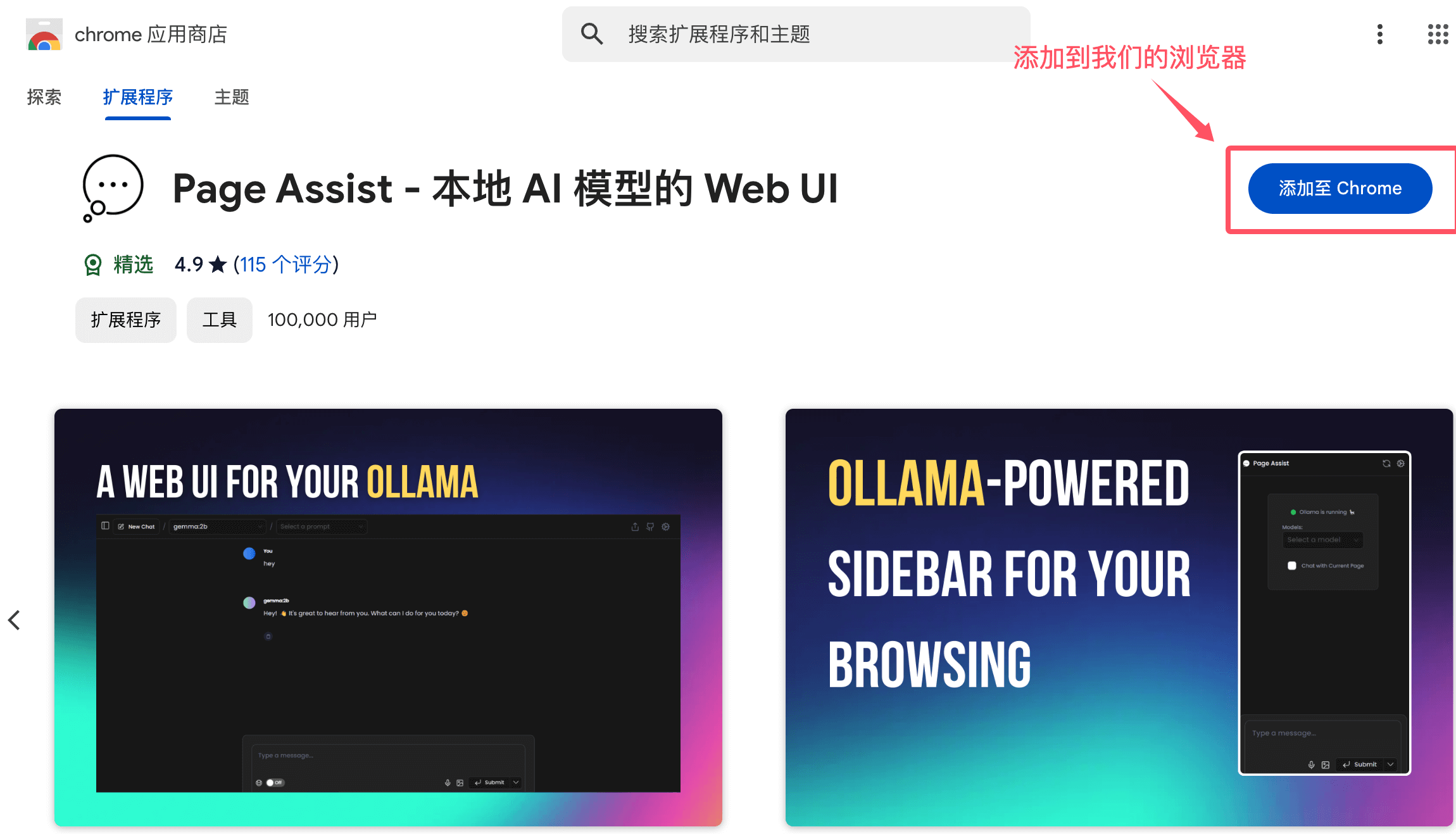
We can download and install it directly from the Chrome Web Store or the Firefox Add-ons store, or install it manually.
Visithttps://chromewebstore.google.com/search/, and search forPage Assist:

You can also click the extension link directly:https://chromewebstore.google.com/detail/page-assist-%E6%9C%AC%E5%9C%B0-ai-%E6%A8%A1%E5%9E%8B%E7%9A%84-web/jfgfiigpkhlkbnfnbobbkinehhfdhndo 。
Click the Add button:
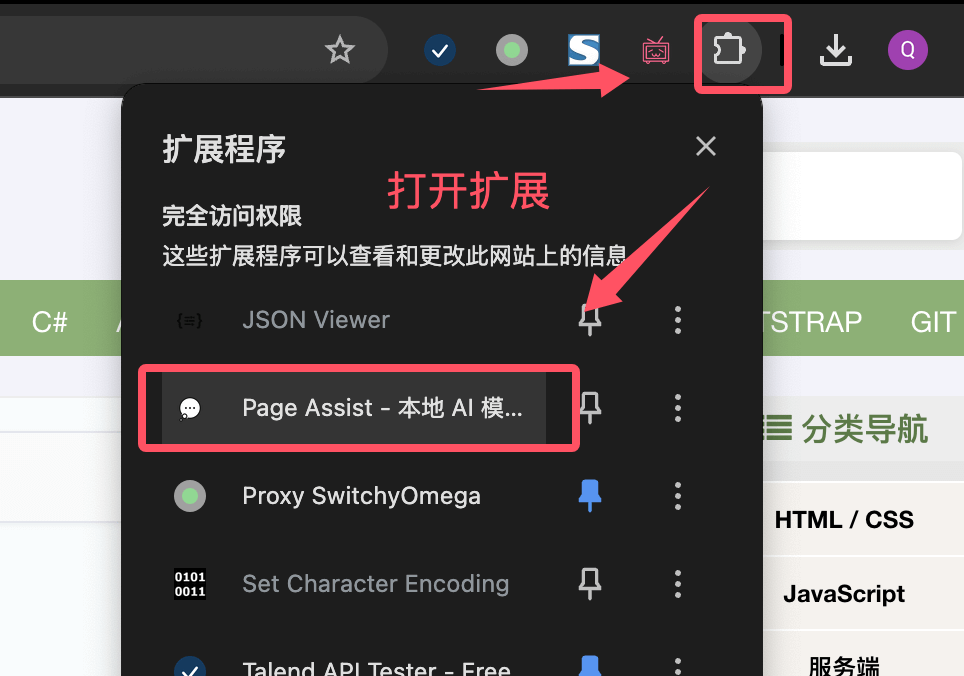
After installation, users can open it via the small extension icon in the upper right corner:
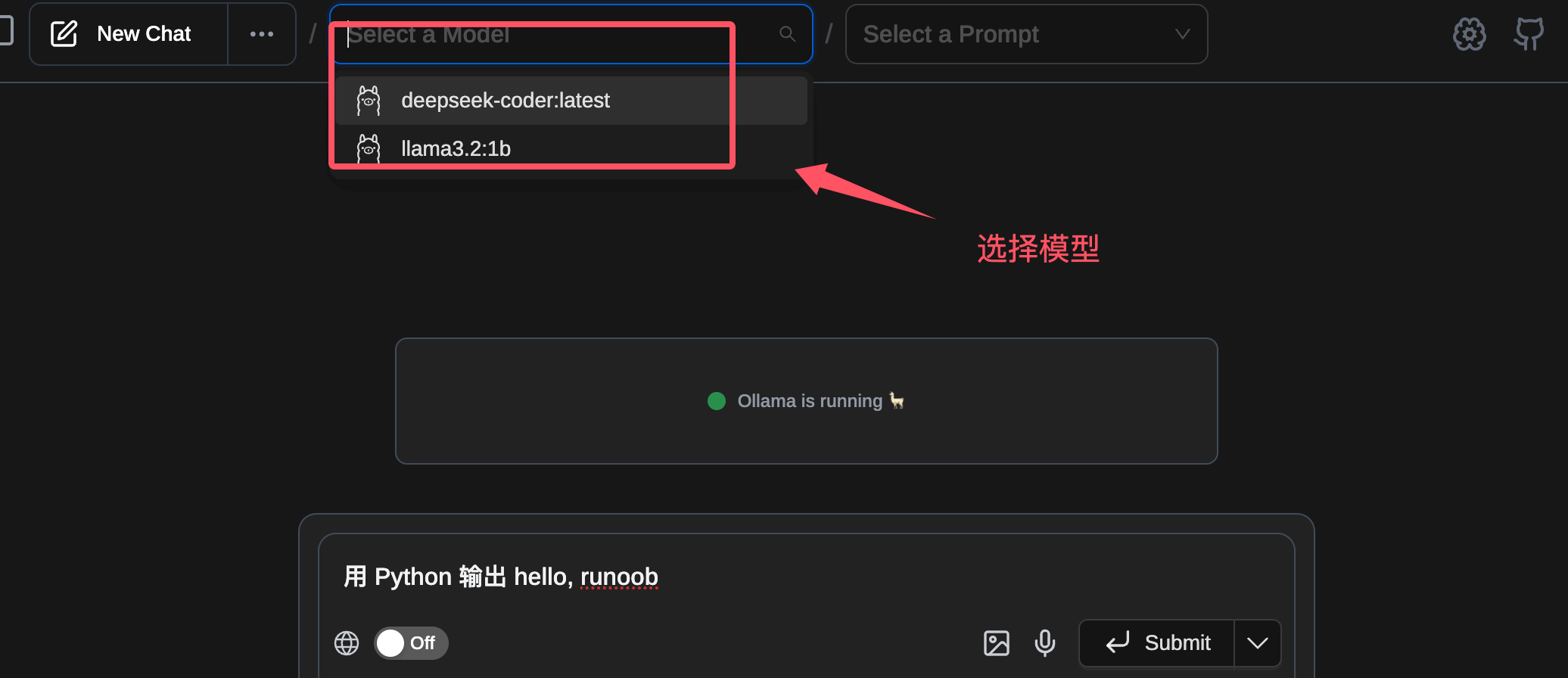
Once opened, you will see a prompt that Ollama is running. If it is not started yet, you need to start Ollama:
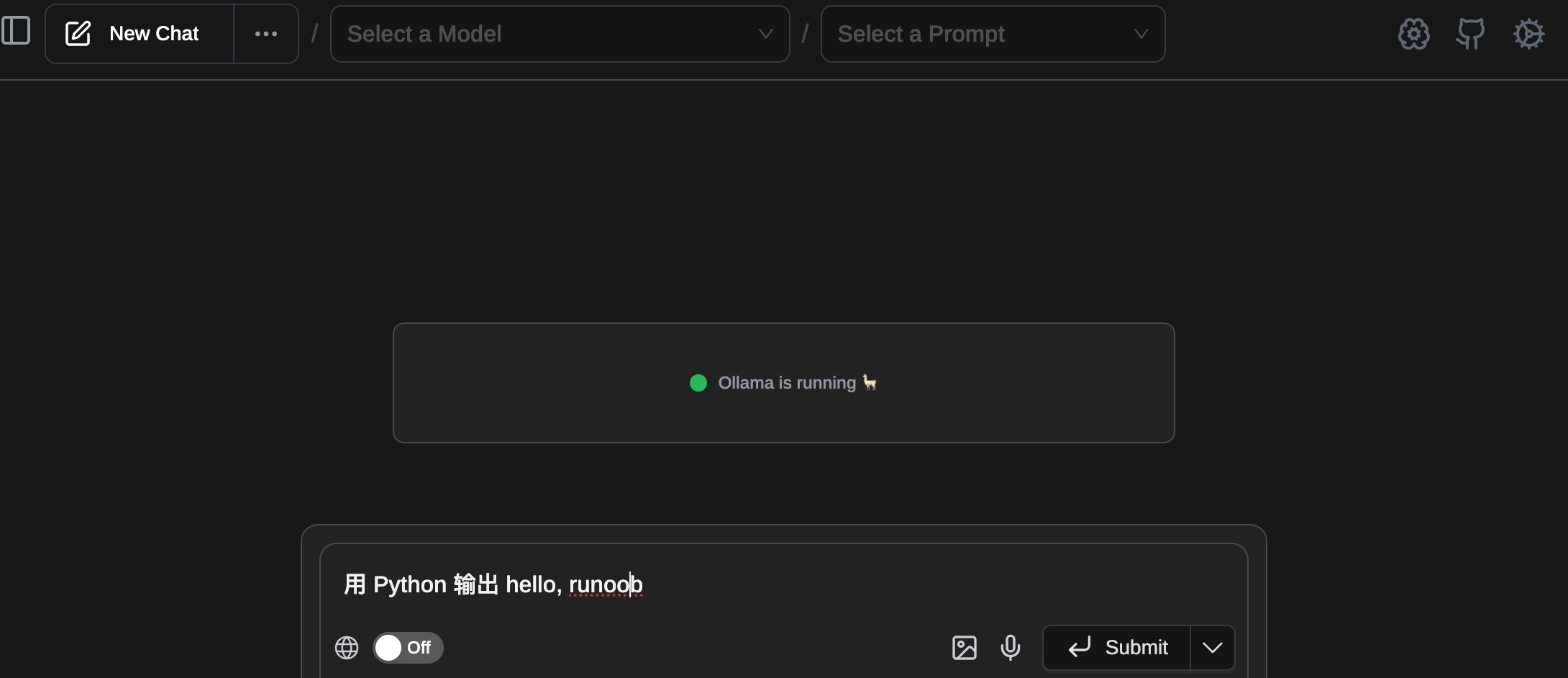
Next, we can select the specified model and then enter a prompt:
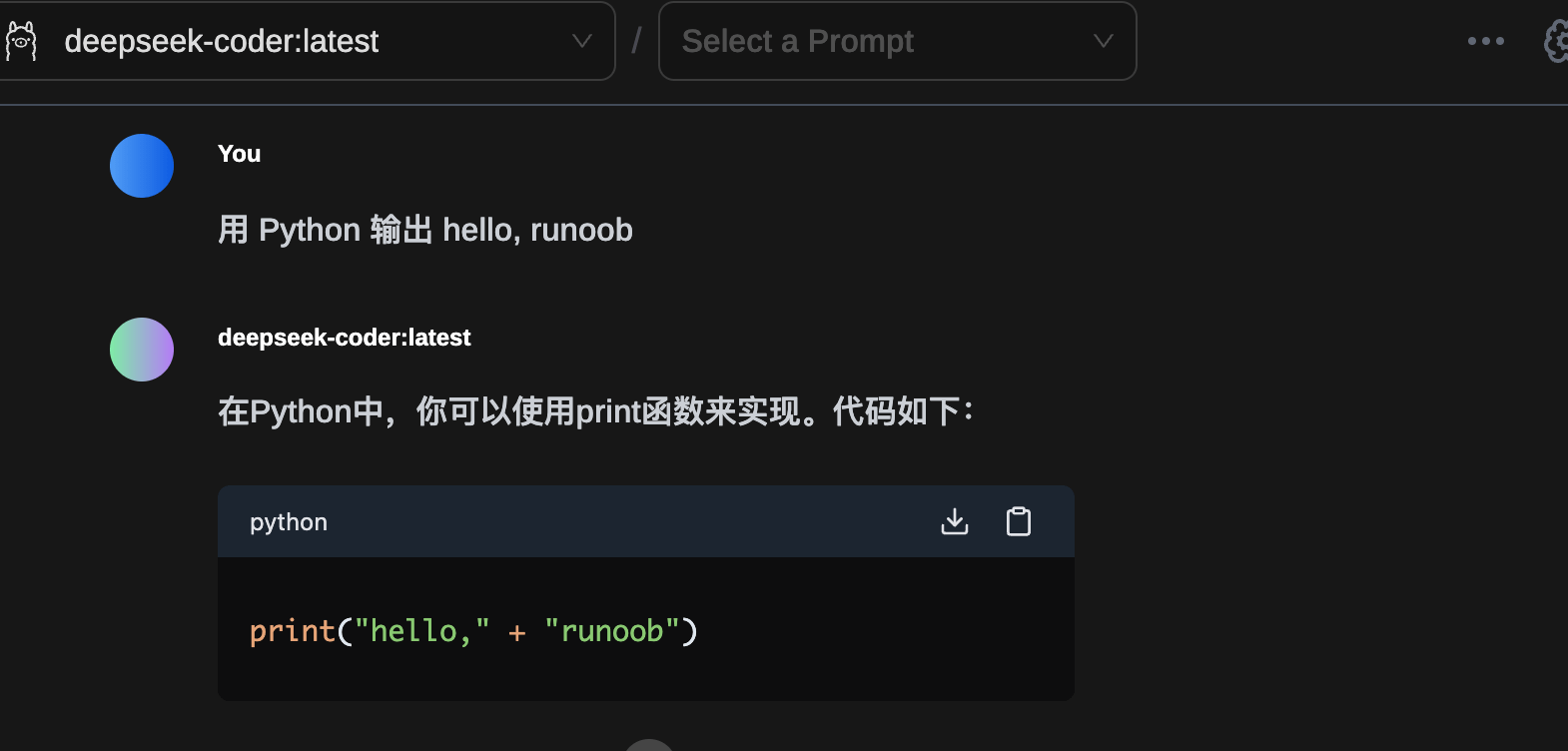
The effect is shown below:
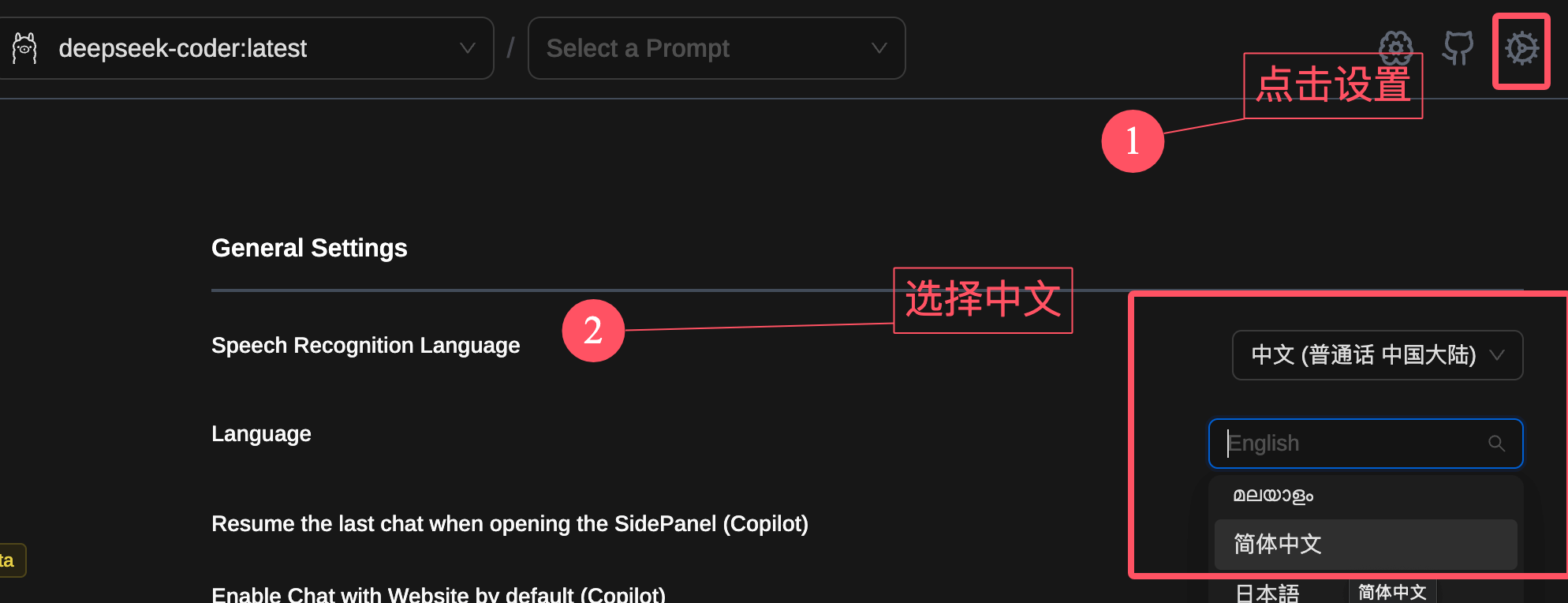
The interface is in English and you can't understand it? No worries, click the gear icon in the upper right corner and set it to Chinese:
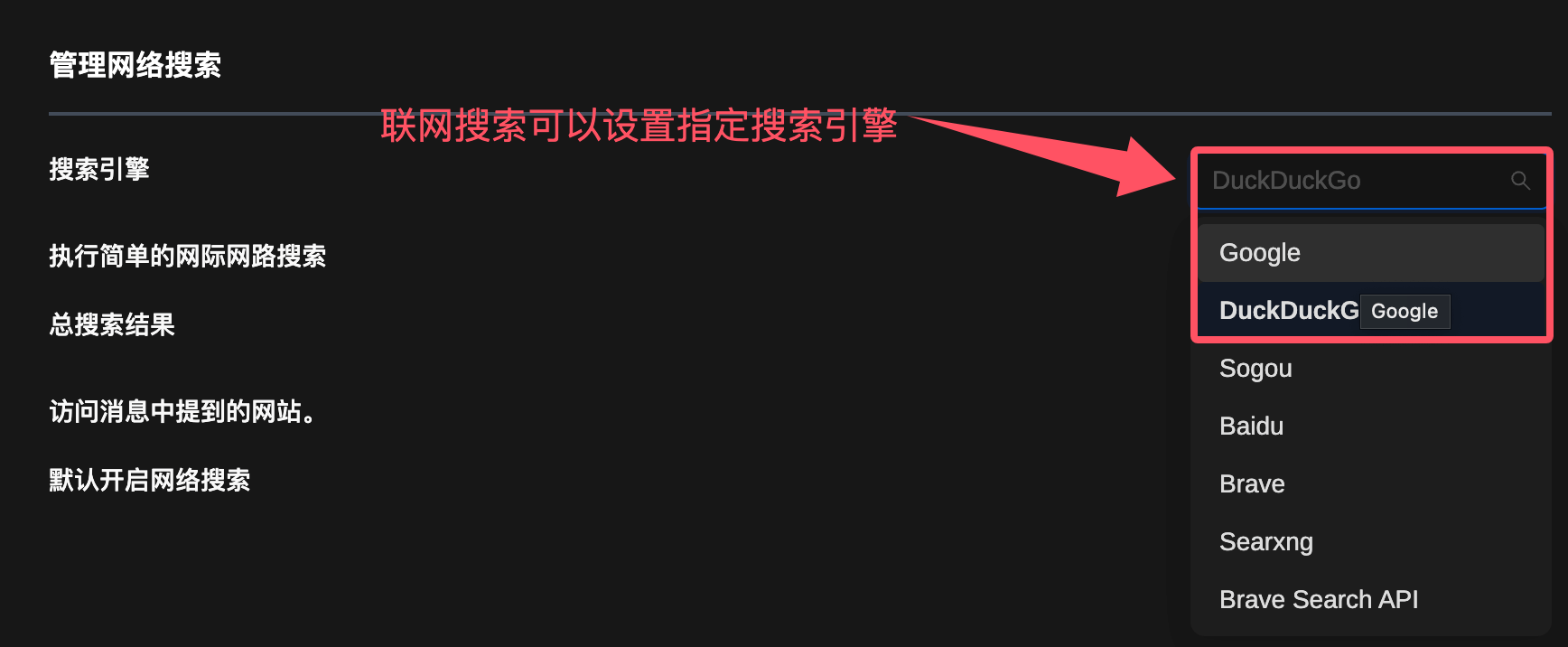
The web search feature can also modify the default search engine:
Page Assist Github source code:https://github.com/n4ze3m/page-assist
Other extensions