Bootstrap UI Editor
The following are the 15 best Bootstrap editors or online editing tools.
1. Bootstrap Magic
This is a Bootstrap theme generator that uses the latest Bootstrap 3 version and Angular JS version, providing a live preview of user modifications. It includes various imports, a color picker, and smart type-ahead. What's even more amazing is that Bootstrap rebuilds the framework based on each user selection, making it convenient for users to download and use.
2. BootSwatchr
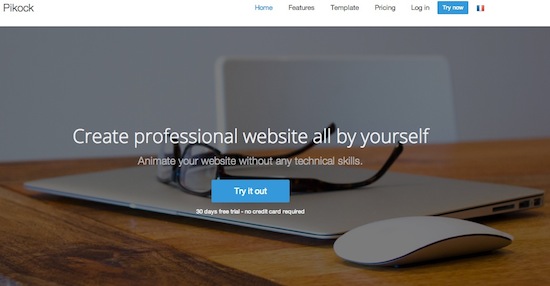
BootSwatchr is independently developed and maintained by Drew Strickiand, and is the only Bootstrap custom build tool that supports right-to-left language display, which is also one of its features. BootSwatchr is a visual tool that allows you to create Bootstrap themes from scratch.

3. Bootstrap Live Editor
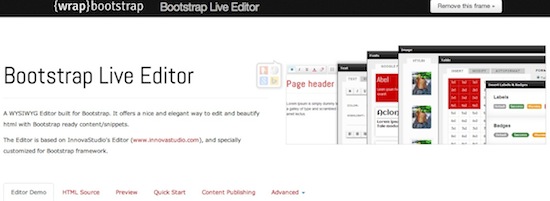
Bootstrap Live Editor is a WYSIWYG editor for building Bootstrap. Based on Bootstrap's ready-made content and code snippets, it provides a nice and elegant way to edit and beautify HTML, and for that reason it is a wise choice. In addition, it includes advanced options such as button configuration, custom tags, and making the wisest and most beneficial choices for users.
4. Fancy Boot
Fancyboot is a very useful Bootstrap customization tool that allows users to edit Bootstrap configuration and automatically preview the results of their changes. Through the sliding menu, users can select the plugins and components they need. After users make the corresponding modifications, they can download a compiled and minified CSS file containing the jQuery plugins used by the user.
5. Style Bootstrap
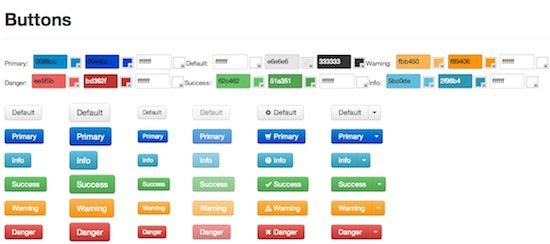
Style Bootstrap is a great in-browser GUI utility that helps users customize the look of Twitter Bootstrap. It's very easy to customize. From body style, typography, buttons, navigation, forms, alerts, and other elements that users can easily customize according to their own wishes. In addition to powerful customization features, it can also easily generate downloadable CSS files.
。
6. Lavish
Lavish is a tool that helps users customize their favorite Bootstrap color scheme from an image. Users can select various colors from the image and use them on elements such as body background, links, headers, menus, labels, text, dropdowns, and more. Once you determine your Bootstrap color scheme, you can conveniently download the corresponding Boostrap.css file.

7. Bootstrap ThemeRoller
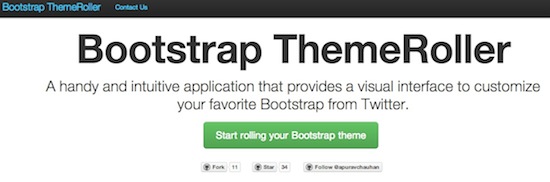
Bootstrap ThemeRoller is an intuitive web application that provides a visual interface for users to create their own Bootstrap themes according to their own style. With this tool, users can customize colors, sizes, fonts, forms, tables, buttons, alert messages, navigation bars, menus, and other elements.
This application also generates a unique URL for each style created by the user, so that all user settings can be saved. What's even more incredible is that when users leave, they can stop or resume their customized page.
8. LayoutIt!
LayoutIt! features a drag-and-drop interface that makes it simple and quick to build Bootstrap front-end code. LayoutIt! is compatible with any programming language and allows users to download HTML, where they can freely code and design.
9. Pingendo
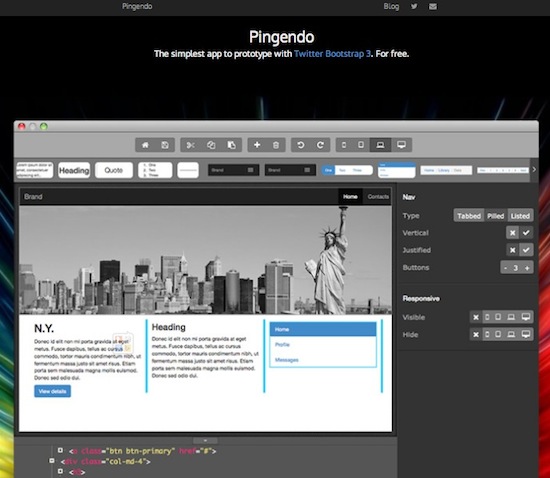
Pingendo is a visual desktop application that allows users to use the popular Twitter Bootstrap framework to create responsive web page prototypes. Pingendo also provides a large number of ready-made layouts, the ability to drag elements into position, resize, and customize. Users can optimize their pages and insert their own content.
10. Kickstrap
Kickstrap is a Bootstrap UI editor that uses Firebase as a backend service. It seamlessly combines Bootstrap with top-tier web technologies. What's more impressive is that it can run a validated, database-driven web application without requiring local backend support.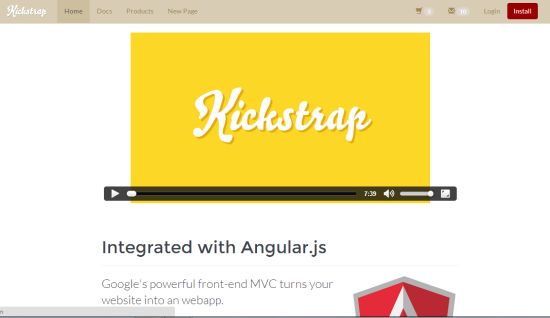
11. Bootply
Bootply is a great Bootstrap UI editing tool that makes it as simple as possible for users to edit Bootstrap-friendly CSS, HTML, and JavaScript. It is also a draggable visual editor for designing, prototyping, and testing the Bootstrap framework. Bootply has a code repository that includes Bootstrap code snippets, examples, and templates. In addition to all this, what's even more appealing is that it has a very active Bootply community, where users can easily discover, share, and showcase relevant code and snippets.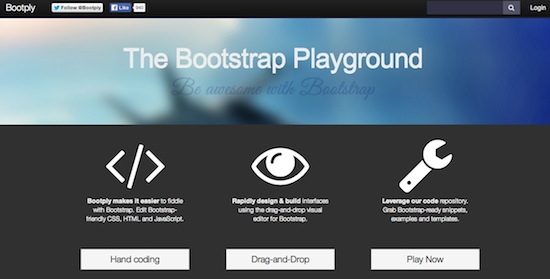
12. X-editable
X-Editable is an extension library that allows users to create editable elements, such as page pop-ups and inline modes. It provides native Bootstrap, jQuery UI, or pure jQuery editing functionality. This Bootstrap UI editor has many powerful features, including client-side and server-side validation, keyboard support, live events, customizable container space, and more. In short, it provides very rapid development capabilities, easy field removal, and a simple backend script for updating data.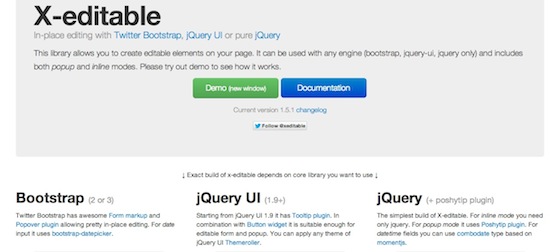
13. Jetstrap
Do not mistakenly think that Jetstrap is just a simple mockup tool; it is a 100% web-based Twitter Bootstrap builder. Users do not need to download any kind of software to use Jetstrap. Users only need to log in, then build their projects, and access them anytime, anywhere. The building functionality is mainly provided for developers and designers, and users can easily generate beautiful websites with Jetstrap, running very fast.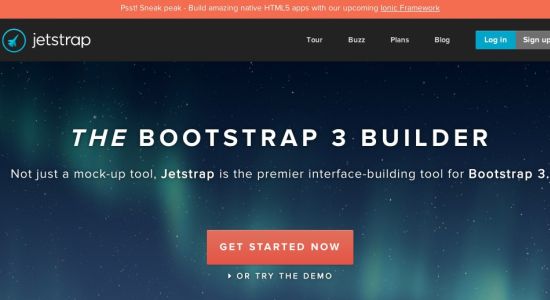
14. DivShot
DivShot is a fast, visual front-end development text editor, with the samemockupsimplicity and cleanliness as a tool. It includes various custom component libraries needed by various frameworks, which is one of the best tools it provides. In addition, it also includes a theme converter that allows users to modify themes. The trial version is free, but after the trial period, you need to pay to continue the original service.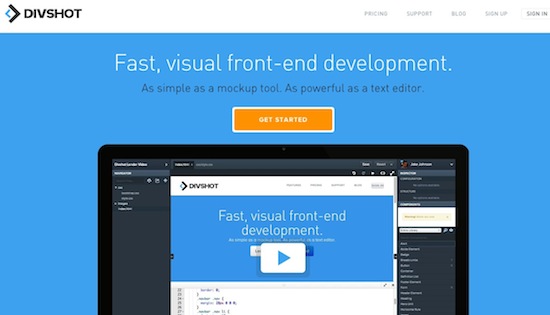
15. PaintStrap
PaintStrap uses Adobe kuler/COLOURlovers color combinations to generate beautiful Twitter Bootstrap themes. This tool is particularly easy to install, and it is also easy to download CSS files and replace them with another standard file.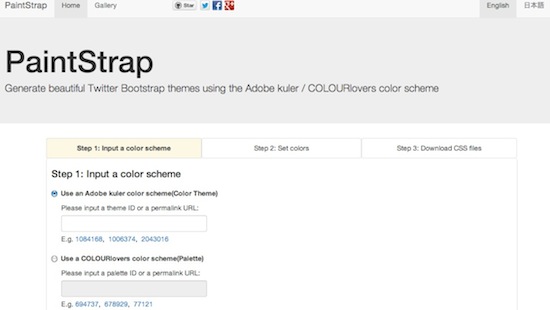 Other extensions