Bootstrap5 Forms
In this chapter, we will learn how to create forms using Bootstrap. Bootstrap can create forms of different styles through some simple HTML tags and extended classes.
Form Elements<input>, <textarea>, and<select>elements.form-controlWhen using the class, the width is set to 100%.
Bootstrap5 Form Layout
- Stacked form (full-screen width): vertical direction
- Inline form: horizontal direction
Bootstrap provides two types of form layouts:
Stacked Form
The following example uses two input boxes, a checkbox, and a submit button to create a stacked form:
Example
Try it »
Display effect:
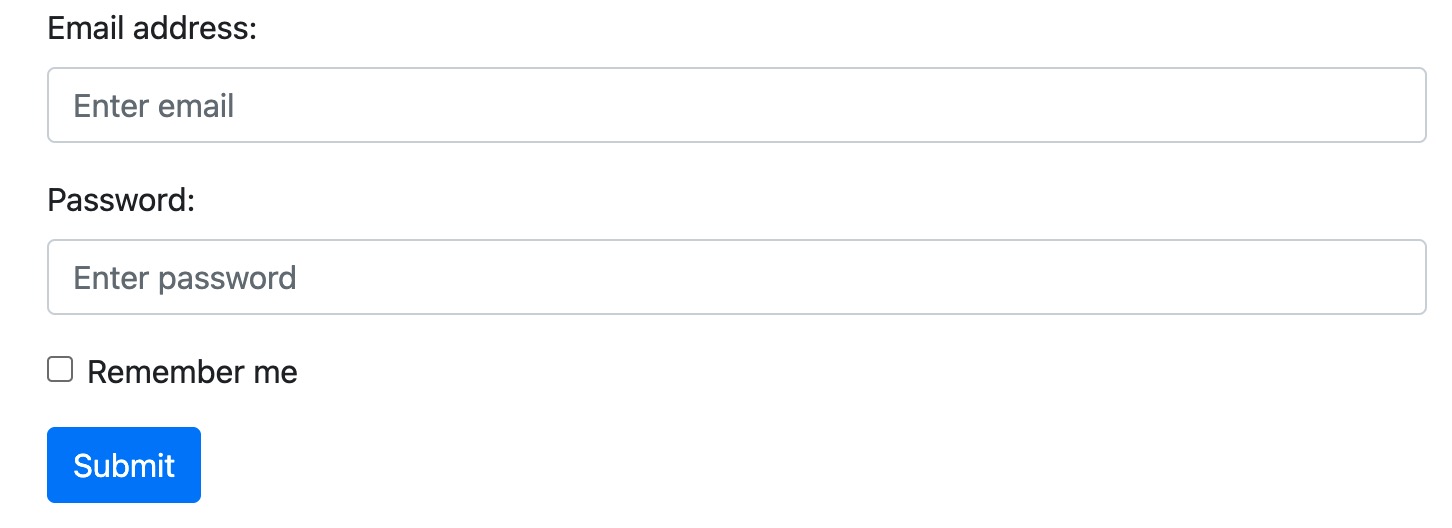
In the example, we use.form-labelclass to ensure that label elements have a certain padding.
Checkboxes use different markup. They use.form-checkwrapped around the container element. Checkboxes and radio buttons use.form-check-input, and their labels can use.form-check-labelclass.
Inline Form
If you want form elements to be displayed side by side, use.rowand.col:
The following example displays two input boxes side by side to create an inline form:
Example
Try it »
Display effect:

Textarea
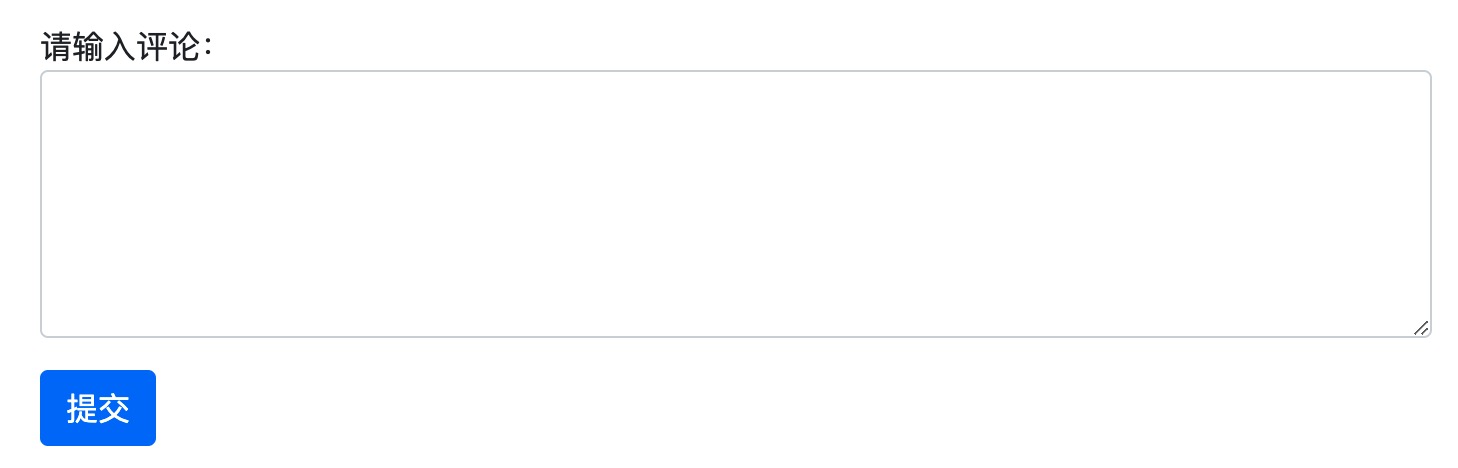
Use the textarea tag to create a textarea in the form, use.form-controlclass to render the textarea tags:
Example
Try it »
Display effect:
Input Size
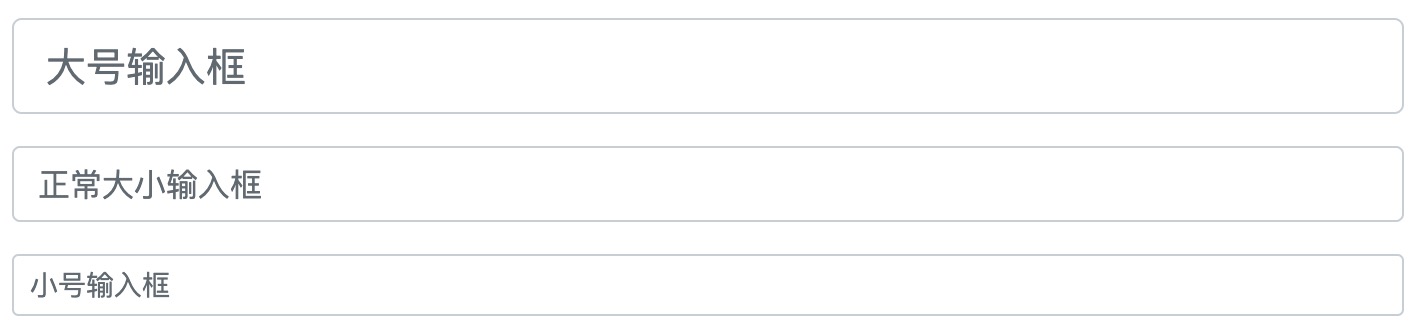
We can by using the.form-controlin the input box.form-control-lgor.form-control-smclass to set the size of the input box:
Example
Try it »
Display effect:
Disabled/Readonly Forms
Usedisabled/readonlyattribute to set the input disabled/readonly:
Example
Try it »
Plain Text Input
Use.form-control-plaintextclass can remove the border of the input box:
Example
Try it »
Color Picker
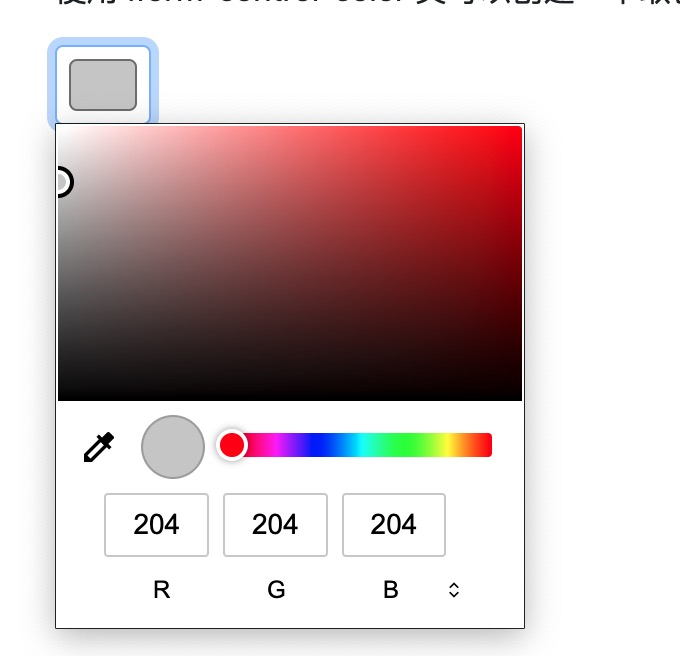
Use.form-control-colorclass can create a color picker:
Display effect: