Vue3 Project Packaging
When you are ready to publish your application to the production environment, you need to package the Vue project.
Use the following command to package the Vue project:
npm run build
Execute the above command, and the output is as follows:
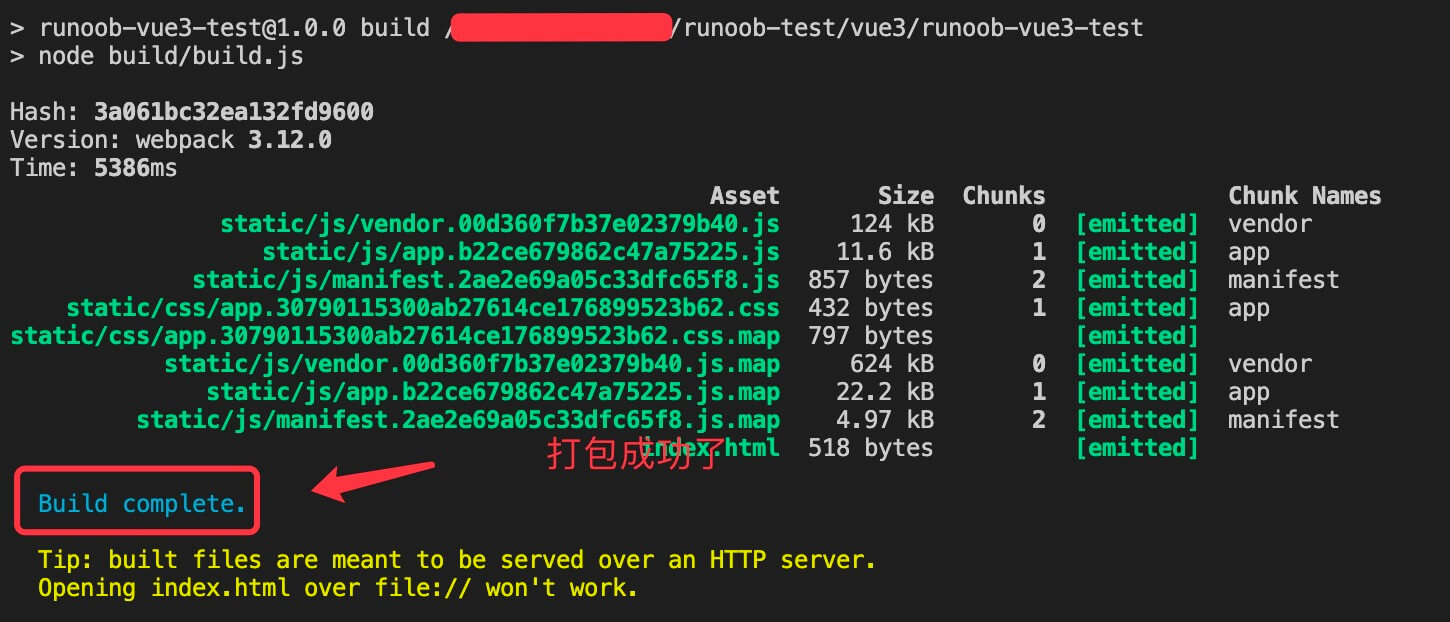
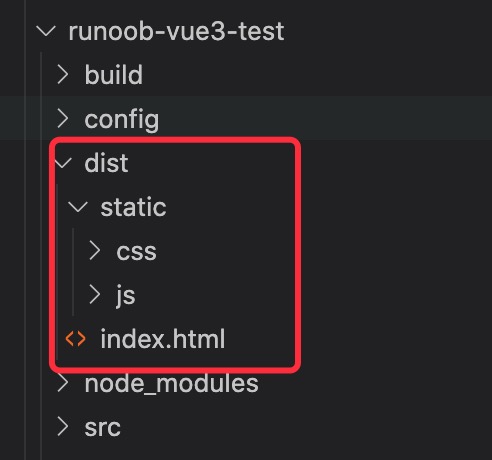
After execution, a directory will be generated in the Vue project:distdirectory, which generally contains the index.html file and the static directory. The static directory contains static files js, css, and the image directory images (if there are images).
If you directly double-click to open index.html, the page may be blank in the browser. To display it correctly, you need to modify the paths of the js and css files in the index.html file.
For example, when we open the dist/index.html file, we see that the css and js file paths are absolute paths:
<link href=/static/css/app.33da80d69744798940b135da93bc7b98.css rel=stylesheet>
<script type=text/javascript src=/static/js/app.717bb358ddc19e181140.js></script>
...
We change the js and css file paths to relative paths:
<link href=static/css/app.33da80d69744798940b135da93bc7b98.css rel=stylesheet>
<script type=text/javascript src=static/js/app.717bb358ddc19e181140.js></script>
...
In this way, you can directly double-click the dist/index.html file to see the effect in the browser.
Other Extensions