Java Tutorial
Java is a high-level programming language launched by Sun Microsystems in May 1995.
Java can run on multiple platforms, such as Windows, Mac OS, and various other UNIX-based systems.
This tutorial uses simple examples to help you better understand the Java programming language.
Most of the code in the mobile operating system Android is written in the Java programming language.
Java Online Tools
My First JAVA Program
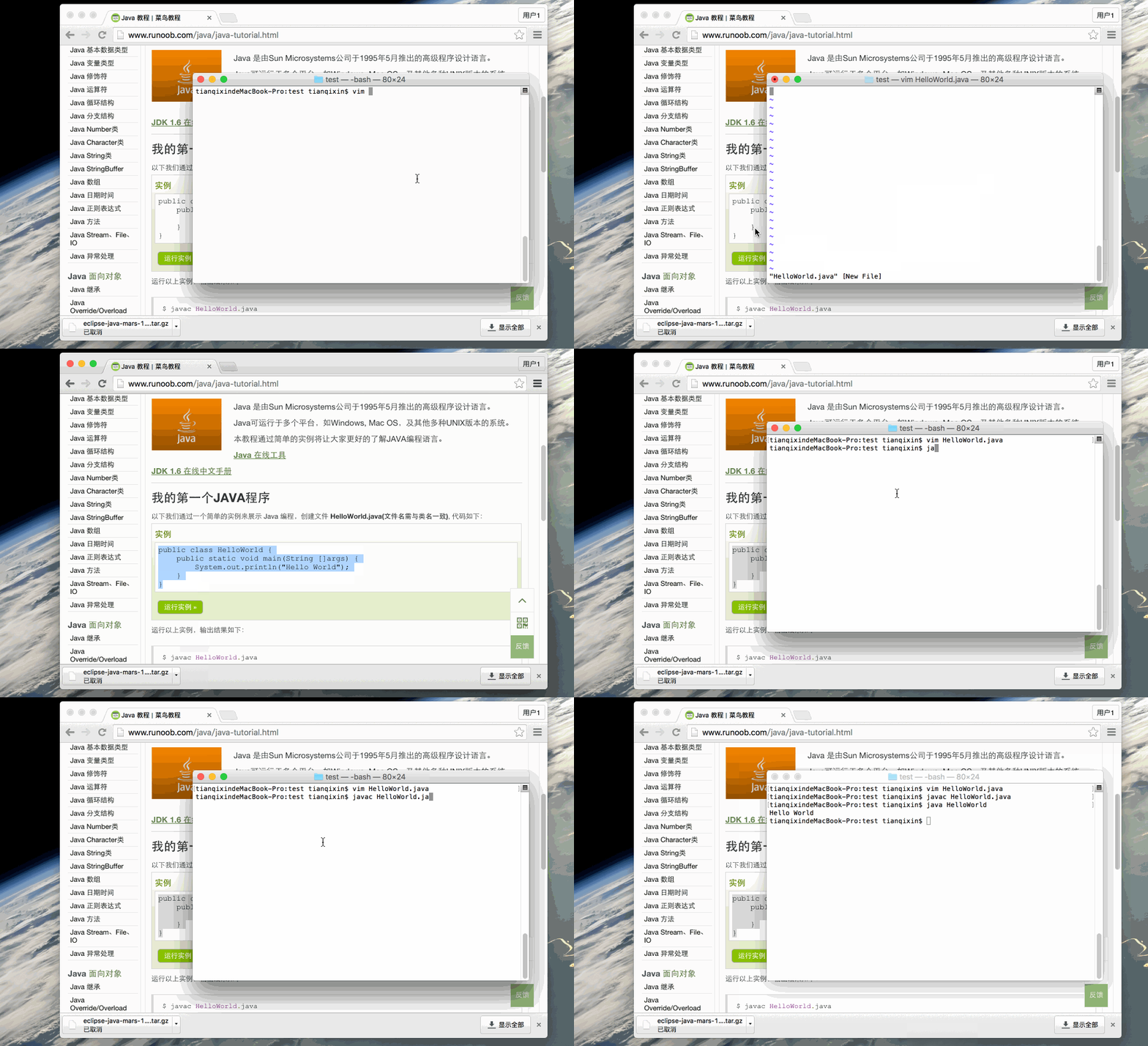
Below we show Java programming through a simple example: create a fileHelloWorld.java (the file name must match the class name), the code is as follows:
Example
public static void main(String[] args) {
System.out.println("Hello World");
}
}
Run example »
Note:String args[]andString[] argsBoth can be executed, but it is recommended to useString[] args, which can avoid ambiguity and misreading.
Running the above example produces the following output:
$ javac HelloWorld.java
$ java HelloWorld
Hello World
Execution command analysis:
Above we used two commandsjavacandjava。
javacWhat follows is the file name of the Java file, e.g., HelloWorld.java. This command is used to compile the Java source file into a class bytecode file, such as:javac HelloWorld.java。
After running the javac command, if compilation succeeds without errors, a HelloWorld.class file will appear.
javaWhat follows is the class name in the Java file; for example, HelloWorld is the class name, e.g., java HelloWorld.
Note: Do not add .class after the java command.
GIF demo: