Using iOS Switches
A switch is used to toggle between on and off states.
Important properties
- onImage
- offImage
- on
Important methods
- (void)setOn:(BOOL)on animated:(BOOL)animated
Add the custom method addSwitch and the switch
-(IBAction)switched:(id)sender{
    NSLog(@"Switch current state %@", mySwitch.on ? @"On" : @"Off");
}
-(void)addSwitch{
    mySwitch = [[UISwitch alloc] init];
    [self.view addSubview:mySwitch];
    mySwitch.center = CGPointMake(150, 200);
    [mySwitch addTarget:self action:@selector(switched:)
    forControlEvents:UIControlEventValueChanged];
}
Modify viewDidLoad in ViewController.m as follows
(void)viewDidLoad
{
   [super viewDidLoad];
   [self addSwitch];
}
Output
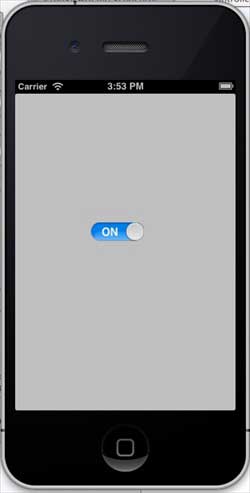
Now when we run the application, we will see the following output
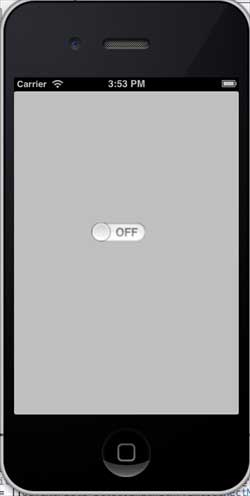
Slide the switch to the right, and the output is as shown below