Introduction
In iOS, actions and outlets refer to ibActions and ibOutlets, which are where the ib Interface Builder is located. These are all related to UI elements. We will understand them intuitively and then explore how to implement them.Steps
1. Let's use the first iPhone application.
2. Select the ViewController.xib file from the files in the navigation section.
3. Select UI elements from the library displayed in the window below on the right side.
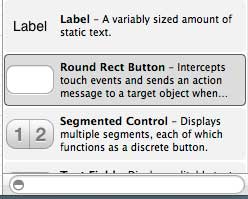
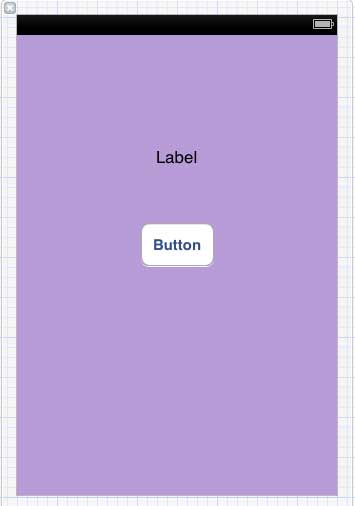
4. Drag UI elements into the visible area of the Interface Builder.
5. Add a label and a red circular button to the visible view.
6. Find the editor selector button in the upper-right corner of the workspace toolbar, as shown below.
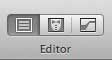
Select the editor button
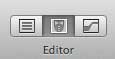
7. There are two windows in the center of the editor area: the ViewController.xib file and ViewController.h.
8. Right-click the button on the label, press and hold, and drag a new reference, as shown below.
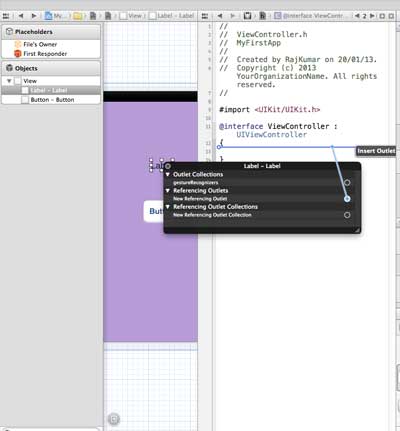
9. Now drop it between the braces in ViewController.h. It can also be dropped into the file, but if so, it must have been added before doing this. As shown below.
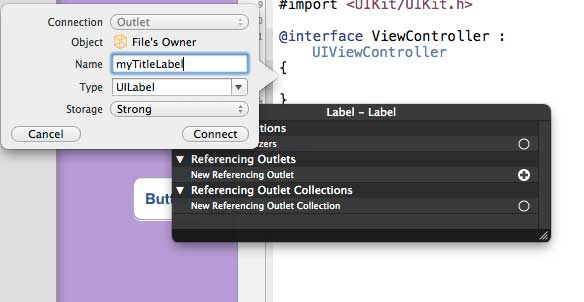
10. Enter the label name for the Outlet, given here as myTitleLable. Click Connect to complete the ibOutlet.
11. Similarly, to add an action, just right-click the rounded rectangle, select Touch Up Inside, and drag it to the braces below.
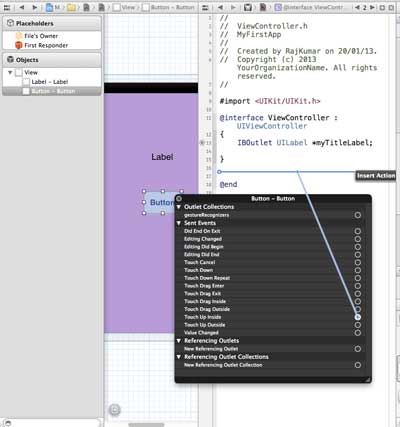
12. Rename it to setTitleLable.
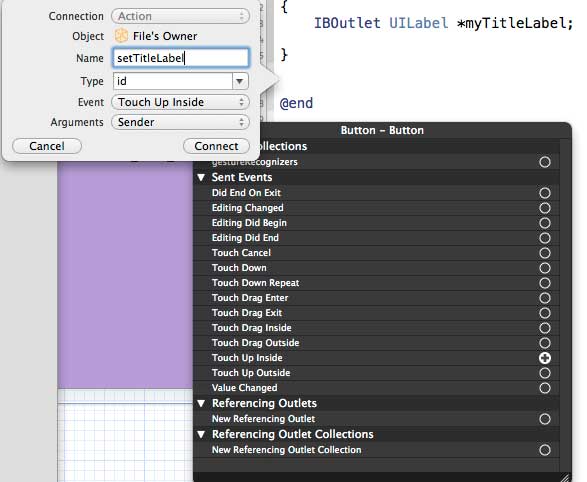
13. Select the ViewController.m file; there is a method, as shown below.
-(IBAction) setTitleLabel:(id)sender{
}
14. Inside the above method, add a statement, as shown below.
[myTitleLabel setTitleText:@"Hello"];
15. Click the Run button to run the program and obtain the following output.
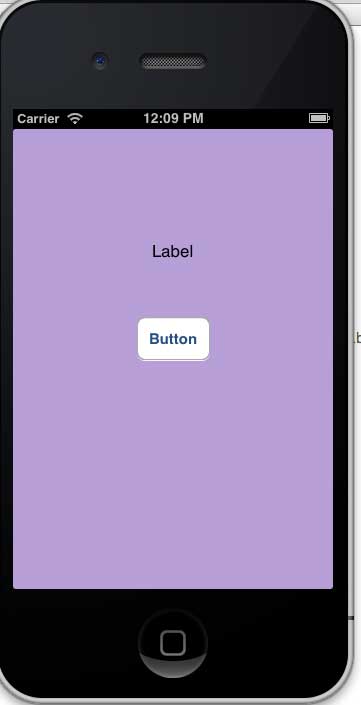
16. Click the button.
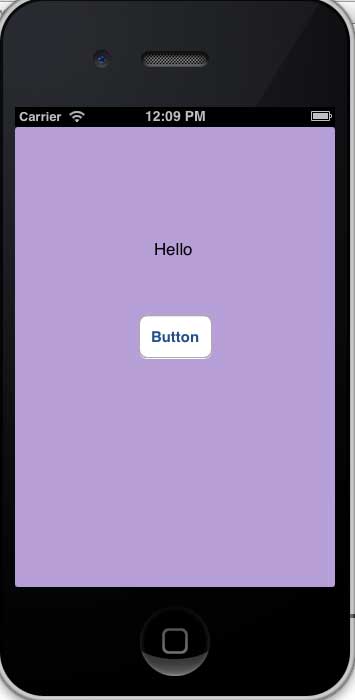
17. The button label of the created reference (outlet) has been changed by the action performed on the button.
18. From the above, it can be seen that IBOutlet creates a reference to a UIElement (here UILabel). Similarly, IBAction links with UIButton by performing actions with UIButton.
19. When creating an action, you can perform different operations by selecting different events.
Other Extensions