Eclipse Workspace
eclipse workspace contains the following resources:
- Project
- File
- Folder
Usually, when the project starts, you can set the workspace. You can set it as the default workspace, and you don't need to configure it again the next time you launch it:
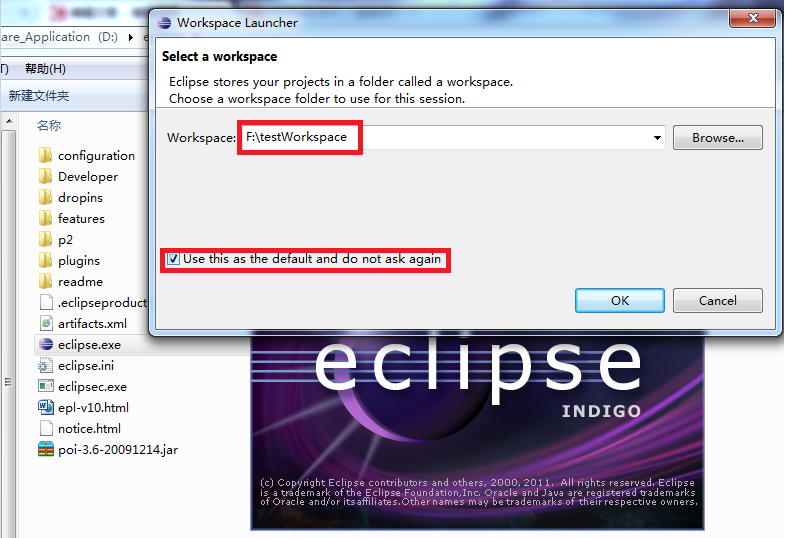
The workspace has a clear hierarchical structure. Projects are at the top level, and within a project, there can be files and folders.
Plugins can manage workspace resources through the API provided by the resource plugin.
Manage the Workspace
Users create and manage resources in the workspace through views, editors, and wizards. Among them, the Project Explorer view displays the content of the workspace. The view that displays the content of the project workspace is the Project Explorer view.
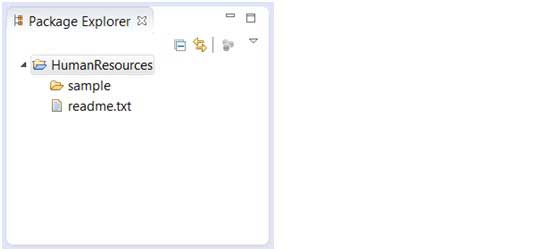
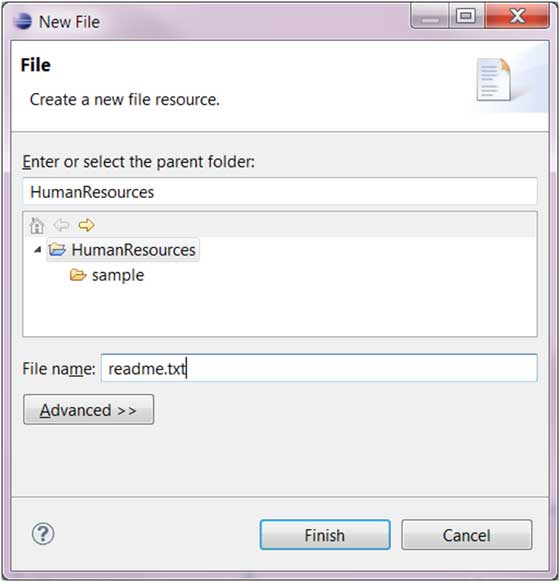
File Creation Wizard (File > New > File).
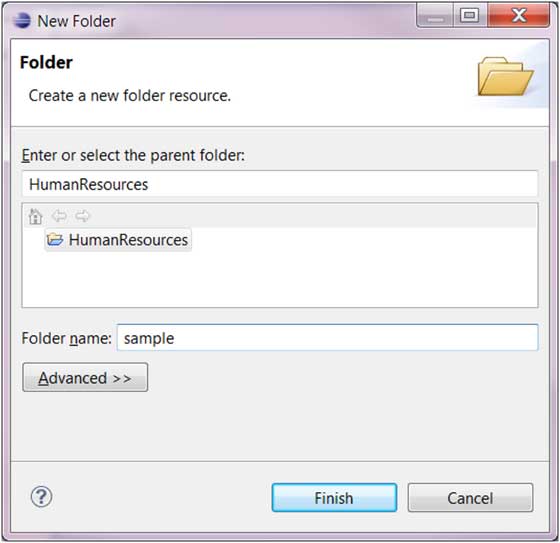
Folder creation wizard (File > New > Folder).
Workspace settings
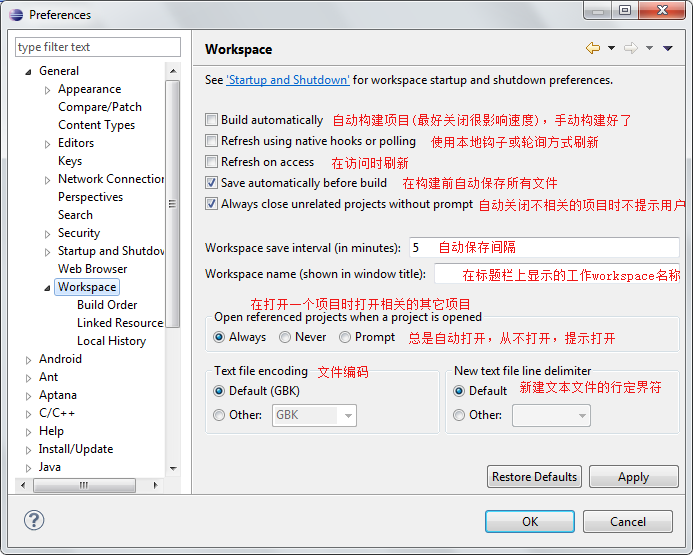
On the menu bar, select "Window" => "preferences..." => "General" => "Workspace". The settings description is as shown below:
Eclipse Switch Workspace
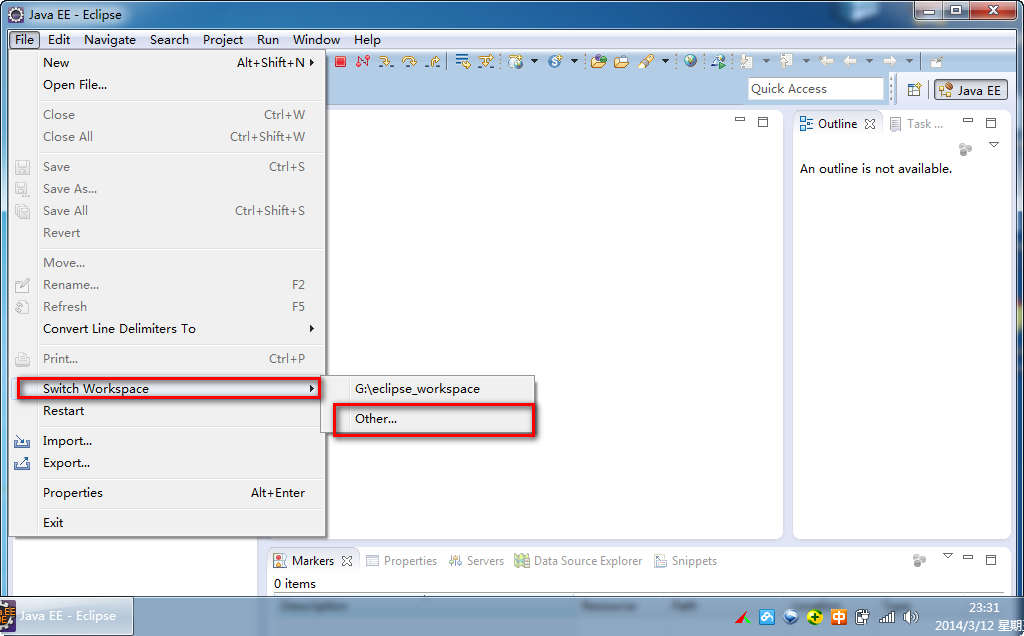
In Eclipse, you can switch workspaces by selecting "File" => "switch workspace" in the menu bar:
 other extensions