PHP Connecting to MySQL
PHP 5 and above are recommended to use the following methods to connect to MySQL:
- MySQLi extension("i" stands for improved)
- PDO (PHP Data Objects)
In earlier versions of PHP, we used the MySQL extension. However, this extension has been deprecated since 2012.
Should I use MySQLi or PDO?
If you need a short answer, it is "use whichever you are used to."
MySQLi and PDO have their own advantages:
PDO works with 12 different databases, while MySQLi is only for MySQL databases.
So, if your project needs to switch between multiple databases, it is recommended to use PDO, so you only need to modify the connection string and some query statements. With MySQLi, if you change databases, you need to rewrite all code, including queries.
Both are object-oriented, but MySQLi also provides an API interface.
Both support prepared statements. Prepared statements can prevent SQL injection and are very important for the security of web projects.
MySQLi and PDO connection to MySQL examples
In this chapter and the following chapters, we will use the following three methods to demonstrate PHP operating MySQL:
- MySQLi (Object-oriented)
- MySQLi (Procedural)
- PDO
MySQLi Installation
Linux and Windows: The MySQLi extension is automatically installed in most cases when the php5 mysql package is installed.
For installation details, please see: http://php.net/manual/en/mysqli.installation.php
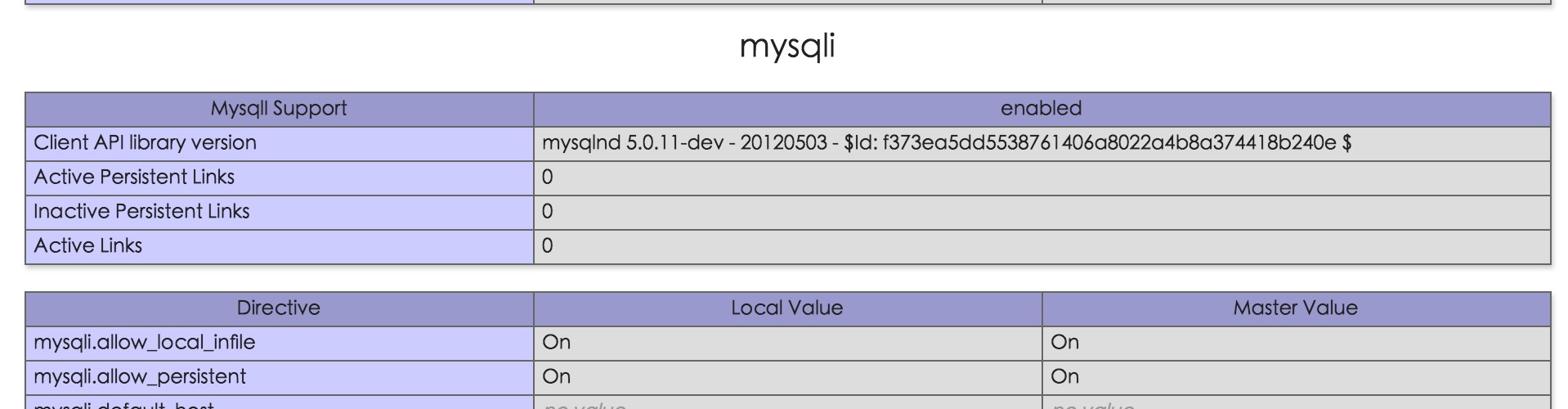
You can check whether the installation is successful via phpinfo():
PDO Installation
For installation details, please see: http://php.net/manual/en/pdo.installation.php
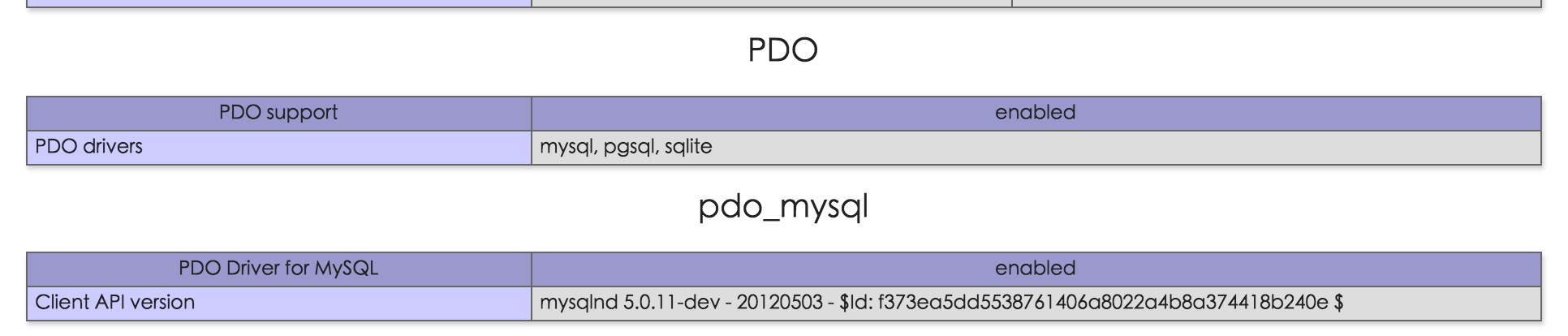
You can check whether the installation is successful via phpinfo():
Connecting to MySQL
Before we access the MySQL database, we need to connect to the database server first:
Example (MySQLi - Object-oriented)
 |
Note that in the above object-oriented example, $connect_error was added in PHP 5.2.9 and 5.3.0. If you need to be compatible with earlier versions, please replace it with the following code: // Check connection if (mysqli_connect_error()) { die("Database connection failed: " . mysqli_connect_error()); } |
|---|
Example (MySQLi - Procedural)
Example (PDO)
|
Note that in the above PDO example we have already specified the database (myDB). PDO needs to set the database name during the connection process. If not specified, an exception will be thrown. |
|---|
Closing the connection
The connection closes automatically after the script finishes executing. You can also use the following code to close the connection: