PHP Installation
What do you need to do?
To start using PHP, you can:
- Find a web host that supports PHP and MySQL
- Install a web server on your own PC, then install PHP and MySQL
Use a Web host that supports PHP
If your server supports PHP, you don't need to do anything.
Just create .php files in your web directory, and the server will automatically parse them for you.
You don't need to compile any software or install additional tools.
Since PHP is free, most web hosts provide support for PHP.
Set up PHP on your own PC
However, if your server does not support PHP, you must:
- Install a web server
- Install PHP
- Install a database, such as MySQL
The official PHP website (PHP.net) has installation instructions for PHP:https://www.php.net/manual/zh/install.php
PHP server components
For beginners, it is recommended to use an integrated server component, which already includes services such as PHP, Apache, and MySQL, saving developers from spending time on the tedious environment configuration process.
WampServer
Windows users can use WampServer, download address:https://www.wampserver.com/en/, supports 32-bit and 64-bit systems, choose the version according to your system.
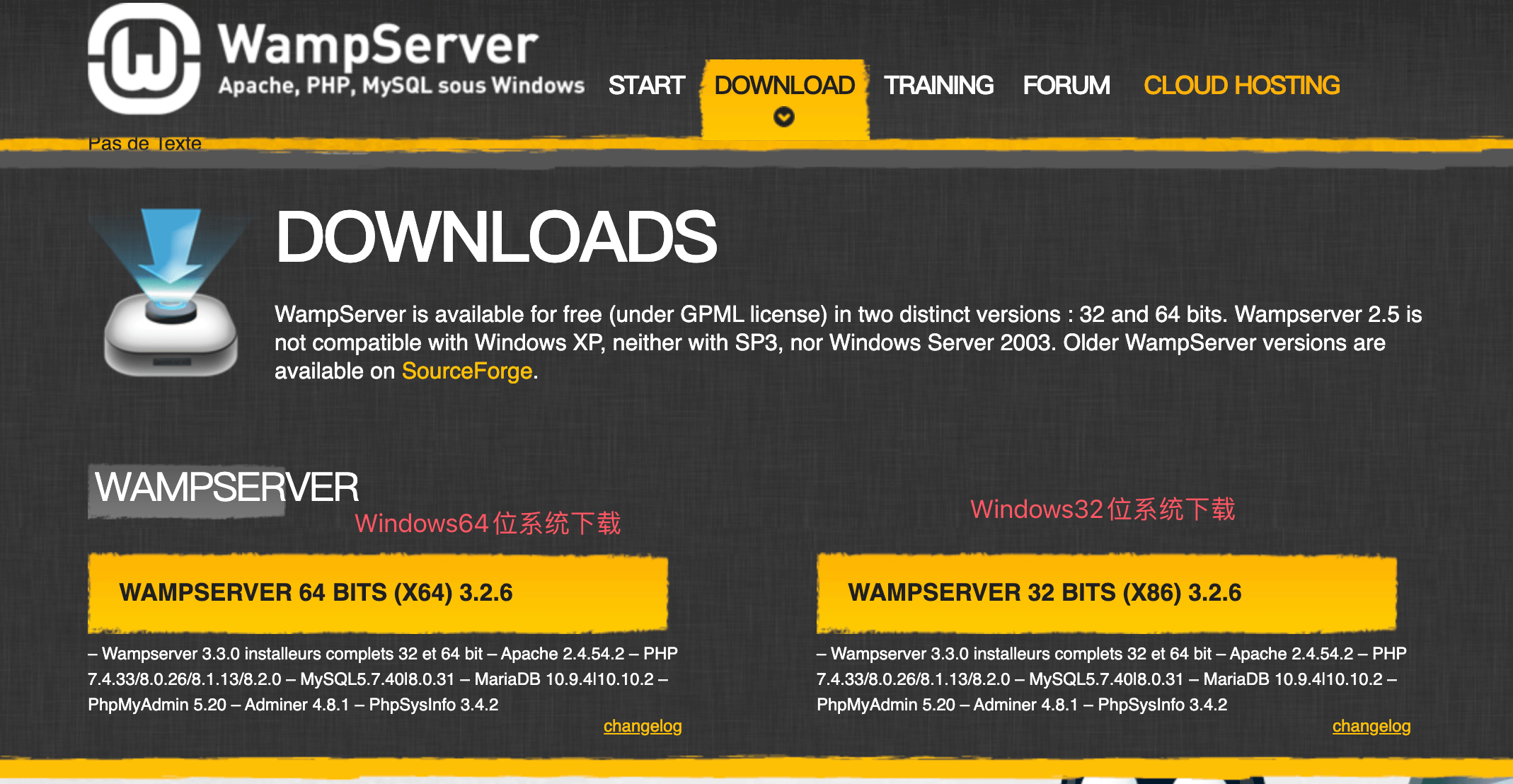
WampServer installation is also simple, you just need to keep clicking "Next" to complete the installation.
XAMPP
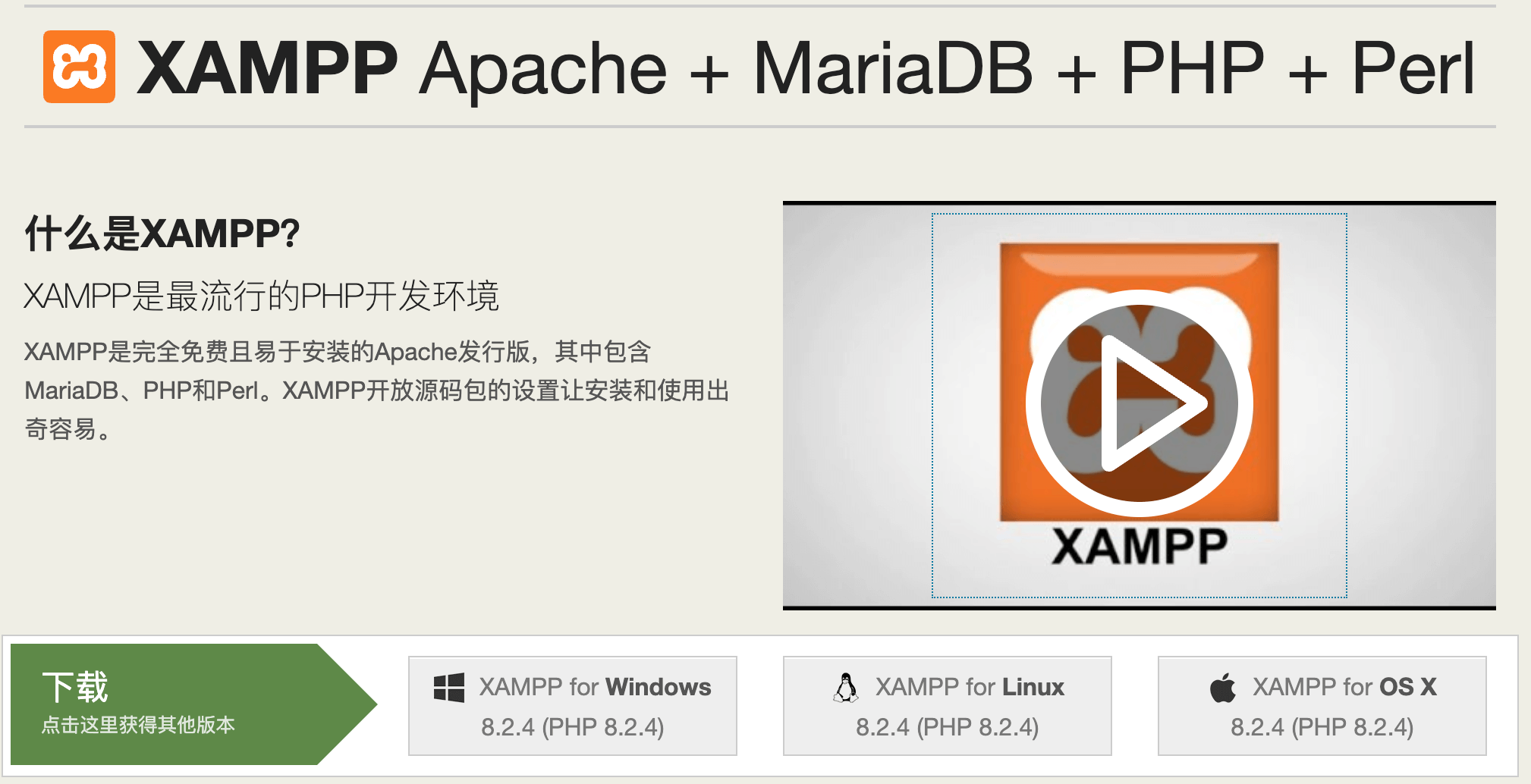
XAMPP supports Mac OS and Windows systems, download address:https://www.apachefriends.org/zh_cn/index.html。
IDE (Integrated Development Environment)
VS Code
VS Code (full name Visual Studio Code) is a free, open-source, cross-platform code editor launched by Microsoft.
VS Code supports Windows, macOS, and Linux, with powerful features and flexible extensibility.
VS Code Tutorial:https://www.example.com/vscode/vscode-tutorial.html
In addition, domestic Alibaba and ByteDance also have AI IDEs developed based on VS Code:
- ByteDance Trae:https://www.trae.cn/
- Alibaba Qoder:https://qoder.com/
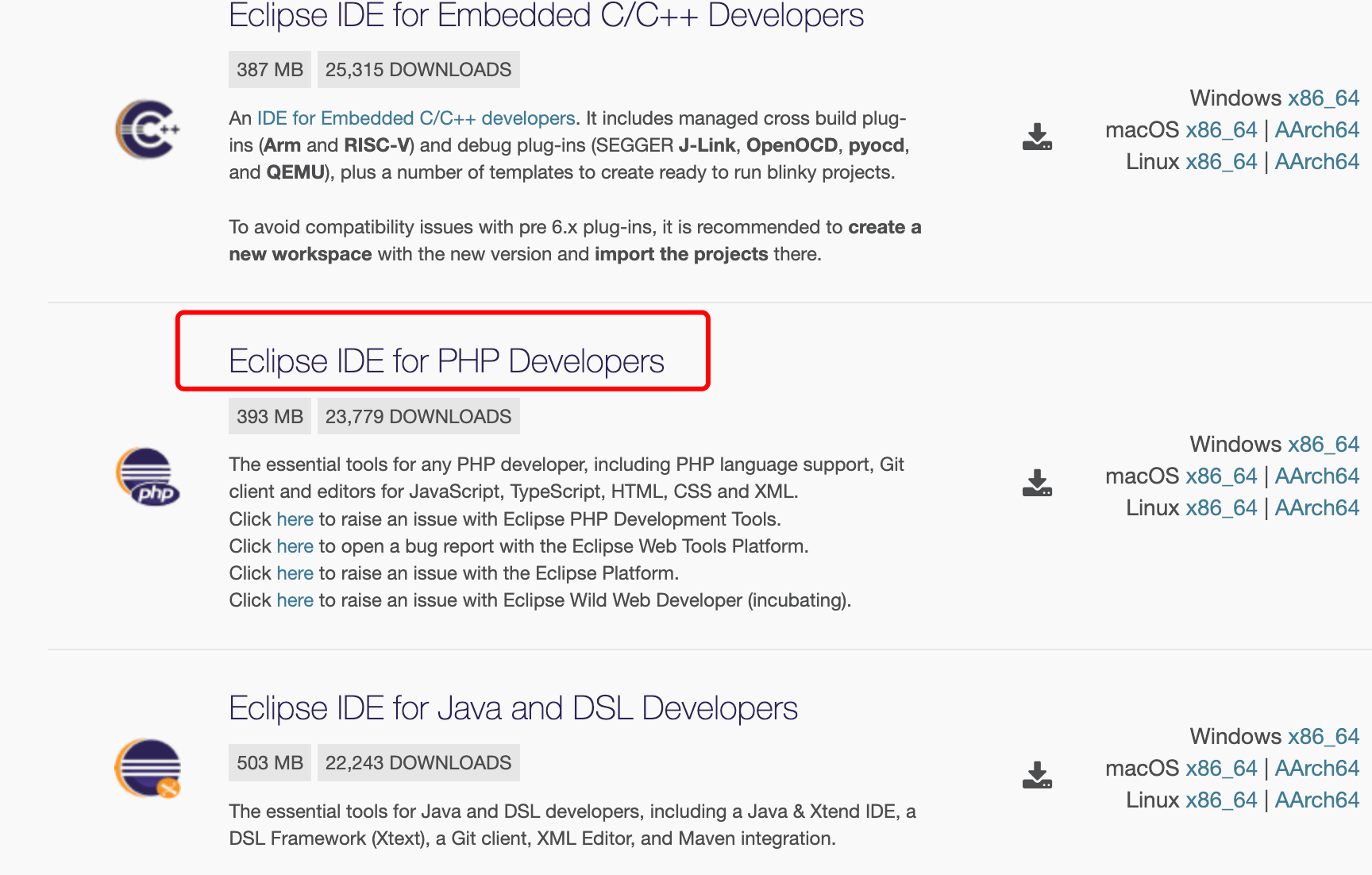
Eclipse for PHP (Free)
Eclipse is an open-source, Java-based extensible development platform (if JDK is not installed, you need to firstDownload JDKinstall). In itself, it is just a framework and a set of services for building development environments through plugin components. Fortunately, Eclipse comes with a standard set of plugins, including the Java Development Kit (JDK).
Supports Windows, Linux, and Mac OS platforms.
Eclipse for PHP official download address:https://www.eclipse.org/downloads/packages/
PhpStorm (Paid)
PhpStorm is a lightweight and convenient PHP IDE that aims to improve user efficiency, with deep understanding of user's code, providing intelligent code completion, fast navigation, and instant error checking.
PhpStorm is very suitable for PHP developers and front-end engineers. It provides features such as intelligent HTML/CSS/JavaScript/PHP editing, code quality analysis, version control integration (SVN, GIT), debugging, and testing.
Supports Windows, Linux, and Mac OS platforms.
PhpStorm official download address:http://www.jetbrains.com/phpstorm/download/