AI Development Platform
There are many AI platforms now. In this article, we will use MonkeyCode to experience online AI Coding.
We can directly use MonkeyCode for free in the browser without installation. It has a built-in cloud development environment and supports many large models.
Registration and Login
After entering the page, click the top rightRegisterCreate a new account. If you already have an account, you can log in and use it directly.

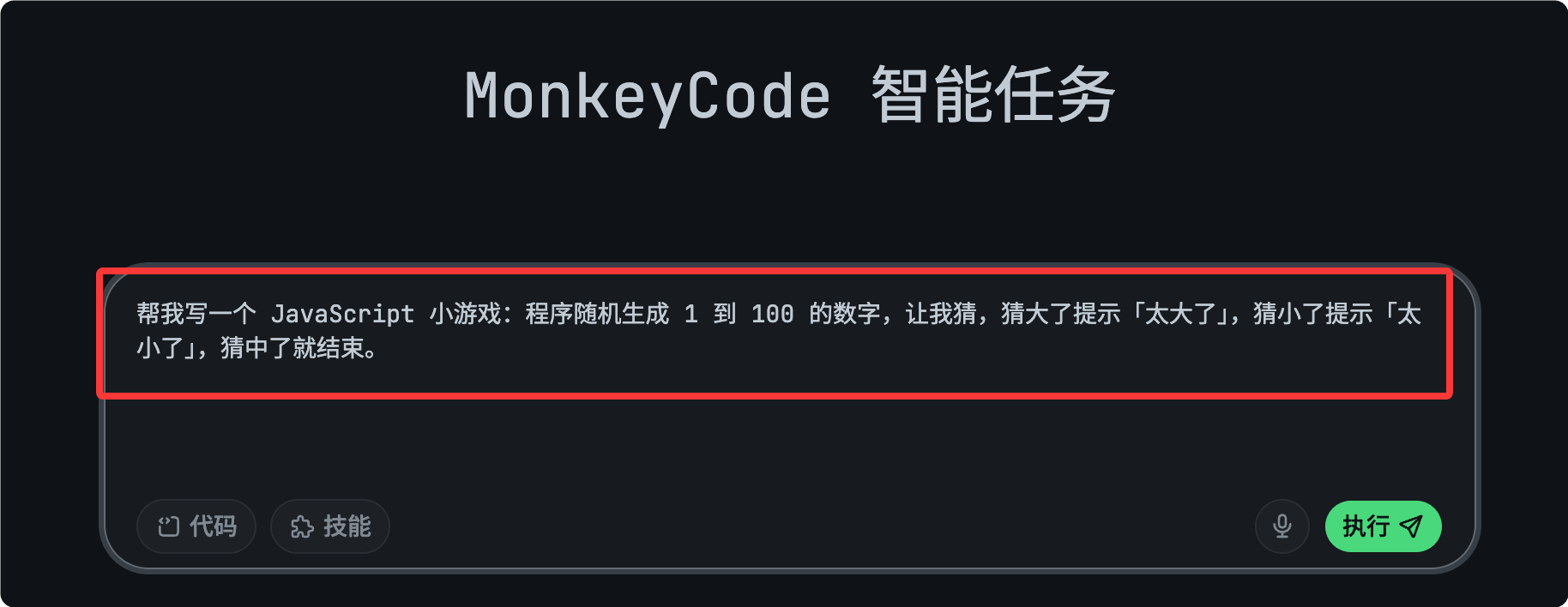
After successful registration, we enter the console and input our requirements:
帮我写一个 JavaScript 小游戏:程序随机生成 1 到 100 的数字,让我猜,猜大了提示「太大了」,猜小了提示「太小了」,猜中了就结束。
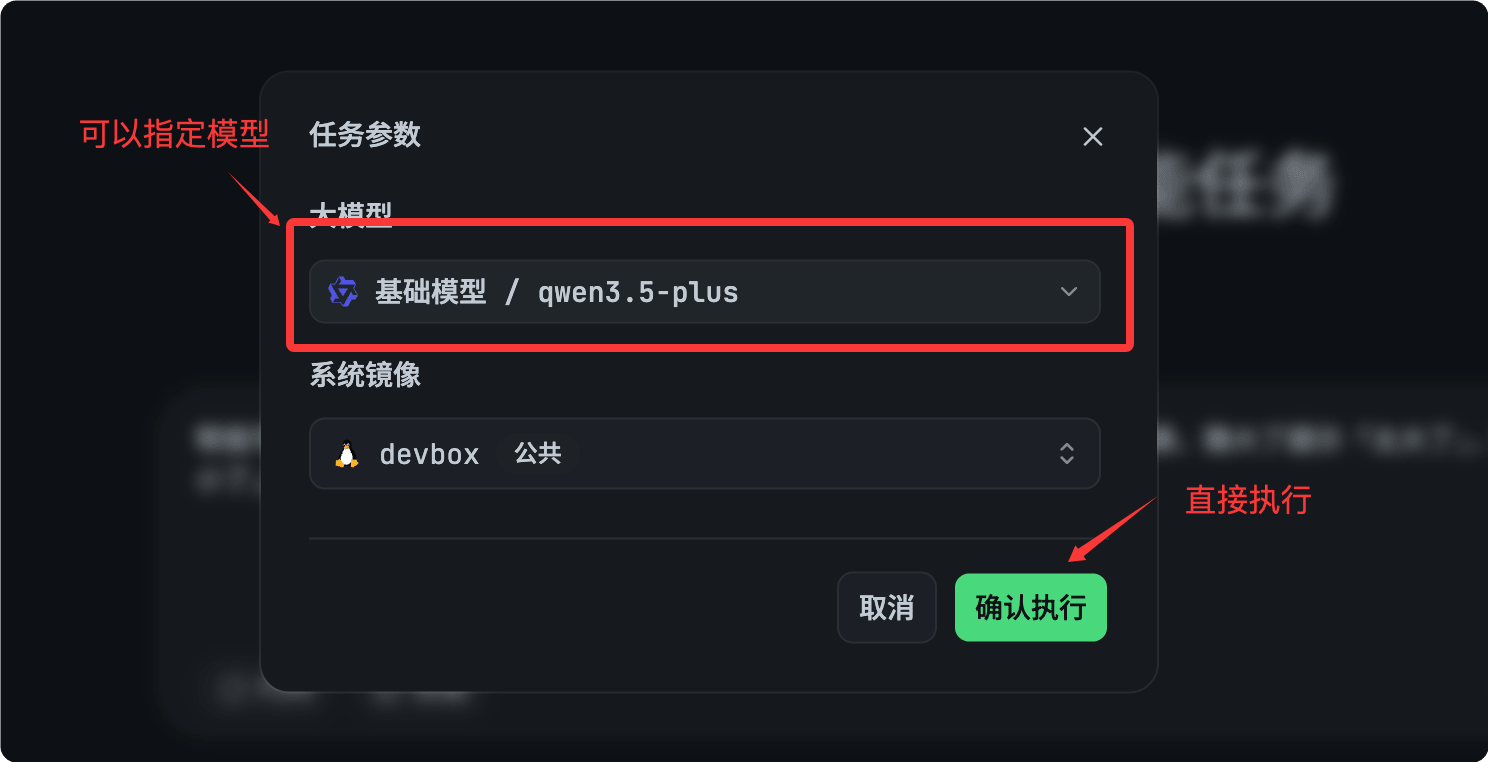
Start execution, we can select a model:

After the task is completed, you can view the generated effect URL:

View effect:

Switch Between Different Models
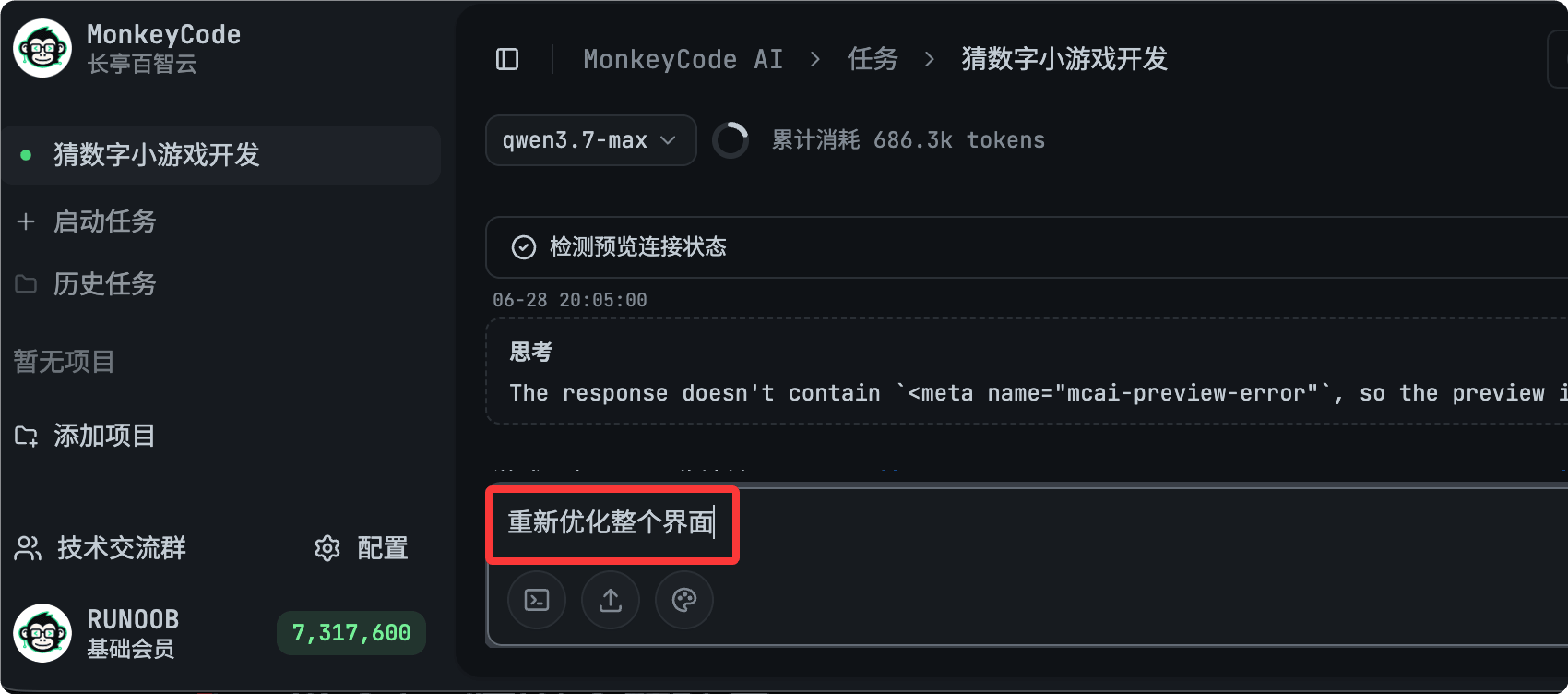
We can also switch models, so the generated application effect should be better. I'll switch to qwen3.7 to try. Currently this model consumes credits.Use a different model to test this application again. You can switch models in the top left corner:

Enter the following content:
Re-optimize the entire interface.
After modification, visit the link it generated:

Complete effect, much better:
