OpenCode CLI Usage
OpenCode provides a powerful command-line interface (CLI). It can not only launch the interactive TUI, but also perform automated and scripted operations through commands.
By default, OpenCode CLI launches the TUI, but its real power lies in programmable invocation.
OpenCode CLI is not just a command tool; it is a programmable AI development interface.
OpenCode CLI can be abstracted into three layers:
- Interaction layer:
tui / web / attach - Execution layer:
run / agent / mcp / github - Service layer:
serve / acp
👉 In essence, it isAI Agent + local development environment + programmable CLI + Server APIa unified entry point.
The following is the complete OpenCode CLI command table:
Basic Behavior
| Command/Usage | Description | Remarks |
|---|---|---|
opencode |
Start TUI by default | When no parameters are provided |
opencode run "msg" |
Execute tasks non-interactively | Automation/Scripting |
TUI startup parameters
| Flag | Short | Description |
|---|---|---|
--continue |
-c |
Continue the previous session |
--session |
-s |
Specify session ID |
--fork |
— | Fork session |
--prompt |
— | Initial prompt |
--model |
-m |
Specify model |
--agent |
— | Specify agent |
--port |
— | Listen port |
--hostname |
— | Host address |
Core CLI commands
| Command | Description | Key subcommands |
|---|---|---|
agent |
Manage agents | create / list |
auth |
Manage authentication | login / list / logout |
attach |
Connect to remote backend | — |
github |
GitHub automation | install / run |
mcp |
MCP service management | add / list / auth / debug |
models |
View model list | — |
run |
Non-interactive execution | — |
serve |
Start API service | — |
web |
Web UI service | — |
session |
Session management | list |
stats |
Token/cost statistics | — |
export |
Export sessions | — |
import |
Import sessions | — |
acp |
Start ACP protocol service | — |
uninstall |
Uninstall | — |
upgrade |
Upgrade version | — |
run command parameters
| Flag | Short | Description |
|---|---|---|
--continue |
-c |
Continue session |
--session |
-s |
Specify session |
--fork |
— | Fork |
--share |
— | Share session |
--model |
-m |
Specify model |
--agent |
— | Specify agent |
--file |
-f |
Attach files |
--format |
— | Output format (json) |
--title |
— | Session title |
--attach |
— | Connect to existing service |
--port |
— | Local port |
Service command parameters
serve / web / acp
| Flag | Description |
|---|---|
--port |
Listen port |
--hostname |
Host address |
--mdns |
LAN discovery |
--cors |
Allow cross-origin |
session / stats parameters
| Command | Flag | Description |
|---|---|---|
| session | --max-count (-n) |
Recent N entries |
| session | --format |
table/json |
| stats | --days |
Recent N days |
| stats | --tools |
Tool statistics |
| stats | --models |
Model usage |
| stats | --project |
Project filter |
Global flags
| Flag | Short | Description |
|---|---|---|
--help |
-h |
Help |
--version |
-v |
Version |
--print-logs |
— | Output log |
--log-level |
— | Log level |
Environment variables
| Variable | Type | Purpose |
|---|---|---|
OPENCODE_AUTO_SHARE |
boolean | Auto-share |
OPENCODE_CONFIG |
string | Config path |
OPENCODE_TUI_CONFIG |
string | TUI configuration |
OPENCODE_DISABLE_AUTOUPDATE |
boolean | Disable updates |
OPENCODE_SERVER_PASSWORD |
string | API authentication |
OPENCODE_MODELS_URL |
string | Model source |
Experimental features
| Variable | Type | Purpose |
|---|---|---|
OPENCODE_EXPERIMENTAL |
boolean | Enable all experimental features |
OPENCODE_EXPERIMENTAL_LSP_TOOL |
boolean | LSP tools |
OPENCODE_EXPERIMENTAL_PLAN_MODE |
boolean | Planning mode |
OPENCODE_EXPERIMENTAL_FILEWATCHER |
boolean | File watching |
I. Basic usage
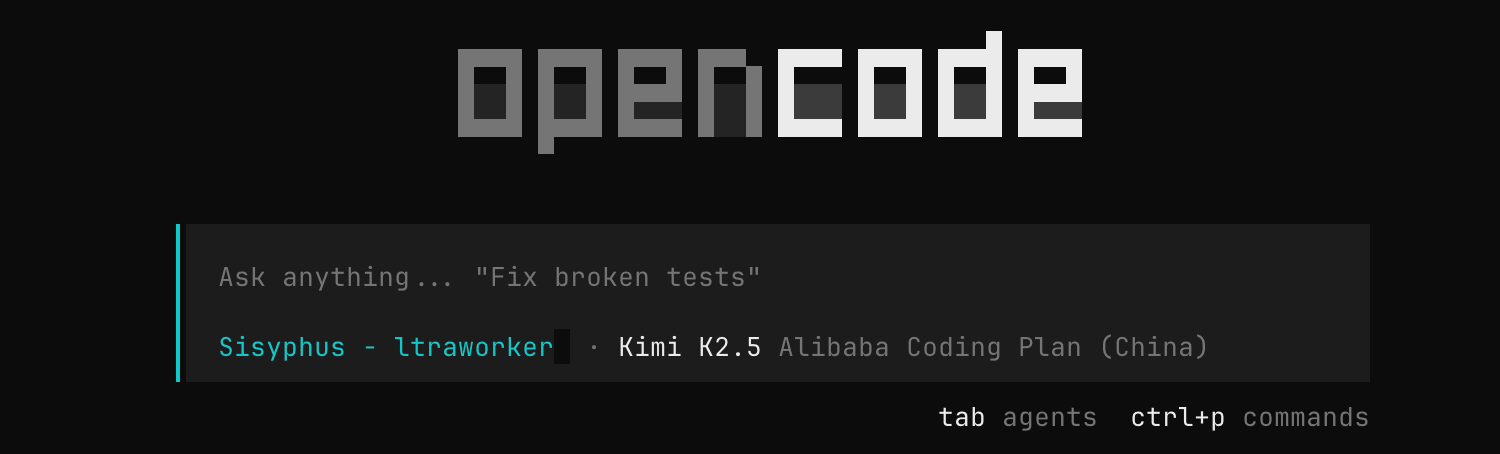
1. Start TUI (default behavior)
opencode
Equivalent to entering the interactive terminal interface
2. Specify project directory
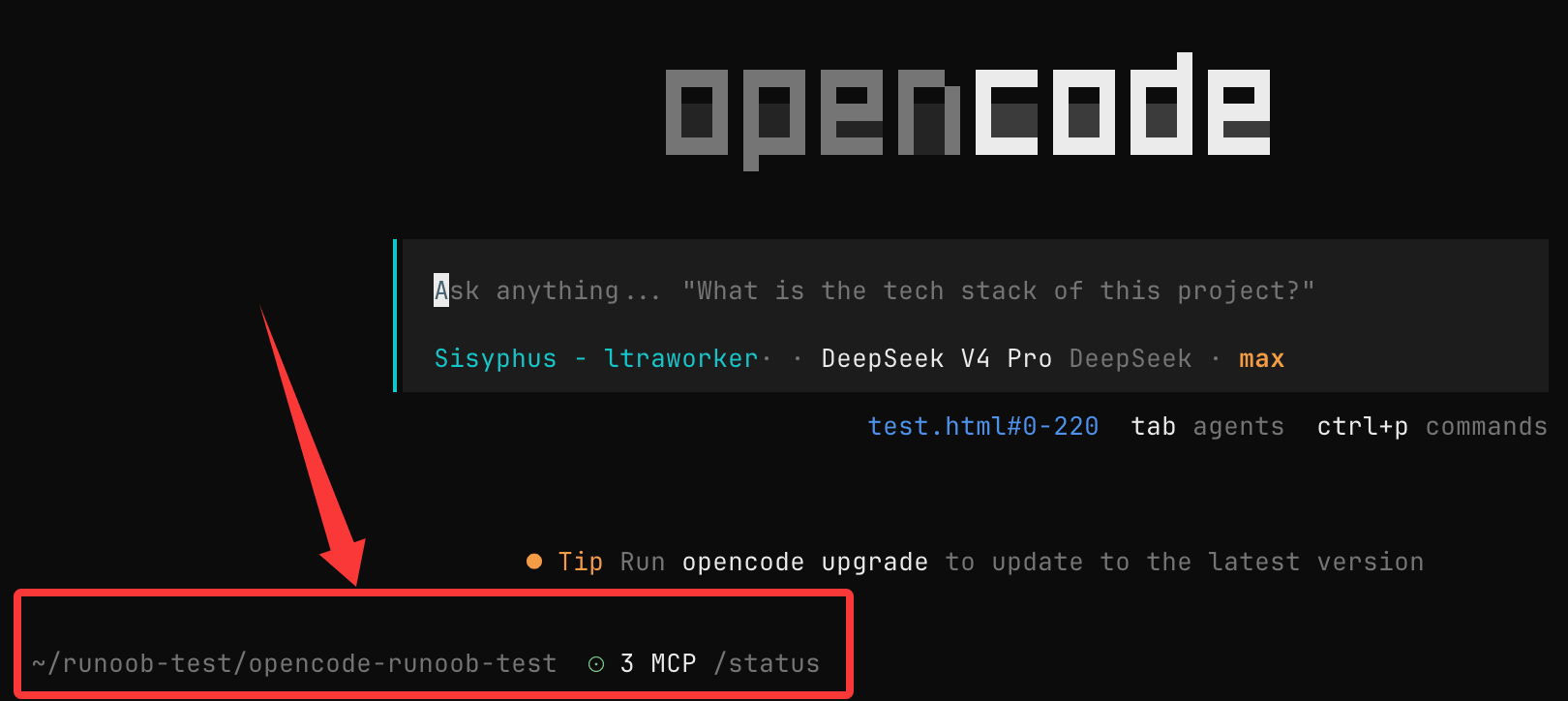
opencode /path/to/project
Start the TUI in the specified directory, for example, start it in the opencode-example-test directory:
opencode opencode-example-test
3. Non-interactive mode (script invocation)
opencode run 解释一下 JavaScript 中闭包的原理
Returns results directly without entering the interface.
II. Core CLI capabilities
The core capabilities of OpenCode CLI can be summarized into three categories:
- Interactive mode:TUI (default)
- Command execution:run / serve
- System management:agent / auth / session, etc.
III. Common parameters (Flags)
| Parameter | Short | Description |
|---|---|---|
| --continue | -c | Continue the previous session |
| --session | -s | Specify session ID |
| --fork | Fork from the current session | |
| --model | -m | Specify model (provider/model) |
| --agent | Specify agent | |
| --port | Service port | |
| --hostname | Listen address |
IV. Core command details
1. run (most commonly used)
Used for non-interactive execution:
opencode run 分析这个 Go 项目的上下文使用方式
Applicable scenarios:
- Script automation
- CI/CD
- Quick Q&A
Connect to a background service (avoid cold start)
# 启动后台服务
opencode serve

# 使用 run 连接
opencode run --attach http://localhost:4096 解释 async/await
Common parameters
| Parameter | Description |
|---|---|
| --model | Specify model |
| --file | Attach files |
| --format | Output format (json / default) |
| --share | Share session |
V. auth (authentication management)
Login
opencode auth login
Configure API key (stored locally)
View logged-in providers
opencode auth list
Logout
opencode auth logout
VI. models (model management)
View all models
opencode models
Filter by provider
opencode models anthropic
Refresh model list
opencode models --refresh
VII. agent (agent system)
Create agent
opencode agent create
Customizable prompts + tools
View agents
opencode agent list
VIII. session (session management)
View sessions
opencode session list
Limit count
opencode session list -n 10
IX. serve (service mode)
Start API service:
opencode serve
Provides HTTP interface (no UI)
Optional parameters:
- --port: Port
- --hostname: Listening address
X. web (Web UI)
opencode web
Start the version with web interface
XI. mcp (extension capability)
Add MCP service
opencode mcp add
View list
opencode mcp list
MCP is used to extend AI capabilities (e.g., tool calling)
XII. stats (usage statistics)
opencode stats
View token usage and costs
XIII. export / import
Export sessions
opencode export
Import sessions
opencode import session.json
XIV. Upgrade and uninstall
Upgrade
opencode upgrade
Uninstall
opencode uninstall
XV. Global parameters
| Parameter | Description |
|---|---|
| --help | View help |
| --version | View version |
| --log-level | Log level |
XVI. Environment variables (advanced configuration)
OpenCode supports controlling behavior via environment variables, for example:
OPENCODE_DISABLE_AUTOUPDATE=true
OPENCODE_SERVER_PASSWORD=123456
Common uses:
- Disable automatic updates
- Configure service authentication
- Custom configuration path
XVII. Usage suggestions (key points)
- Use TUI for daily development
- Use run for automation
- Combine agent for complex tasks
- Use serve + attach for high-frequency calls