In this chapter, we will learn how to use JS/CSS to implement a listsearchorfilterfunction.
First, look at the effect as follows:
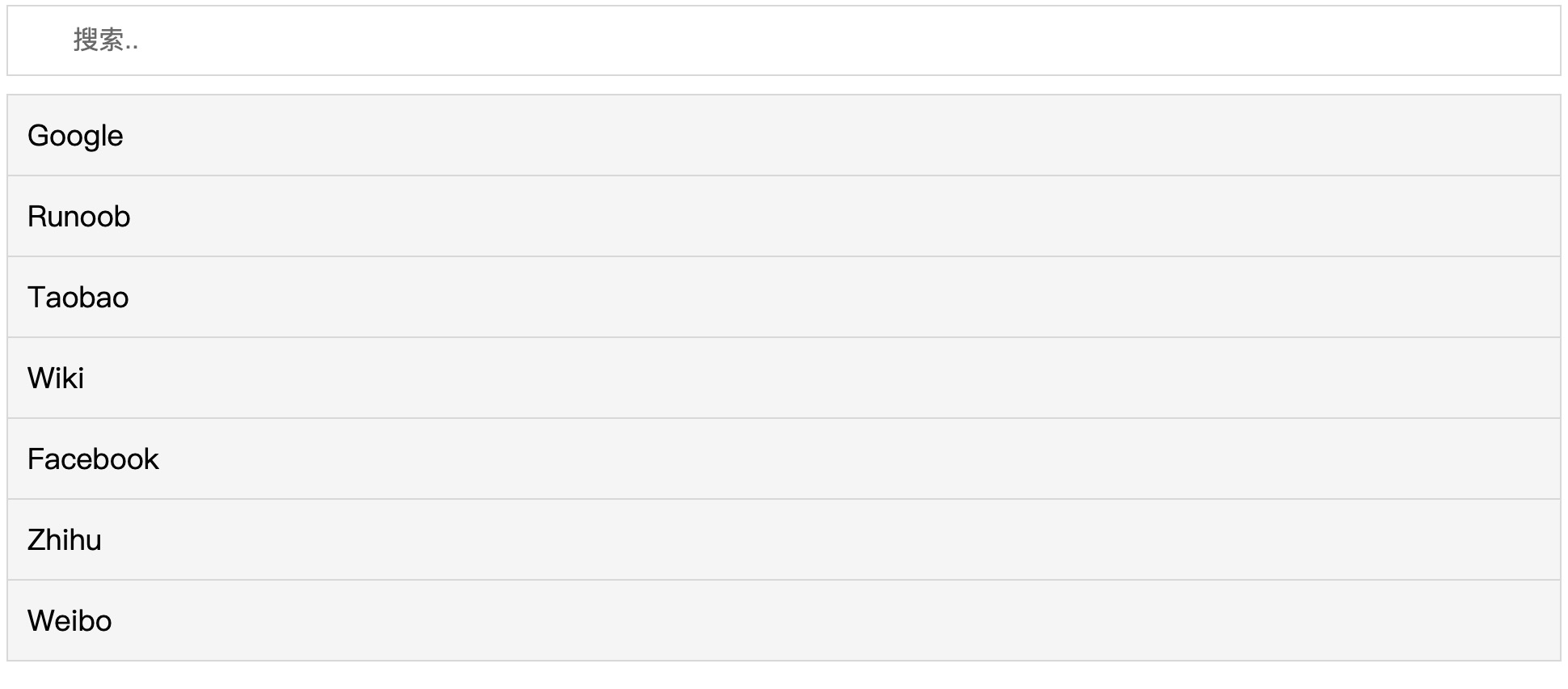
View online example:https://c.example.com/codedemo/6227/
Basic HTML Code
Example
<input type="text" id="myInput" onkeyup="myFunction()" placeholder="Search..">
<ul id="myUL">
<li><a href="#">Google</a></li>
<li><a href="#">Example</a></li>
<li><a href="#">Taobao</a></li>
<li><a href="#">Wiki</a></li>
<li><a href="#">Facebook</a></li>
<li><a href="#">Zhihu</a></li>
<li><a href="#">Weibo</a></li>
</ul>
Note:The example useshref="../index.html"to represent a link; in actual projects, you need to replace it with your own link.
The following are the styles for the search box and suggestion menu:
Example
#myInput {
background-image: url('/css/searchicon.png'); /*Add search button*/
background-position: 10px 12px; /*Position the search button*/
background-repeat: no-repeat; /*Image no-repeat*/
width: 100%; /*Full screen display*/
font-size: 16px; /*Font size*/
padding: 12px 20px 12px 40px; /*Set padding*/
border: 1px solid #ddd; /*Add gray border*/
margin-bottom: 12px; /*Add top margin*/
}
#myUL {
/*Remove default list style*/
list-style-type: none;
padding: 0;
margin: 0;
}
#myUL li a {
border: 1px solid #ddd; /*Add border to links*/
margin-top: -1px; /*Prevent duplicate borders*/
background-color: #f6f6f6; /*Set gray background*/
padding: 12px; /*Add padding*/
text-decoration: none; /*Remove default underline*/
font-size: 18px; /*Set font size*/
color: black; /*Set text to black*/
display: block; /*Fill the list in block form*/
}
#myUL li a:hover:not(.header) {
background-color: #eee; /*Add hover effect to all links, except the title*/
}
The following is the JavaScript code for the search box and suggestion menu:
Example
function myFunction() {
//Declare variables
var input, filter, ul, li, a, i, txtValue;
input = document.getElementById('myInput');
filter = input.value.toUpperCase();
ul = document.getElementById("myUL");
li = ul.getElementsByTagName('li');
//Loop through all list items and hide those that do not match the search query
for (i = 0; i < li.length; i++) {
a = li[i].getElementsByTagName("a")[0];
txtValue = a.textContent || a.innerText;
if (txtValue.toUpperCase().indexOf(filter) > -1) {
li[i].style.display = "";
} else {
li[i].style.display = "none";
}
}
}
Try it yourself »
Tip:If you want a case-sensitive search, you can remove the toUpperCase() method.