Selenium WebDriver
Selenium WebDriver is the core component of Selenium. It provides an API for interacting with browsers, allowing developers to control the browser through programming languages and perform various operations.
Launch browser
Selenium WebDriver supports multiple browsers (such as Chrome, Firefox, Edge, etc.).
Before launching the browser, you need to download and configure the corresponding browser driver (such as ChromeDriver, GeckoDriver, etc.). For details, seeSelenium installation。
Code example for launching a browser (Python).
In Selenium 4, a Service object is introduced to set the driver path. This approach is more flexible and conforms to Selenium 4 design specifications.
Selenium 4 example
from selenium.webdriver.chrome.service import Service as ChromeService
service = ChromeService(executable_path="PATH_TO_DRIVER")
options = webdriver.ChromeOptions()
driver = webdriver.Chrome(service=service, options=options)
Import the required modules (
webdriverandChromeService)。Create
ChromeServiceobject, specifying the path to ChromeDriver.Create
ChromeOptionsobject, used to configure browser launch options.Use
webdriver.Chrome()Launch Chrome browser, and pass inserviceandoptionsparameter.
In Selenium 3 and earlier versions, the driver path is usually set directly in webdriver.Chrome(), for example:
Selenium 3 example
# Set ChromeDriver path
driver_path = "/path/to/chromedriver"
# Launch Chrome browser
driver = webdriver.Chrome(executable_path=driver_path)
Close browser
Usequit()method to close the browser and end the WebDriver session.
driver.quit()
Open and close web pages
Useget()method to open the specified URL.
driver.get("https://www.example.com")
Close current tab
Use the close() method to close the current tab.
driver.close()
If there is only one tab, close() will close the browser.
Browser window operations
Maximize window
Use the maximize_window() method to maximize the browser window.
driver.maximize_window()
Minimize window
Use the minimize_window() method to minimize the browser window.
driver.minimize_window()
Set window size
Use the set_window_size(width, height) method to set the size of the browser window.
driver.set_window_size(1024, 768) # 设置窗口大小为 1024x768 像素
Fullscreen mode
Use the fullscreen_window() method to set the browser window to fullscreen mode.
driver.fullscreen_window()
Page navigation
Forward and back
Use the back() method to go back to the previous page.
Use the forward() method to go forward to the next page.
driver.get("https://www.baidu.com")
driver.get("https://www.example.com")

driver.back()    # 返回 baidu.com
driver.forward() # 前进到 example.com
Refresh page
Use the refresh() method to refresh the current page.
driver.refresh()
Get page title and URL
Get page title
Use the title property to get the title of the current page.
title = driver.title
print("页面标题:", title)
Get current URL
Use the current_url property to get the URL of the current page.
url = driver.current_url
print("当前 URL:", url)
Comprehensive example
The following is a complete example that demonstrates how to launch a browser, open a web page, manipulate windows, navigate pages, and get page information:
Example
from selenium import webdriver
from selenium.webdriver.chrome.service import Service as ChromeService
# Set the correct driver path
service = ChromeService(executable_path="./chromedriver-mac-arm64/chromedriver")
# Configure browser options
options = webdriver.ChromeOptions()
driver = webdriver.Chrome(service=service, options=options)
# Open web page
driver.get("https://www.example.com")
# Maximize window
driver.maximize_window()
# Get page title and URL
print("Page title:", driver.title)
print("Current URL:", driver.current_url)
# Navigate to another page
driver.get("https://www.jyshare.com")
# Go back to the previous page
driver.back()
# Refresh page
driver.refresh()
# Close browser
driver.quit()
After the above code is executed, the following steps will be performed:
Launch the Chrome browser.
Open the specified web page (
https://www.example.com)。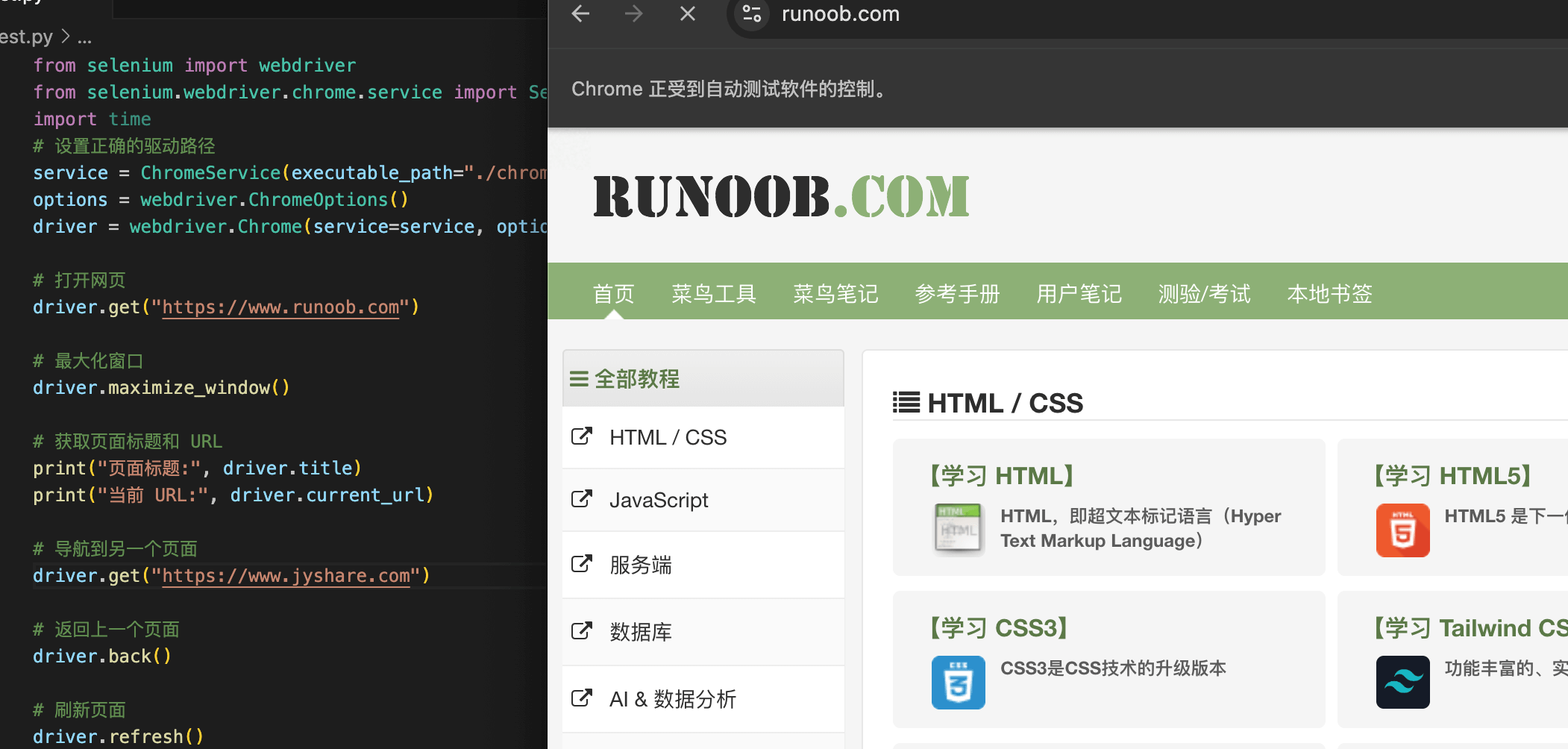
Maximize the browser window.
Get and print the page title and URL.
Navigate to another web page (
https://www.jyshare.com)。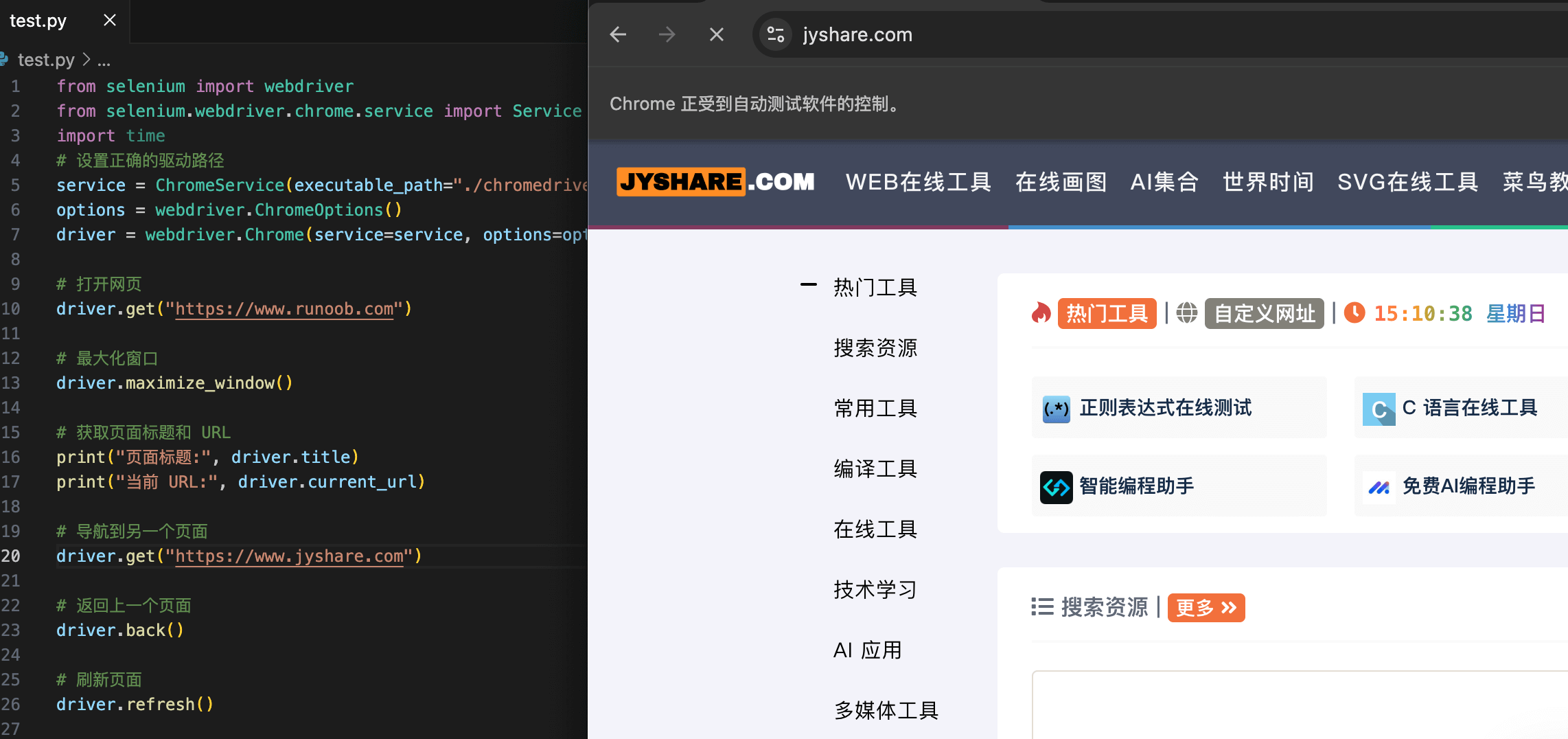
Go back to the previous page.
Refresh the current page.
Close the browser.
The output is:
页面标题: Example - 学的不仅是技术,更是梦想!
当前 URL: https://www.example.com/
Other extensions