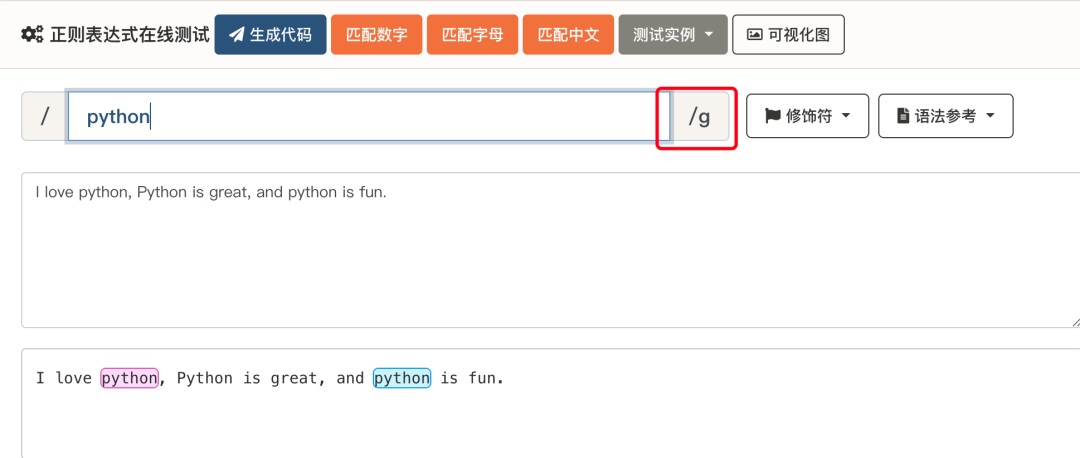
Regular Expressions - Usage Summary
The following lists a summary of common regular expression usage:
Matching Basic Characters
Using ordinary characters to match: Ordinary characters (such as letters, numbers, symbols) represent themselves in regular expressions. For example, to match "example":
/example/。 Try it »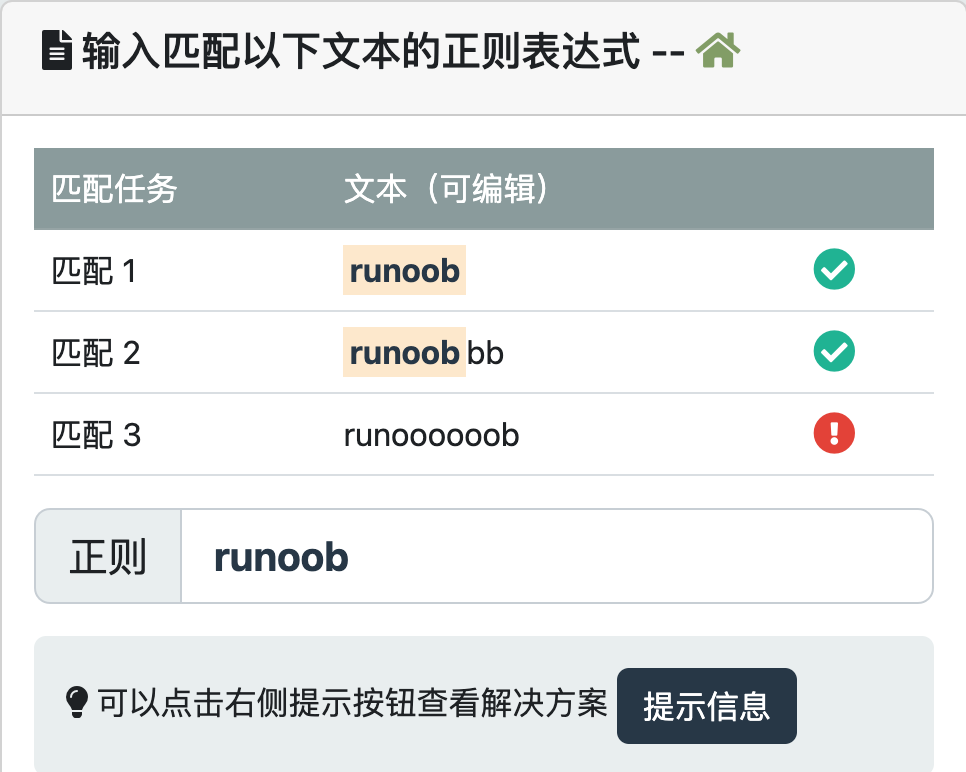
Using Metacharacters
.Matching any character:.Means to match any single character, for example matching "cat" or "cbt":/c.t/。 Try it »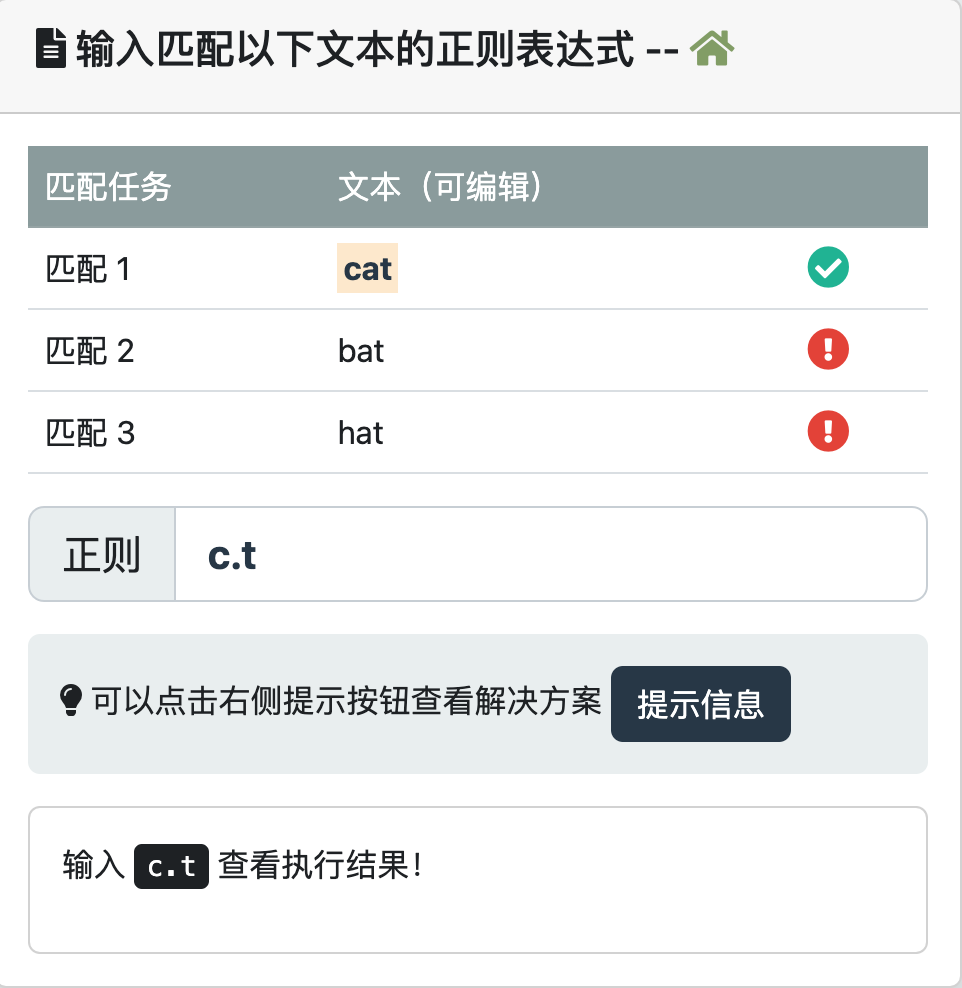
Matching Character Sets
Using character sets to match: Use square brackets
[]Represents a character set, matching any character within the set, for example matching "cat", "bat", or "hat":/[cbh]at/。Try it »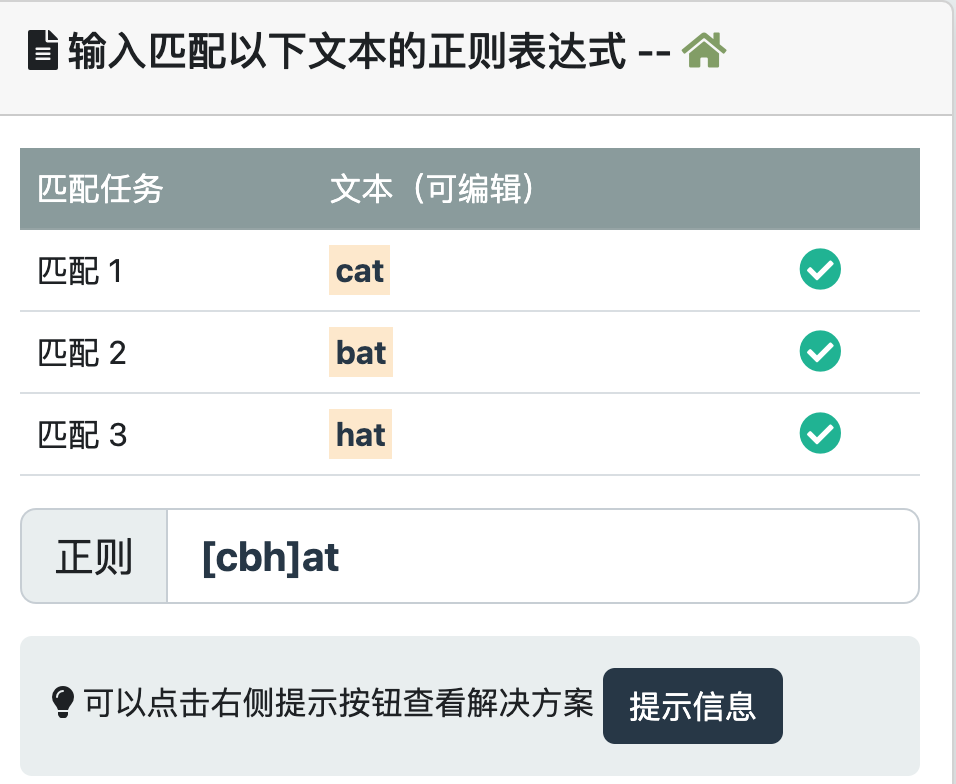
Using Hyphens
-Representing character ranges: Use hyphens within character sets-Means to match a character range, for example matching lowercase letters from "a" to "z":/[a-z]/。Try it »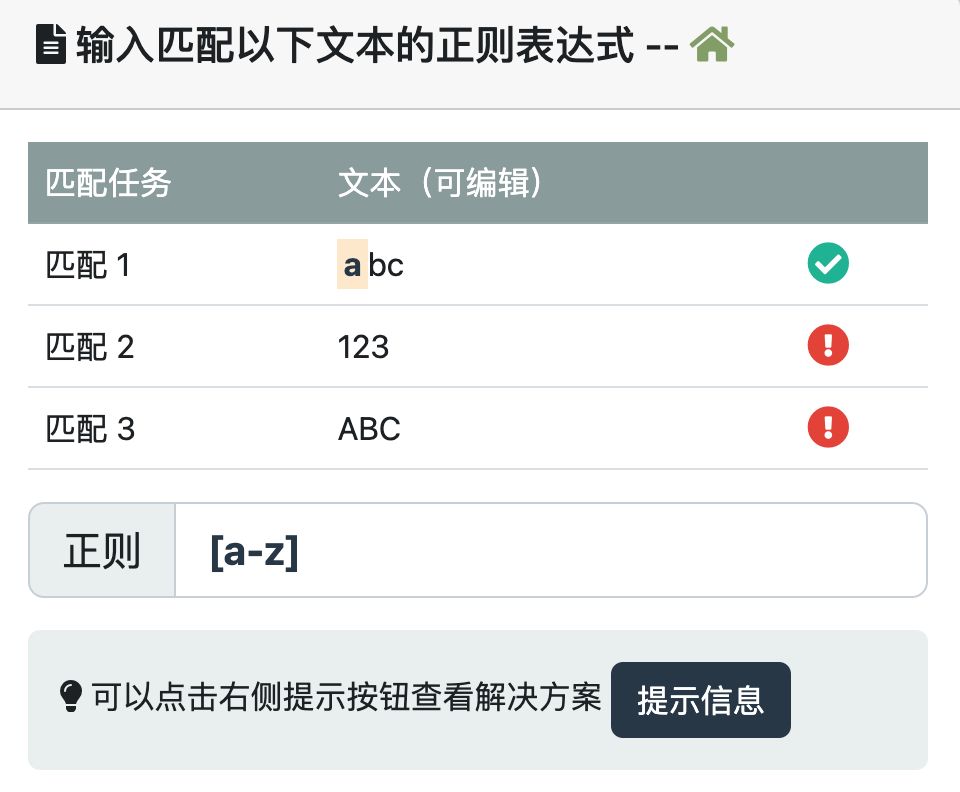
Matching Repetition and Quantities
Use
*Match zero or more:*Means to match the preceding pattern zero or more times, for example matching "caat", "ct", or "cat":/ca*t/。Try it »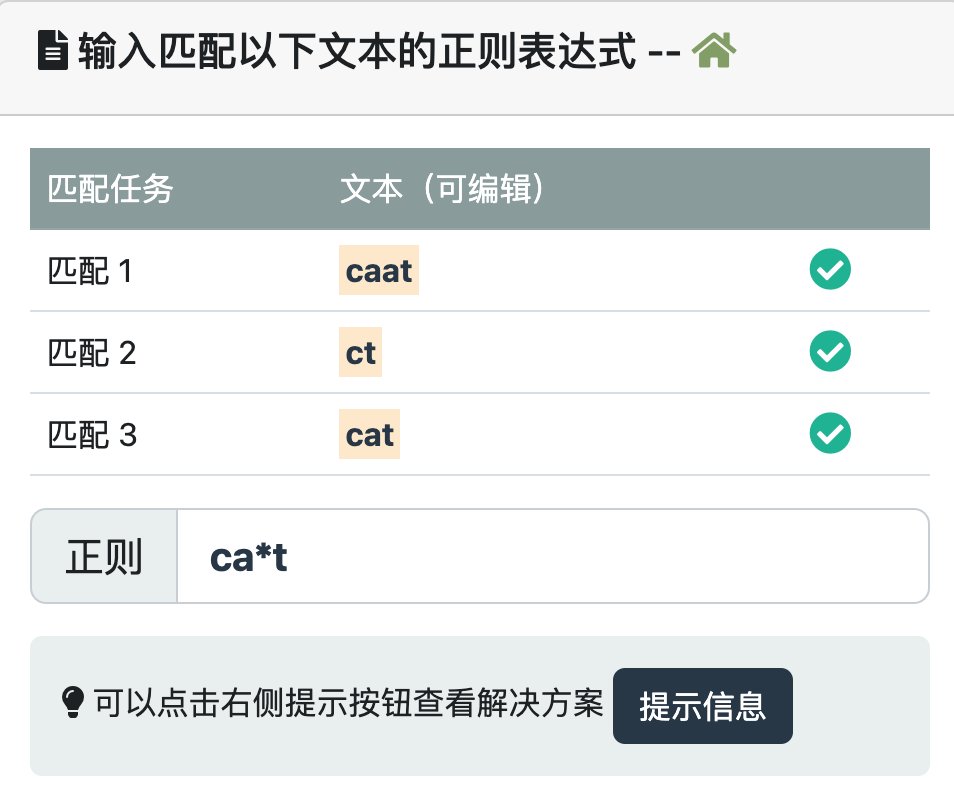
Use
+Match one or more:+Means to match the preceding pattern at least once or multiple times, for example matching "cat", "caat", "caaat", etc.:/ca+t/。Try it »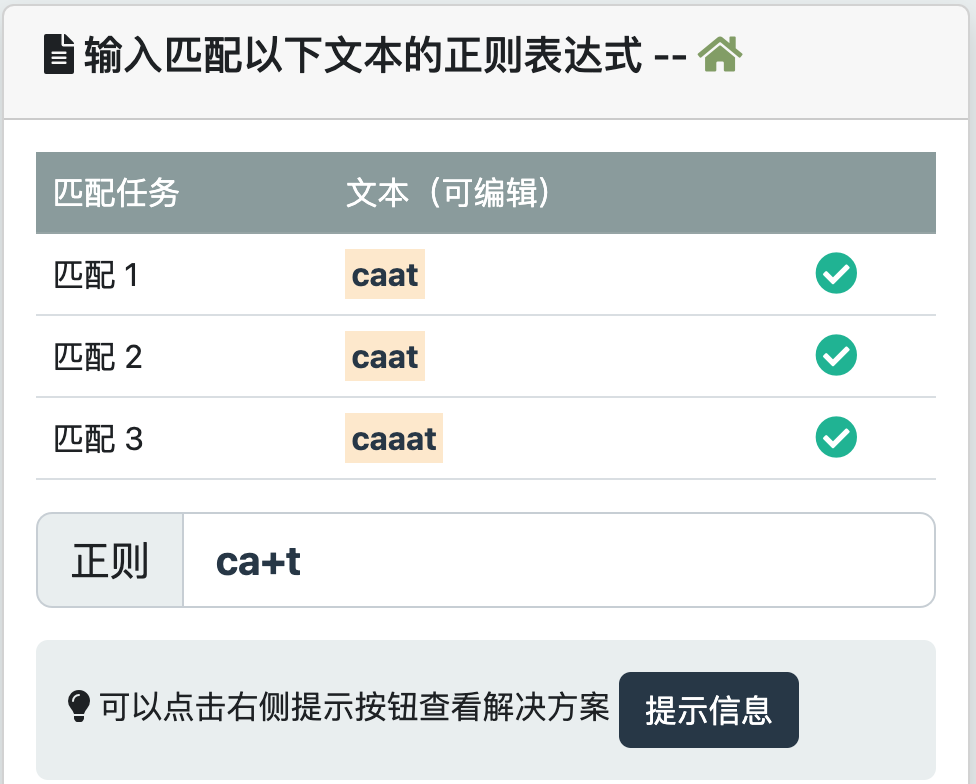
Use
?Match zero or one:?Means to match the preceding pattern zero or one time, for example matching "ct" or "cat":/ca?t/。Try it »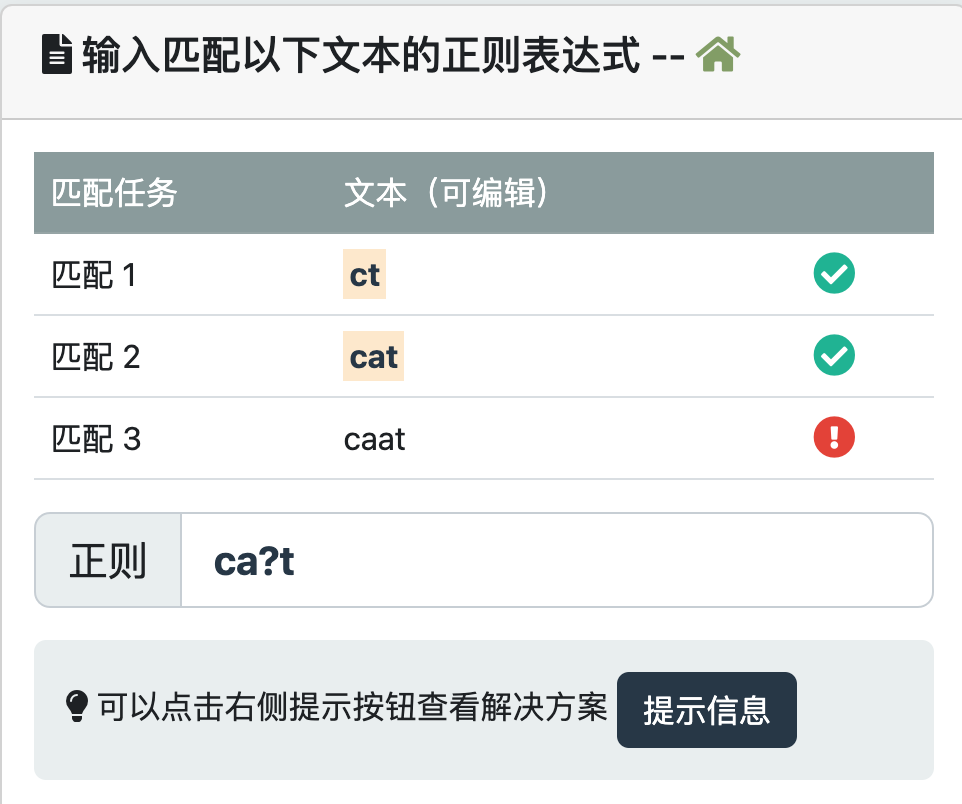
Using Curly Braces
{n}Match a fixed quantity: Use curly braces{n}Means to match the preceding pattern exactly n times, for example matching "caat", "caat123", or "caataaa":/ca{2}t/。Try it »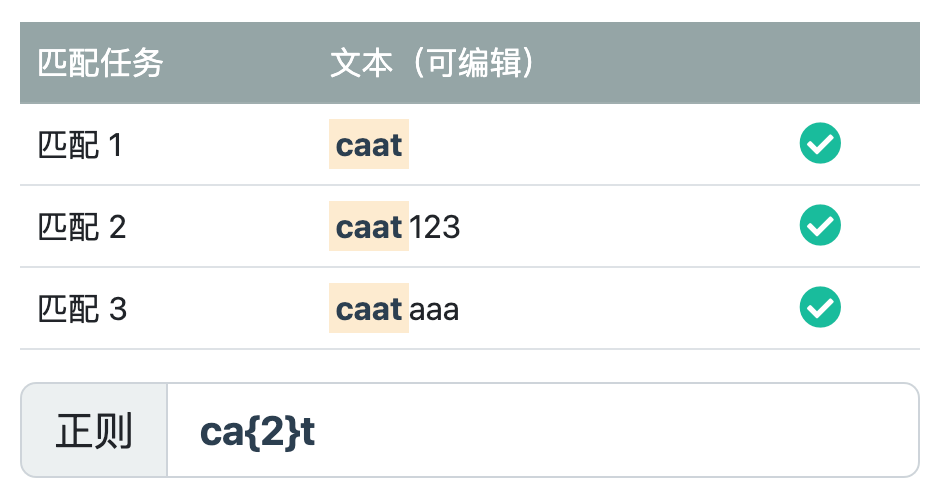
Using Special Characters and Escaping
Escaping special characters: Use a backslash
\to escape special characters, for example matching "2+2=4":/2\+2=4/。Try it »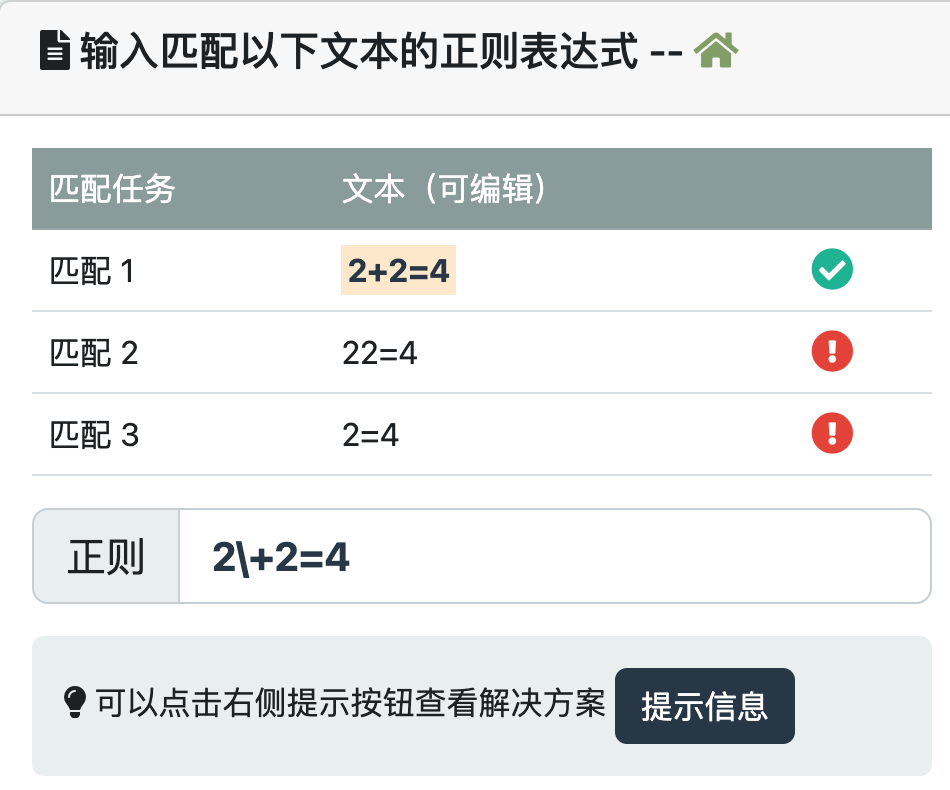
Matching boundaries and positions: Use special characters
^and$to represent the beginning and end of a line respectively, for example matching a string that starts with "hello":/^hello/。Try it »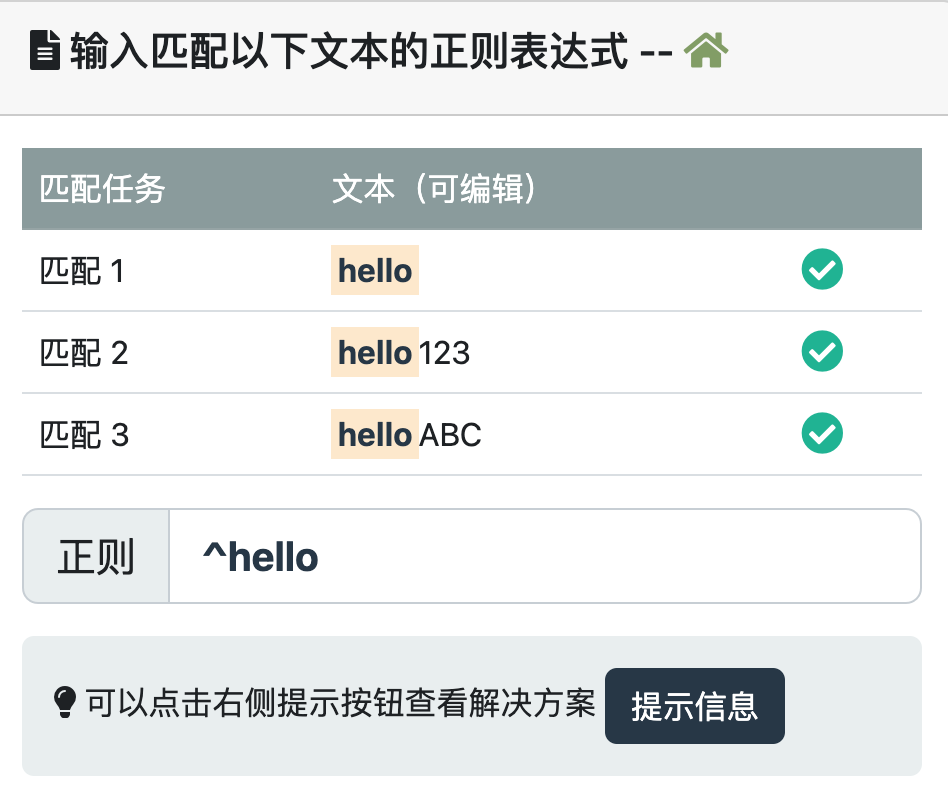
Using Capture Groups
Use parentheses
()Creating capture groups: Use parentheses()to combine a part of a regular expression pattern into a capture group, allowing extraction or grouping of matched content, for example extracting the year from a date:/(\d{4})-\d{2}-\d{2}/。Try it »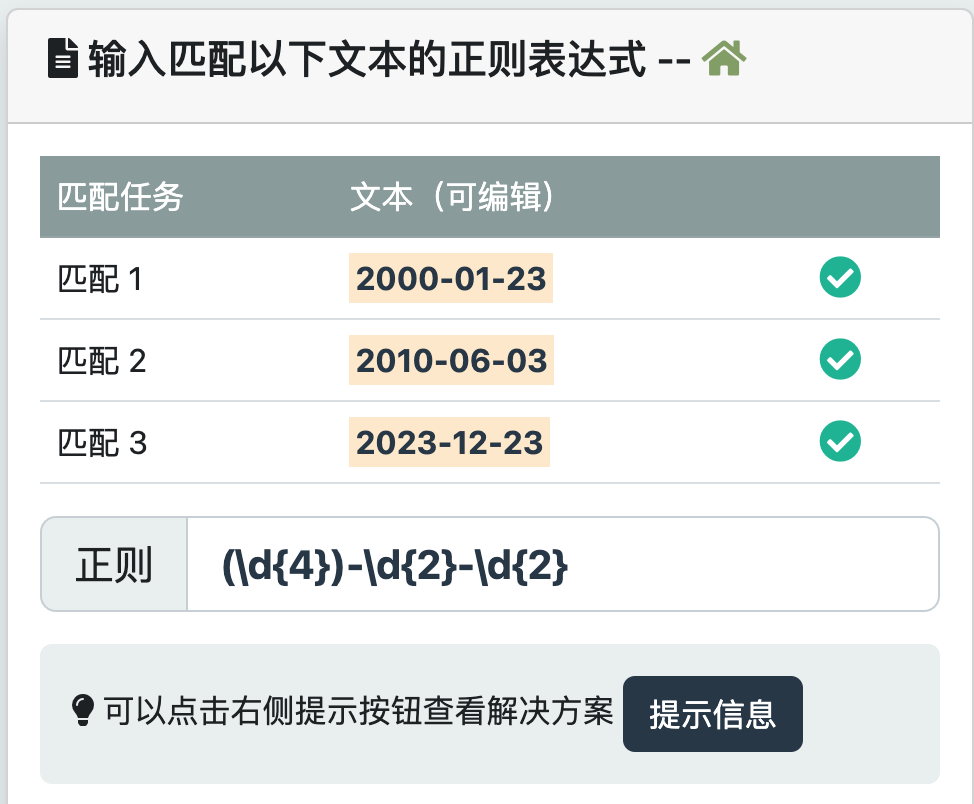
Using Character Escaping
Use a backslash
\to escape special characters: For special characters in regular expressions, such as*、+、?etc., use a backslash\to escape them, for example matching a string containing a literal asterisk:/\*/。Try it »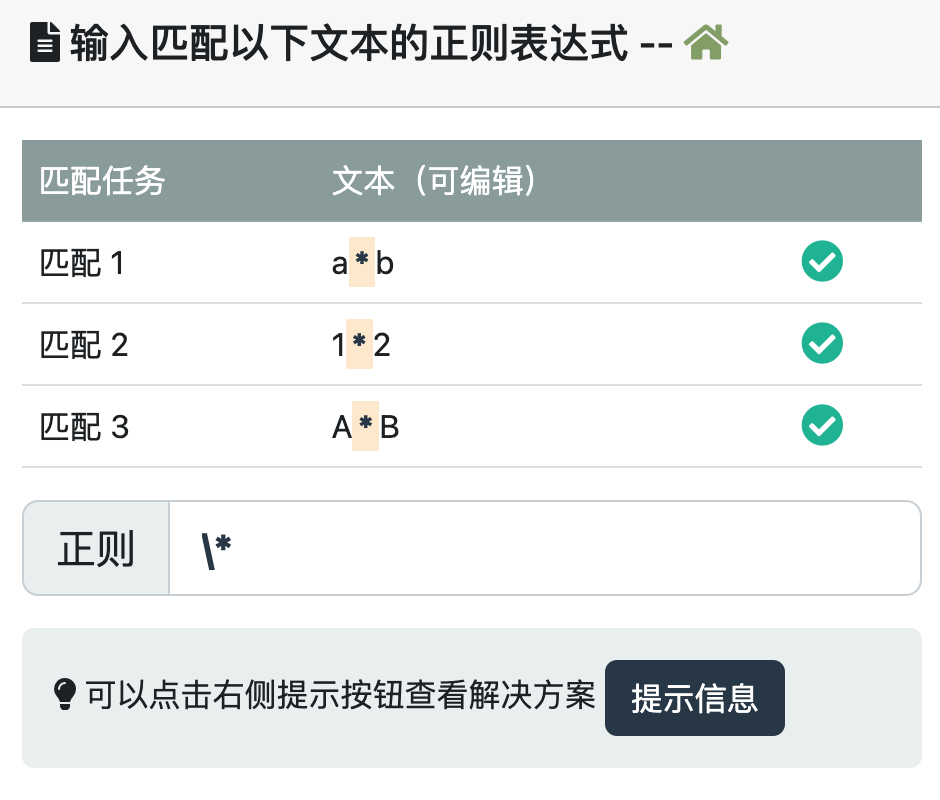
Using Character Classes
Using predefined character classes: Regular expressions provide some predefined character classes, such as
\dmatches any digit character,\wmatches any letter, digit, or underscore character,\smatches any whitespace character, etc.Try it »
Using Logical Operators
Use
|to perform logical OR operation:|Used to represent the logical OR operation, it can match any one of multiple patterns, for example matching "cat" or "dog":/(cat|dog)/。Try it »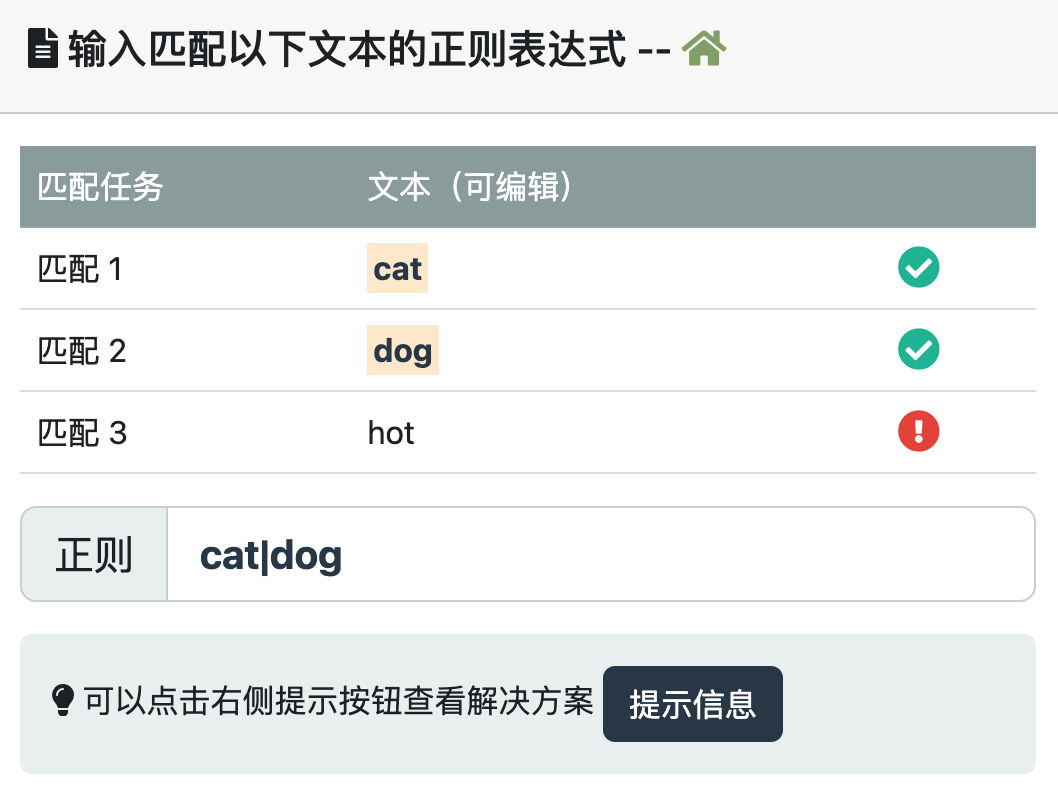
Using Backreferences
Use
\nto perform backreferences: In regular expressions,\ncan be used to reference content matched by a previous capture group, for example matching repeated words:/\b(\w+)\b\s+\1\b/。Try it »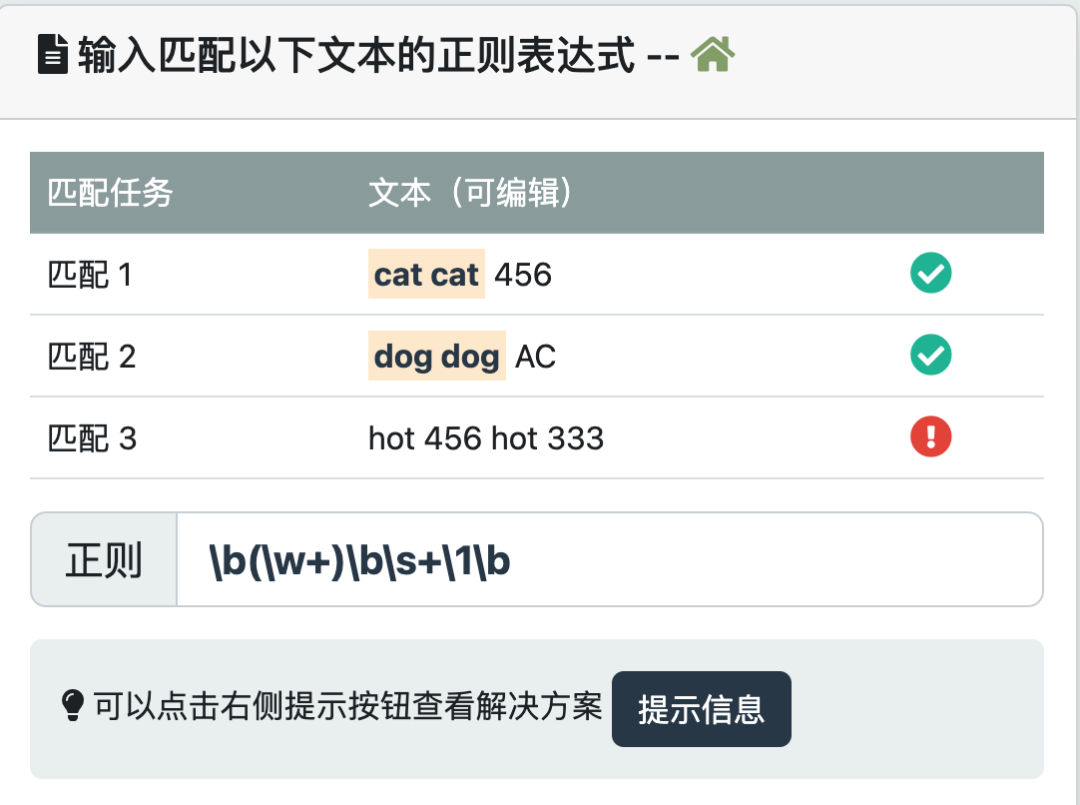
Using Modifiers
Using modifiers to change matching behavior: Regular expressions support some modifiers, such as
iused for case-insensitive matching,gused for global matching,mused for multi-line matching, etc.