Jupyter Notebook Chinese Settings
By default, the Jupyter Notebook interface is in English. As can be seen from the settings menu, only English is supported.
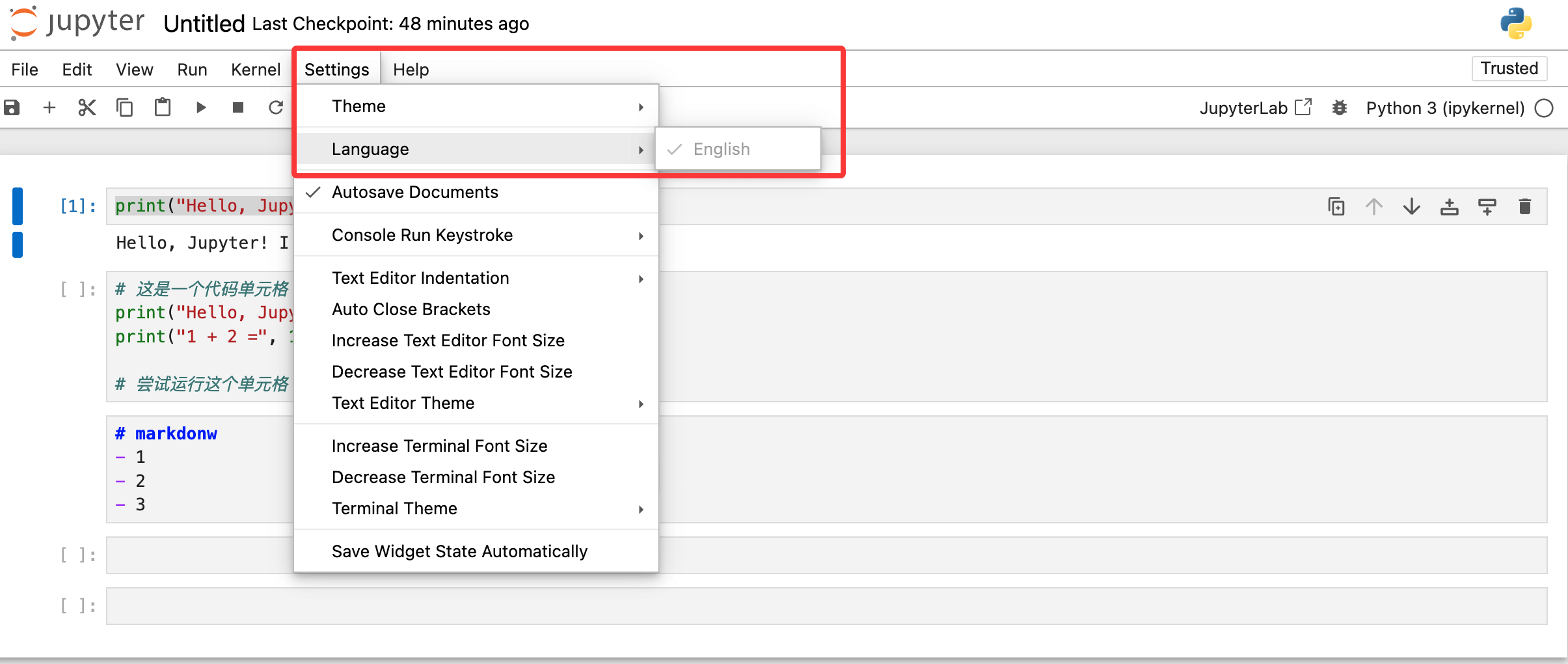
We can change the Jupyter Notebook interface to Chinese by installing the official Jupyter Chinese language pack, without changing the browser language. The steps are as follows:
1. Open the command prompt (Windows) or terminal (macOS/Linux), and enter the following command to install the Chinese language pack:
pip install jupyterlab-language-pack-zh-CN
If using a Python3 environment (common on macOS/Linux), enter:
pip3 install jupyterlab-language-pack-zh-CN
2. After installation, start Jupyter Notebook and enter any Notebook editing interface.
jupyter notebook
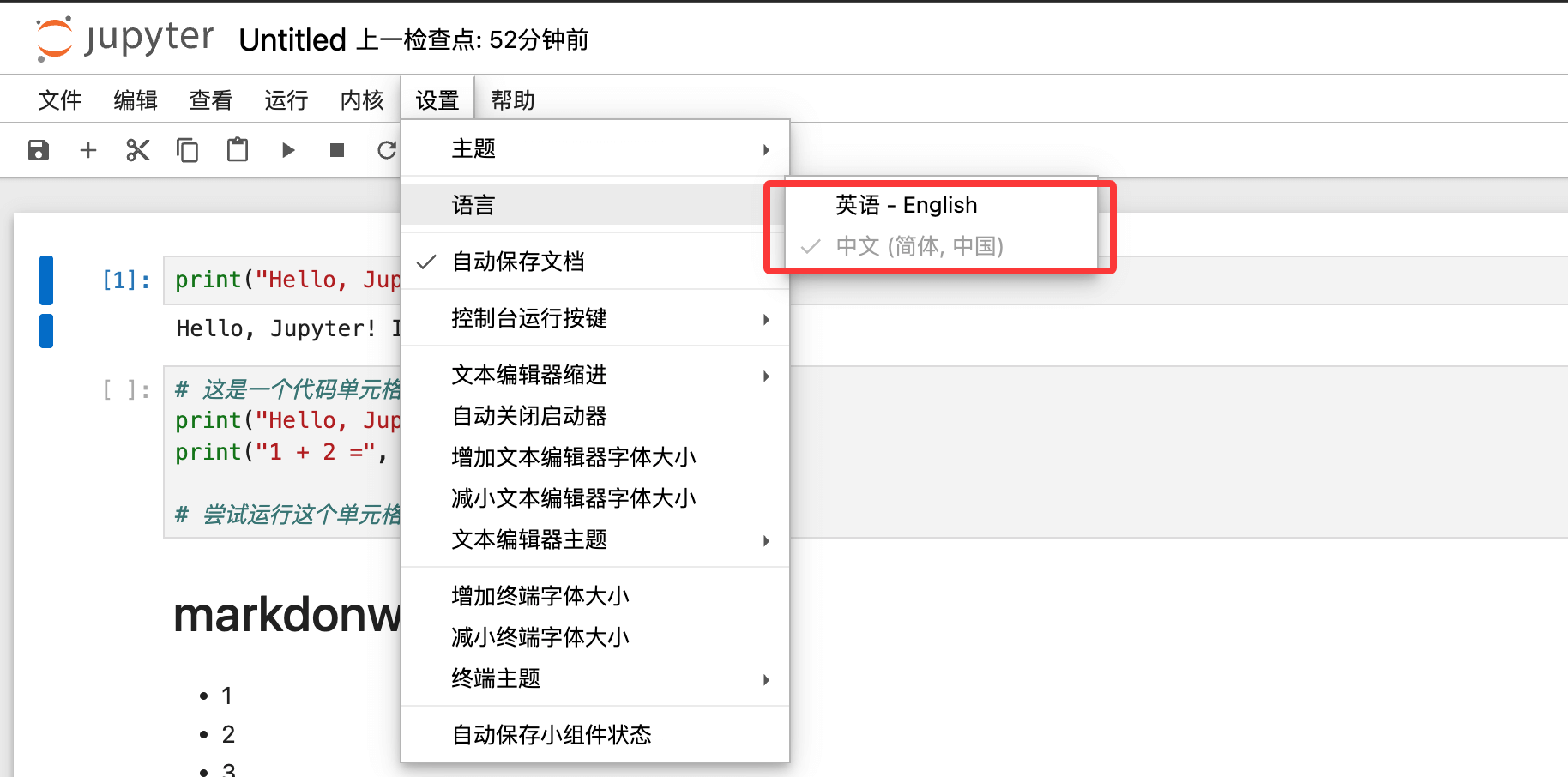
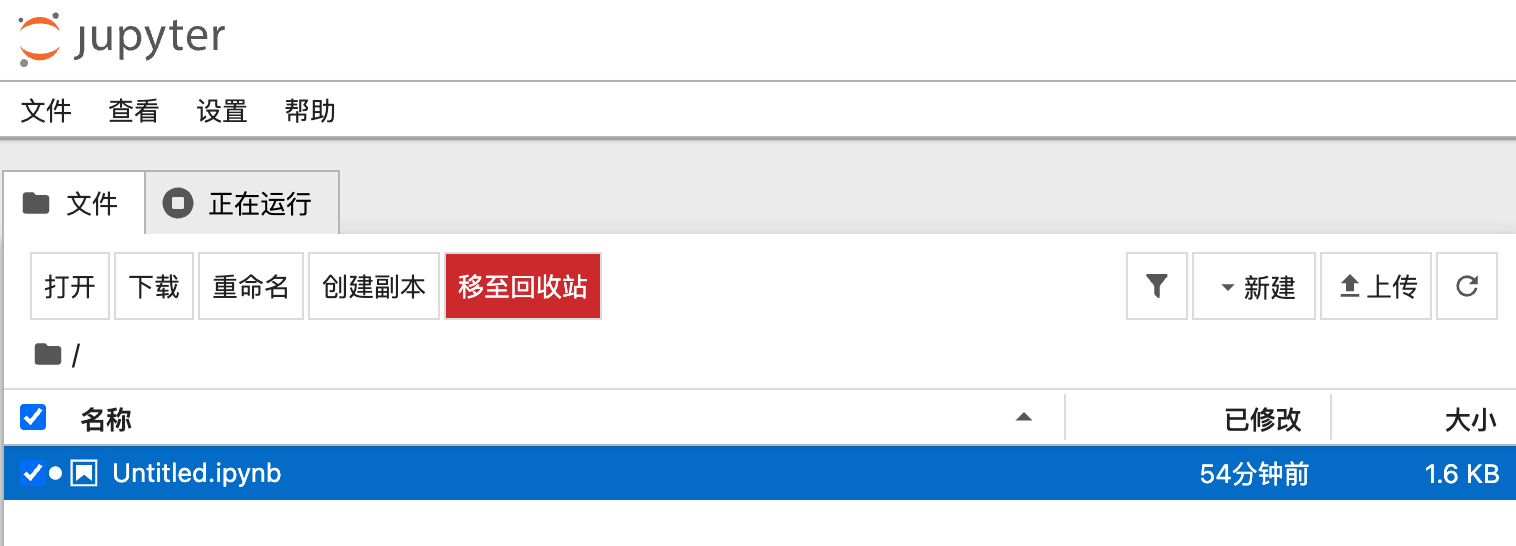
At this point, the interface you start will already be in Chinese:
3. Click "Settings" in the menu bar → select "Language" → click "Chinese (Simplified)" to switch to the Chinese interface in real time.