Claude Code in Practice
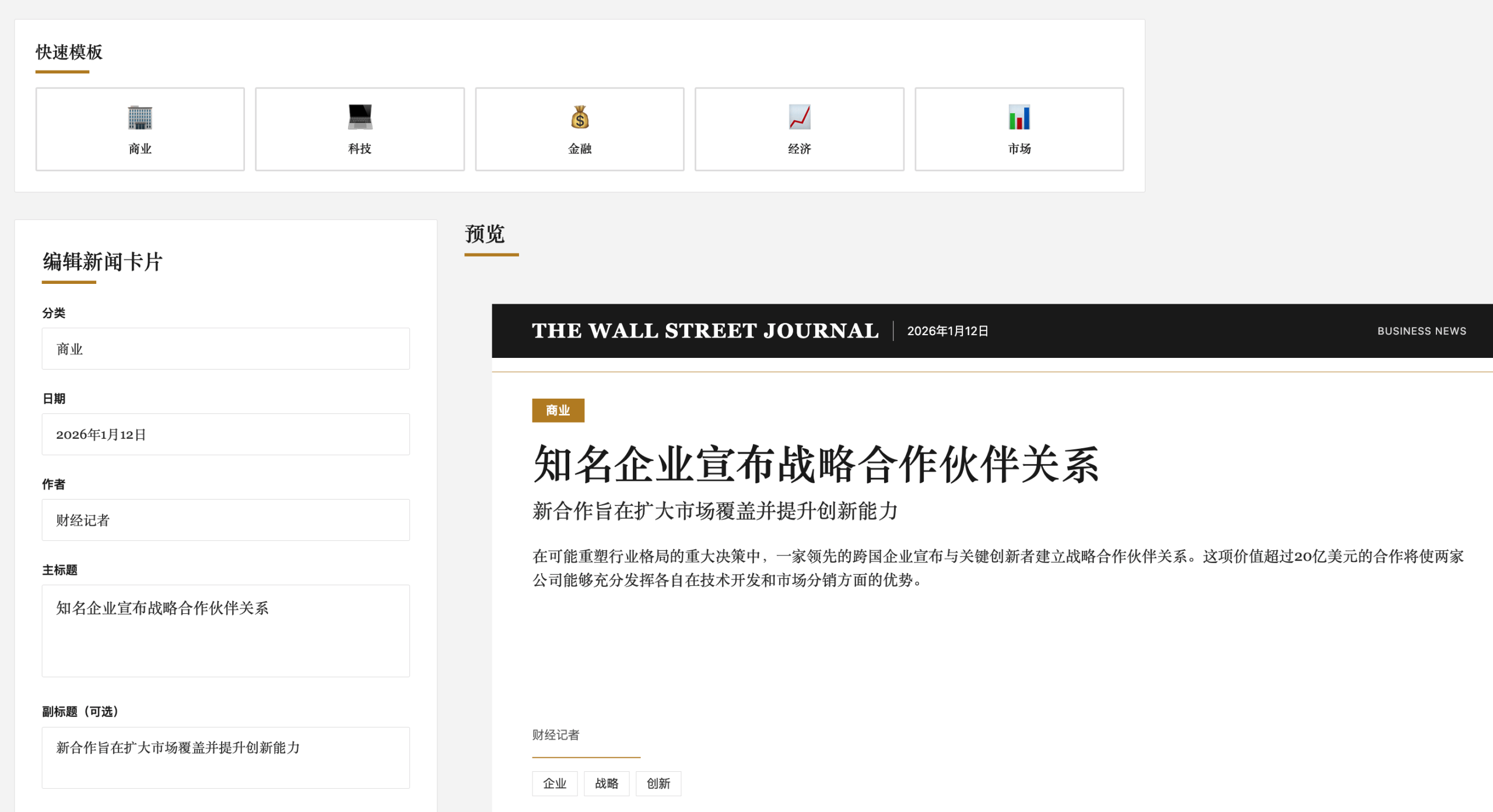
In this chapter, we will introduce how to use Claude Code to develop a Wall Street Journal-style news card application through our descriptive prompts.
Throughout the process, we avoid writing a single line of code, using our natural language descriptions to let AI complete the entire project for us.
Objective: Create a Wall Street Journal-style news card generator using React + Tailwind CSS
Features:
- Classic WSJ design style (serif fonts, clean typography)
- News card generation (title, summary, author, time)
- Support for image upload and preview
- Export as image feature
- Responsive design
- Real-time preview editing
Tech Stack:
- React 18
- Tailwind CSS 3
- Vite (Build Tool)
- html2canvas (Export Images)
Complete Development Process
Phase 1: Project Initialization)
Step 1: Create Project Structure
Open the terminal and start Claude Code:
cd ~/projects
claude
Enter the following in Claude Code:
我要创建一个新的 React 项目,使用 Vite 作为构建工具
项目名称:wsj-news-card-generator
要求:
1. 使用 Vite 创建 React 项目
2. 集成 Tailwind CSS
3. 添加必要的依赖:html2canvas(用于导出图片)
4. 创建清晰的文件夹结构

请给我完整的命令行步骤
Claude will return content similar to the following:
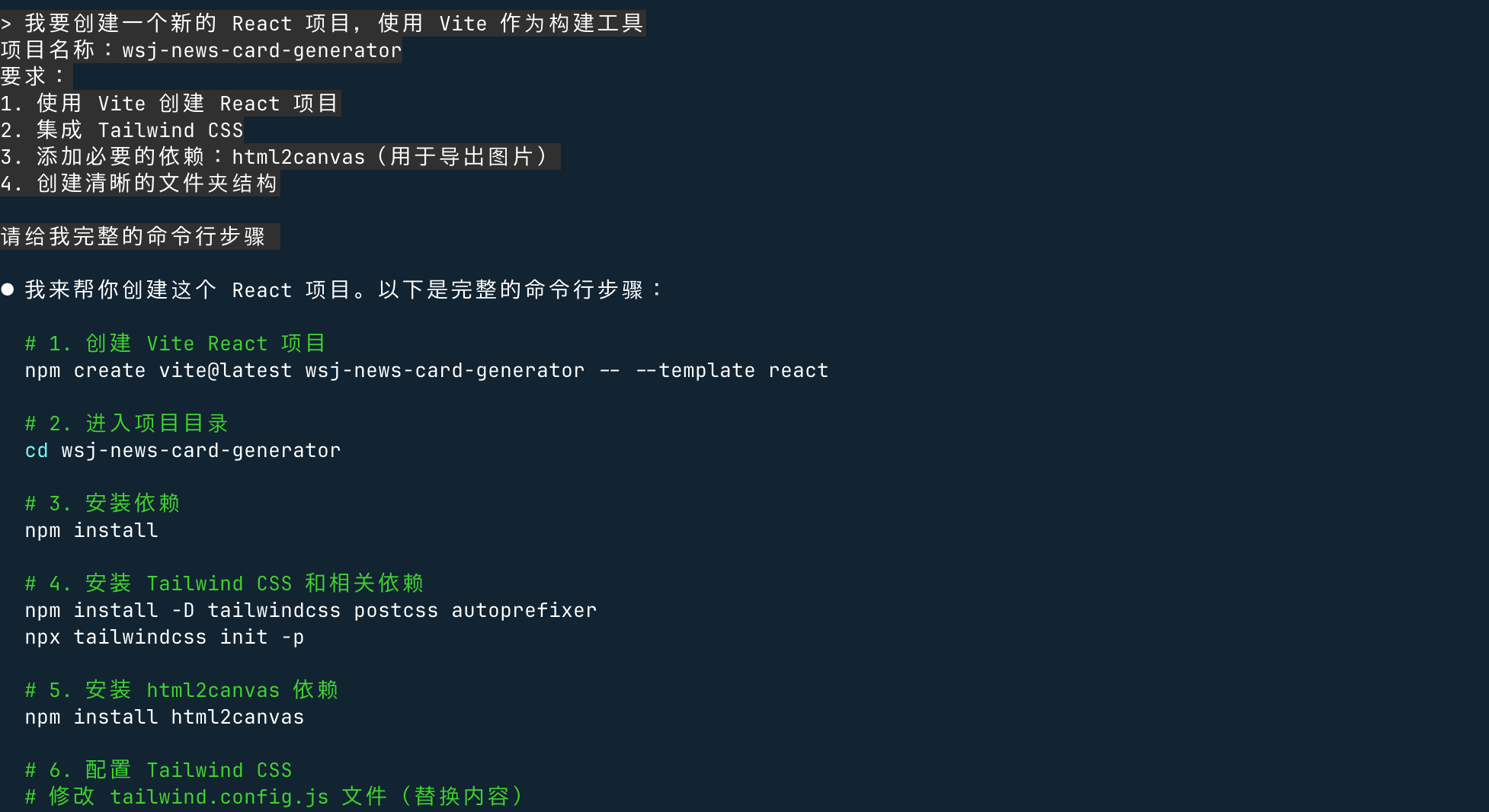
Claude Code provides complete operation steps. We can complete the project creation according to its content, then create files step by step and slowly adjust.
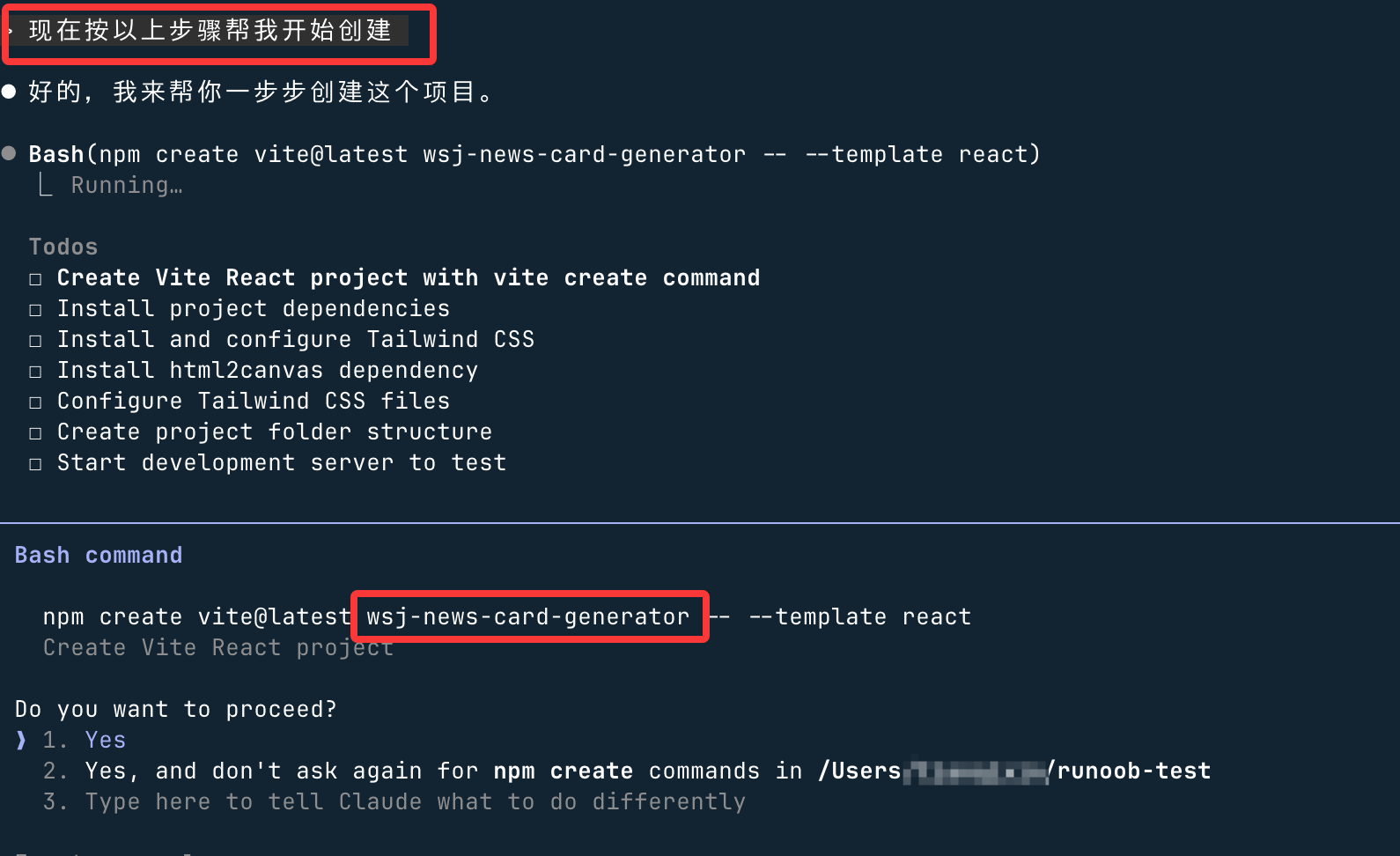
Alternatively, you can configure it in the prompt settings to create automatically, making sure it has executable permissions.
During the automatic creation process, there are some prompts. Selectyes, and press Enter:
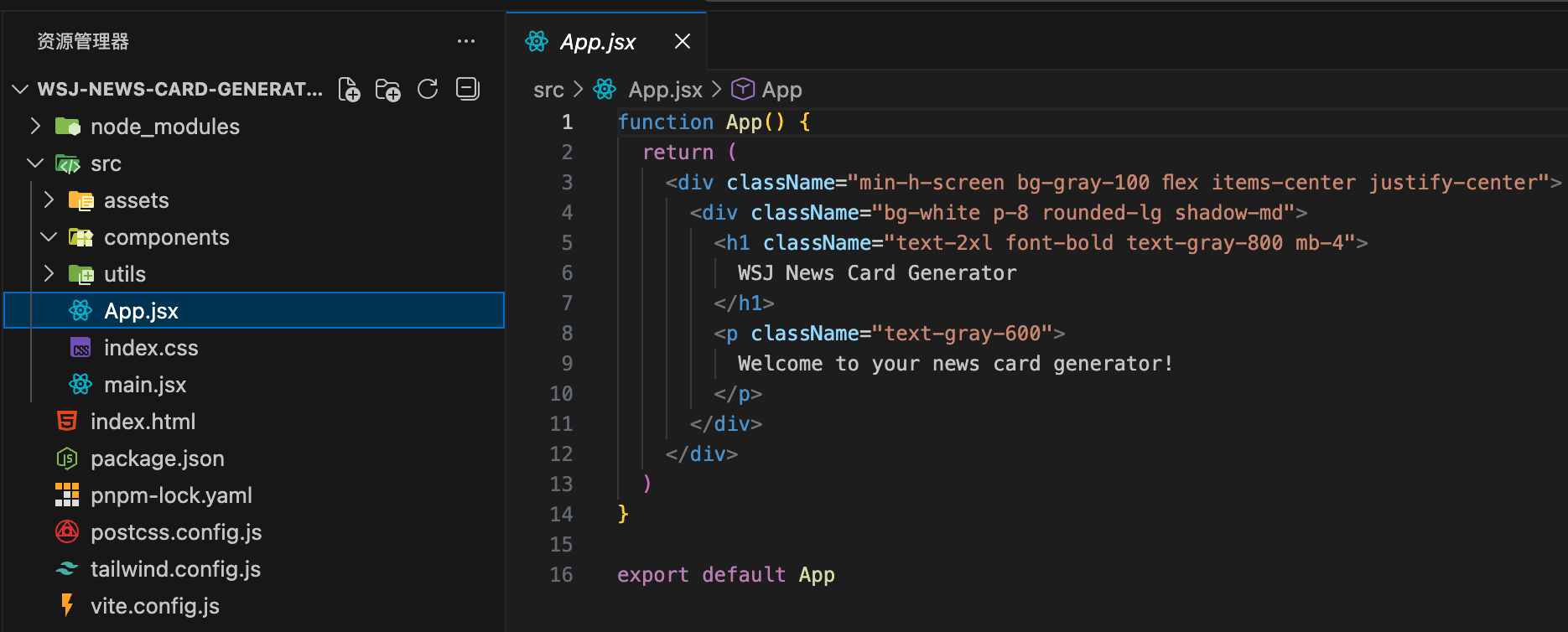
After completion, a complete project structure is generated, as shown below:
Then, continue in Claude Code:
现在帮我配置 Tailwind CSS
修改 tailwind.config.js,添加自定义配置:
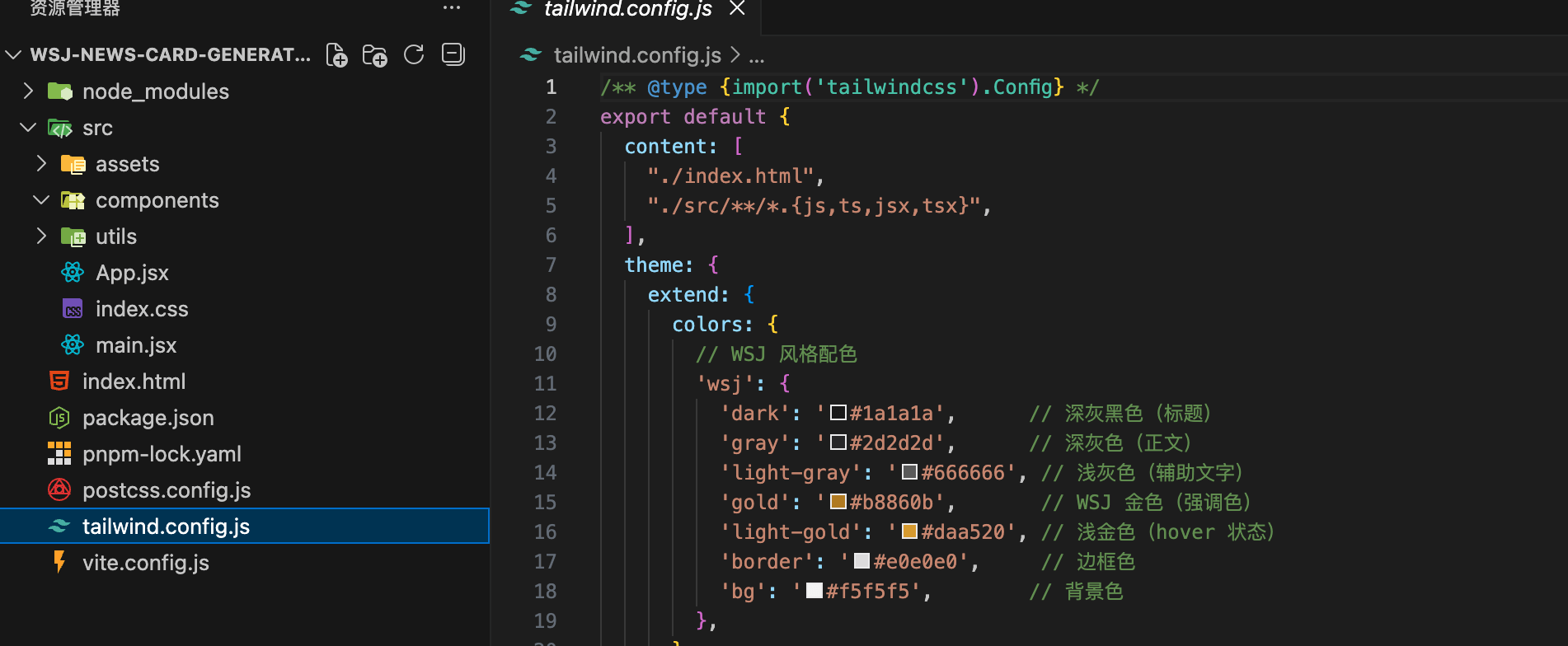
1. 添加 WSJ 风格的颜色(深灰色文字、金色强调色)
2. 添加衬线字体(Playfair Display, Merriweather)
3. 扩展阴影效果
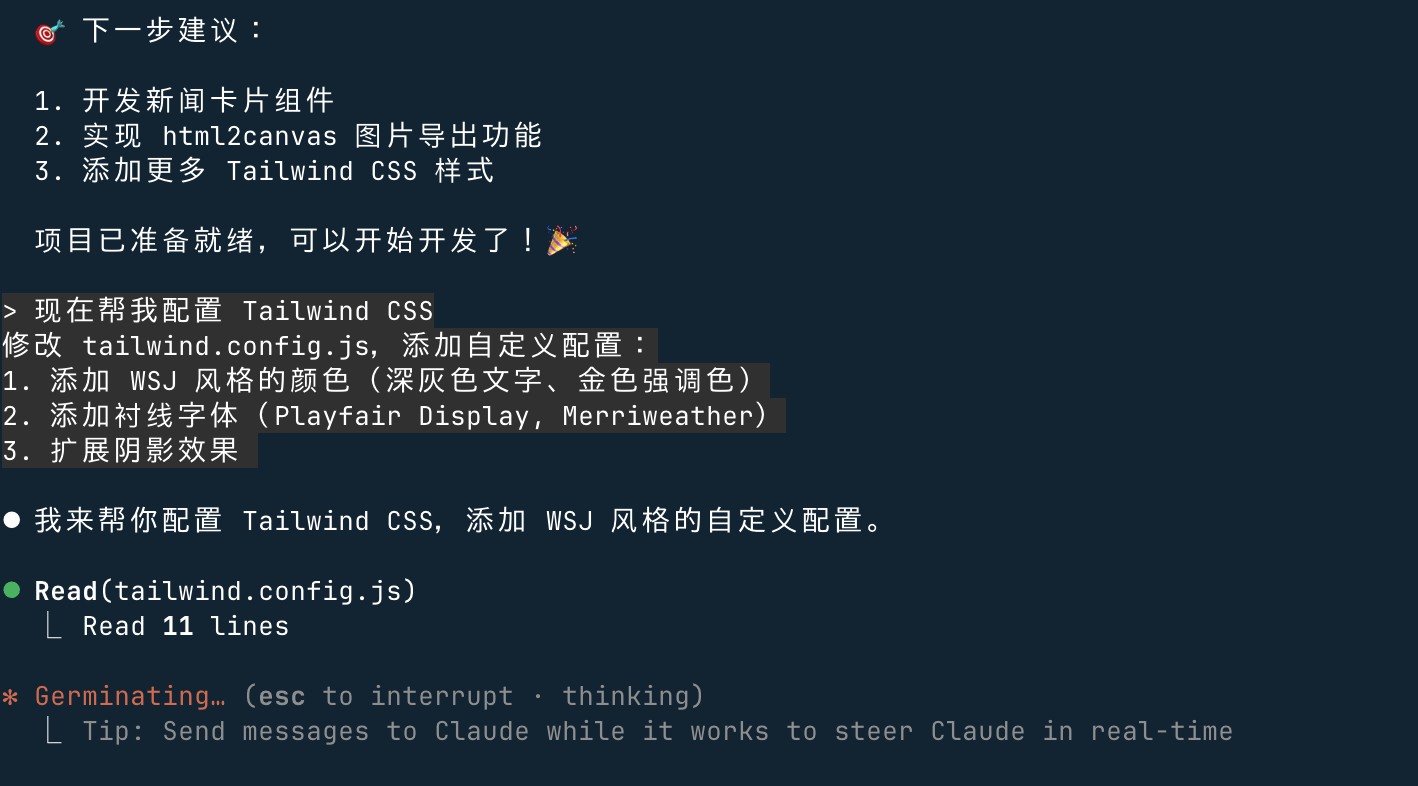
Claude will generate tailwind.config.js:
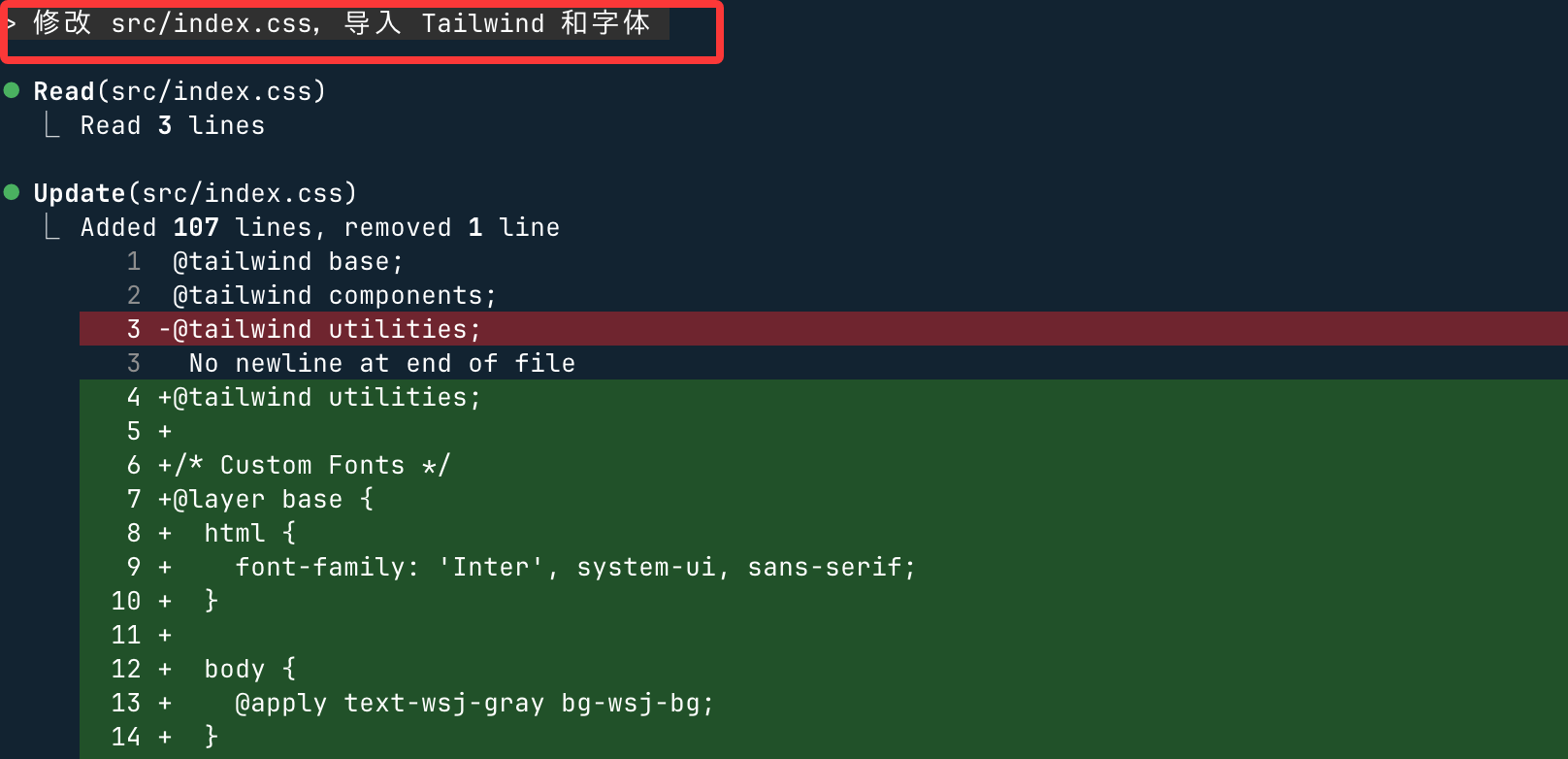
Continue configuring CSS:
修改 src/index.css,导入 Tailwind 和字体
Phase 2: Creating Core Components
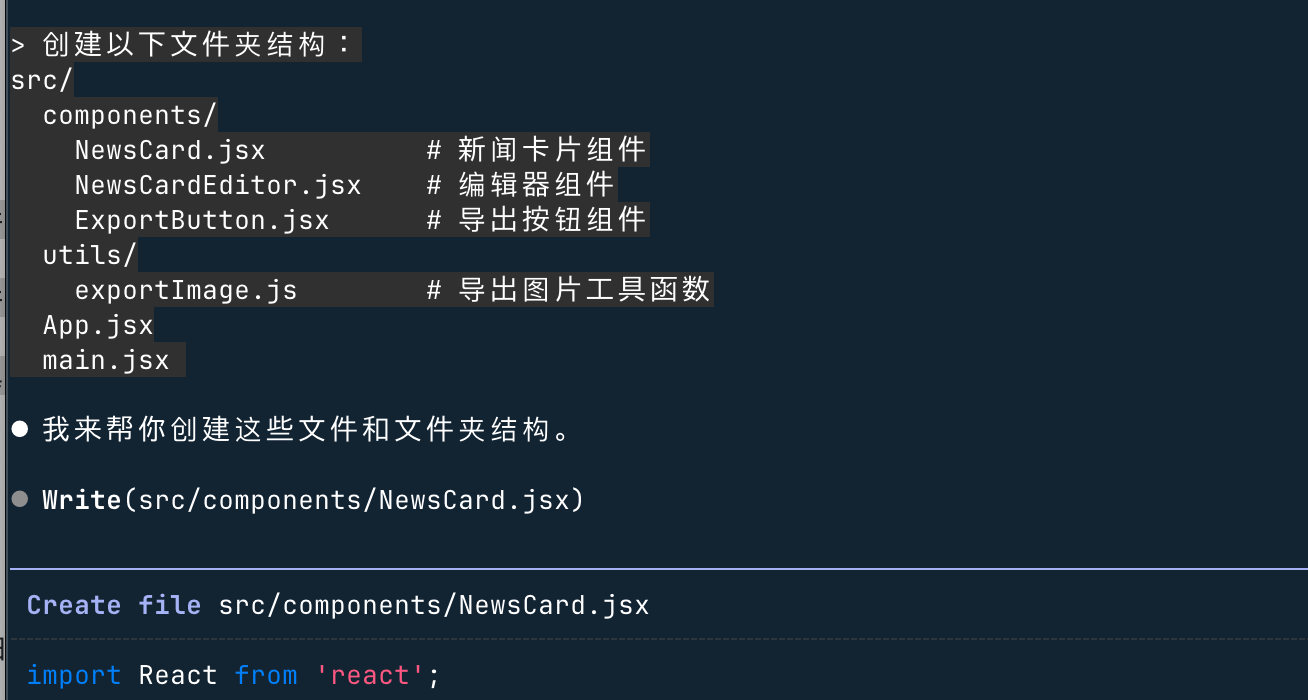
Step 2: Create Project File Structure
创建以下文件夹结构:
src/
  components/
    NewsCard.jsx          # 新闻卡片组件
    NewsCardEditor.jsx    # 编辑器组件
    ExportButton.jsx      # 导出按钮组件
  utils/
    exportImage.js        # 导出图片工具函数
  App.jsx
  main.jsx
During execution, all the way throughyes:
Step 3: Develop NewsCard Component
创建 src/components/NewsCard.jsx
要求:
1. 华尔街日报经典风格的新闻卡片
2. 包含:大标题、副标题、正文摘要、作者、日期、分类标签
3. 可选的特色图片(如果提供)
4. 使用 Tailwind 类名,体现 WSJ 的排版美学
5. 添加金色装饰线条
6. 卡片尺寸:适合社交媒体分享(1200x630px)
During execution, all the way throughyes:
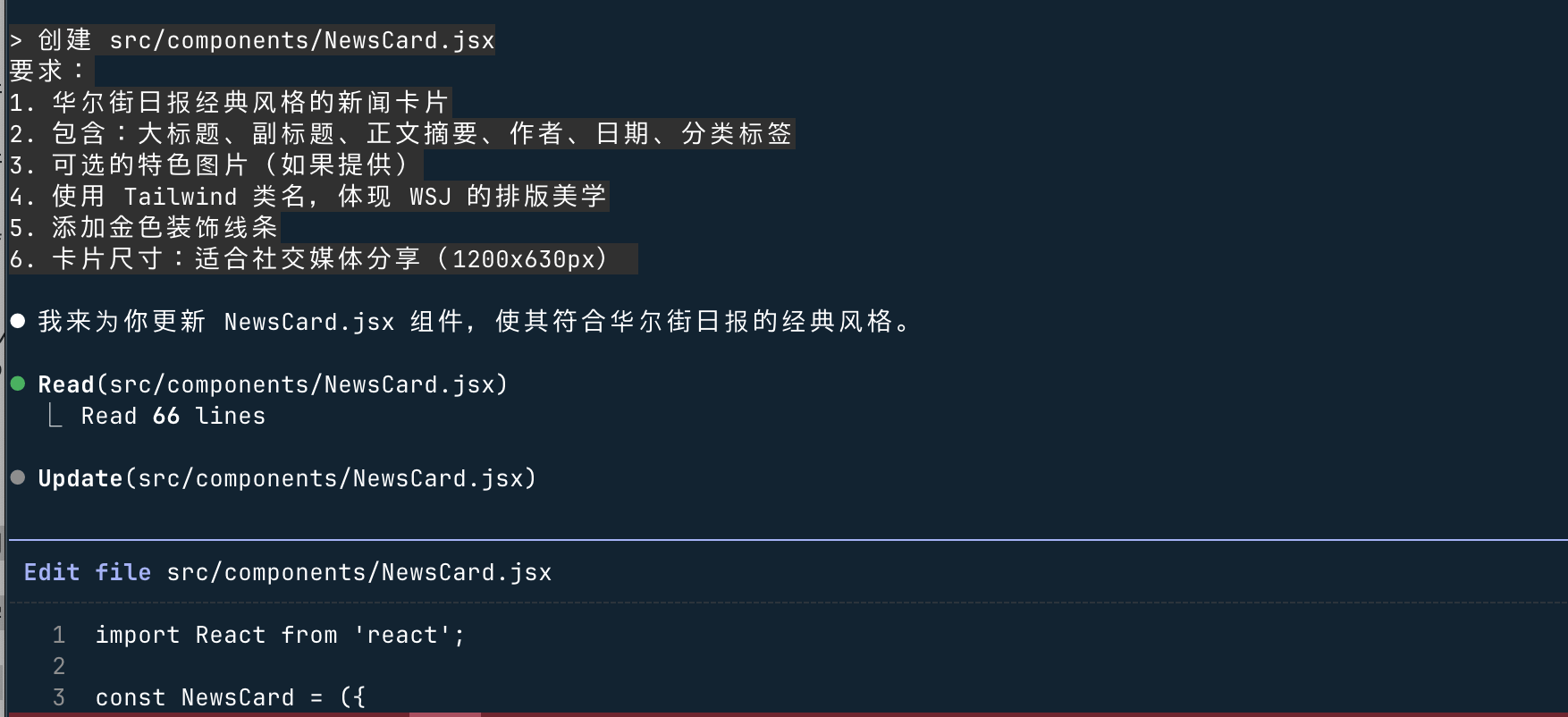
Claude generates NewsCard.jsx:
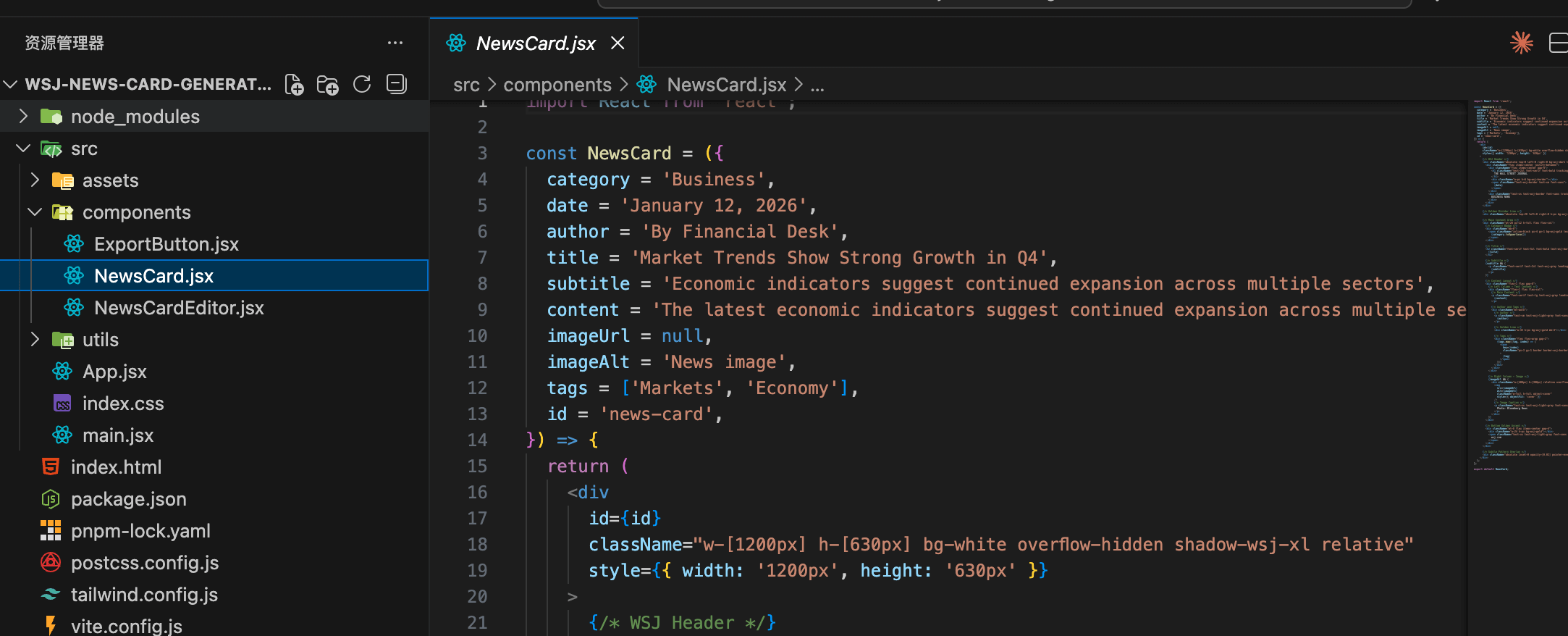
Step 4: Create Editor Component
创建 src/components/NewsCardEditor.jsx
要求:
1. 左侧是表单编辑区域
2. 右侧是实时预览区域
3. 表单包含:分类、标题、副标题、摘要、作者、日期、图片上传
4. 使用受控组件
5. 图片上传支持拖拽和点击
6. 优雅的表单设计,符合 WSJ 风格
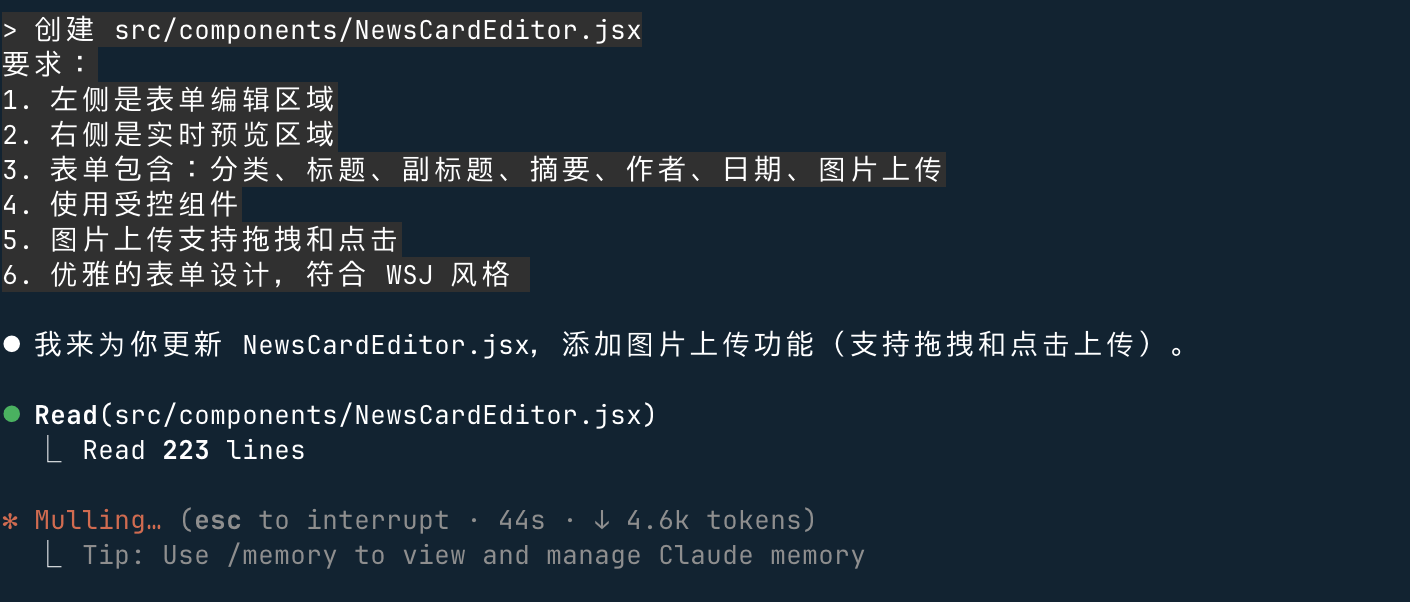
Step 5: Create Export Function
创建 src/components/ExportButton.jsx
要求:
1. 使用 html2canvas 导出卡片为 PNG
2. 显示加载状态
3. 点击后自动下载
 4. 优雅的按钮设计
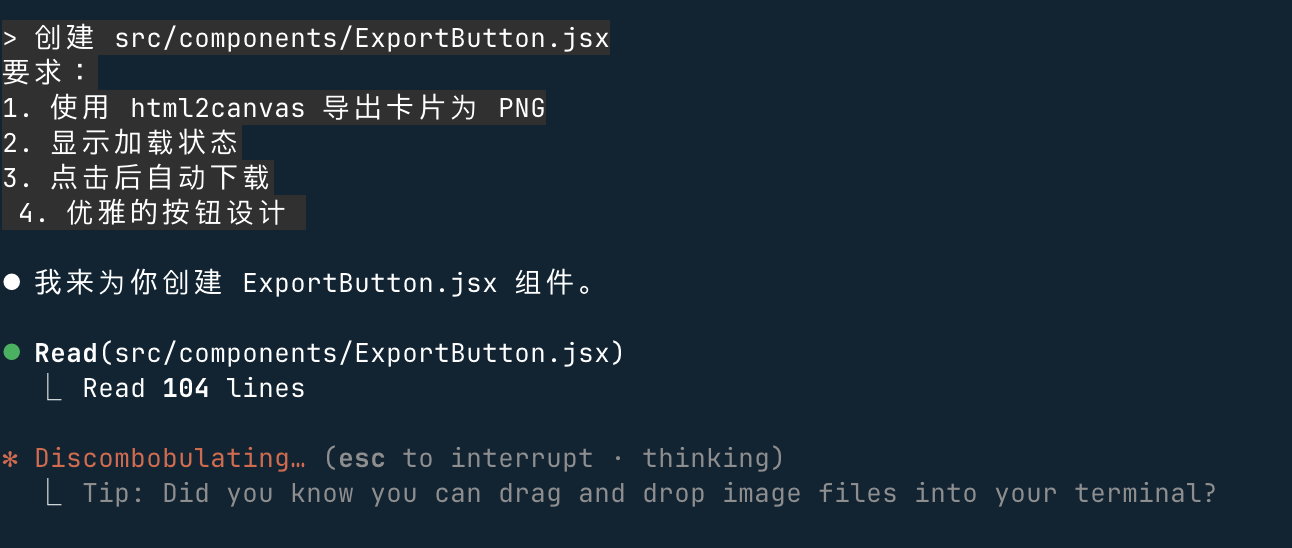
Phase 3: Optimization and Enhancement
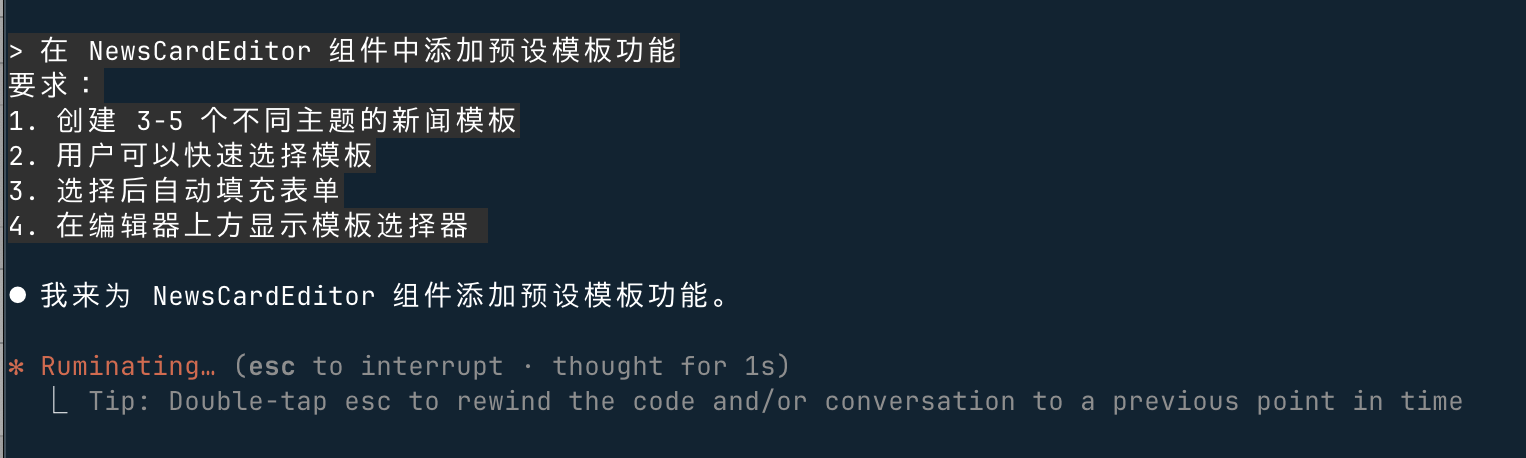
Step 7: Add Preset Template Feature
在 NewsCardEditor 组件中添加预设模板功能
要求:
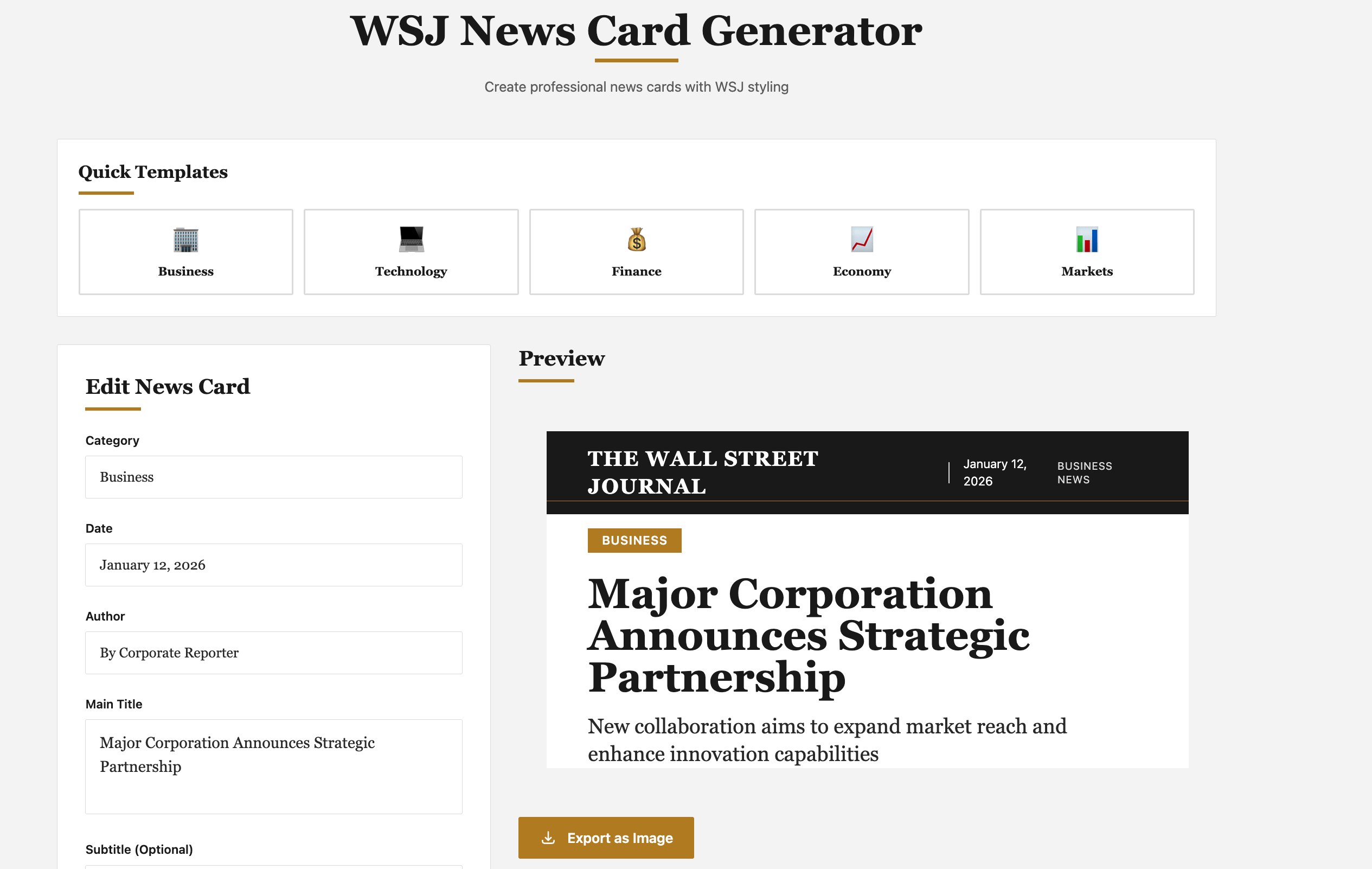
1. 创建 3-5 个不同主题的新闻模板
2. 用户可以快速选择模板
3. 选择后自动填充表单
4. 在编辑器上方显示模板选择器
Full Effect:
Have it change to content suitable for Chinese information
All descriptions changed to Chinese, suitable for generating news in Chinese.
Full Effect: