Linux Installation
The zookeeper download address is:https://zookeeper.apache.org/releases.html。
Choose a stable version. The release version used in this tutorial is 3.4.14. Download and install it.
Open the URLhttps://www.apache.org/dyn/closer.lua/zookeeper/zookeeper-3.4.14/zookeeper-3.4.14.tar.gz, and you will see the following interface:
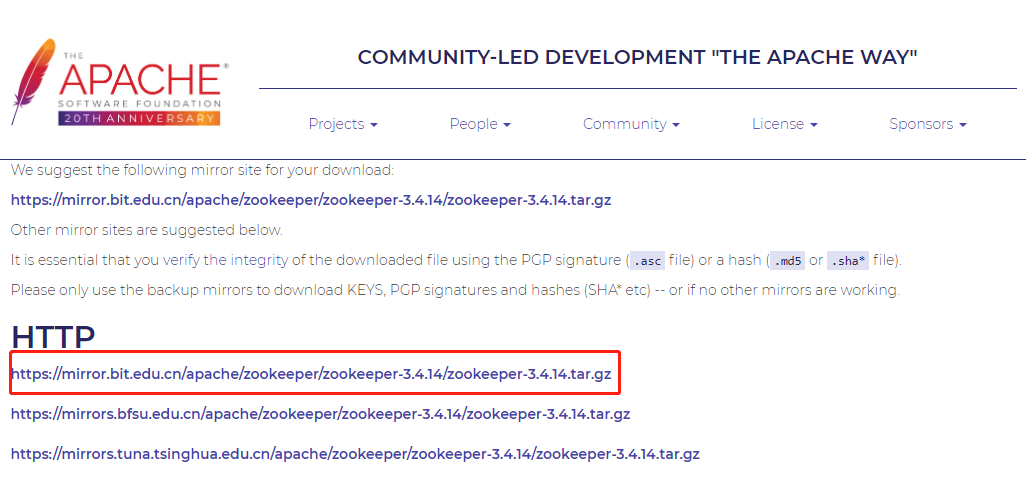
Zookeeper Download and Installation
$ tar -zxvf zookeeper-3.4.14.tar.gz
$ cd zookeeper-3.4.14
$ cd conf/
$ cp zoo_sample.cfg zoo.cfg
$ cd ..
$ cd bin/
$ sh zkServer.sh start
After execution, the server starts successfully:

View the server status (start a single-node instance):

Start the client:
$ sh zkCli.sh
Help commands:
ZooKeeper -server host:port cmd args
        stat path [watch]
        set path data [version]
        ls path [watch]
        delquota [-n|-b] path
        ls2 path [watch]
        setAcl path acl
        setquota -n|-b val path
        history
        redo cmdno
        printwatches on|off
        delete path [version]
        sync path
        listquota path
        rmr path
        get path [watch]
        create [-s] [-e] path data acl
        addauth scheme auth
        quit
        getAcl path
        close
        connect host:port
Windows Installation
The zookeeper download address is:https://zookeeper.apache.org/releases.html。
Select an address and click the version to download:
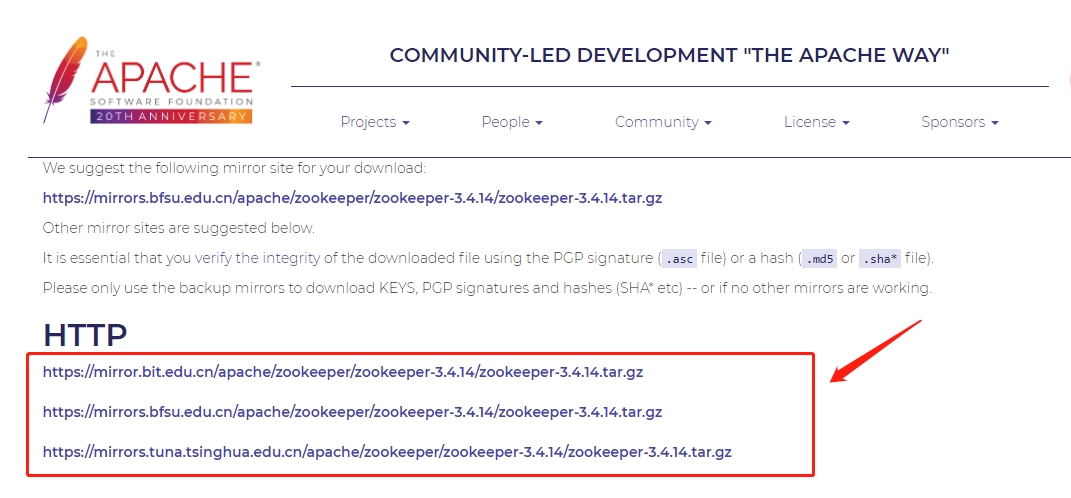
After downloading, extract:

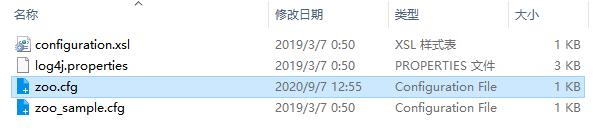
Copy the zoo_sample.cfg file in the conf directory, and rename it to zoo.cfg:
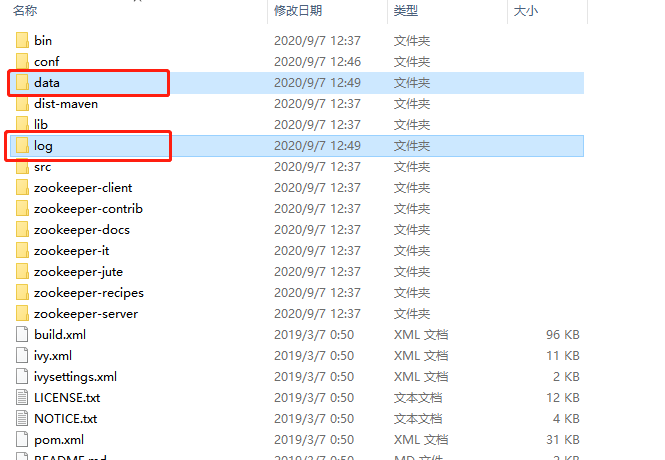
Create an empty data folder and log folder under the installation directory:
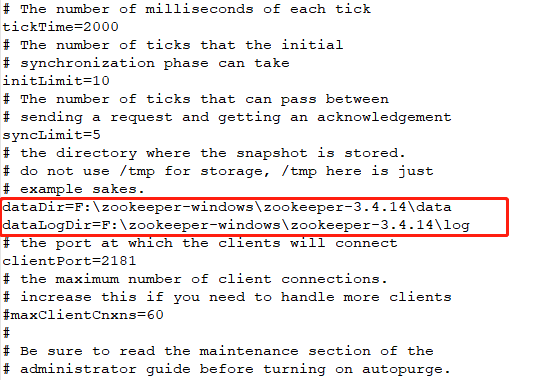
Modify the zoo.cfg configuration file, change dataDir=/tmp/zookeeper to the data folder in the zookeeper installation directory, and add a data log configuration (you need to modify it according to your own installation path).
Double-click zkServer.cmd to start the program:
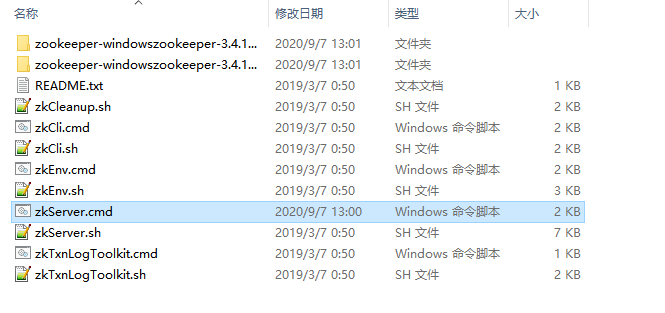
The console showsbind to port 0.0.0.0/0.0.0.0:2181, which means the server has started successfully!

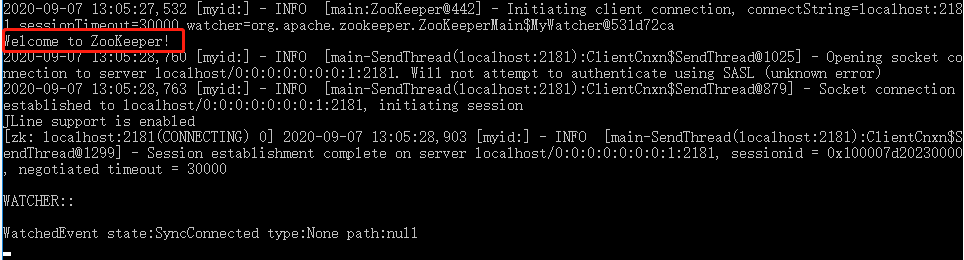
If "Welcome to Zookeeper!" appears, it means we have successfully started the client.