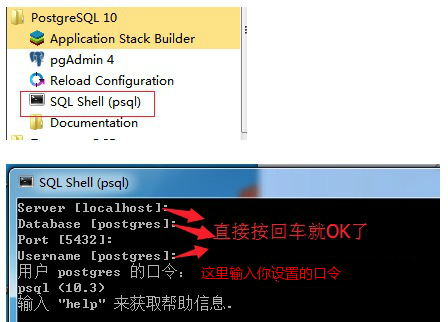
Install PostgreSQL on Windows
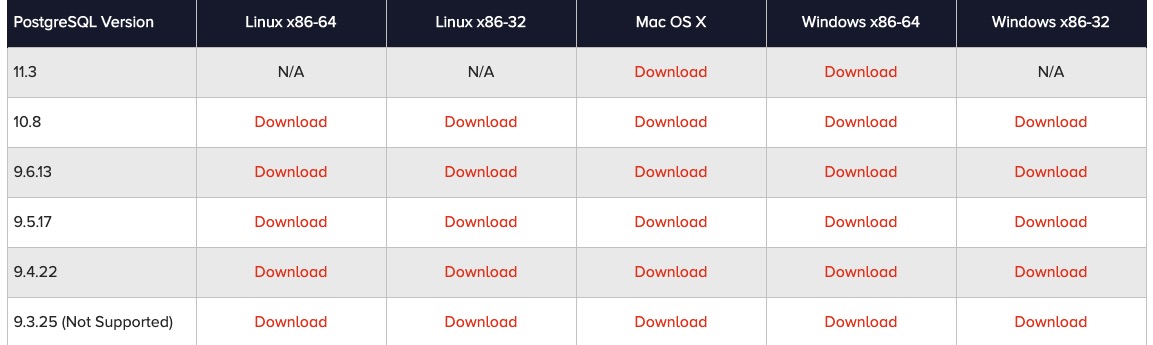
Here we use EnterpriseDB for downloading and installation. EnterpriseDB is the world's only vendor providing enterprise-level products and services based on PostgreSQL.
Download address:https://www.enterprisedb.com/downloads/postgres-postgresql-downloads。
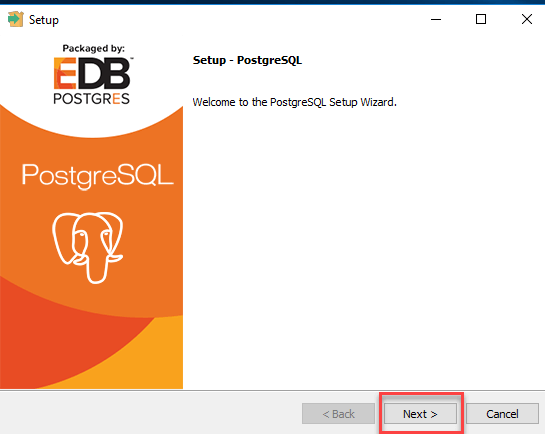
Double-click the downloaded installer to start the installation.
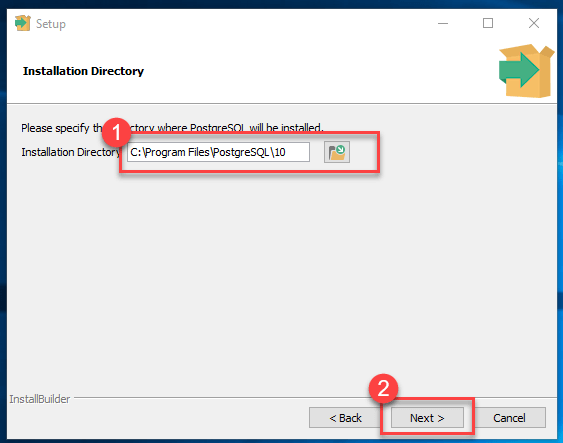
You can change the installation path.
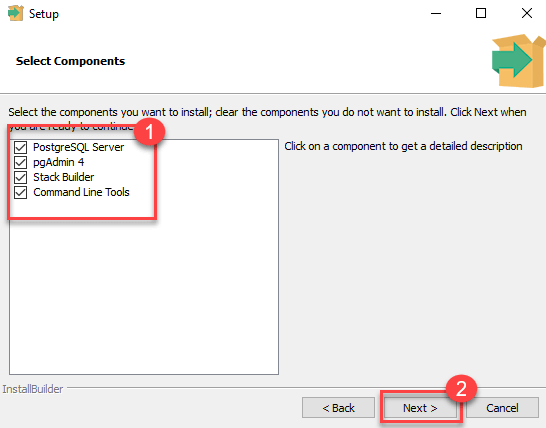
Select the components to install. If you don't understand, just select all:
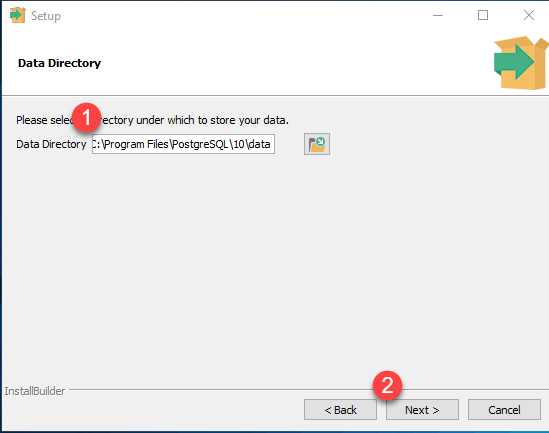
Set the database path.
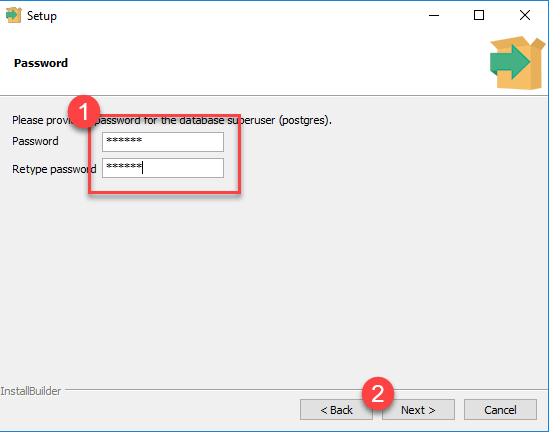
Set the superuser password.
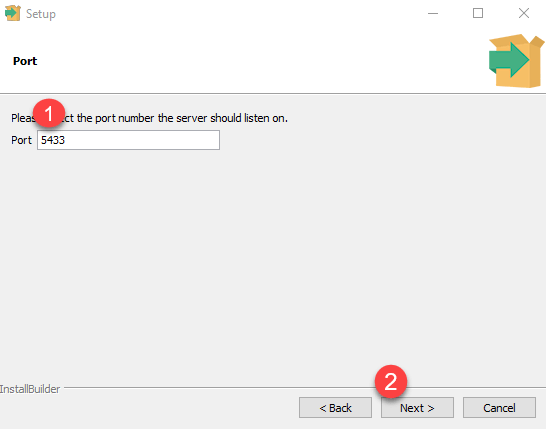
Set the port number. You can just use the default.
Just click Next.
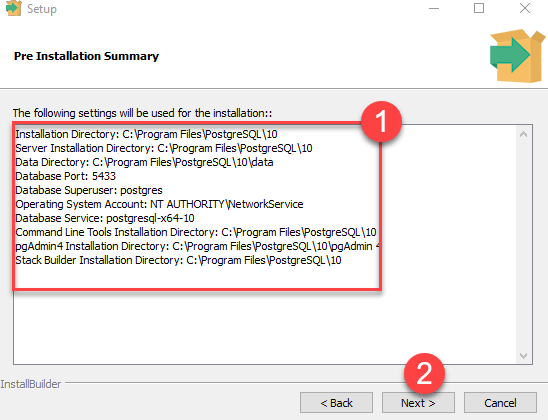
Click Next.
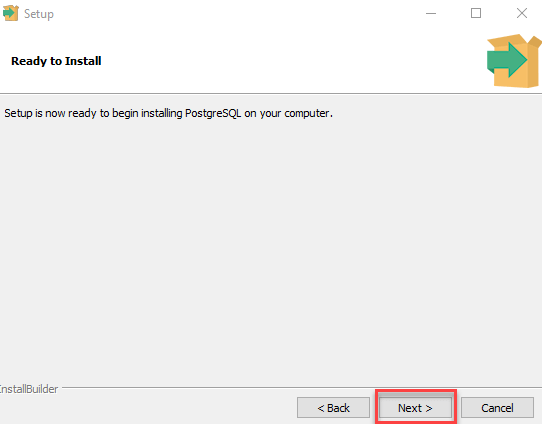
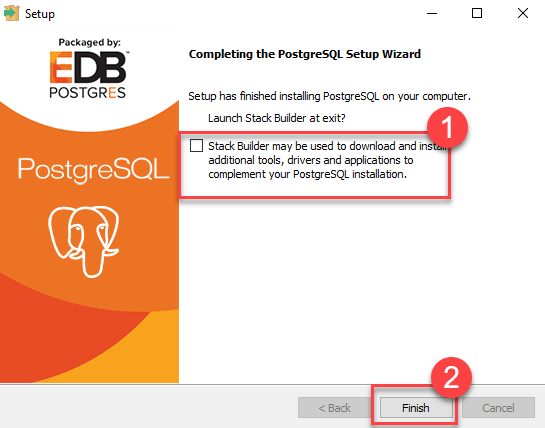
Uncheck the option(s) and click Finish.
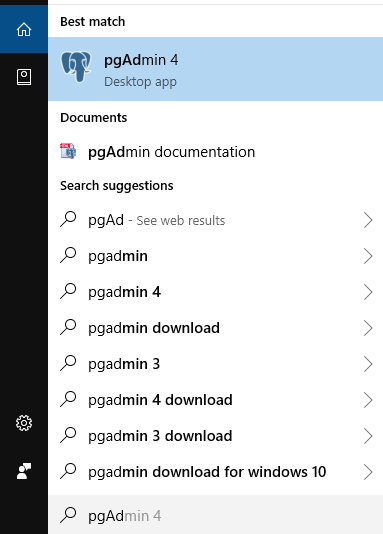
Open pgAdmin 4.
The pgAdmin home page is as follows:
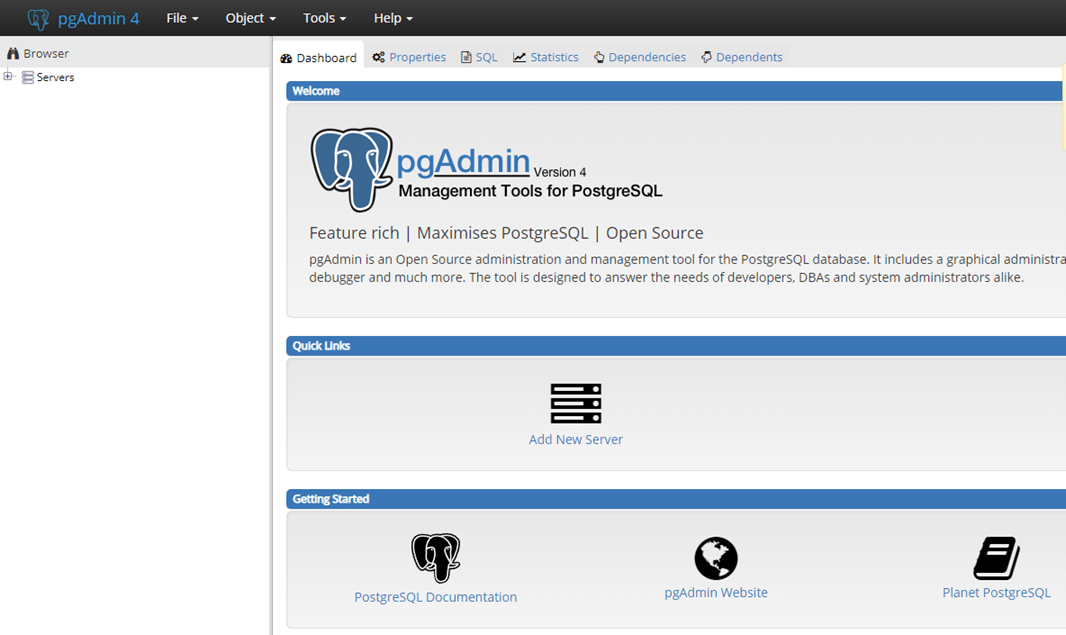
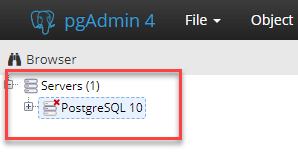
Click "Servers" > "Postgre SQL 10" on the left.
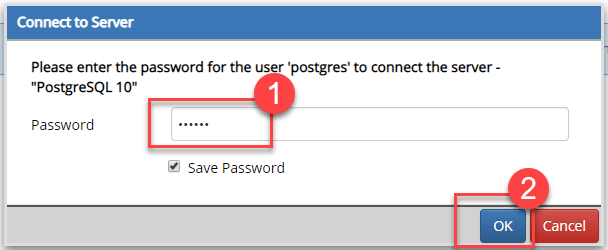
Enter the password and click OK.
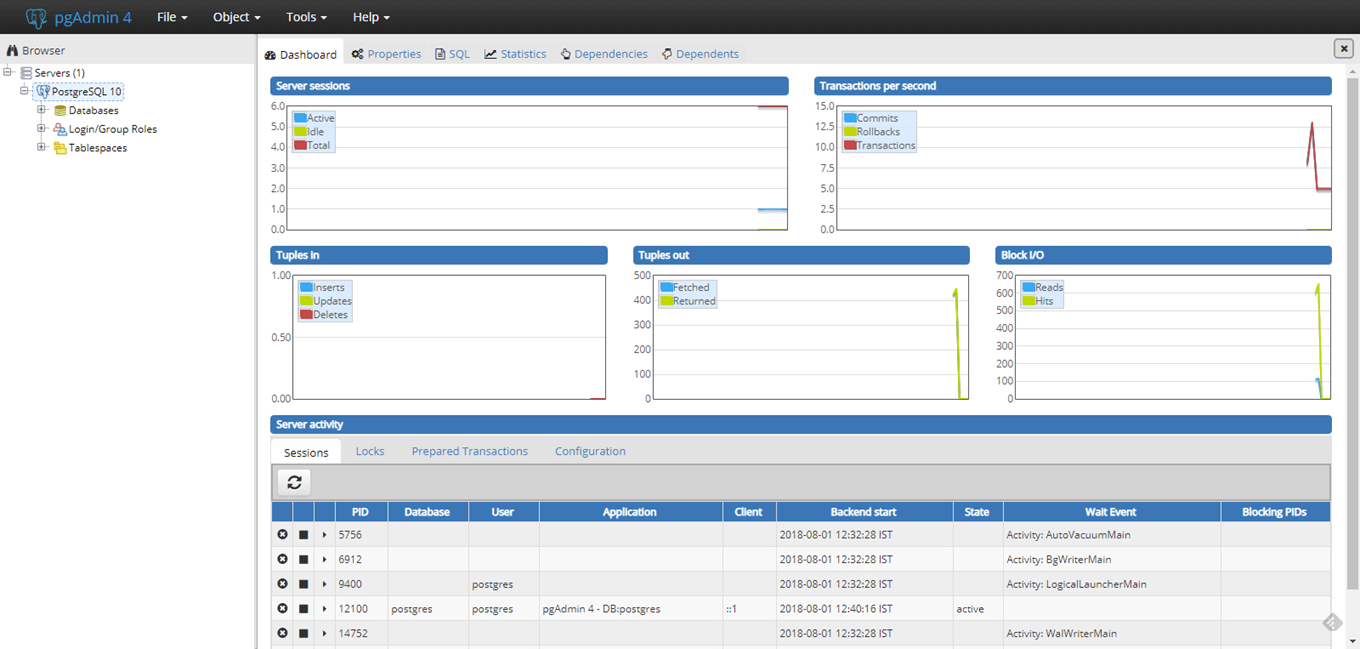
The control panel is as follows:
Open SQL Shell (psql).