Codex Worktrees Usage
Worktrees allow you to create multiple working directories in a Git repository, enabling you to work on different tasks in parallel without interfering with one another.
What is a Worktree?
Git Worktree is a feature of Git that allows you to create multiple working directories within the same repository. Codex provides native support for Worktrees.
Use Case
- Develop multiple features in parallel
- Keep the main branch clean
- Perform development and code review simultaneously
Worktree lets you work on multiple things at the same time, just like having several computers.
Using Worktrees with Codex
Create Worktree
Create Worktree
# Create a Worktree in the Codex application
# 1. Select the project
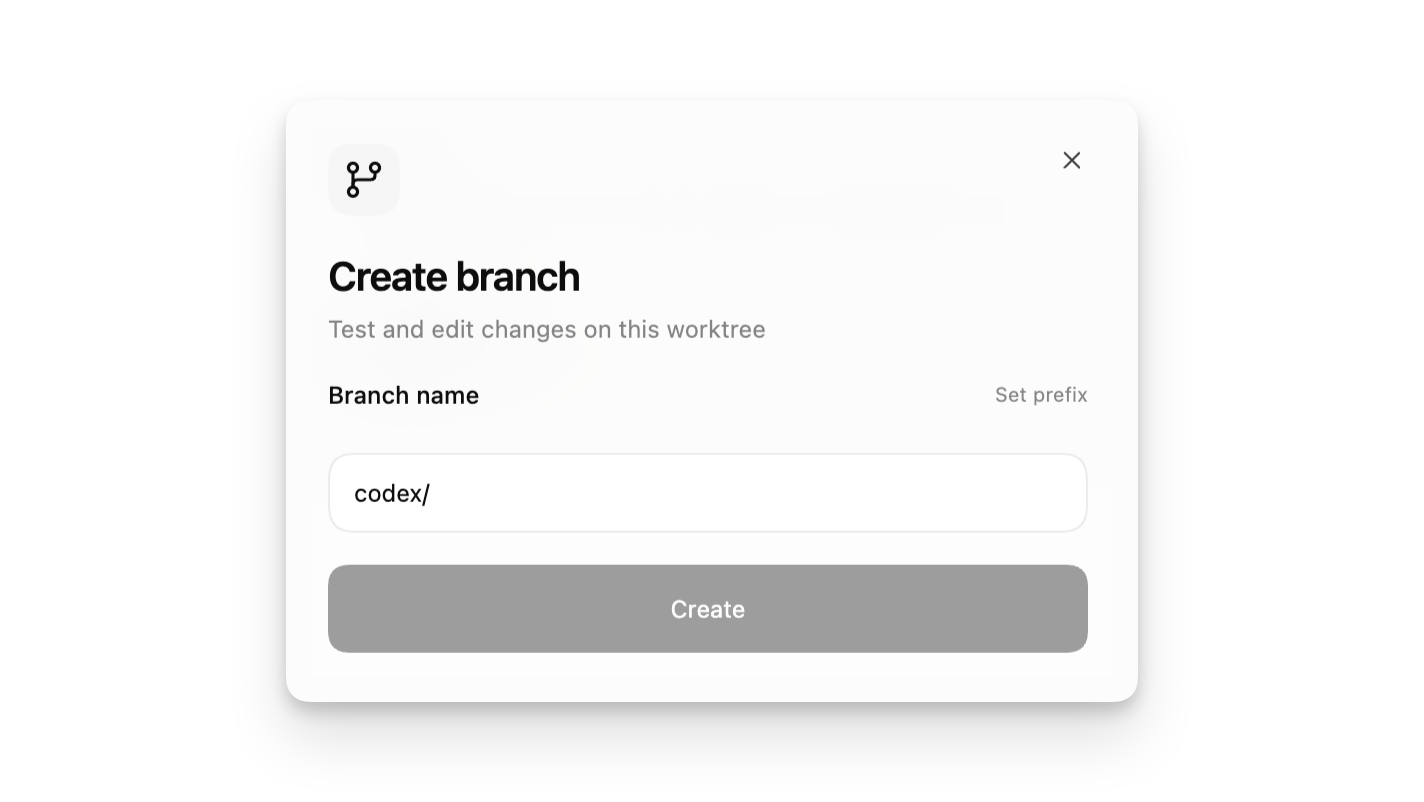
# 2. Click "New" -> "Worktree"
# 3. Enter the branch name
# 4. Click Create
# 1. Select the project
# 2. Click "New" -> "Worktree"
# 3. Enter the branch name
# 4. Click Create
Running tasks in a Worktree
When creating a thread, select Worktree mode:
| Mode | Description |
|---|---|
| Local | Work in the current project directory |
| Worktree | Work in an independent Git worktree |
Worktree mode creates a new Git worktree, keeping changes isolated.
Worktree management
Manage Worktree
# View worktree list
git worktree list
# Create new worktree
git worktree add ../feature-branch -b feature-branch
# Delete worktree
git worktree remove ../feature-branch
git worktree list
# Create new worktree
git worktree add ../feature-branch -b feature-branch
# Delete worktree
git worktree remove ../feature-branch
Best Practices
- Create an independent Worktree for each feature or fix.
- Use descriptive branch names
- After completion, clean up unnecessary Worktrees promptly.
Worktree is a powerful tool for parallel development, especially well-suited for large projects.other extensions