XSLT - On the Client
If your browser supports XSLT, it can be used in the browser to convert documents to XHTML.
JavaScript Solution
In the previous chapters, we have explained how to use XSLT to convert an XML document to XHTML. We accomplished this by adding an XSL stylesheet to the XML file and performing the conversion through the browser.
Even though this method works well, including a stylesheet reference in the XML file is not always satisfactory (for example, this method will not work in browsers that do not recognize XSLT).
A more versatile approach is to use JavaScript to perform the conversion.
By using JavaScript, we can:
- Perform browser detection tests
- Use different stylesheets based on browser and user needs
That is the beauty of XSLT! One of the design goals of XSLT was to make it possible to transform data from one format to another, while supporting different types of browsers and different user needs.
Client-side XSLT transformation is bound to become one of the main tasks performed by browsers in the future, and we will also see its growth in specific browser markets (Braille, aural browsers, web printers, handheld devices, and so on).
XML Files and XSL Files
Look at the XML document already shown in a previous chapter:
Examples
<catalog>
<cd>
<title>Empire Burlesque</title>
<artist>Bob Dylan</artist>
<country>USA</country>
<company>Columbia</company>
<price>10.90</price>
<year>1985</year>
</cd>
.
.
</catalog>
And the accompanying XSL stylesheet:
Examples
<xsl:stylesheet version="1.0" xmlns:xsl="http://www.w3.org/1999/XSL/Transform">
<xsl:template match="/">
<html>
<body>
<h2>My CD Collection</h2>
<table border="1">
<tr bgcolor="#9acd32">
<th style="text-align:left">Title</th>
<th style="text-align:left">Artist</th>
</tr>
<xsl:for-each select="catalog/cd">
<tr>
<td><xsl:value-of select="title"/></td>
<td><xsl:value-of select="artist"/></td>
</tr>
</xsl:for-each>
</table>
</body>
</html>
</xsl:template>
</xsl:stylesheet>
Note that this XML file does not contain a reference to the XSL file.
Important:The above statement means that the XML file can be transformed using multiple different XSL stylesheets.
Note: make sure the XSL file can be opened correctly in the browser via the link, as shown below:
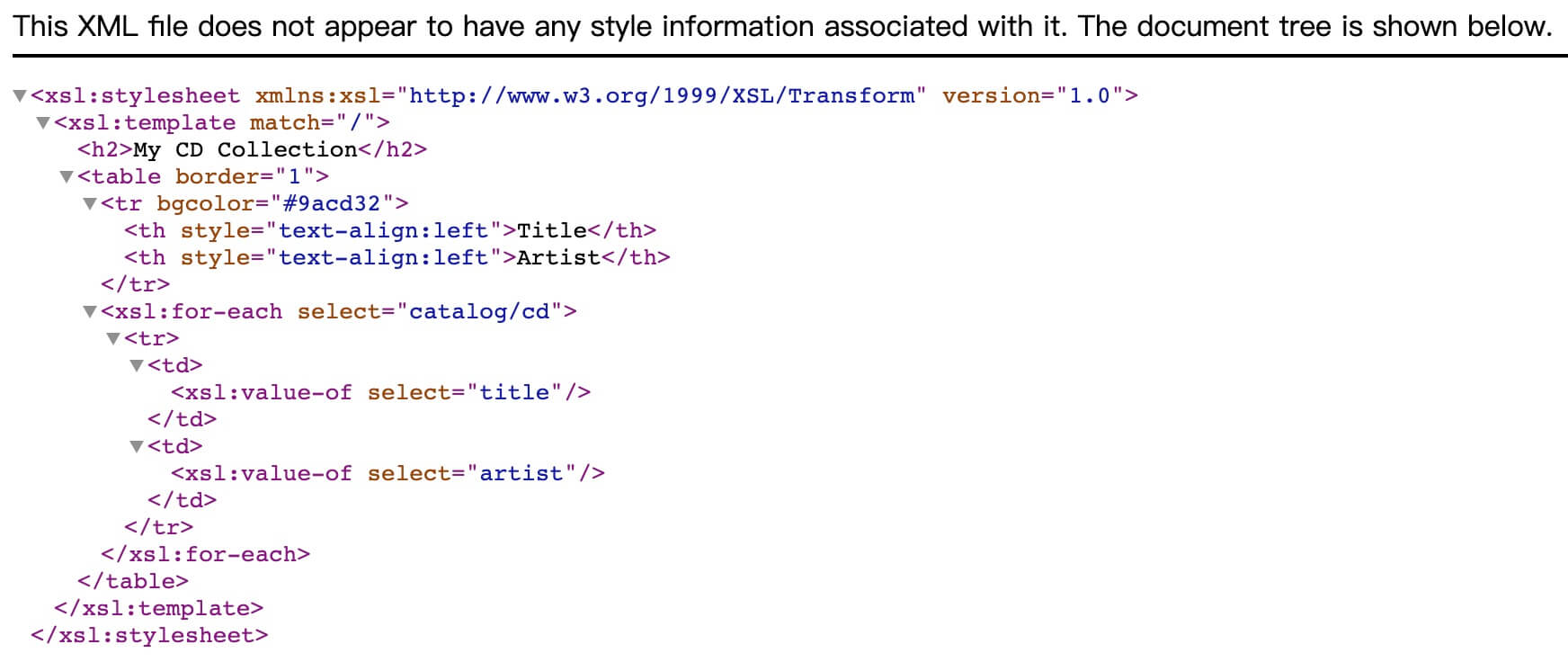
Otherwise, errors may occurUncaught TypeError: Failed to execute 'importStylesheet' on 'XSLTProcessor': parameter 1 is not of type 'Node'.。

Convert XML to XHTML in the Browser
This is the source code used to convert the XML file to XHTML on the client:
Examples
Try it yourself »
Tip:If you don't know how to write JavaScript, please study ourJavaScript Tutorial。
Example explanation:
The loadXMLDoc() function
The loadXMLDoc() function is used to load the XML and XSL files.
It checks the type of browser the user has and loads the file.
The displayResult() function
This function is used to display the XML file styled by the XSL file.
- Load the XML and XSL files
- Test the type of browser the user has
- If the user's browser supports ActiveX objects:
- Use the transformNode() method to apply the XSL stylesheet to the XML document
- Set the body of the current document (id="example") to contain the XML document with the stylesheet applied
- If the user's browser does not support ActiveX objects:
- Create a new XSLTProcessor object and import the XSL file
- Use the transformToFragment() method to apply the XSL stylesheet to the XML document
- Set the body of the current document (id="example") to contain the XML document with the stylesheet applied
Other Extensions