Web Service Example
Any application can have Web Service components.
The creation of a Web Service is independent of the programming language type.
In this chapter, we will introduce how to use PHP's SOAP extension to create a Web Service.
SOAP has two operation modes, NO-WSDL and WSDL.
- NO-WSDL mode:Use parameters to pass the information to be used.
- WSDL mode:Use the WSDL file name as a parameter, and extract the information needed for the service from the WSDL.
An Example: PHP Web Service
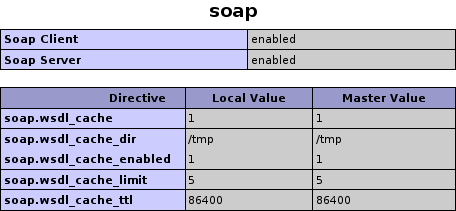
Before starting the example, we need to confirm whether PHP has the SOAP extension installed. Check phpinfo; if the following information appears, it indicates that the SOAP extension is already installed:
In this example, we will use PHP SOAP to create a simple Web Service.
Server-sideServer.phpThe file code is as follows:
<?php
// SiteInfo 类用于处理请求
Class SiteInfo
{
    /**
     *    返回网站名称
     *    @return string
     *
     */
    public function getName(){
        return "Example";
    }

    public function getUrl(){
        return "www.example.com";
    }
}

// 创建 SoapServer 对象
$s = new SoapServer(null,array("location"=>"http://localhost/soap/Server.php","uri"=>"Server.php"));

// 导出 SiteInfo 类中的全部函数
$s->setClass("SiteInfo");
// 处理一个SOAP请求,调用必要的功能,并发送回一个响应。
$s->handle();
?>
Client-sideClient.phpThe file code is as follows:
<?php
try{
  // non-wsdl方式调用web service
  // 创建 SoapClient 对象
  $soap = new SoapClient(null,array('location'=>"http://localhost/soap/Server.php",'uri'=>'Server.php'));
  // 调用函数
  $result1 = $soap->getName();
  $result2 = $soap->__soapCall("getUrl",array());
  echo $result1."<br/>";
  echo $result2;
} catch(SoapFault $e){
  echo $e->getMessage();
}catch(Exception $e){
  echo $e->getMessage();
}
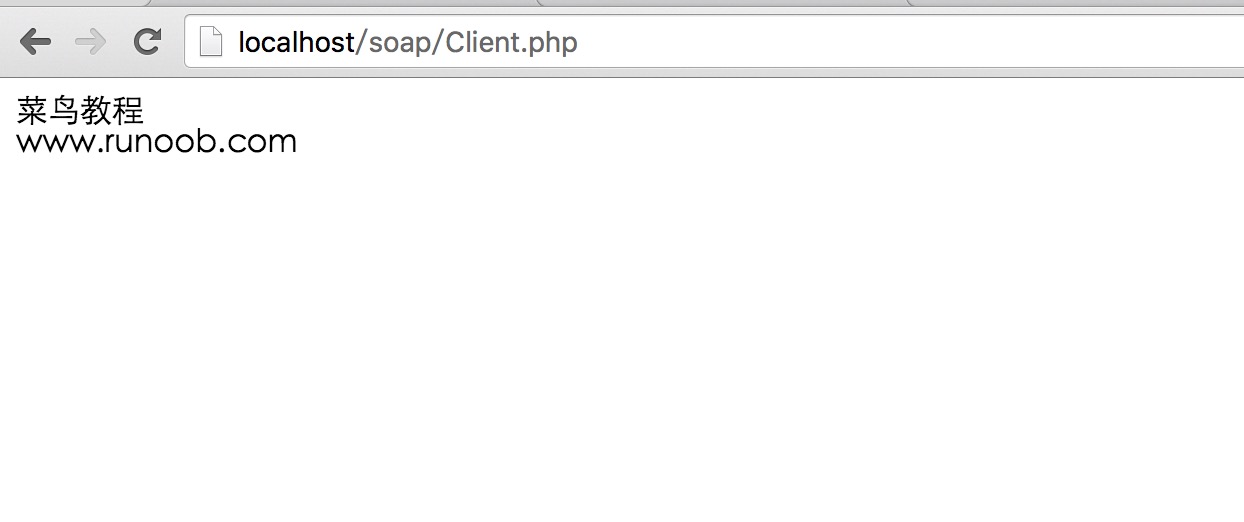
Now we visit http://localhost/soap/Client.php, and the output result is as follows: