During development, we often encounter the situation that a port is occupied. At this time, we need to find the program occupying the port and then terminate it. This article introduces how to find the occupied port.
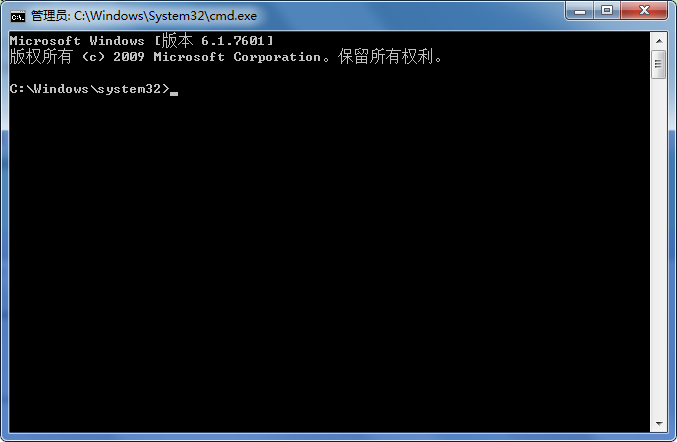
1. Open a command window (run as administrator)
Start -> Run -> cmd, orwindow+Ruse a key combination to bring up the command window.
2. Find all ports in use
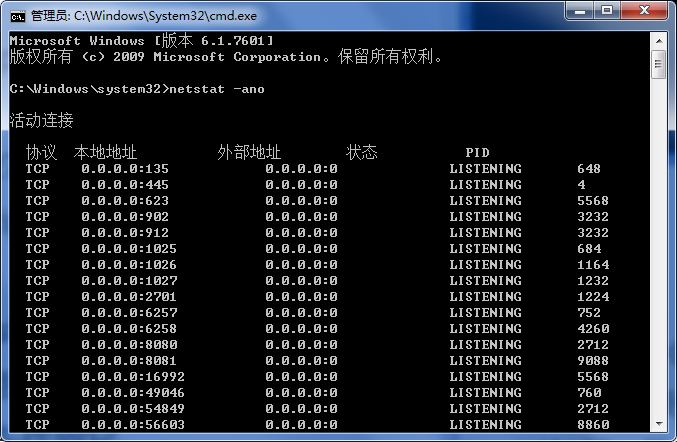
Enter the command:
netstat -ano
This command lists the usage of all ports.
In the list we observe the occupied port, for example 1224, and find it first.
3. View the PID corresponding to the occupied port
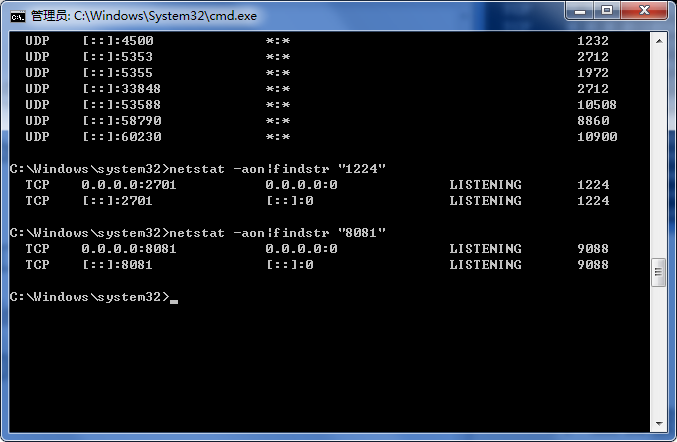
Enter the command:
netstat -aon|findstr "8081"
Press Enter to execute the command. The last number is the PID; here it is 9088.
4. View the process with the specified PID
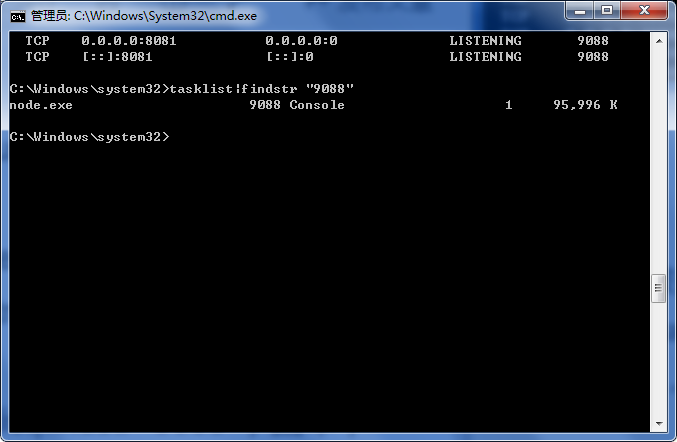
Continue to enter the command:
tasklist|findstr "9088"
Press Enter to execute the command.
Check which process or program occupies port 8081. The result is: node.exe.
End the process
Force (/F parameter) kill all processes with pid 9088, including child processes (/T parameter):
taskkill /T /F /PID 9088
Alternatively, we can open Task Manager, switch to the Processes tab, and check which process corresponds to 9088 in the PID column. If you cannot see the PID column, as shown below:
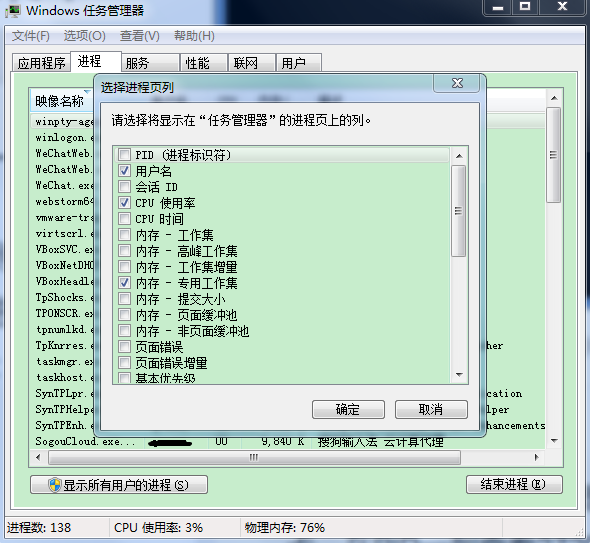
After that, we can end this process, thus releasing the port for use.