The most practical nine shortcut keys, come and learn them!!!
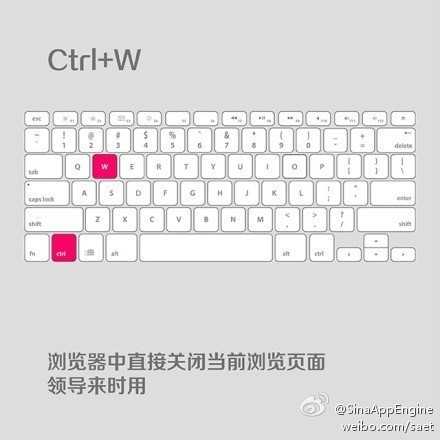
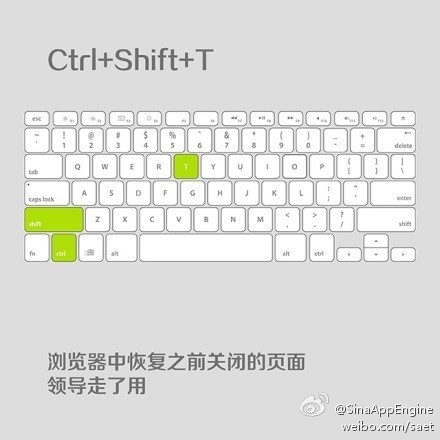
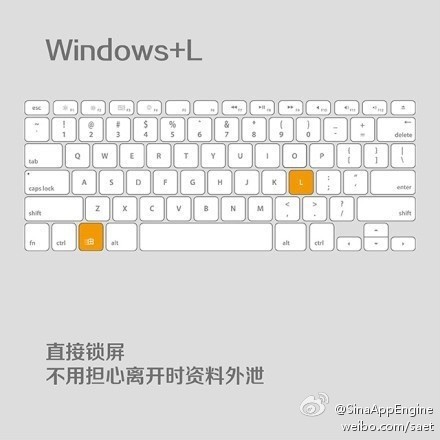
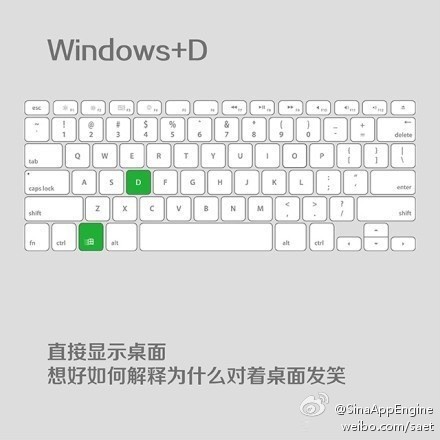
Common Program Shortcut Keys
| Shortcut Key | Function Description |
|---|---|
| F1 | Display the help content of the current program or Windows. |
| F2 | If you have a file selected, this means "Rename" |
| F3 | When you are on the desktop, it opens the "Find: All Files" dialog box |
| F10 or ALT | Activate the menu bar of the current program |
| Windows key or CTRL+ESC | Open the Start menu |
| CTRL+ALT+DELETE | In Windows 9x, open the Close Program dialog box |
| DELETE | Delete the selected item. If it is a file, it will be moved to the Recycle Bin |
| SHIFT+DELETE | Delete the selected item. If it is a file, it will be permanently deleted instead of being moved to the Recycle Bin |
| CTRL+N | Create a new file |
| CTRL+O | Open the "Open File" dialog box |
| CTRL+P | Open the "Print" dialog box |
| CTRL+S | Save the file you are currently working on |
| CTRL+X | Cut the selected item to the clipboard |
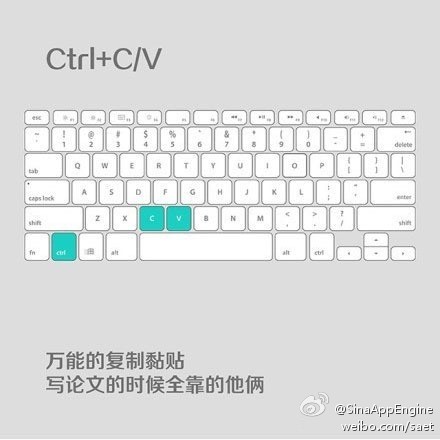
| CTRL+INSERT or CTRL+C | Copy the selected item to the clipboard |
| SHIFT+INSERT or CTRL+V | Paste the content of the clipboard to the current position |
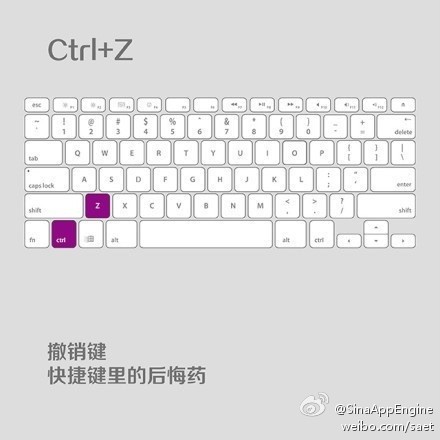
| ALT+BACKSPACE or CTRL+Z | Undo the last operation |
| ALT+SHIFT+BACKSPACE | Redo the last undone operation |
| Windows key+D: | Minimize or restore Windows windows |
| Windows key+U | Open the "Utility Manager" |
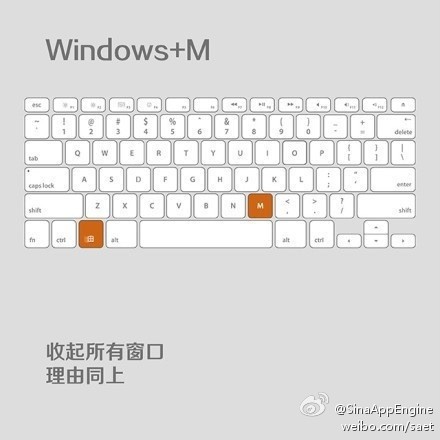
| Windows key+CTRL+M | Restore the size and position of the window to the state before the last operation |
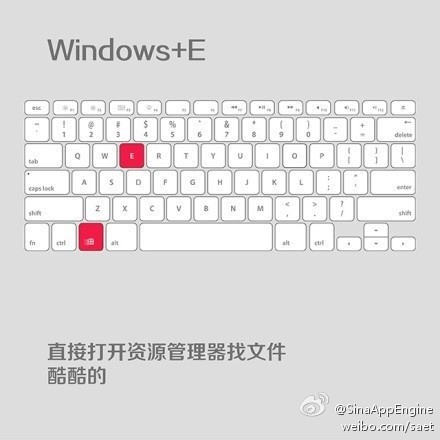
| Windows key+E | Open Windows Explorer |
| Windows key+F | Open the "Find: All Files" dialog box |
| Windows key+R | Open the "Run" dialog box |
| Windows key+BREAK | Open the "System Properties" dialog box |
| Windows key+CTRL+F | Open the "Find: Computer" dialog box |
| SHIFT+F10 or right-click the mouse | Open the shortcut menu for the currently active item |
| SHIFT | While inserting a CD, press and hold to skip the auto-play of the CD. While opening Word, press and hold to skip the auto-start macros |
| ALT+F4 | Close the current application |
| ALT+SPACEBAR | Open the menu at the top-left corner of the program |
| ALT+TAB | Switch between programs |
| ALT+ESC | Switch between programs |
| ALT+ENTER | Toggle the MS-DOS window running under Windows between window and full-screen modes |
| PRINT SCREEN | Copy the current screen to the clipboard as an image |
| ALT+PRINT SCREEN | Copy the current active program window to the clipboard as an image |
| CTRL+F4 | Close the current document in the current application (e.g., in Word) |
| CTRL+F6 | Switch to the next document in the current application (add Shift to jump to the previous window) |
| In IE: | |
| ALT+RIGHT ARROW | Display the previous page (forward key) |
| ALT+LEFT ARROW | Display the next page (back key) |
| CTRL+TAB | Switch between frames on the page (add Shift to reverse) |
| F5 | Refresh |
| CTRL+F5 | Force refresh |
For more shortcut keys, please refer toKeyboard shortcuts