Project name: Editor.md -- Markdown editor
GitHub open source address: https://github.com/pandao/editor.md
Online test address: https://pandao.github.io/editor.md/
Complete example: http://editor.md.ipandao.com/examples/html-preview-markdown-to-html.html
In the current internet world, Markdown has become the preferred markup language for content creators, developers, and technical writers. It is widely popular for its concise syntax and easy-to-read format.
Editor.md is an open-source, embeddable Markdown online editor, built on CodeMirror, jQuery, and Marked. Its emergence provides users with a more convenient and feature-rich Markdown editing experience.
Editor.md is a powerful, flexible, and easy-to-use Markdown editor. It provides an efficient online editing solution for Markdown enthusiasts and professionals.
Editor.md offers rich features and plugins, allowing users to customize it according to their needs. For example, users can use plugins to edit mathematical formulas, draw flowcharts and sequence diagrams, and even implement multi-user collaborative editing.
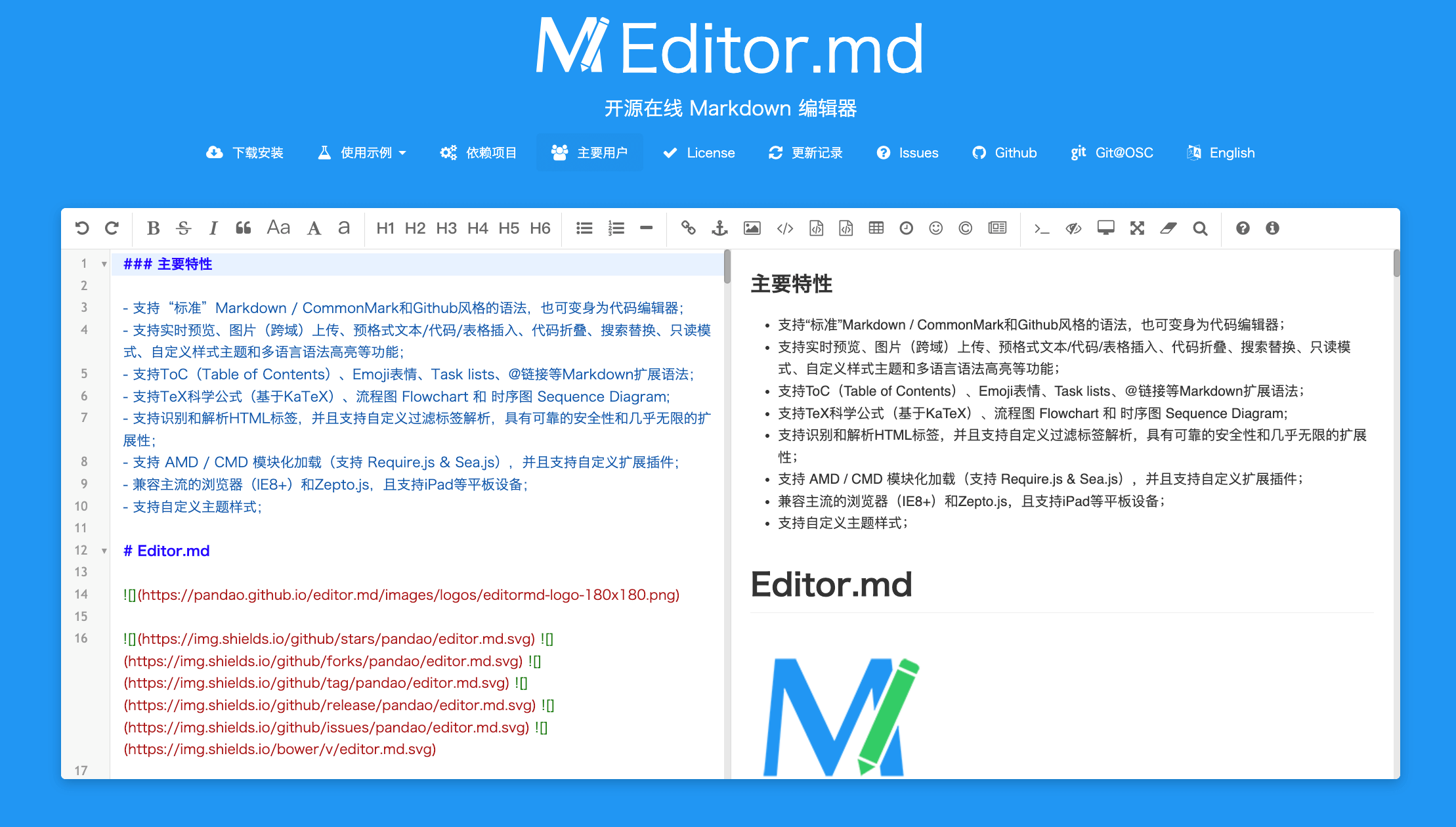
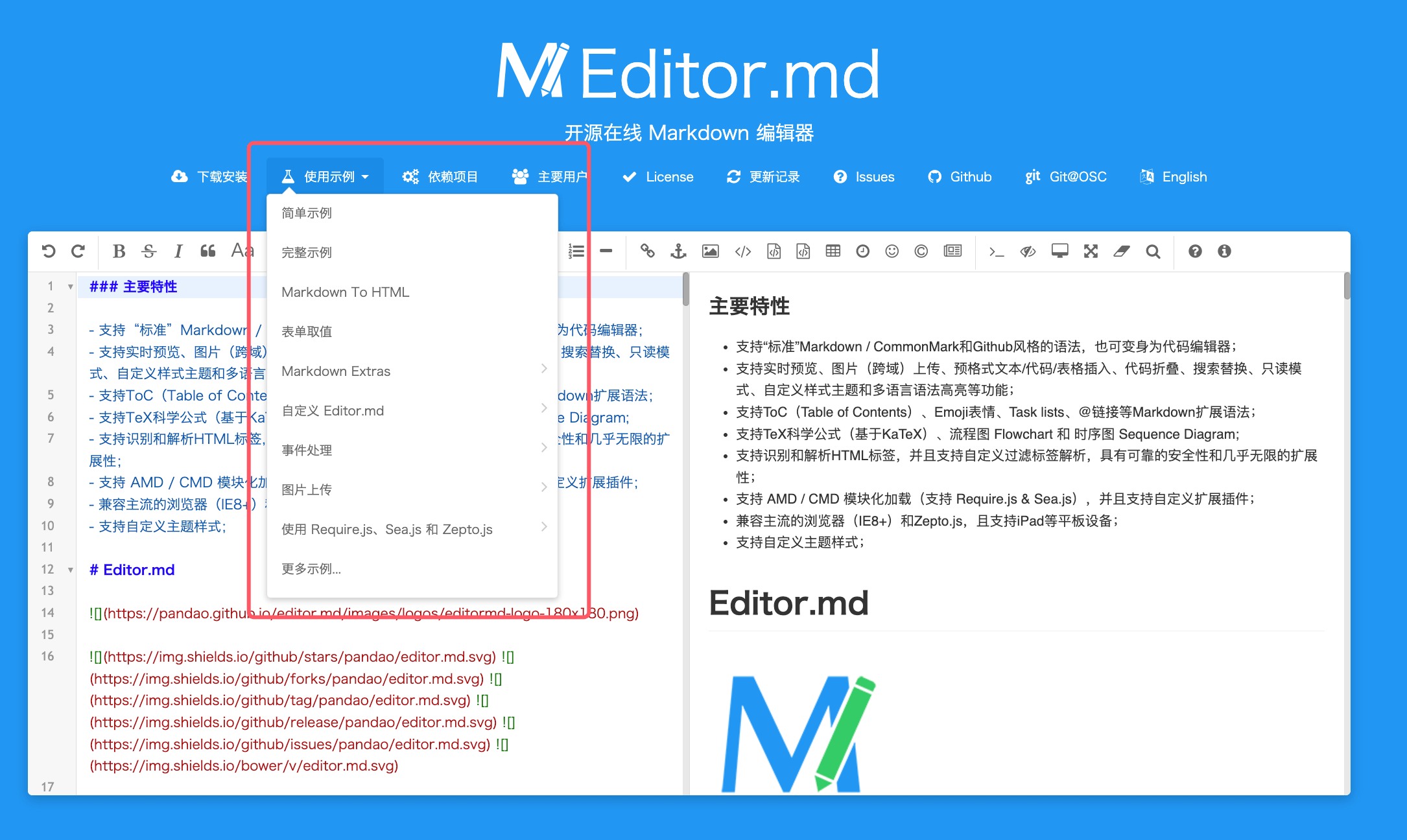
The homepage provides many examples for us to learn and use:
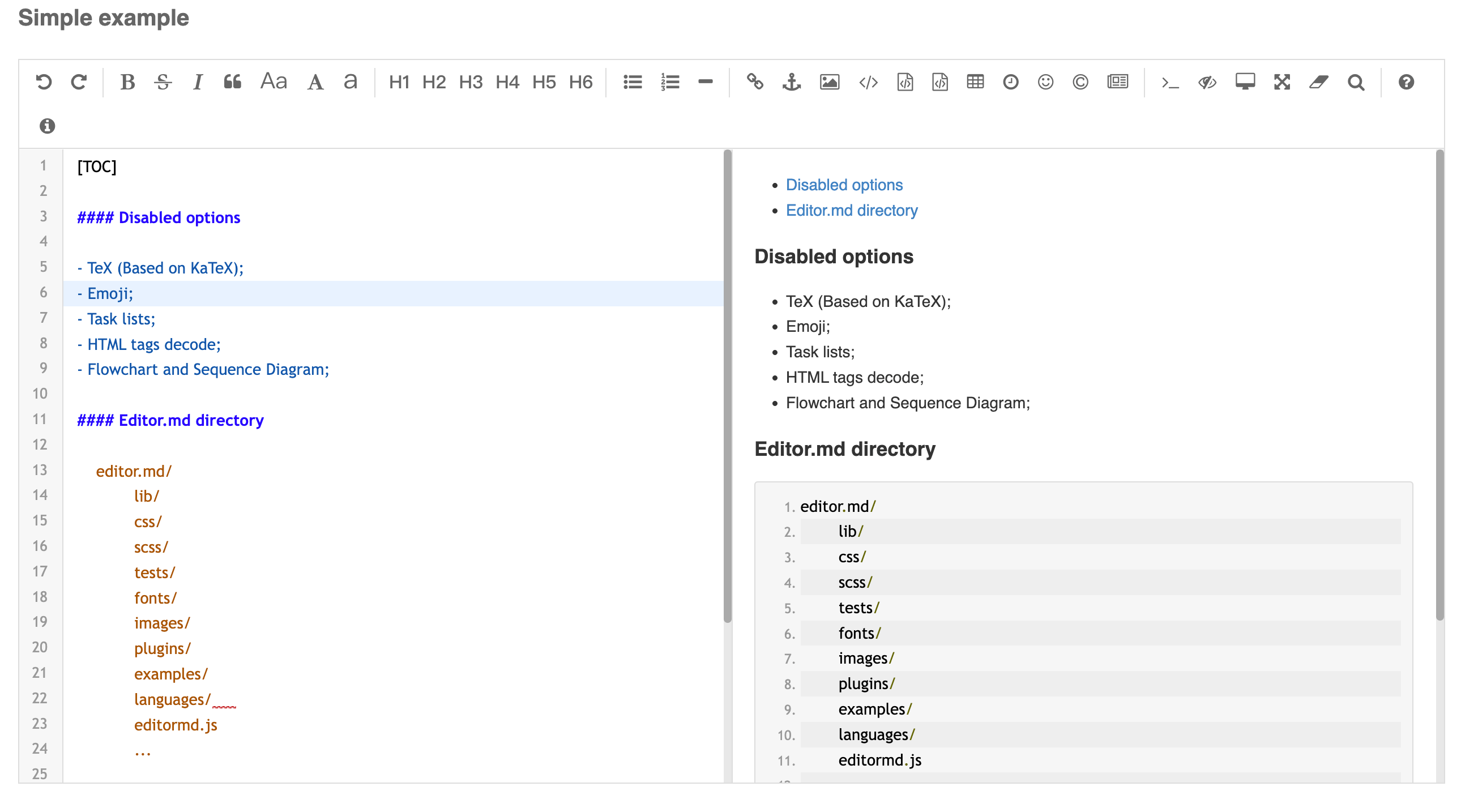
A simple example:
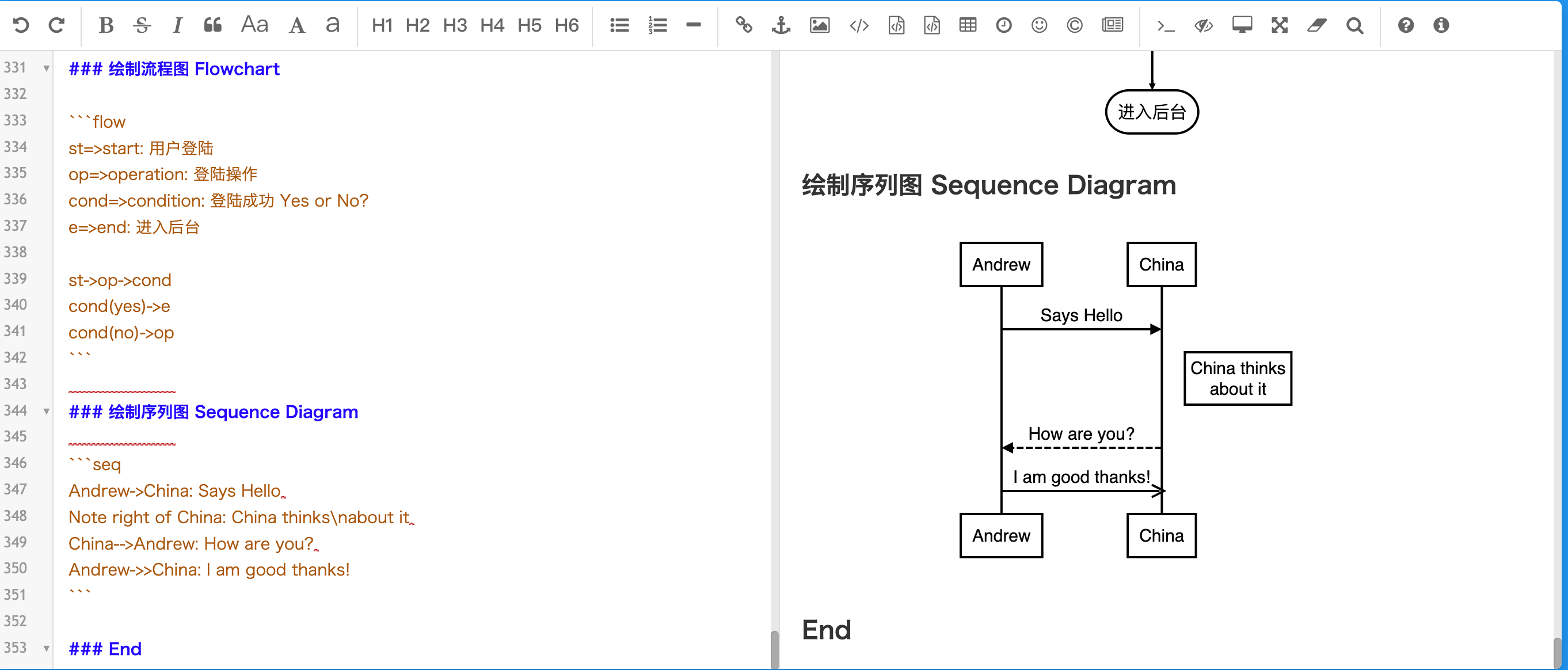
Draw a sequence diagram:
Editor.md has the following features:
-
WYSIWYG (What You See Is What You Get): Editor.md provides an intuitive editing interface, allowing users to view the rendered effect of Markdown text in real time.
-
Highly customizable: Through configuration options, users can adjust the editor's appearance and behavior to suit different usage scenarios and brand styles.
-
Rich plugin support: Editor.md supports a variety of plugins, such as image upload, emojis, code highlighting, etc., greatly expanding the editor's functionality.
-
Cross-platform compatibility: Whether on desktop or mobile devices, Editor.md provides a smooth editing experience.
-
Easy to integrate: As a component, Editor.md can be seamlessly integrated into existing web applications or services without complex configuration.
Editor.md usage scenarios:
- Blogs and CMS systems: Provide Markdown editing functionality for content management systems, allowing authors to focus on creation.
- Forums and communities: Provide a Markdown editor on user-generated content platforms to improve post quality.
- Documentation and knowledge bases: Provide a Markdown editor for technical documentation and help centers to ensure consistent document formatting.
- Personal websites and portfolios: Provide a Markdown editor for personal projects, making it easy to quickly update and maintain.
Installation
npm installation method:
npm install editor.md
Bower installation method:
bower install editor.md
Create a Markdown editor:
Examples
<div id="editor">
<!-- Tips: Editor.md can auto append a `<textarea>` tag -->
<textarea style="display:none;">### Hello Editor.md !</textarea>
</div>
<script src="jquery.min.js"></script>
<script src="editor.md/editormd.min.js"></script>
<script type="text/javascript">
$(function() {
var editor = editormd("editor", {
// width: "100%",
// height: "100%",
// markdown: "xxxx", // dynamic set Markdown text
path : "editor.md/lib/" // Autoload modules mode, codemirror, marked... dependents libs path
});
});
</script>
Markdown to HTML:
Examples
<div id="test-markdown-view">
<!-- Server-side output Markdown text -->
<textarea style="display:none;">### Hello world!</textarea>
</div>
<script src="jquery.min.js"></script>
<script src="editormd/editormd.js"></script>
<script src="editormd/lib/marked.min.js"></script>
<script src="editormd/lib/prettify.min.js"></script>
<script type="text/javascript">
$(function() {
var testView = editormd.markdownToHTML("test-markdown-view", {
// markdown : "[TOC]\n### Hello world!\n## Heading 2", // Also, you can dynamic set Markdown text
// htmlDecode : true, // Enable / disable HTML tag encode.
// htmlDecode : "style,script,iframe", // Note: If enabled, you should filter some dangerous HTML tags for website security.
});
});
</script>