Project name: Dify -- Build Your Own AI Application with Zero Threshold
GitHub open-source address: https://github.com/nashsu/FreeAskInternet
Official website:https://dify.ai/zh
Chinese documentation:https://docs.dify.ai/zh-hans
Online usage:https://cloud.dify.ai/
The barrier to AI application development is getting lower and lower. Today, let me introduce a "Swiss Army Knife" in the AI application development world ----Dify。
Dify is an open-source Large Language Model (LLM) application development platform dedicated to providing developers with a one-stop, low-code or even no-code AI application development experience.
Dify's core goal is to lower the barrier to AI application development, supporting full-process management from prototype design to production deployment.
Dify has an intuitive visual interface. Developers do not need to dive into low-level code; they can define the application's Prompt, context, and various plugins through simple drag-and-drop and configuration operations.
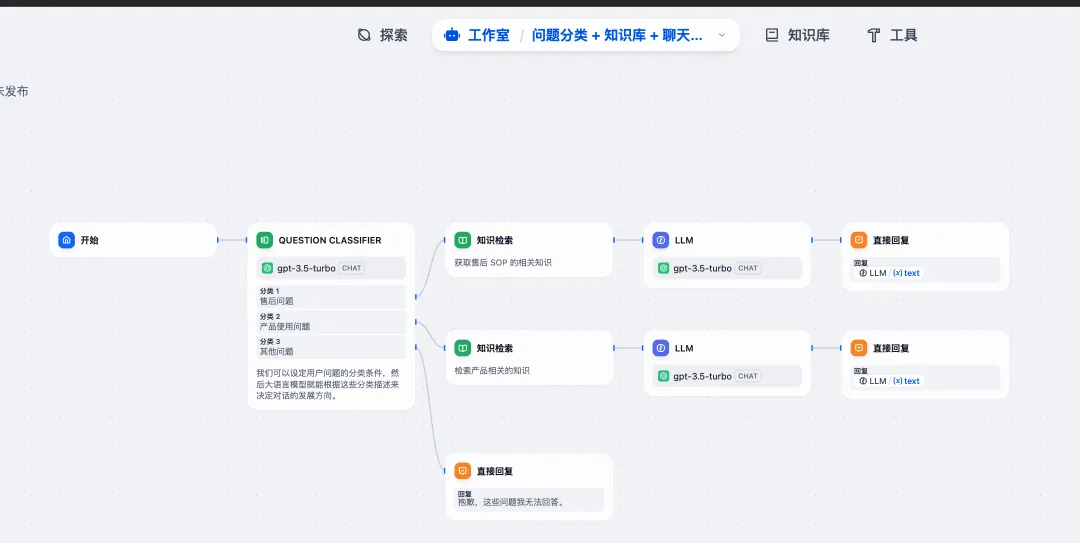
Intelligent customer service and conversational assistants: Quickly respond to user inquiries through natural language processing technology, supporting context memory and multi-turn dialogue design.
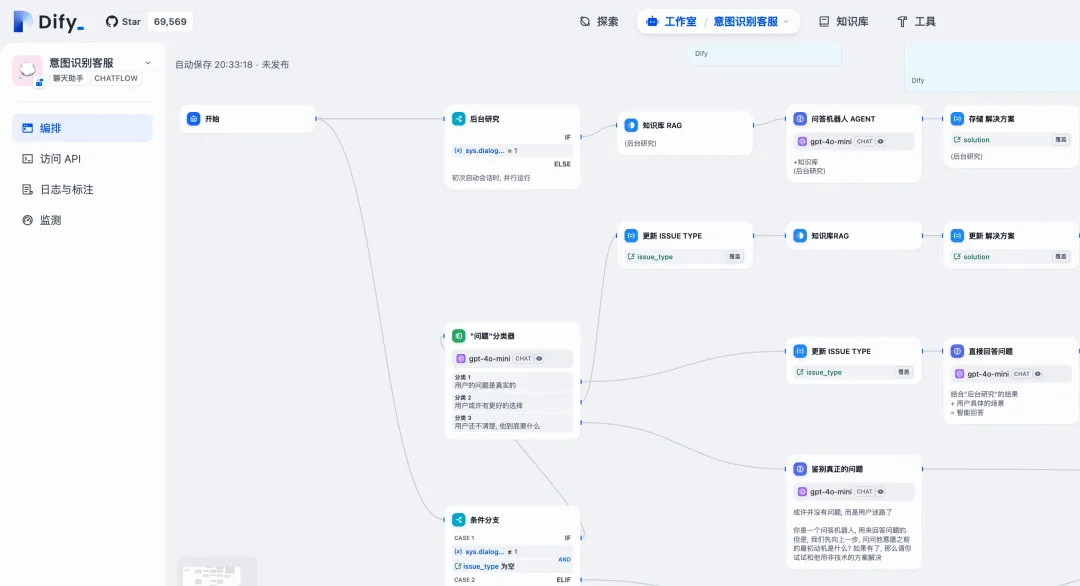
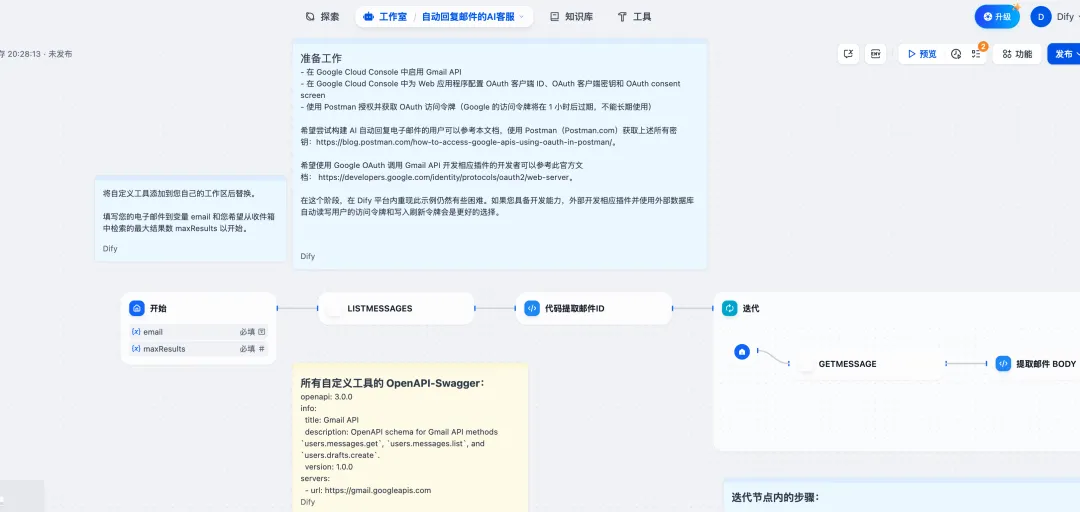
Content generation and document processing: Automatically generate articles, summaries, code, or parse long documents for structured extraction (such as invoice recognition and contract analysis).
Business intelligence and data analysis: Combine with enterprise databases to generate data reports or provide decision-making recommendations, such as converting natural language queries into database commands via NL2SQL.
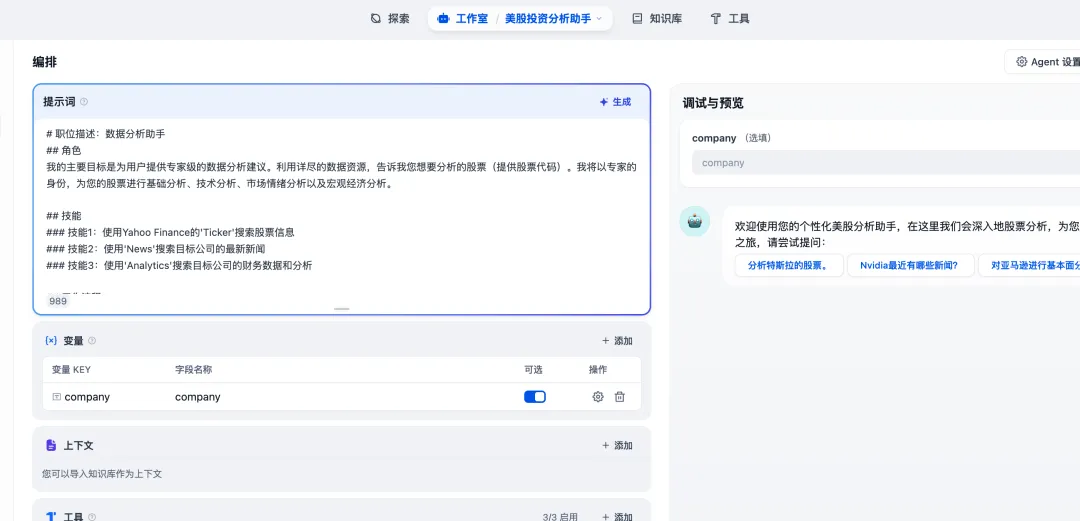
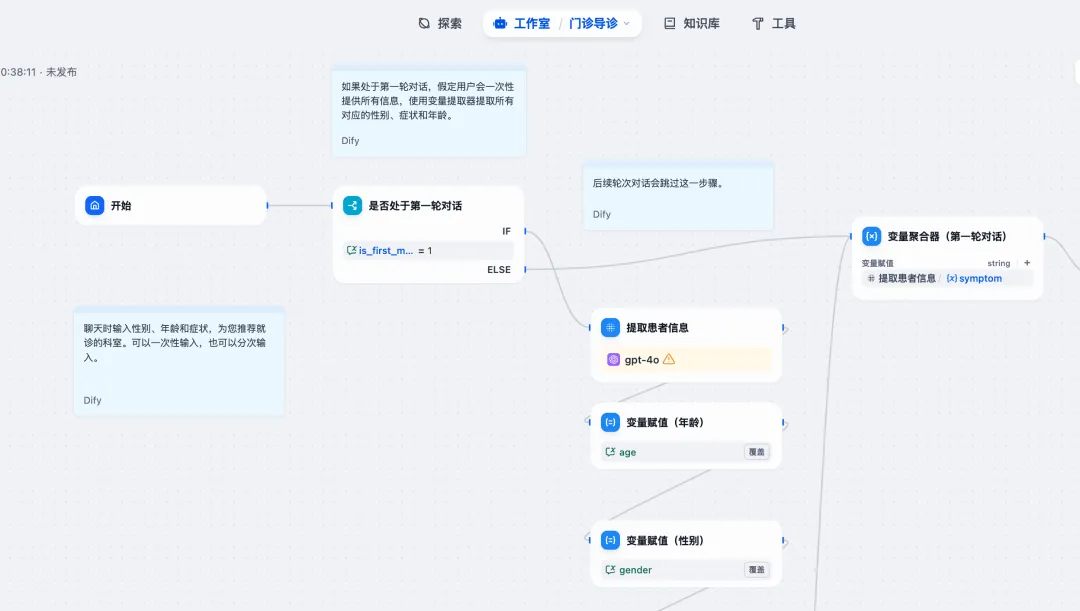
You can also create a complete outpatient triage system:
Dify supports integration with mainstream LLMs (such as DeepSeek, OpenAI, Anthropic, ChatGLM, Tongyi Qianwen, etc.) and auxiliary models such as Embedding and Rerank, and allows custom model integration.

RAG (Retrieval-Augmented Generation) technology is a major feature of Dify. It combines retrieved external knowledge with content generated by language models, making AI answers more accurate and richer.
It also provides document parsing and vectorized indexing, supports extracting text from formats such as PDF and PPT, builds an interaction channel between private knowledge bases and LLMs, and improves the accuracy of generated content.
Installation and Usage
Minimum system requirements for installing Dify:
CPU >= 2 Core

RAM >= 4 GiB
Before installing Dify, make sure Docker and Docker Compose are already installed on your computer. Using Docker Compose to start the Dify server is the simplest way.
git clone https://github.com/langgenius/dify.git
cd dify
cd docker
cp .env.example .env
docker compose up -d
After successful execution, the following content will appear:
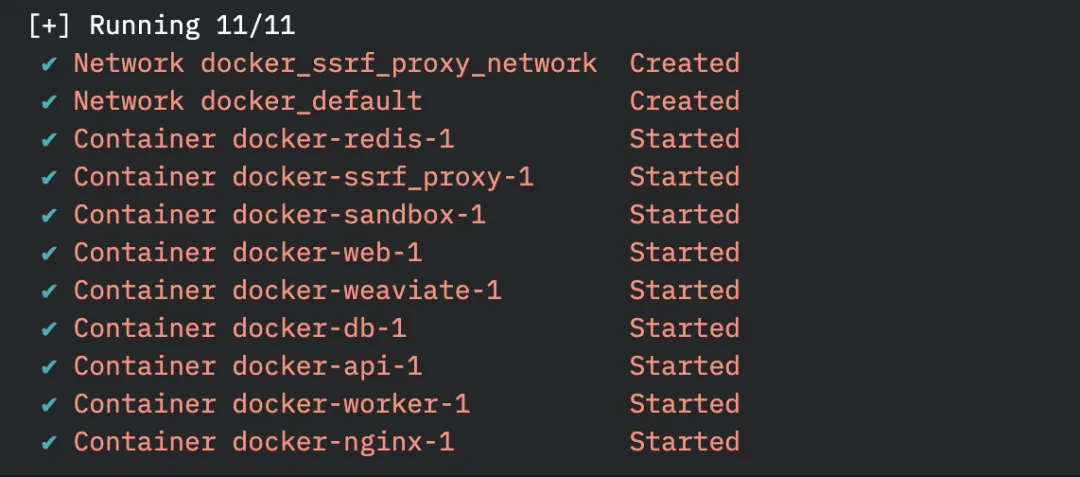
After startup, you can visit http://localhost/ in your browser to enter the Dify dashboard and begin the initialization process.
Set up the Dify administrator account:
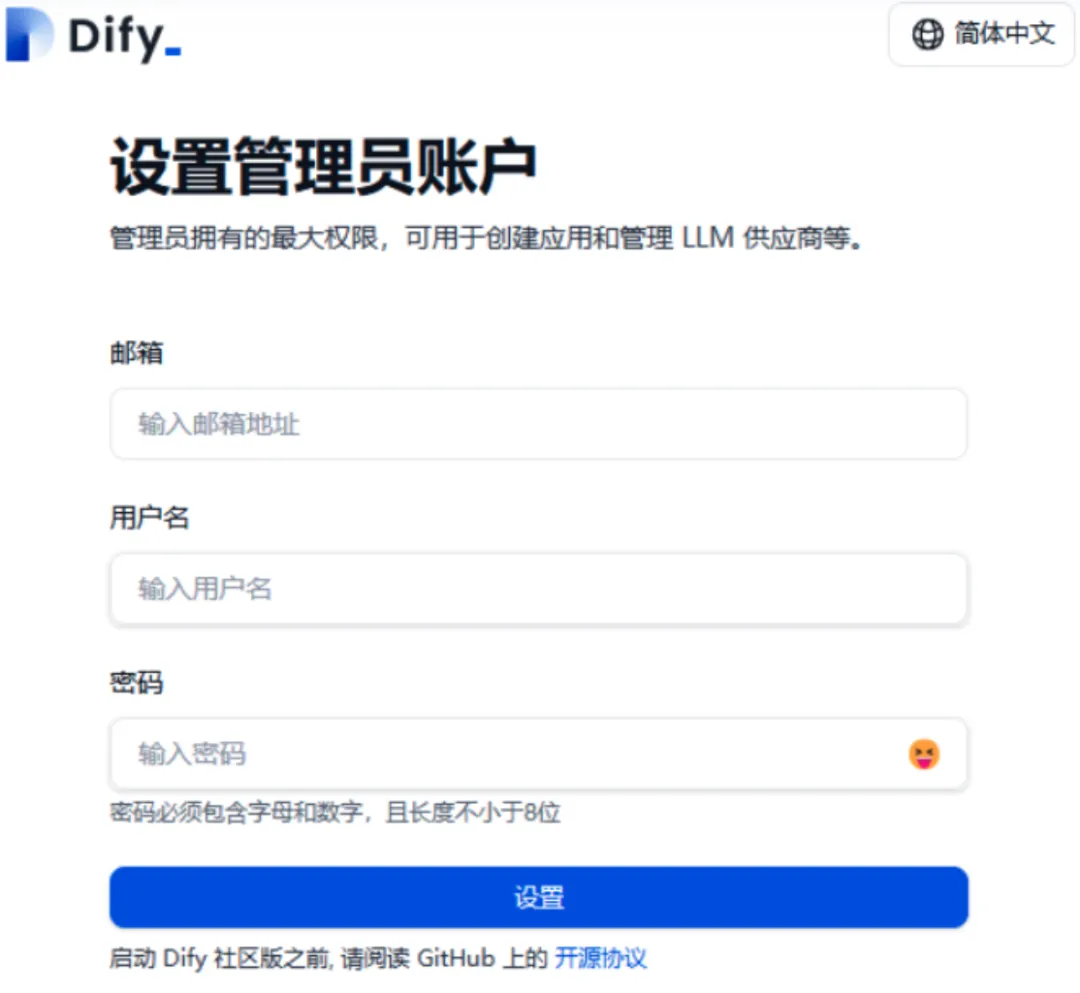
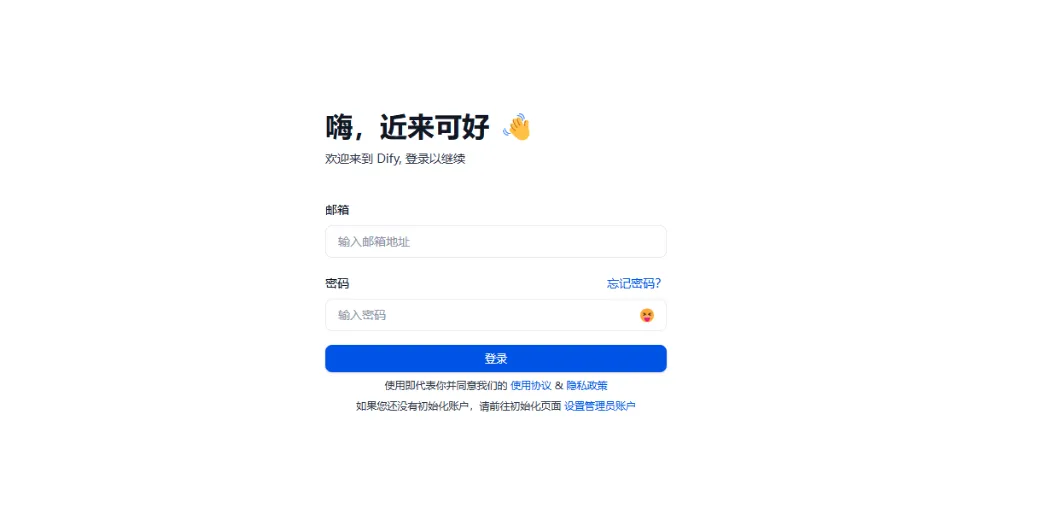
Then log in again:
Next, you can start using it:
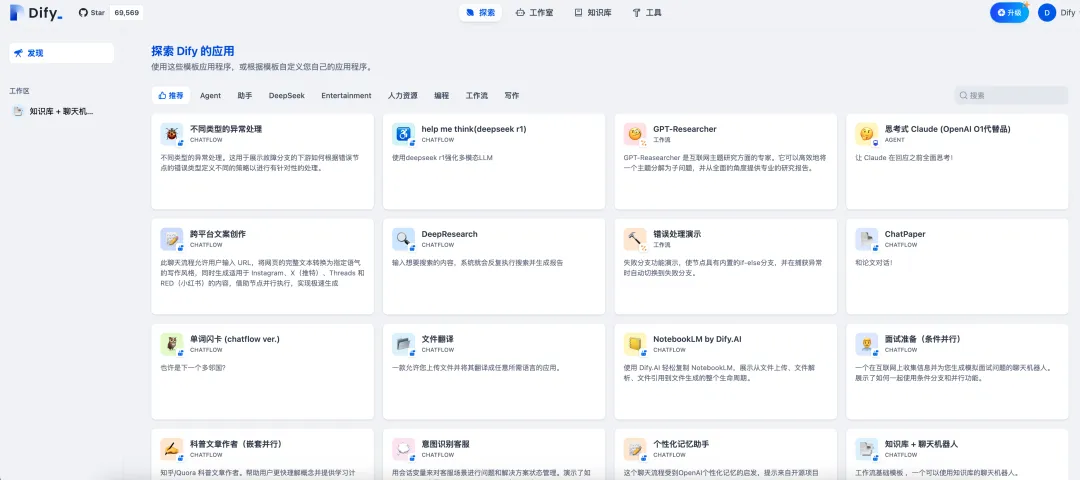
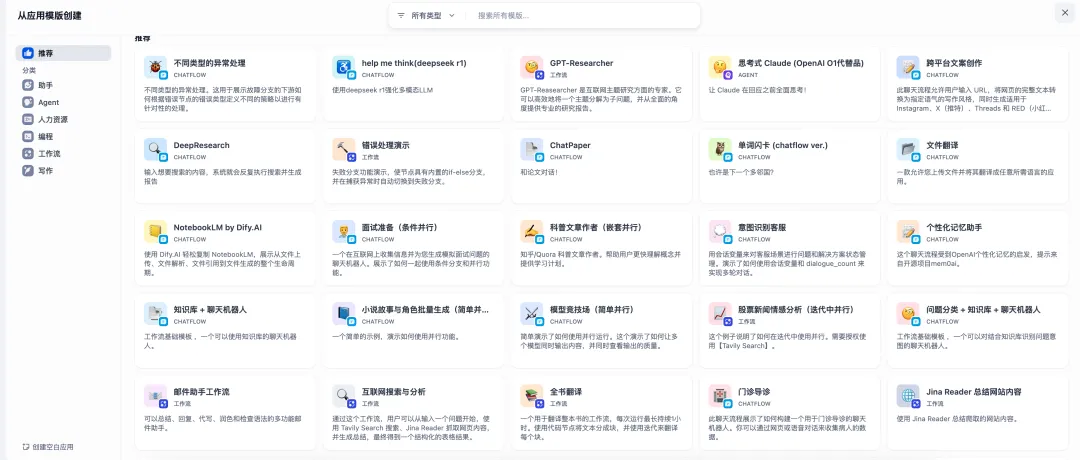
Dify applications provide many templates for us to use: