Python Tkinter Canvas
The Python Tkinter Canvas widget is like the canvas in HTML5; it is used for drawing. You can place graphics, text, widgets, or frames on the canvas.
Syntax
The syntax format is as follows:
w = Canvas ( master, option=value, ... )
master: The parent container of the button.
options: Optional items, i.e., the configurable properties of the button. These options can be set in the form of key = value, separated by commas.
| No. | Option & Description |
|---|---|
| 1 | bd Border width, in pixels, default is 2 pixels. |
| 2 | bg Background color |
| 3 | confine If true (default), the canvas cannot be scrolled outside the scrollable area. |
| 4 | cursor Cursor shape setting, such as arrow, circle, cross, plus, etc. |
| 5 | height Height |
| 6 | highlightcolor The color to highlight |
| 7 | relief Border style, optional values are FLAT, SUNKEN, RAISED, GROOVE, RIDGE. Default is FLAT. |
| 8 | scrollregion A tuple (w, n, e, s) that defines the maximum scrollable area of the canvas, where w is the left side, n is the top, e is the right side, and s is the bottom. |
| 9 | width The size of the canvas on the X coordinate axis. |
| 10 | xscrollincrement The value used for horizontal scrolling requests. |
| 11 | xscrollcommand Horizontal scrollbar; if the canvas is scrollable, this attribute is the .set() method of the horizontal scrollbar. |
| 12 | yscrollincrement Similar to xscrollincrement, but in the vertical direction. |
| 13 | yscrollcommand Vertical scrollbar; if the canvas is scrollable, this attribute is the .set() method of the vertical scrollbar. |
The Canvas widget supports the following standard options:
arc − Create an arc
coord = 10, 50, 240, 210
arc = canvas.create_arc(coord, start=0, extent=150, fill="blue")
image − Create an image
filename = PhotoImage(file = "sunshine.gif")
image = canvas.create_image(50, 50, anchor=NE, image=filename)
line − Create a line
line = canvas.create_line(x0, y0, x1, y1, ..., xn, yn, options)
oval − Create an oval
oval = canvas.create_oval(x0, y0, x1, y1, options)
polygon − Create a polygon with at least three vertices
oval = canvas.create_polygon(x0, y0, x1, y1,...xn, yn, options)
Example
In the example, clicking the button will display a message:
Example
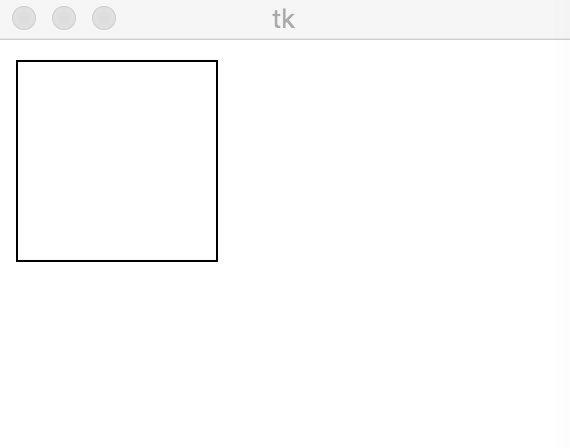
The test output is as follows:
 Other Extensions