Julia Interactive Command Window
ExecutejuliaThe command can directly enter the interactive command window:
$ julia
               _
   _       _ _(_)_     |  Documentation: https://docs.julialang.org
  (_)     | (_) (_)    |
   _ _   _| |_  __ _   |  Type "?" for help, "]?" for Pkg help.
  | | | | | | |/ _` |  |
  | | |_| | | | (_| |  |  Version 1.7.2 (2022-02-06)
 _/ |\__'_|_|_|\__'_|  |  release-1.7/bf53498635 (fork: 461 commits, 259 days)
|__/                   |

julia>
Executeexit()You can also exit the interactive command window by entering CTRL-D (press the Ctrl and d keys at the same time).
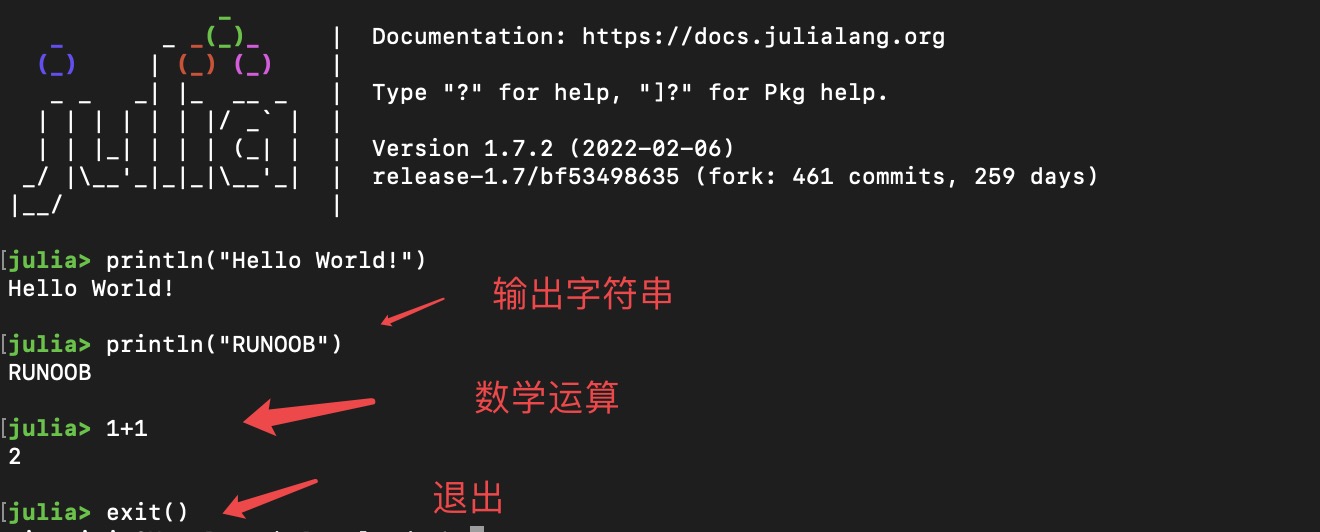
Of course, we can also execute a Julia code file, and the filename takes.jlas the suffix.
The following is a file named example_test.jl:
example_test.jl file
println("Hello World!")
println("EXAMPLE")
println(1+1)
println("EXAMPLE")
println(1+1)
To execute Julia language code, you can use thejulia example_test.jlcommand.
Executing the above code outputs:
$ julia example_test.jl
Hello World!
EXAMPLE
2
Other Extensions