Docker Install Ubuntu
Ubuntu is a Linux operating system based on Debian.
1. Check available Ubuntu versions
Visit the Ubuntu mirror repository address:https://hub.docker.com/_/ubuntu?tab=tags&page=1。
You can view other versions of Ubuntu via Sort by. The default is the latest version, ubuntu:latest.
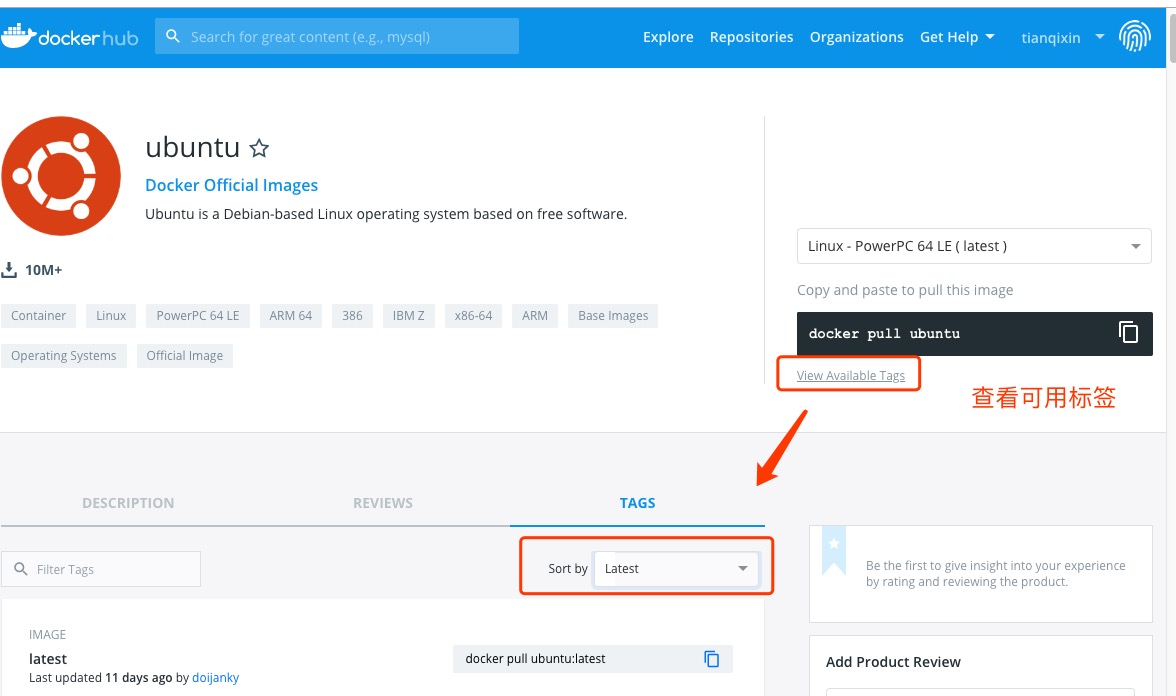
You can also find other versions you want from the dropdown list:
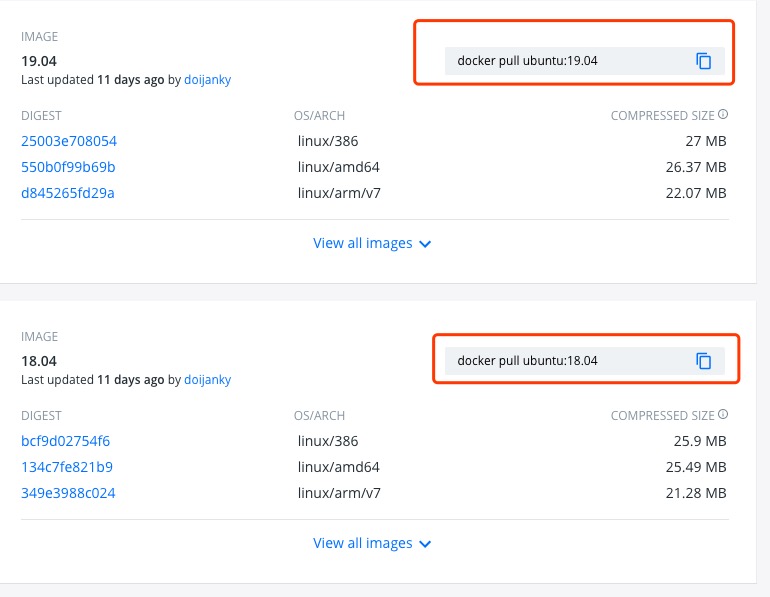
2. Pull the latest Ubuntu image.
$ docker pull ubuntu
Or:
$ docker pull ubuntu:latest
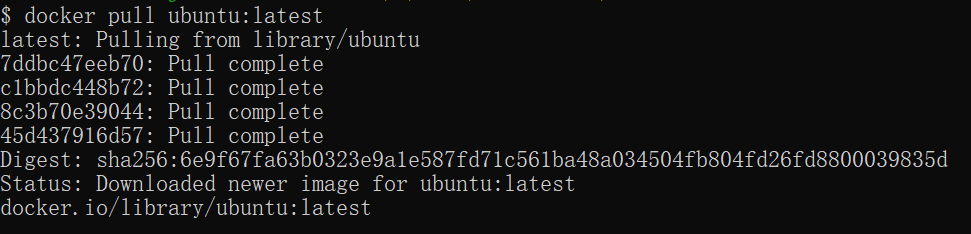
3. View local images.
$ docker images

In the above figure, we can see that we have installed the latest version of Ubuntu.
4. Run the container, and you can enter the Ubuntu container via the exec command.
$ docker run -itd --name ubuntu-test ubuntu

5. Installation successful
Finally, we can usedocker psUse commands to view the container's runtime information
