Docker Install CentOS
CentOS (Community Enterprise Operating System) is one of the Linux distributions. It is compiled from source code released by Red Hat Enterprise Linux (RHEL) in accordance with open source regulations. Since it comes from the same source code, some servers requiring high stability use CentOS as a substitute for the commercial version of Red Hat Enterprise Linux.
1. View available CentOS versions
Visit the CentOS mirror repository address:https://hub.docker.com/_/centos?tab=tags&page=1。
You can view other versions of CentOS via Sort by. The default is the latest version, centos:latest.
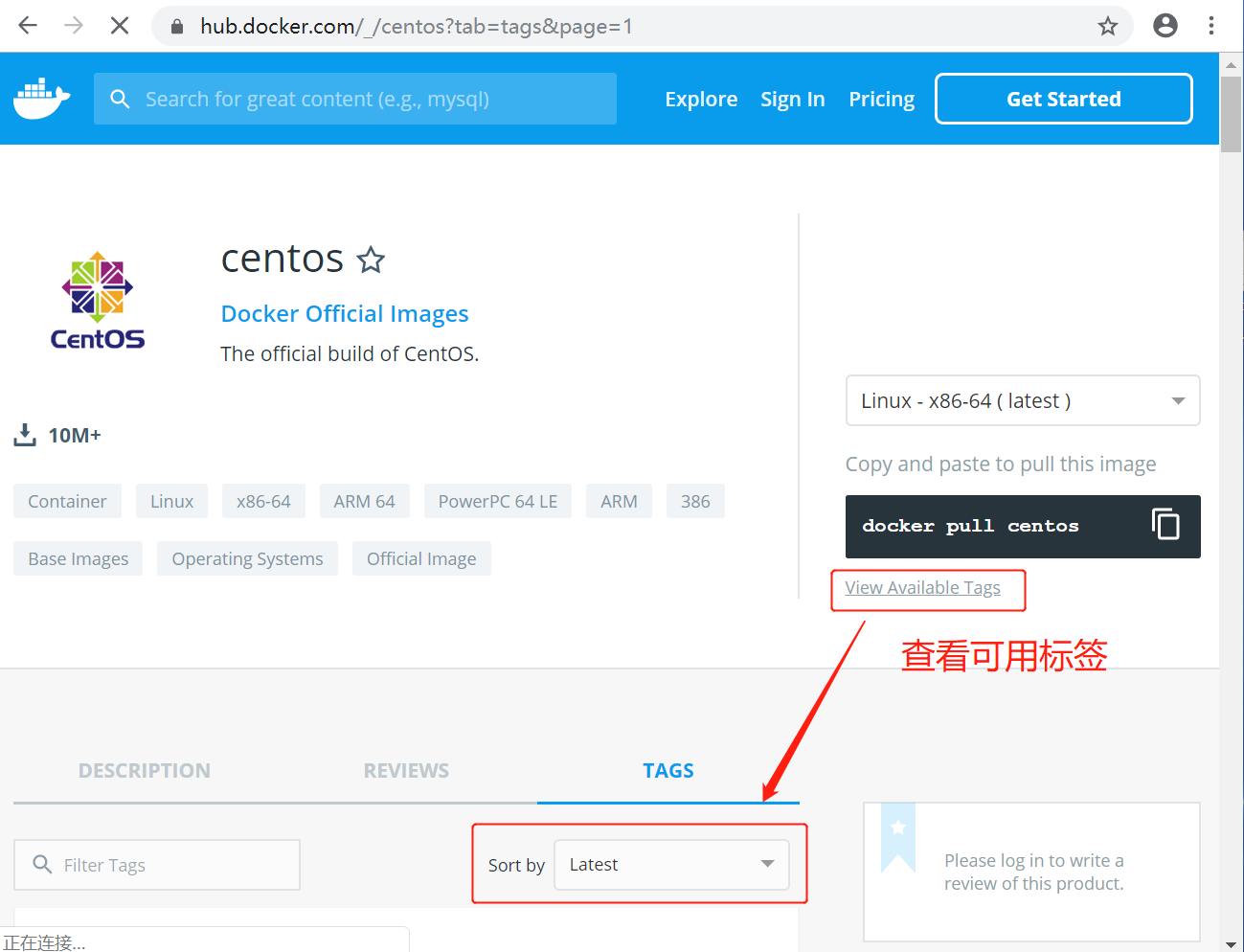
You can also find other versions you want in the dropdown list:
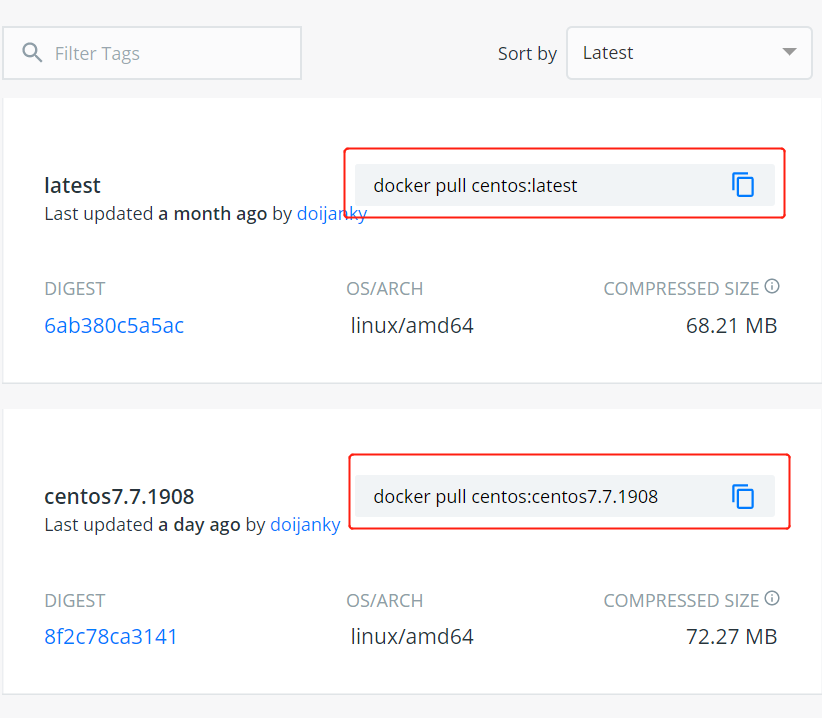
2. Pull the CentOS image of the specified version. Here we take installing a specified version as an example (centos7):
$ docker pull centos:centos7

3. View local images
Use the following command to check whether centos7 is installed:
$ docker images

4. Run the container, and you can enter the CentOS container via the exec command.
$ docker run -itd --name centos-test centos:centos7

5. Installation successful
Finally, we can viadocker psCommand to view container running information:
