AJAX - Send to ServerRequest
The XMLHttpRequest object is used to exchange data with a server.
Send a Request to the Server
To send the request to the server, we useXMLHttpRequestthe object'sopen()andsend()methods:
xmlhttp.open("GET","ajax_info.txt",true);
xmlhttp.send();
| Method | Description |
|---|---|
| open(method,url,async) |
Specifies the type of request, the URL, and whether the request should be handled asynchronously.
|
| send(string) |
Sends the request to the server.
|
GET or POST?
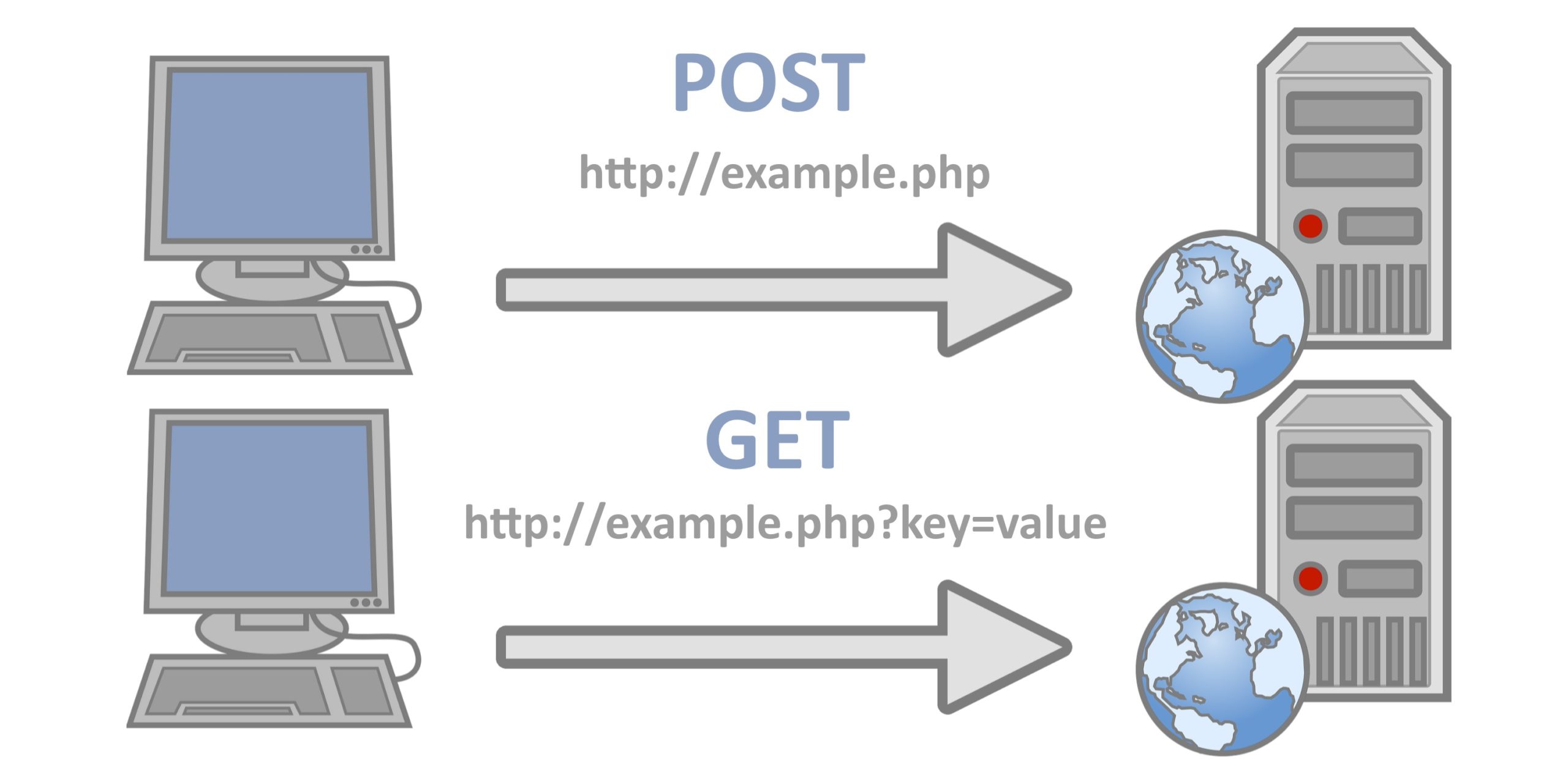
Compared to POST, GET is simpler and faster, and works in most cases.
However, in the following situations, please use POST requests:
- You don't want to use cached files (to update files or databases on the server)
- Sending a large amount of data to the server (POST has no data size limit)
- When sending user input containing unknown characters, POST is more stable and reliable than GET.
GET Request
A simple GET request:
In the example above, you may get a cached result.
To avoid this, add a unique ID to the URL:
Example
Try it »
If you want to send information using the GET method, add the information to the URL:
Example
Try it »
POST Request
A simple POST request:
If you need to POST data like an HTML form, use setRequestHeader() to add an HTTP header. Then specify the data you want to send in the send() method:
Example
Try it »
| Method | Description |
|---|---|
| setRequestHeader(header,value) |
Adds an HTTP header to the request.
|
url - The File on the Server
The open() method'surlparameter is the address of the file on the server:
xmlhttp.open("GET","ajax_test.html",true);
The file can be any type of file, such as .txt and .xml, or server script files, such as .asp and .php (which can perform tasks on the server before sending back a response).
Async - True or False?
AJAX stands for Asynchronous JavaScript and XML.
If the XMLHttpRequest object is to be used for AJAX, the async parameter of its open() method must be set to true:
xmlhttp.open("GET","ajax_test.html",true);
For web developers, sending asynchronous requests is a huge improvement. Many tasks performed on the server are quite time-consuming. Before AJAX, this could cause the application to hang or stop.
With AJAX, JavaScript does not need to wait for the server's response, but instead:
- Execute other scripts while waiting for the server response
- Process the response when it is ready
Async=true
When using async=true, specify a function to execute when the response is in a ready state within the onreadystatechange event:
Example
Try it Yourself »
You will learn more about onreadystatechange in a later chapter.
Async = false
To use async=false, change the third parameter in the open() method to false:
xmlhttp.open("GET","test1.txt",false);
We do not recommend using async=false, but for some small requests, it is acceptable.
Remember, JavaScript will wait until the server response is ready before continuing. If the server is busy or slow, the application will hang or stop.
Note:When you use async=false, do not write an onreadystatechange function - just put the code after the send() statement:
Example
Try it Yourself »