CSS .classSelectors
Complete CSS Selector Reference Manual
Example
Select and set all elements with class="intro":
Try it Yourself »
Definition and Usage
.classThe selector is used to select HTML elements with a specified class attribute.
By using in CSS rules.classYou can apply styles to multiple elements with the same class.
Note:Category names start with.Starts with, and can be used on multiple elements in an HTML document.
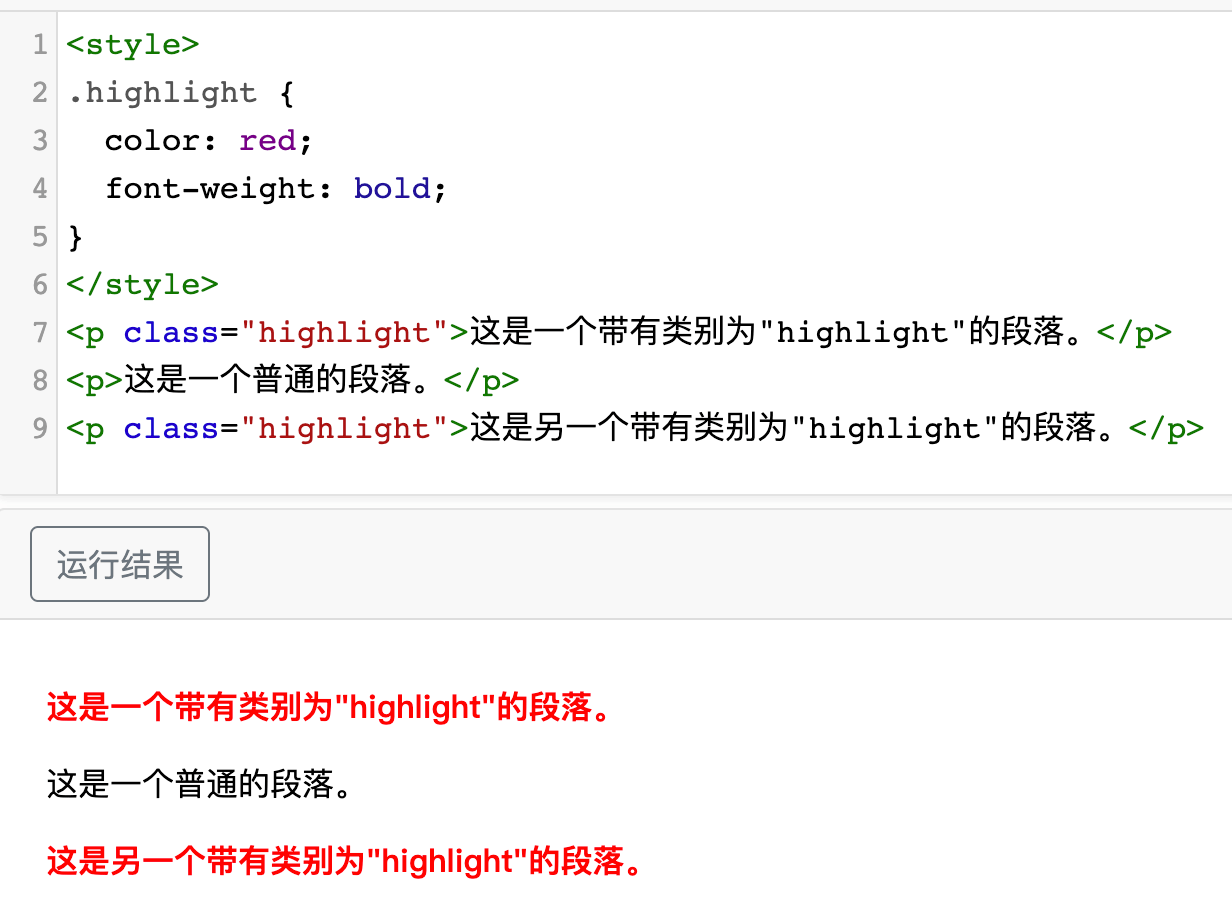
HTML code:
In the above code,.highlightThe class is applied to two<p>element. By using.highlightselector, which selects all elements with that class and applies styles to them.
The CSS code in the above example is used to set the text color to red and display it in bold, with the effect shown as follows:
Browser Support


All major browsers support it.classSelectors

More Examples
Example
Select all <p> elements with class="hometown" and set the background color to yellow:
Try it Yourself »
Complete CSS Selector Reference Manualother extensions