Markdown Headings
Markdown headings have two formats.
1. Using = and - to mark level-1 and level-2 headings
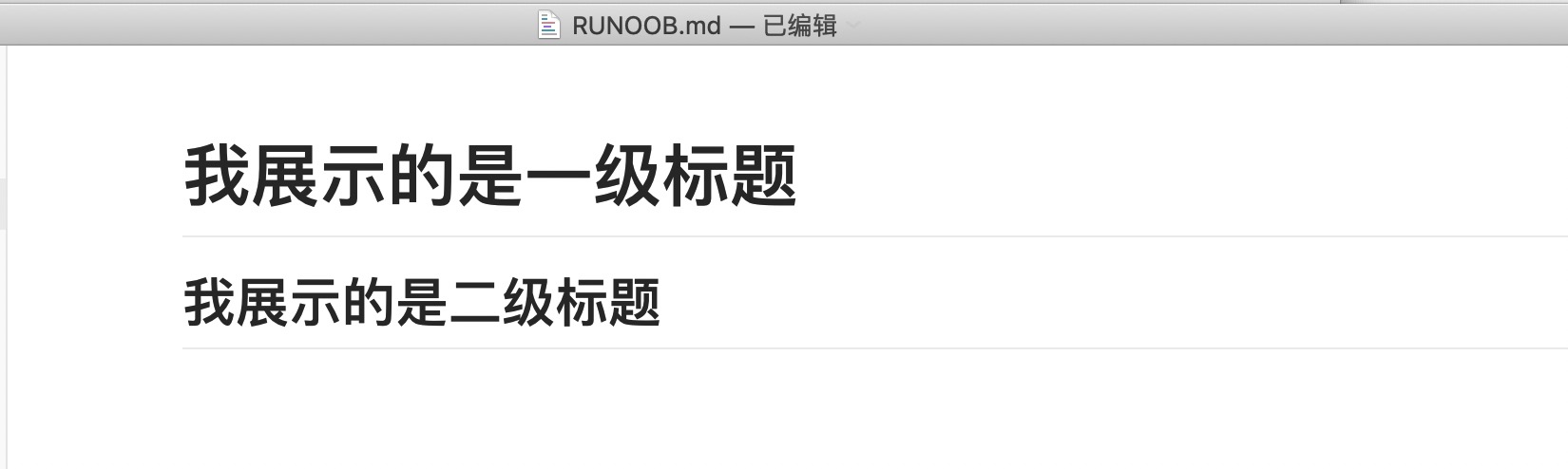
The syntax format marked with = and - is as follows:
I am showing a level-1 heading
=================

I am showing a level-2 heading
-----------------
The display effect is shown in the figure below:
Using the # symbol to mark headings
Markdown uses#the # symbol to create headings, which is derived from HTML's<h1>to<h6>concept of tags.
Using#the # symbol can represent 1-6 level headings. A level-1 heading corresponds to one## symbol, a level-2 heading corresponds to two## symbols, and so on.
# Level 1 Heading
## Level 2 Heading
### Level 3 Heading
#### Level 4 Heading
##### Level 5 Heading
###### Level 6 Heading
The display effect is shown in the figure below:
Important notes:
Space between the symbol and text:#There must be a space between the # symbol and the heading text. This is a standard Markdown syntax requirement.
# Correct syntax
#Incorrect syntax
Position at the beginning of a line:#The # symbol must be at the beginning of the line, with no other characters (spaces or tabs) before it.
The only level-1 heading: In a document, usually only one level-1 heading is used as the main title of the document, which conforms to good document structure practices.
Nesting structure of headings
The hierarchy of headings should follow a logical order and should not skip levels. A good heading structure is like a book's table of contents:
Recommended hierarchy:
# 主题:人工智能概述

## 第一部分:基础概念
### 什么是人工智能
### 发展历史
#### 早期发展(1950-1980)
#### 现代发展(1980至今)

## 第二部分:应用领域
### 自然语言处理
### 计算机视觉
### 机器学习
#### 监督学习
#### 无监督学习
#### 强化学习
Incorrect structures to avoid:
# Main Heading
### Jumping directly to a level-3 heading (not recommended)
## Then a level-2 heading
Best practices for heading numbering
Automatic numbering vs. manual numbering:
Many Markdown processors and editors support automatically generating heading numbers, so you usually do not need to add numbers manually in the source code:
# Introduction
## Background
## Objectives
# Methodology
## Data Collection
## Analysis Methods
Heading anchors:
Most Markdown processors automatically create anchors for headings, making it easy to jump within the page:
[Jump to the Methodology section](#方法论)
Suggestions for heading length:
- Keep headings concise and clear, generally no more than 10 Chinese characters or 20 English characters.
- Use descriptive words and avoid vague headings such as "Other" and "Miscellaneous".
- You can use a colon to separate the main topic and subtopic.