Markdown Code
Markdown provides multiple ways to display code, from simple inline code to complex code blocks, to meet code display needs in different scenarios.
Inline Code
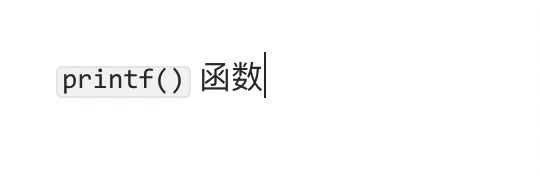
If it is a function or snippet of code in a paragraph, you can wrap it with backticks (`), for example:
`printf()` 函数
The displayed result is as follows:
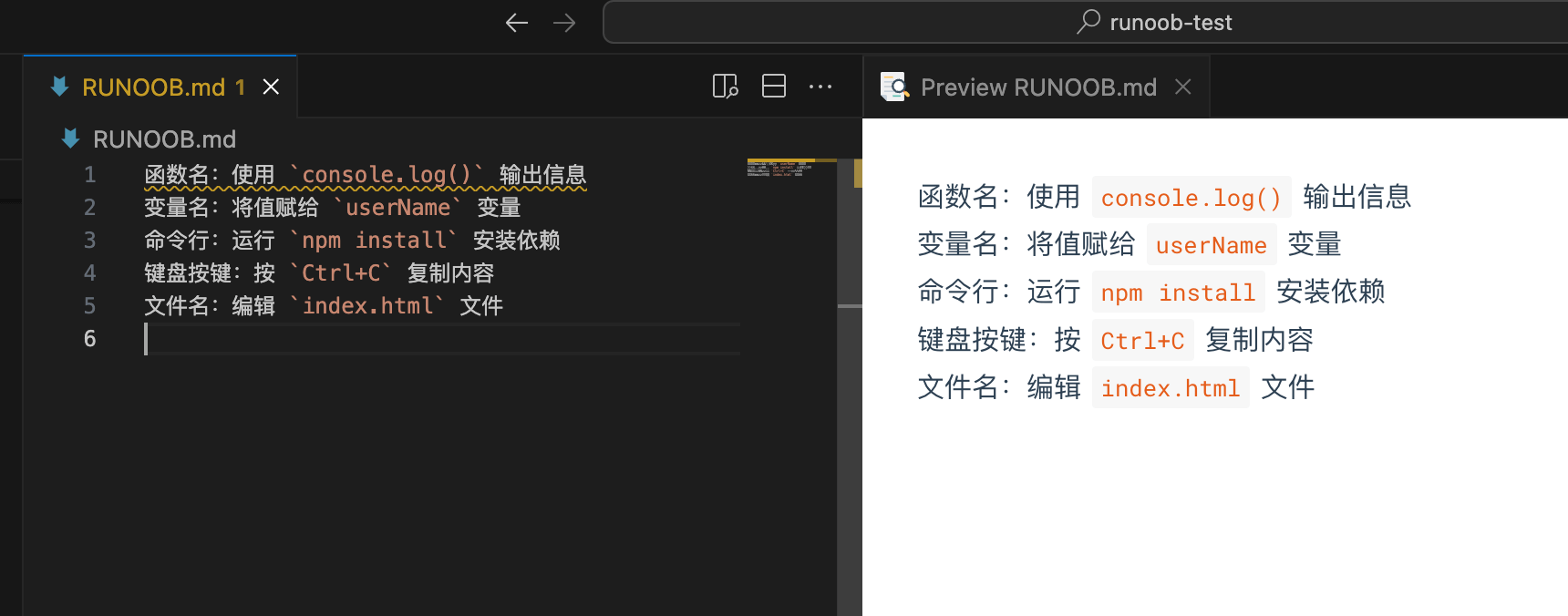
Common usage examples:
- Function name: use
console.log()output information - Variable name: assign a value to
userNamevariable - Command line: run
npm installinstall dependencies - Keyboard key: press
Ctrl+Ccopy content - Filename: edit
index.htmlfile
Escaping Special Characters
When you need to display backticks or other special characters in inline code, you need to perform escaping.
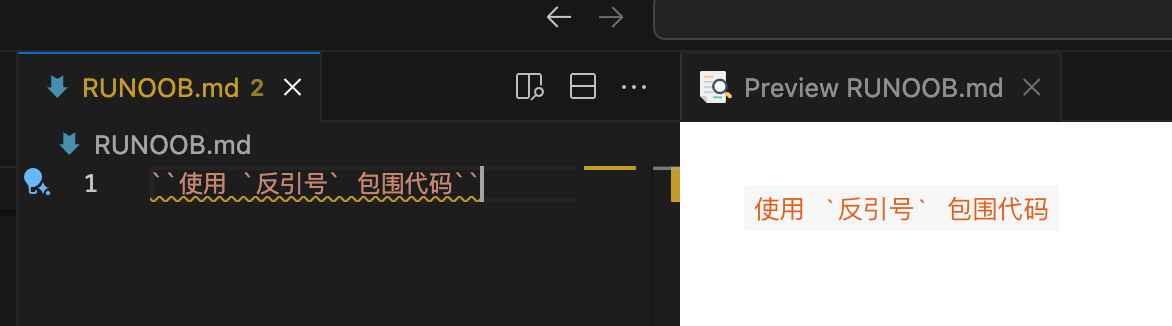
Methods for displaying backticks:
Use double backticks to surround a single backtick:
``Use `backticks` to surround code``
Rendered effect:
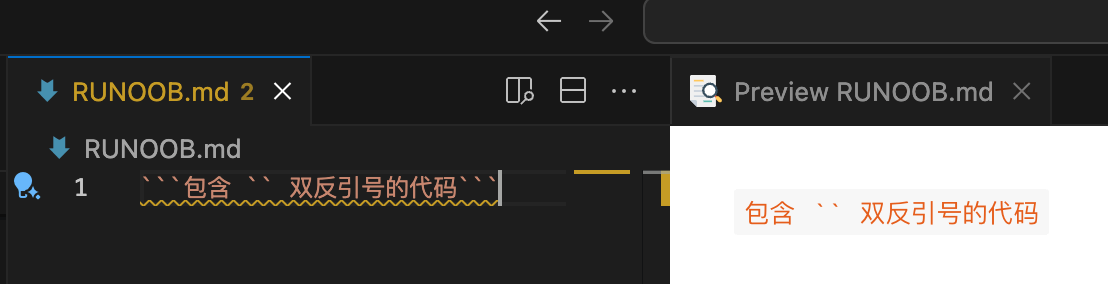
Use multiple backticks to surround:
```Code containing `` double backticks```
Rendered effect:
Other special character handling:
- HTML tags:
<div>element - Mathematical symbol: calculate
x + y = z - Special symbol: use
to represent a space
Code Blocks
Indented Code Blocks
Code blocks use4 spacesor atab character (Tab key)。
Syntax format:
Normal text paragraph

    This is an indented code block
    Each line is preceded by four spaces
    Keep the original format of the code

Continue normal text
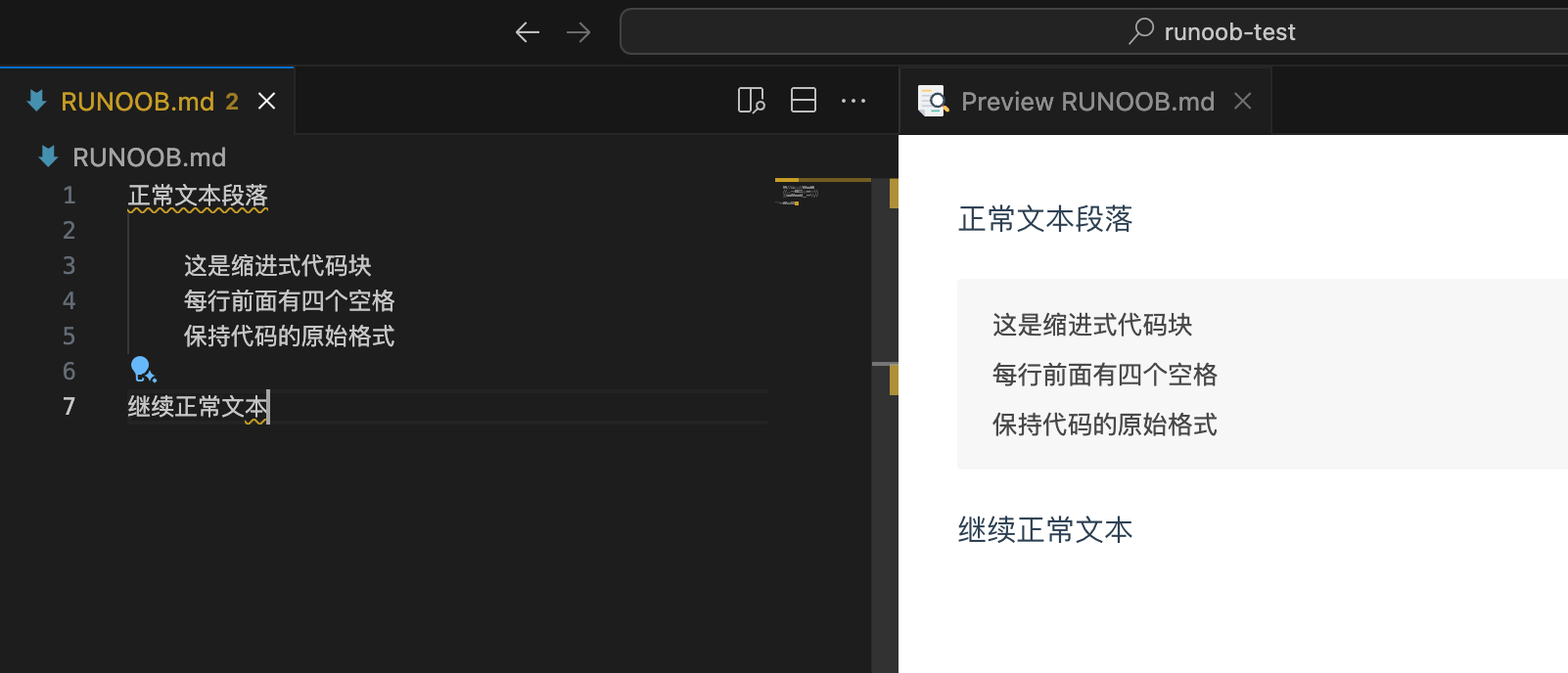
Example:
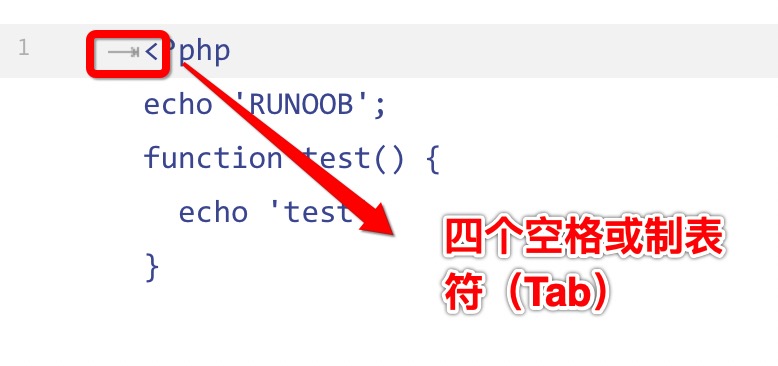
The displayed result is as follows:
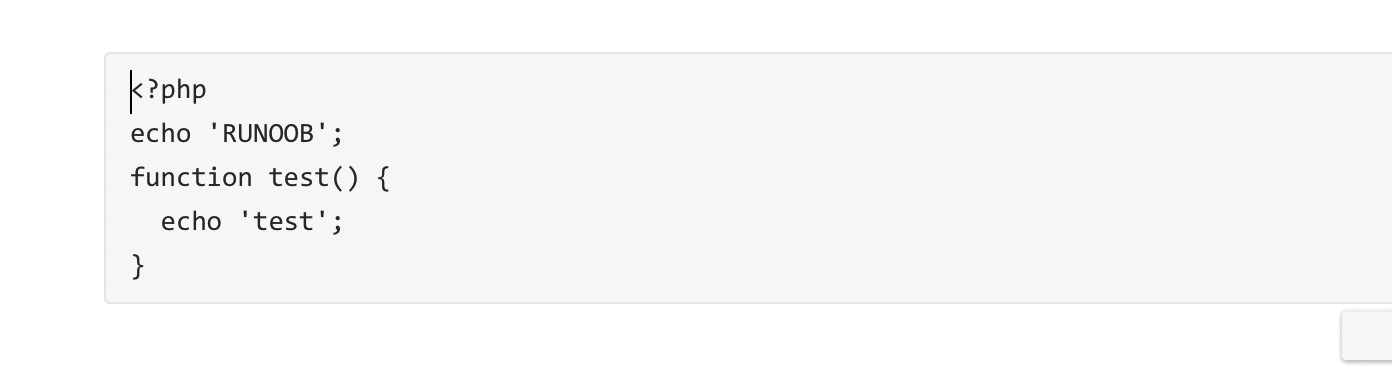
Triple Backtick Code Blocks
You can also use```to wrap a piece of code, and specify a language (or not):
```
Multi-line code content
Can contain blank lines
Keep original indentation
```
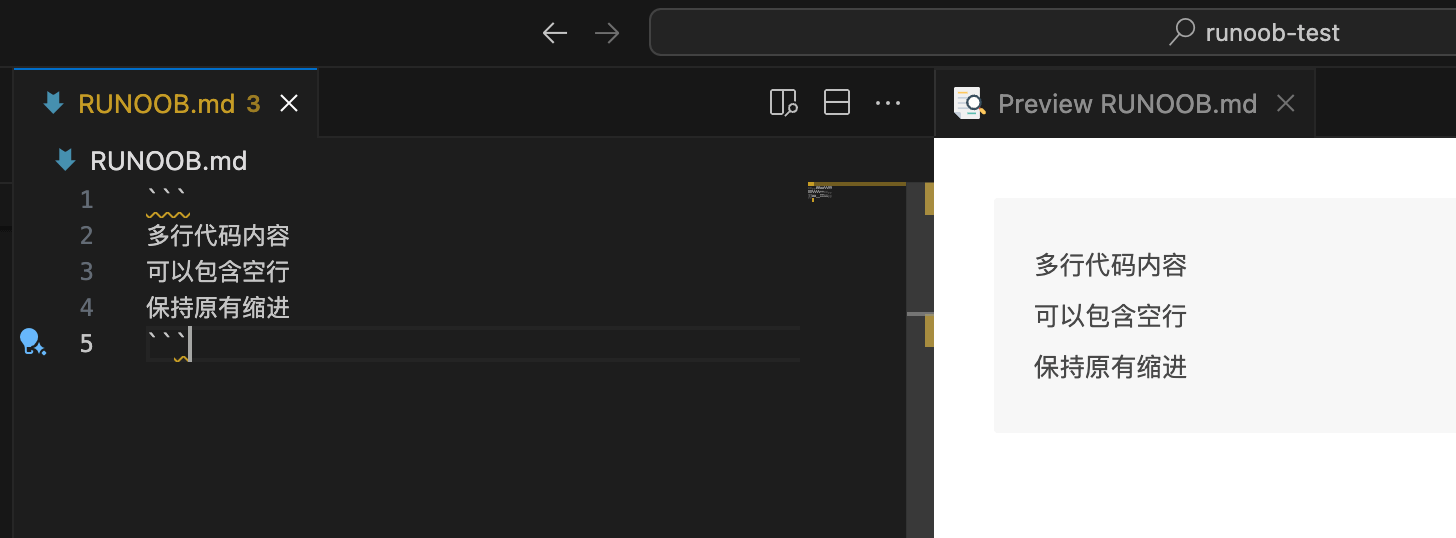
Triple backticks (```) are the most commonly used code block syntax, supporting syntax highlighting and multi-line code display.
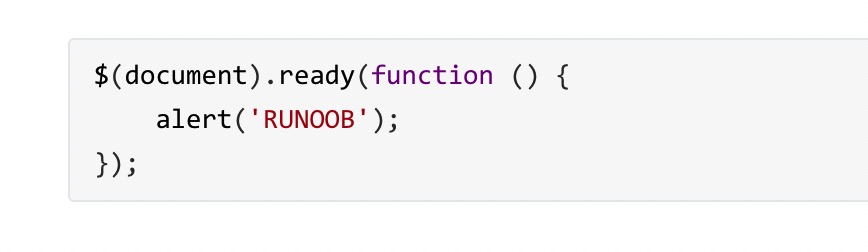
```javascript
$(document).ready(function () {
    alert('EXAMPLE');
});
```
The displayed result is as follows:
Notes:
- Indented code blocks need blank lines before and after to separate
- All code lines must maintain consistent indentation
- No syntax highlighting supported
- When used in a list, an 8-space indent is required
Language Identifiers and Syntax Highlighting
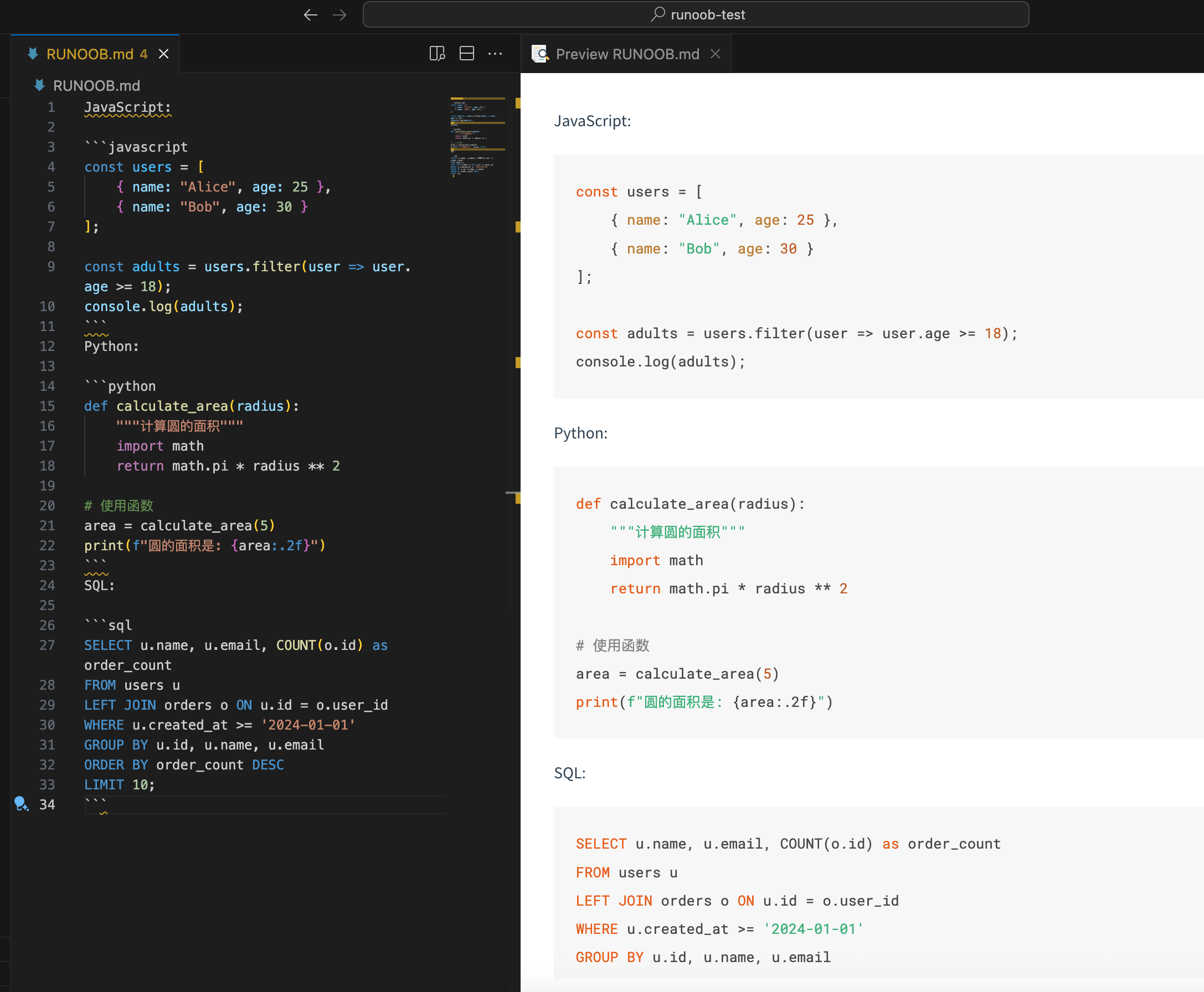
Adding a language identifier after the triple backticks can enable syntax highlighting.
List of common language identifiers:
javascript/js- JavaScriptpython/py- Pythonhtml- HTMLcss- CSSsql- SQLjson- JSONxml- XMLyaml/yml- YAMLbash/shell- Shell scriptjava- Javacpp/c++- C++csharp/c#- C#php- PHPruby/rb- Rubygo- Go languagerust- Rusttypescript/ts- TypeScript
JavaScript:
```javascript
const users = [
    { name: "Alice", age: 25 },
    { name: "Bob", age: 30 }
];

const adults = users.filter(user => user.age >= 18);
console.log(adults);
```
Python:
```python
def calculate_area(radius):
    """计算圆的面积"""
    import math
    return math.pi * radius ** 2

# 使用函数
area = calculate_area(5)
print(f"圆的面积是: {area:.2f}")
```
SQL:
```sql
SELECT u.name, u.email, COUNT(o.id) as order_count
FROM users u
LEFT JOIN orders o ON u.id = o.user_id
WHERE u.created_at >= '2024-01-01'
GROUP BY u.id, u.name, u.email
ORDER BY order_count DESC
LIMIT 10;
```
Advanced Features of Code Blocks
Line Number Display
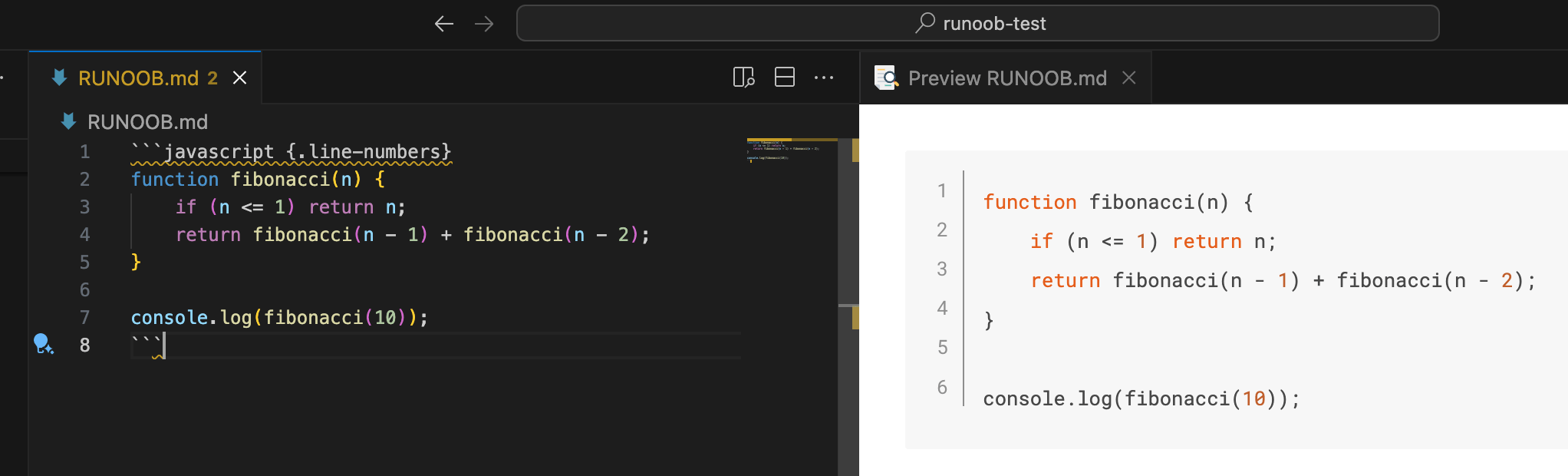
Some Markdown renderers support displaying line numbers, implemented through specific syntax or configuration.
Syntax example (partially supported):
```javascript {.line-numbers}
function fibonacci(n) {
    if (n <= 1) return n;
    return fibonacci(n - 1) + fibonacci(n - 2);
}

console.log(fibonacci(10));
```
Or use:
```javascript showLineNumbers
const numbers = [1, 2, 3, 4, 5];
const doubled = numbers.map(x => x * 2);
const sum = doubled.reduce((a, b) => a + b, 0);
console.log(`总和: ${sum}`);
```
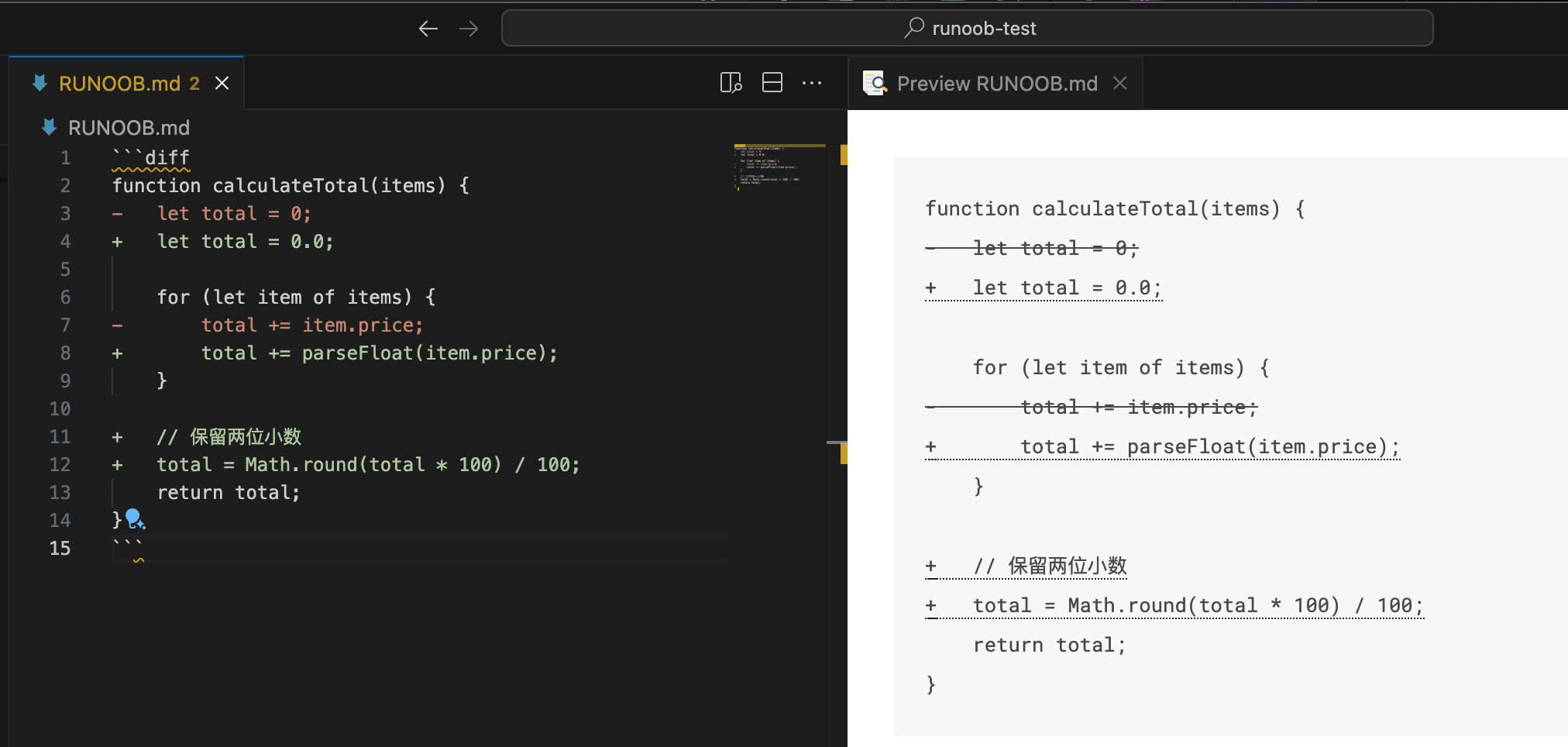
Code Diff Comparison
Used to display additions, deletions, or modifications to code, often used to show changes in version control.
Diff syntax:
```diff
function calculateTotal(items) {
-   let total = 0;
+   let total = 0.0;

    for (let item of items) {
-       total += item.price;
+       total += parseFloat(item.price);
    }

+   // 保留两位小数
+   total = Math.round(total * 100) / 100;
    return total;
}
```
Git-style diff display:
```diff
@@ -1,5 +1,8 @@
 function greetUser(name) {
-    console.log("Hello " + name);
+    if (!name) {
+        throw new Error("Name is required");
+    }
+    console.log(`Hello, ${name}!`);
 }
```
Language-specific diff comparison:
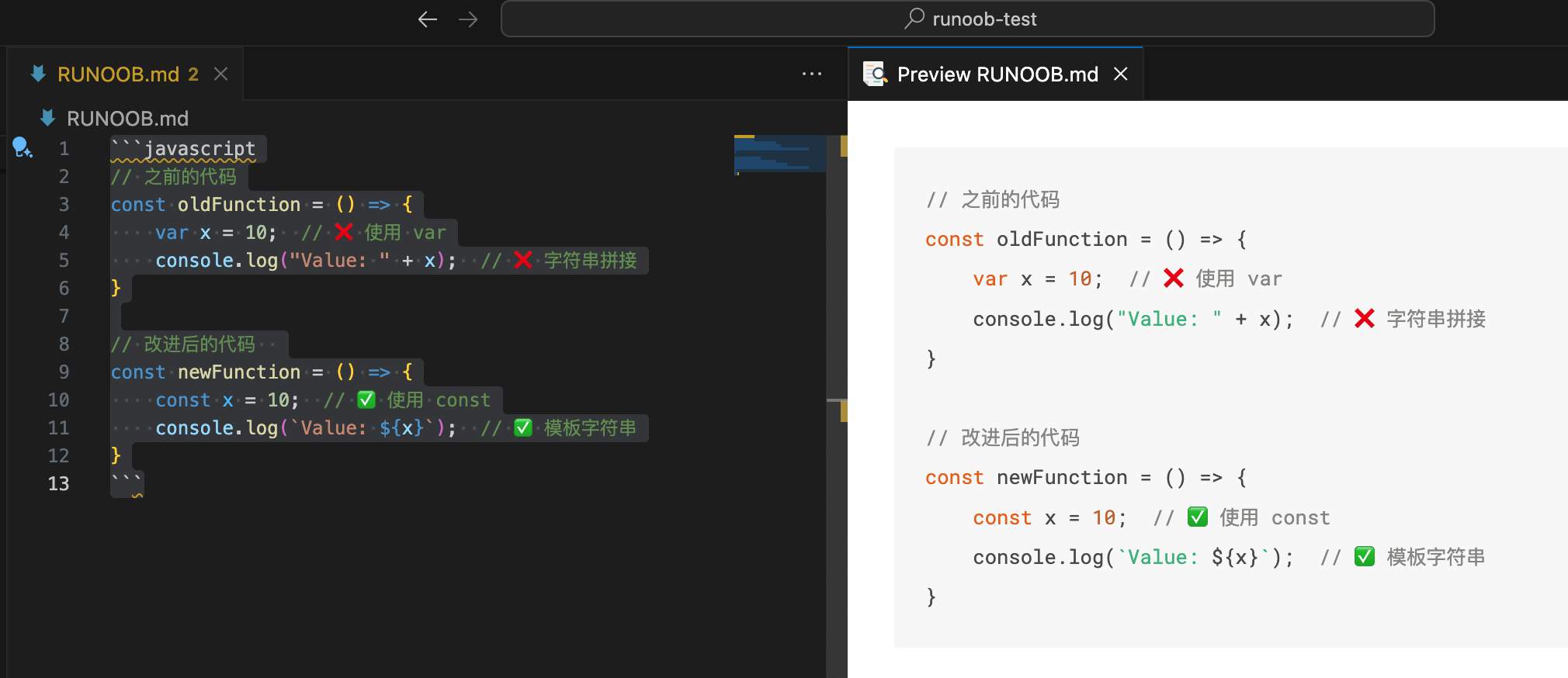
```javascript
// 之前的代码
const oldFunction = () => {
    var x = 10;  // ❌ 使用 var
    console.log("Value: " + x);  // ❌ 字符串拼接
}

// 改进后的代码
const newFunction = () => {
    const x = 10;  // ✅ 使用 const
    console.log(`Value: ${x}`);  // ✅ 模板字符串
}
```