Django creates the first project
In this chapter, we will introduce the Django management tool and how to use Django to create projects. For the first project, we name it HelloWorld.
Test version notes:
-
Python 3.9.7
-
Django 4.2.7
You can check the version number with the following command:
# python3 -V
Python 3.9.7
# python3 -m django --version
4.2.7
Django management tool
After installing Django, you should now have the management tool available.django-admin, if Windows has not configured environment variables, you can usedjango-admin。
Let's take a look at the introduction to the django-admin commands:
$ django-admin

Type 'django-admin help <subcommand>' for help on a specific subcommand.

Available subcommands:

[django]
    check
    compilemessages
    createcachetable
    dbshell
    diffsettings
    dumpdata
    flush
    inspectdb
    loaddata
    makemessages
    makemigrations
    migrate
    runserver
    sendtestemail
    shell
    showmigrations
    sqlflush
    sqlmigrate
    sqlsequencereset
    squashmigrations
    startapp
    startproject
    test
    testserver
……省略部分……
Creating the first project
Use django-admin to create the HelloWorld project:
django-admin startproject HelloWorld
After creation, we can view the project directory structure:
$ cd HelloWorld/
$ tree
HelloWorld/                  # 项目根目录
├── manage.py                # 项目管理脚本
├── db.sqlite3               # SQLite 数据库文件
├── __pycache__/             # Python 字节码缓存
└── HelloWorld/              # 项目配置目录(与项目同名)
    ├── __init__.py          # 包标识文件
    ├── settings.py          # 项目设置
    ├── urls.py             # 主路由配置
    ├── asgi.py             # ASGI 配置
    └── wsgi.py             # WSGI 配置
Project root directory (HelloWorld/):
| File/directory | Function |
|---|---|
manage.py | Django command-line tool entry point, used for running the development server, database migrations, and other operations. |
db.sqlite3 | SQLite database file (default database, used in development environment). |
__pycache__/ | Python bytecode cache directory (automatically generated, no manual modification needed). |
Main project configuration directory (HelloWorld/HelloWorld/):
| File/directory | Function |
|---|---|
__init__.py | Empty file, tells Python that this directory is a package. |
settings.py | Core configuration file, including: - Database settings ( DATABASES)- Static file paths ( STATIC_URL)- App registration ( INSTALLED_APPS)- Debug mode ( DEBUG=True/False) |
urls.py | Main route configuration file, defines the mapping relationship between URL paths and views. |
asgi.py | ASGI server configuration (used for asynchronous web servers, such as Daphne). |
wsgi.py | WSGI server configuration (for traditional web servers, such as Gunicorn, uWSGI). |
Next, we enter the HelloWorld directory and run the following command to start the server:
python3 manage.py runserver 0.0.0.0:8000
0.0.0.0 allows other computers to connect to the development server, and 8000 is the port number. If not specified, the port number defaults to 8000.
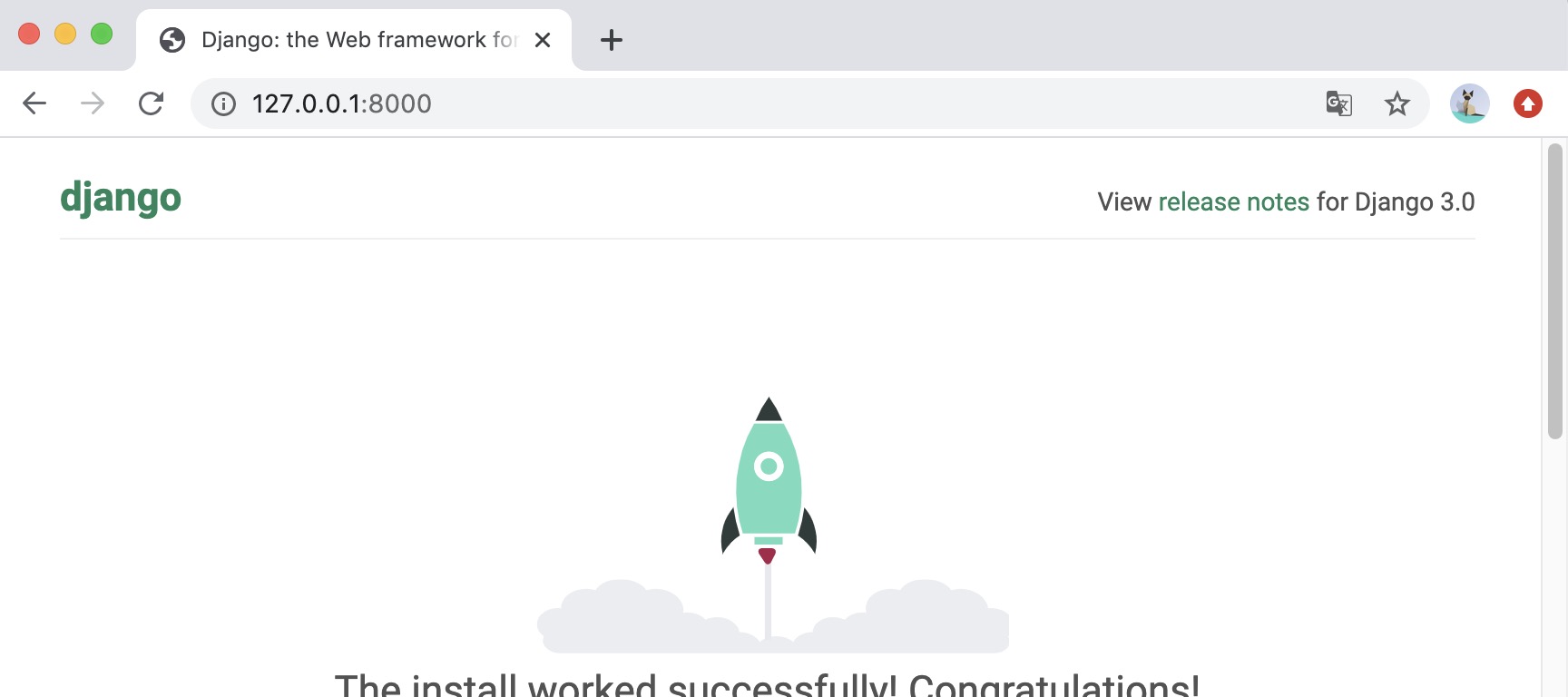
Enter your server's IP in the browser (here we enter the local IP address:127.0.0.1:8000) and port number. If it starts normally, the output is as follows:
Detailed explanation of key files
1. settings.py (core configuration)
Example
# Security warning: DEBUG must be disabled in production!
DEBUG = True
# Allowed domain names (must be configured when DEBUG=False)
ALLOWED_HOSTS = []
# Registered Django apps
INSTALLED_APPS = [
'django.contrib.admin', # Admin backend
'django.contrib.auth', # Authentication System
'django.contrib.contenttypes',
'django.contrib.sessions',
'django.contrib.messages',
'django.contrib.staticfiles', # Static file handling
]
# Database configuration (default SQLite)
DATABASES = {
'default': {
'ENGINE': 'django.db.backends.sqlite3',
'NAME': BASE_DIR / 'db.sqlite3', # Database file path
}
}
# Static file URL (CSS/JS/images)
STATIC_URL = 'static/'
2. urls.py (routing configuration)
Example
from django.contrib import admin
from django.urls import path
urlpatterns = [
path('admin/', admin.site.urls), # Backend management routes
# You can add custom routes here, e.g.:
# path('blog/', include('blog.urls')),
]
3. manage.py (project management script)
Example
import os
import sys
if __name__ == "__main__":
os.environ.setdefault("DJANGO_SETTINGS_MODULE", "HelloWorld.settings")
from django.core.management import execute_from_command_line
execute_from_command_line(sys.argv)
Views and URL configuration
In the HelloWorld directory created earlier, create a new views.py file inside the HelloWorld directory and enter the code:
HelloWorld/HelloWorld/views.py file code:
Next, bind the URL to the view function. Open the urls.py file, delete the original code, and copy and paste the following code into the urls.py file:
HelloWorld/HelloWorld/urls.py file code:
The entire directory structure is as follows:
$ tree
.
|-- HelloWorld
|   |-- __init__.py
|   |-- __init__.pyc
|   |-- settings.py
|   |-- settings.pyc
|   |-- urls.py              # url 配置
|   |-- urls.pyc
|   |-- views.py              # 添加的视图文件
|   |-- views.pyc             # 编译后的视图文件
|   |-- wsgi.py
|   `-- wsgi.pyc
`-- manage.py
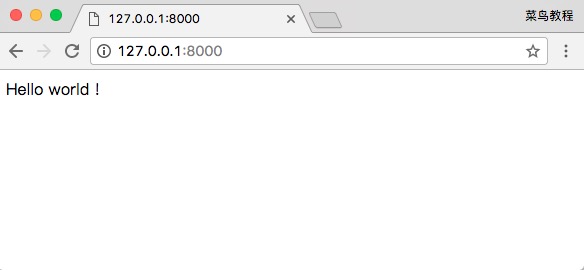
After completion, start the Django development server and access it in the browser. Open the browser and visit:
We can also modify the following rules:
HelloWorld/HelloWorld/urls.py file code:
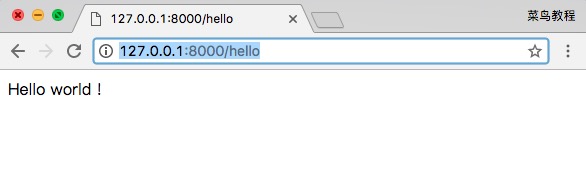
Open in browserhttp://127.0.0.1:8000/hello, and the output is as follows:
Note:If the code in the project is modified, the server will automatically detect the code changes and automatically reload, so if you have already started the server, you do not need to manually restart it.
path() function
Django path() can accept four parameters: two required parameters: route, view, and two optional parameters: kwargs, name.
Syntax:path(route, view, kwargs=None, name=None)
route:A string defining the path portion of the URL. It can contain variables, for example
<int:my_variable>, to capture parameters from the URL and pass them to the view function.view:View function, handles requests matching the given route. It can be a function or a class-based view.
kwargs (optional):A dictionary containing additional keyword arguments passed to the view function.
name (optional):Specifies a unique name for the URL route so that it can be referenced elsewhere in the code. This is very useful for generating URLs in templates or performing redirects in code.
In Django 2.0, the re_path() method can be used to be compatible with theurl()method, and some regular expression rules can also be implemented through re_path().
from django.urls import include, re_path

urlpatterns = [
    re_path(r'^index/$', views.index, name='index'),
    re_path(r'^bio/(?P<username>\w+)/$', views.bio, name='bio'),
    re_path(r'^weblog/', include('blog.urls')),
    ...
]
other extensions