C++ Multithreading
Threads are lightweight execution units in a program, allowing the program to execute multiple tasks simultaneously.
Multithreading is a special form of multitasking, which allows a computer to run two or more programs simultaneously.
In general, two types of multitasking:Process-based and thread-based。
- Process-based multitasking is the concurrent execution of programs.
- Thread-based multitasking is the concurrent execution of fragments of the same program.
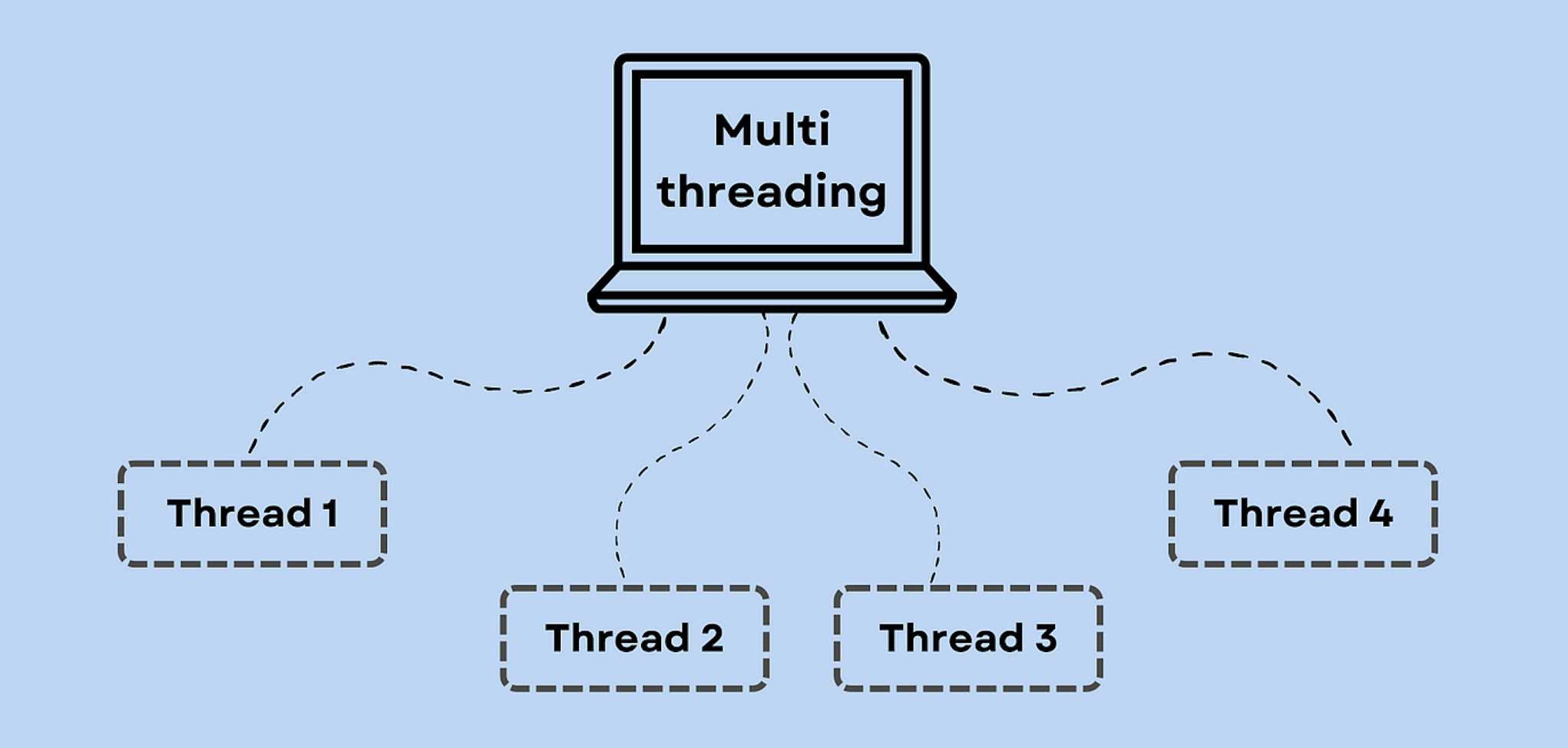
C++ multithreaded programming involves creating and managing multiple concurrently executing threads in a program.
C++ provides powerful multithreading support, especially in the C++11 standard and later, through<thread>the standard library, making multithreaded programming simpler and safer.
Concept Description
Thread
- A thread is a single sequential control flow in program execution, and multiple threads can run independently within the same process.
- Threads share resources such as the process's address space, file descriptors, heap, and global variables, but each thread has its own stack, registers, and program counter.
Concurrency and Parallelism
- Concurrency: Multiple tasks execute alternately within time slices, creating the effect of simultaneous execution.
- Parallelism: Multiple tasks execute simultaneously on multiple processors or processor cores.
The C++11 and later standards provide multithreading support, with core components including:
std::thread: Used to create and manage threads.std::mutex: Used for mutual exclusion between threads, preventing multiple threads from accessing shared resources simultaneously.std::lock_guardandstd::unique_lock: Used to manage the acquisition and release of locks.std::condition_variable: Used for condition variables between threads, coordinating waiting and notification between threads.std::futureandstd::promise: Used to implement value passing and task synchronization between threads.
Creating Threads
After C++11, a new standard thread library was added.std::thread,std::thread in <thread>Declared in the header file, so usingstd::threadneed to includein <thread>Header file.
Note:Previously, some compilers used the compilation flag for C++11 as-std=c++11:
g++ -std=c++11 test.cpp
std::thread
Creating a thread via a function pointer is the most basic way: Usageg++ -std=c++11After compilation, the execution output is: through the class's Usageg++ -std=c++11After compilation, the execution output is: Lambda expressions can directly define inline code for thread execution: Usageg++ -std=c++11After compilation, the execution output is: join() is used to wait for a thread to complete execution. If a thread object is destroyed directly without calling join() or detach(), it will cause the program to crash. detach() separates the thread from the main thread; the thread runs independently in the background, and the main thread no longer waits for it. Parameters can be passed to threads by value: If you need to pass reference parameters, you need to use std::ref: The following is a complete example showing how to use the above three methods to create threads and perform thread management. Compilation flag for using C++11-std=c++11: The output of the above code may differ across platforms or between runs, because the execution order of threads is determined by the operating system's scheduling algorithm. Multiple threads run concurrently, and the output may interleave, for example: In multithreaded programming, thread synchronization and mutual exclusion are two very important concepts. They are used to control access to shared resources by multiple threads to avoid data races, deadlocks, and other issues. A mutex is a synchronization primitive used to prevent multiple threads from accessing shared resources simultaneously. When a thread needs to access a shared resource, it must first lock the mutex. If the mutex has already been locked by another thread, the thread requesting the lock will be blocked until the mutex is unlocked. std::mutex: Used to protect shared resources and prevent data races.
std::lock_guardandstd::unique_lock: Automatically manages the acquisition and release of locks. Example of using a mutex: C++ provides multiple lock types to simplify the use and management of mutexes. Common lock types include: Example of using locks: Condition variables are used for coordination between threads, allowing one or more threads to wait for a certain condition to occur. They are typically used with mutexes to achieve synchronization between threads. std::condition_variableUsed to implement waiting and notification mechanisms between threads. Example of using condition variables: Atomic operations ensure that access to shared data is indivisible, meaning that in a multithreaded environment, an atomic operation either executes completely or not at all, with no intermediate state. Example of using atomic operations: Thread-local storage allows each thread to have its own copy of data. This can be achieved with the thread_local keyword, avoiding contention for shared resources. Example of using thread-local storage: Deadlock occurs when multiple threads wait for each other to release resources, but no thread can continue executing. Strategies to avoid deadlock include: std::future and std::promise: implementing value passing between threads. Message queues (based on std::queue and std::mutex) implement simple inter-thread communication. C++17 introduced the parallel algorithms library ( Refer to more examples: C++ Multithreading:http://www.example.com/w3cnote/cpp-multithread-demo.html C++ std::thread: https://www.example.com/w3cnote/cpp-std-thread.html#include<thread>
std::thread thread_object(callable, args...);
callable: Callable objects, which can be function pointers, function objects, Lambda expressions, etc.args...: passed tocallableThe parameter list of.Using function pointers
Example
#include <thread>
void printMessage(int count) {
for (int i = 0; i < count; ++i) {
std::cout << "Hello from thread (function pointer)!\n";
}
}
int main() {
std::thread t1(printMessage, 5); // Create a thread, passing a function pointer and parameters
t1.join(); // Wait for the thread to complete
return 0;
}
Hello from thread (function pointer)!
Hello from thread (function pointer)!
Hello from thread (function pointer)!
Hello from thread (function pointer)!
Hello from thread (function pointer)!
Using function objects
operator()Define a function object method to create a thread:Example
#include <thread>
class PrintTask {
public:
void operator()(int count) const {
for (int i = 0; i < count; ++i) {
std::cout << "Hello from thread (function object)!\n";
}
}
};
int main() {
std::thread t2(PrintTask(), 5); // Create a thread, passing a function object and parameters
t2.join(); // Wait for the thread to complete
return 0;
}
Hello from thread (function object)!
Hello from thread (function object)!
Hello from thread (function object)!
Hello from thread (function object)!
Hello from thread (function object)!
Using Lambda expressions
Example
#include <thread>
int main() {
std::thread t3([](int count) {
for (int i = 0; i < count; ++i) {
std::cout << "Hello from thread (lambda)!\n";
}
}, 5); // Create a thread, passing a Lambda expression and parameters
t3.join(); // Wait for the thread to complete
return 0;
}
Hello from thread (lambda)!
Hello from thread (lambda)!
Hello from thread (lambda)!
Hello from thread (lambda)!
Hello from thread (lambda)!
Thread Management
join()
t.join();
detach()
t.detach();
Thread Parameter Passing
Pass by value
std::thread t(func, arg1, arg2);
Pass by reference
Example
#include <thread>
void increment(int& x) {
++x;
}
int main() {
int num = 0;
std::thread t(increment, std::ref(num)); // Use std::ref to pass references
t.join();
std::cout << "Value after increment: " << num << std::endl;
return 0;
}
Comprehensive Example
Example
#include <thread>
using namespace std;
// A simple function that acts as the thread's entry function
void foo(int Z) {
for (int i = 0; i < Z; i++) {
cout << "Thread uses a function pointer as a callable parameter\n";
}
}
// Definition of the callable object class
class ThreadObj {
public:
void operator()(int x) const {
for (int i = 0; i < x; i++) {
cout << "Thread uses a function object as a callable parameter\n";
}
}
};
int main() {
cout << "Threads 1, 2, and 3 run independently" << endl;
// Create a thread using a function pointer
thread th1(foo, 3);
// Create a thread using a function object
thread th2(ThreadObj(), 3);
// Create a thread using a Lambda expression
thread th3([](int x) {
for (int i = 0; i < x; i++) {
cout << "Thread uses a lambda expression as a callable parameter\n";
}
}, 3);
// Wait for all threads to complete
th1.join(); // Wait for thread th1 to complete
th2.join(); // Wait for thread th2 to complete
th3.join(); // Wait for thread th3 to complete
return 0;
}
g++ -std=c++11 test.cpp
线程 1 、2 、3 独立运行
线程使用函数指针作为可调用参数
线程使用函数对象作为可调用参数
线程使用 lambda 表达式作为可调用参数
线程使用函数指针作为可调用参数
...
Thread synchronization and mutual exclusion
1. Mutex
std::mutex mtx;
mtx.lock();   // 锁定互斥锁
// 访问共享资源
mtx.unlock(); // 释放互斥锁
std::lock_guard<std::mutex> lock(mtx); // 自动锁定和解锁
// 访问共享资源
Example
std::mutex mtx; // Global mutex
void safeFunction() {
mtx.lock(); // Request to lock the mutex
// Access or modify shared resources
mtx.unlock(); // Release the mutex
}
int main() {
std::thread t1(safeFunction);
std::thread t2(safeFunction);
t1.join();
t2.join();
return 0;
}
2. Locks
Example
std::mutex mtx;
void safeFunctionWithLockGuard() {
std::lock_guard<std::mutex> lk(mtx);
// Access or modify shared resources
}
void safeFunctionWithUniqueLock() {
std::unique_lock<std::mutex> ul(mtx);
// Access or modify shared resources
// ul.unlock(); // Optional: manually unlock
// ...
}
3. Condition Variable
std::condition_variable cv;
std::mutex mtx;
bool ready = false;

std::unique_lock<std::mutex> lock(mtx);
cv.wait(lock, []{ return ready; }); // 等待条件满足
// 条件满足后执行
Example
#include <condition_variable>
std::mutex mtx;
std::condition_variable cv;
bool ready = false;
void workerThread() {
std::unique_lock<std::mutex> lk(mtx);
cv.wait(lk, []{ return ready; }); // Wait for condition
// Execute work when condition is met
}
void mainThread() {
{
std::lock_guard<std::mutex> lk(mtx);
// Prepare data
ready = true;
} // Unlock when leaving scope
cv.notify_one(); // Notify a waiting thread
}
4. Atomic Operations
Example
#include <thread>
std::atomic<int> count(0);
void increment() {
count.fetch_add(1, std::memory_order_relaxed);
}
int main() {
std::thread t1(increment);
std::thread t2(increment);
t1.join();
t2.join();
return count; // Should return 2
}
5. Thread Local Storage (TLS)
Example
#include <thread>
thread_local int threadData = 0;
void threadFunction() {
threadData = 42; // Each thread has its own copy of threadData
std::cout << "Thread data: " << threadData << std::endl;
}
int main() {
std::thread t1(threadFunction);
std::thread t2(threadFunction);
t1.join();
t2.join();
return 0;
}
6. Deadlock and avoidance strategies
Inter-thread Communication
Example
std::promise<int> p;
std::future<int> f = p.get_future();
std::thread t([&p] {
p.set_value(10); // Set the value, trigger the future
});
int result = f.get(); // Get value
<algorithm>), where some algorithms support parallel execution, leveraging multi-core CPUs to improve performance.Example
#include <vector>
#include <execution>
std::vector<int> vec = {1, 2, 3, 4, 5};
std::for_each(std::execution::par, vec.begin(), vec.end(), [](int &n) {
n *= 2;
});
Parallel algorithms in the C++ standard library
other extensions